
Minecraft texture packs — page 115
Resource packs: list


Created Drawers
Create Style Textures for Storage DrawersInstall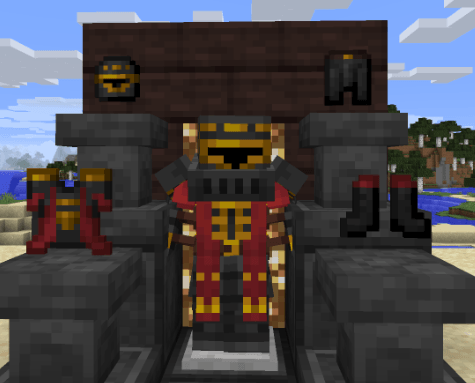
Thaum-Pack
update textures from thaumcraft by making them like "jappa style"Install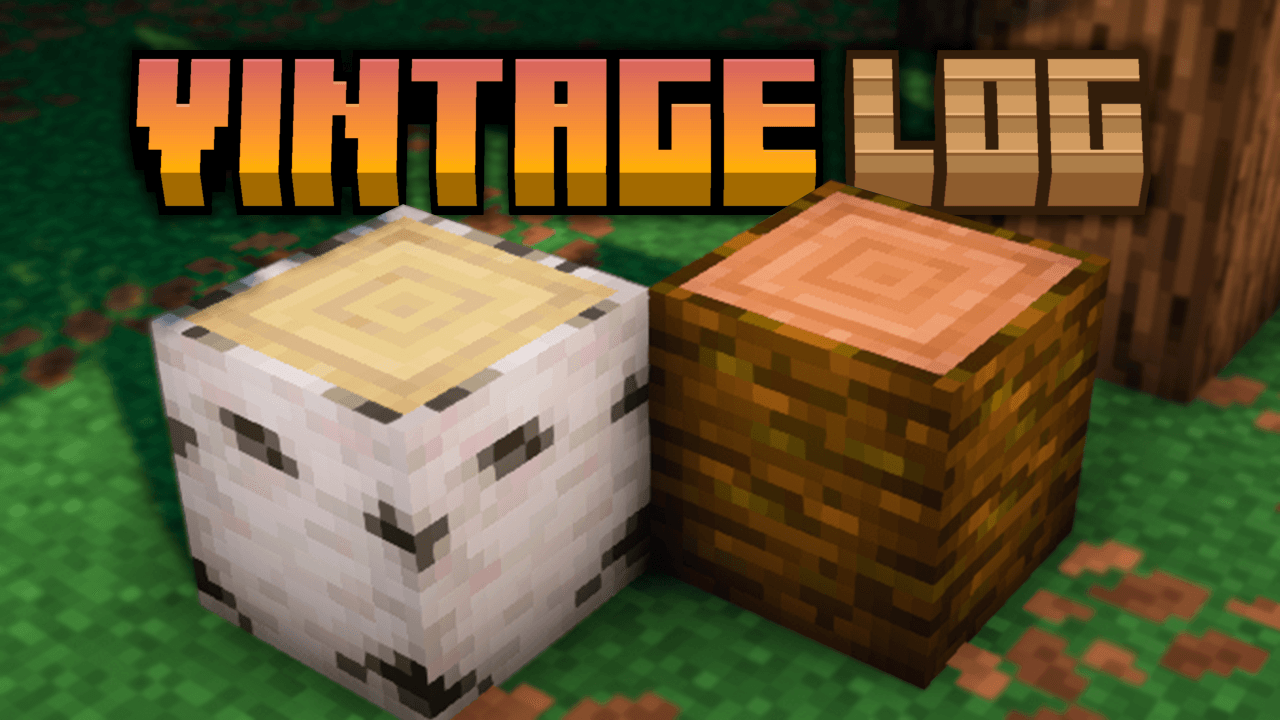
Vintage Logs
Adds darker side borders and soft shading to all Minecraft logs, giving them a more rustic, aged, and vanilla-friendly look.Install

Anime GUI, Bed, and Texture Pack
Anime minecraft minecraft animeInstall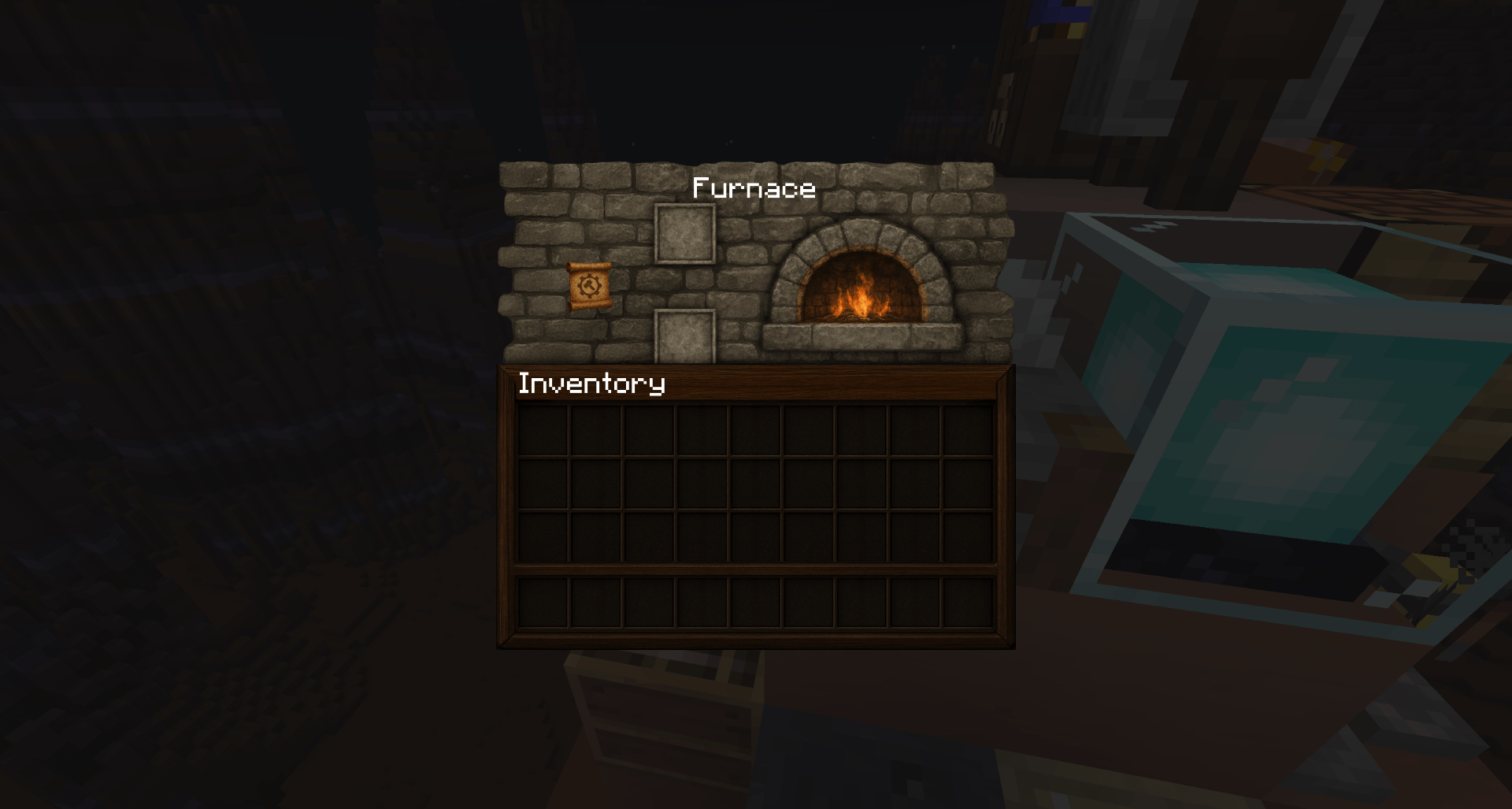

Hellim's TrueTexture GUI - TTCollection
True Textured Minecraft GUI with realistic textures.Install

Easter Eggs Rename A&S
This texture pack adds a pause menu hint. It lists all the named Easter eggs from the "Actions And Stuff" texture pack.Download

Assorted Allays (200+ Allays)
The pack for all of your Allay variants!Install

Better Clean Glass
Clean Glass, But So Much Better!Install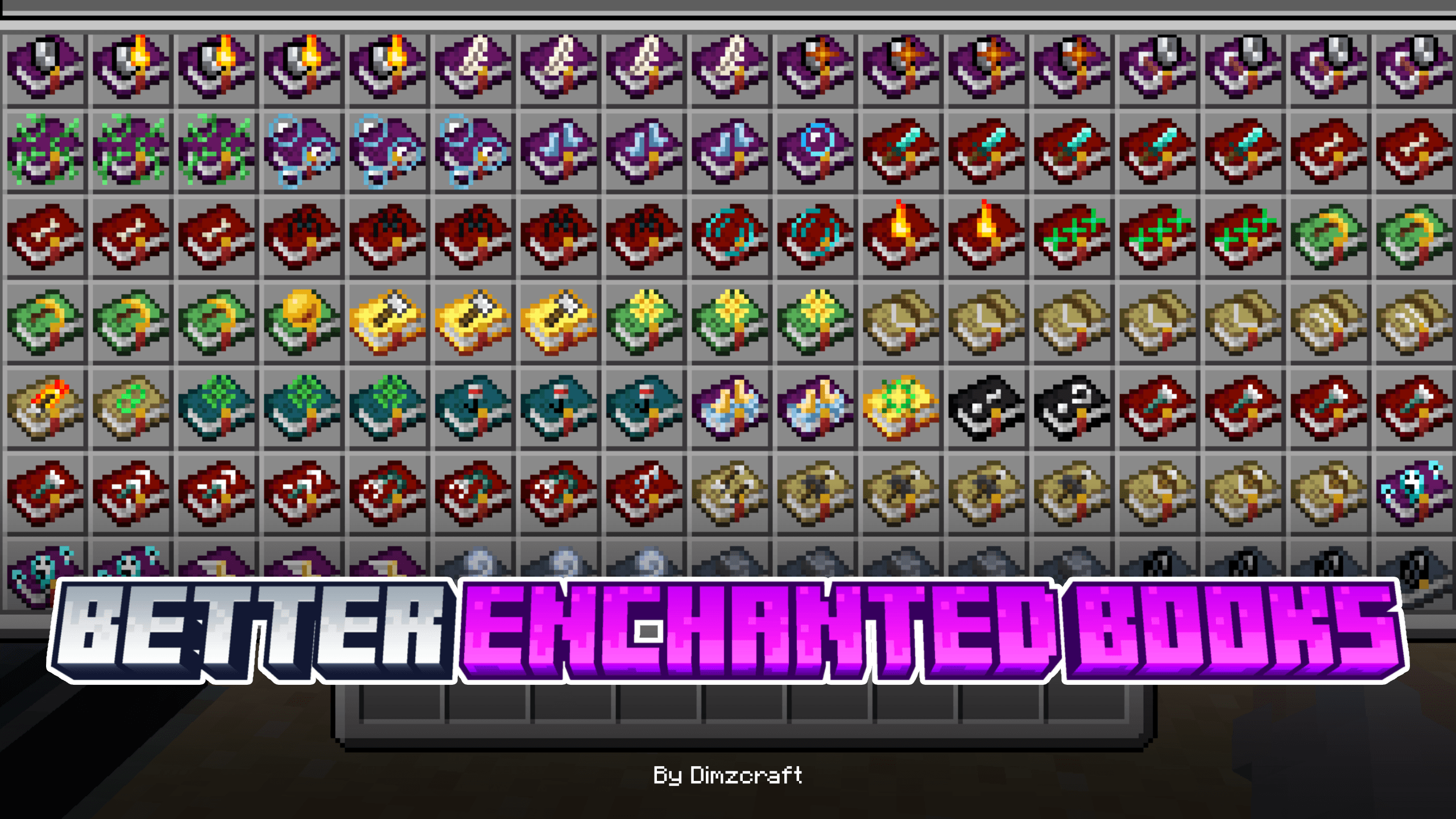

Better Enchanted Books
Change the enchanted book’s texture to make it better and easier to find!Download

Anti-Lag [FPS+]
Anti-Lag [FPS+] is a lightweight texture pack for Minecraft Bedrock that removes particles, disables animations, and boosts FPS. Perfect for PvP and low-end devices.Download

Faithful 32x AppleSkin Addon
Bring your AppleSkin HUD to life with Faithful 32× style — clean, crisp, and perfectly synced!Install

Dark GUI Experience+
Enhances Dark ModeInstall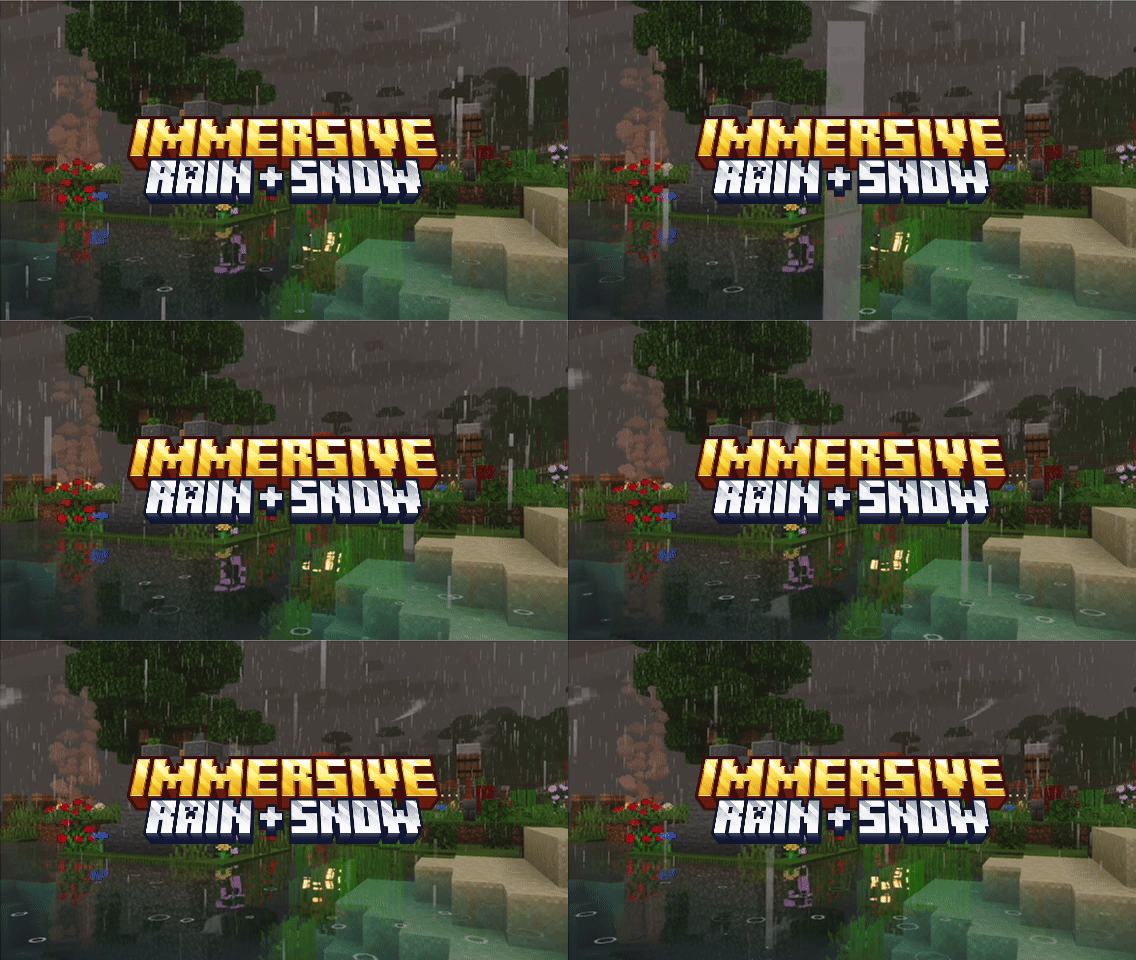
Immersive Rain + Snow
Enhanced rain and snow effects with immersive splash, ripple, and weather particles.Download

Prettier Horses
Remodeled and Retextured horses with 4x the amount of combinations!Install
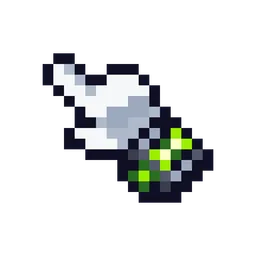
Omni Cursors
Ben 10–themed cursors for the Cursors Extended mod.Install

Better Title Screens
Gives you a trailer style rendered background on the title screenInstall

PvP Essentials (Updated!)
CPvP Pack with Player Health Indicators, fullbright, removed overlays, smaller items, low fire, small totem pop, low shield, smaller items, and moreInstall

Angel's Font
The Sacred Script • A family of font designs with distinct traits and an ever-growing suite of customization options.Install

Mizuno's x Storage Delight
A Recource pack that makes Mizuno's Craft compatible with Storage DelightInstall

IAFCE - XaeroMap Support
IAFCE entity icons support for Xaero's MapInstall
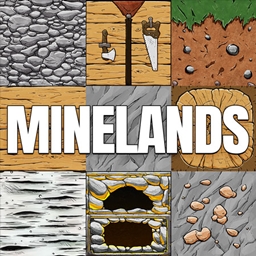
Minelands
The new Borderlands styled texture packInstall

Mizuno x Fresh Animations
A Recource pack that makes Mizuno Craft compatible with Fresh AnimationsInstall

xali's Enchanted Books - Addon
Fan made extension to xali's enchanted booksInstallFAQ
Do I need Forge or Fabric for a resource pack?
No. A resource pack works on the regular game with no loaders or mods. Click “Install” and Millida Launcher will put the pack into the right modpack — then just enable it in the settings.
What do 16×, 32×, 64× mean?
The resolution of a single texture in pixels. 16× matches the original game, 32× and 64× are more detailed and heavier, and 128× and up put a noticeable load on your graphics card.
Will a pack made for another version work?
Most likely partly: older packs don't have textures for newer blocks, so those will stay default. The game won't break, though.
How is a texture pack different from a resource pack?
Only by name and age. Before version 1.6 the sets were called texture packs and changed only textures; in 1.6 resource packs replaced them and also change sounds, fonts and the interface. Old texture packs for 1.5 and below do not work on new versions without conversion.
Which texture packs are best for PvP?
PvP packs: 16× resolution or lower, shortened swords, low fire, a clear sky and bright particles. They barely load the computer and make the opponent easier to see. These packs are collected in the PvP theme.
How do I install a resource pack?
Press Install and Millida Launcher puts the pack into the resourcepacks folder of the right instance. Then enable it in the game: Options, then Resource Packs. Manually, the archive goes into resourcepacks inside the game folder, no need to unpack it.
Minecraft texture packs
A resource pack changes how the game looks and sounds: block and item textures, fonts, the interface, sounds. It doesn't touch the game's code, so it needs no mod loader and breaks nothing on a server — the pack only works on your screen. That's exactly why a resource pack is safer than any mod: the worst that happens on a version mismatch is that some textures stay default.
Textures, texture packs and resource packs are essentially the same thing: since version 1.6 Mojang calls these sets resource packs, but the old name is still searched more often. PvP packs are a big genre of their own: shortened swords, low fire, bright particles and 16× resolution or lower, so the opponent stands out and the frame rate does not drop. Such packs are most often made for 1.8.9 and 1.16.5, the versions many PvP servers run on.
The key thing about a pack is its resolution. The game's default textures are 16×16 pixels; 32× and 64× packs look more detailed, while 128× and up need a real graphics card and are usually paired with shaders. On a weak machine it makes sense to stay at 16× or go for packs that deliberately simplify graphics for more FPS. Every pack here lists its game version, author and license, and all released versions are gathered on one card. Put the downloaded archive in the resourcepacks folder and enable it in the game settings.