
Minecraft texture packs — page 105
Resource packs: list

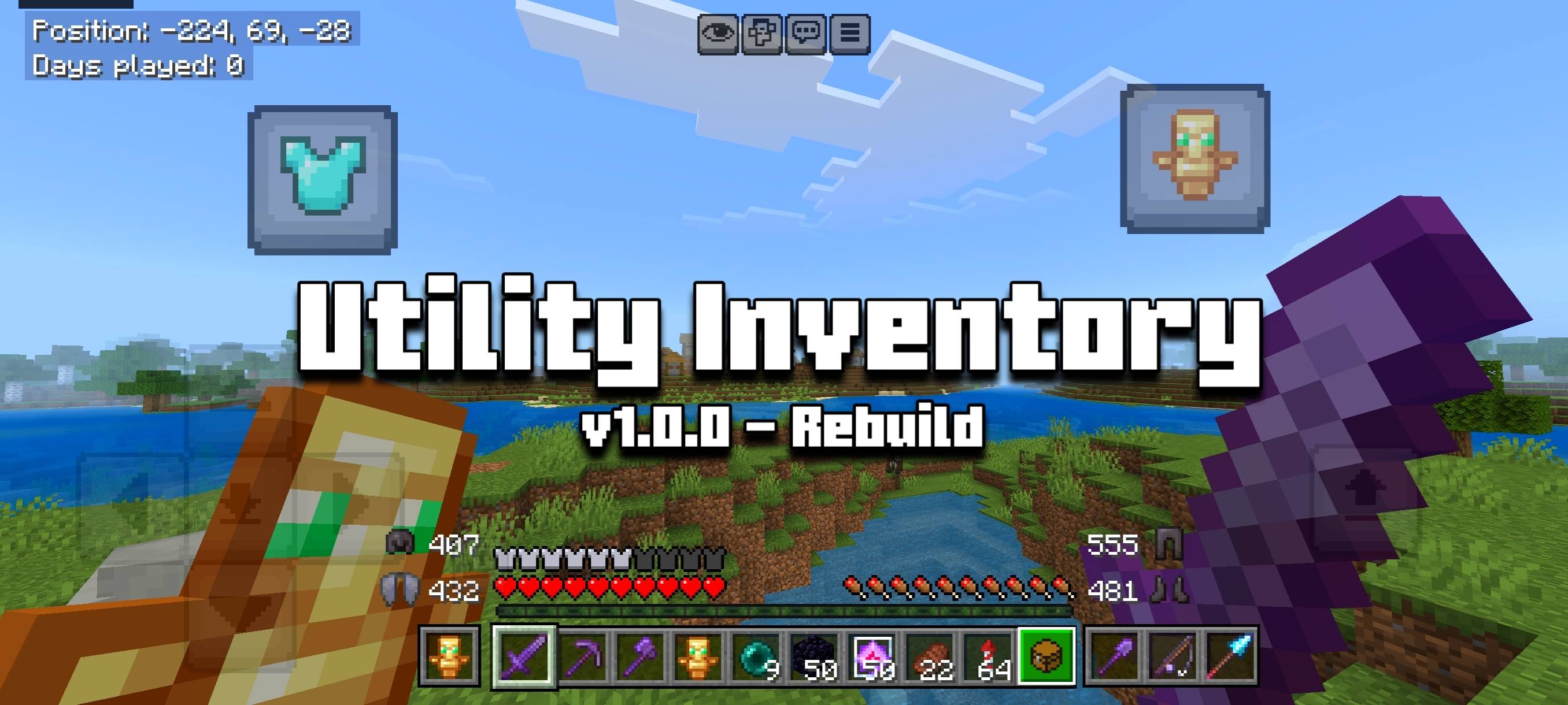

Utility Inventory
A Powerful texture pack that adds various QoL features such as Armor Durability Display to the HUD with inventory overlay.Download

钠-汉化包(Sodium Chinese Localization Pack)
A project can translate you mod into ChineseInstall

Upgraded Netherite : Alternative
Resource packs for Upgraded Netherite and all its add-on.Install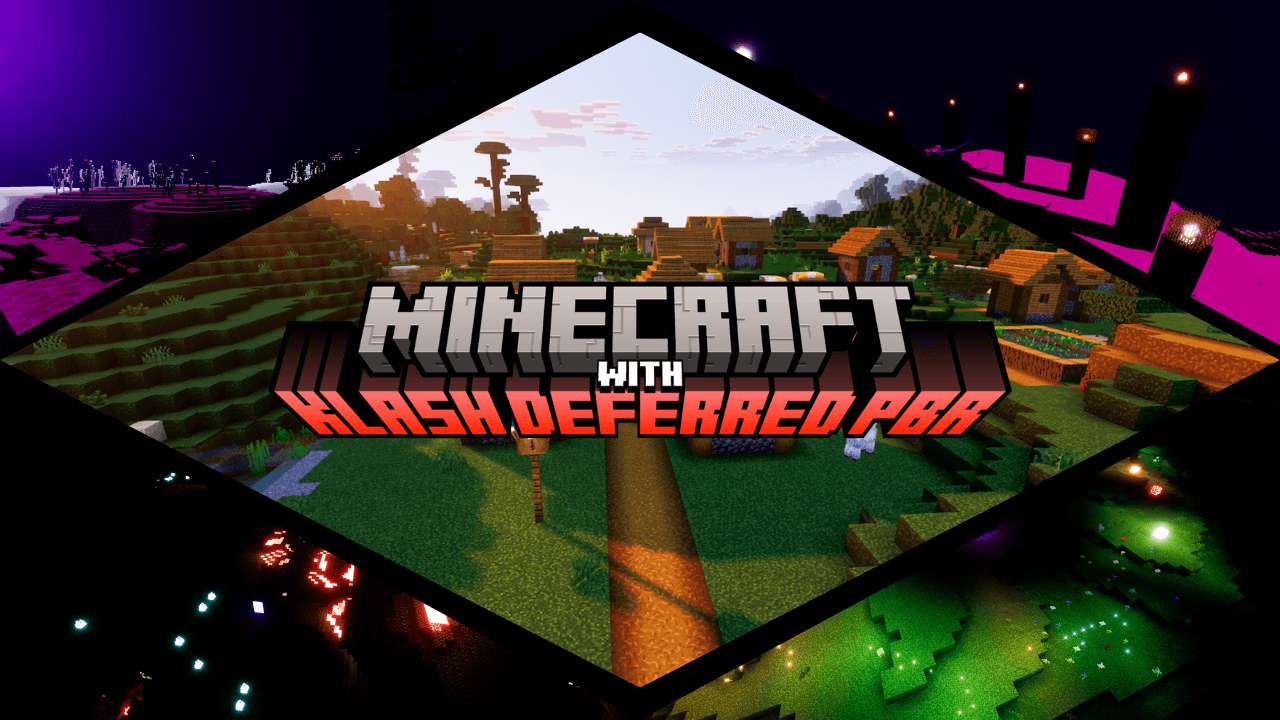

Klash Visuals : Deferred PBR pack
My opinion about how Minecraft must look !Download

Pack 3D - Heycronus
3D Pack – Transform Minecraft with 3D Blocks and Mobs!Install

Ashen + Simply Swords
A compatability resourcepack between Ashen 16x and Simply Swords + Simply More.Install

LB Photo Realism Reload!
Reloaded version of one of the most realistic resourcepacks - LB Photo RealismInstall

X-Ray
Uncover hidden ores and secret structures with ease using the X-Ray Texture Pack for Minecraft Bedrock!Download

Dark Everywhere
Objective to leave all the Dark gui both base minecraft and modsInstall

Truly Small Items
A real resource pack for small items. Textures are painstakingly modified to fit the Minecraft aesthetic while giving the user more screen space.Install

Enhanced Evil x FA
Enhanced hostile mobs Textures & VariationsInstall
Legendary Pack
Top-notch Pixel Art Minecraft OverhaulInstall

Classic Default-Style Christmas Pack
A holiday themed resource pack in the default styleInstall

Trailers Vision
Turn your game into a living Minecraft trailer!Install
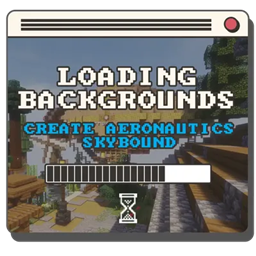
Loading Backgrounds - Create Aeronautics: Skybound
A new design based on Create Aeronautics: Skybound for Loading Backgrounds!Install

Astrum Sky Overlay
A mesmerizing sky overlay depicting an animated night skyInstall
The Undergarden - Farmer's Delight - Bark Cutting Compat
Adds Compatibility Between The Undergarden & Farmer's DelightInstall

Bare Bones x LambdaBetterGrass
LambdaBetterGrass integration for Bare Bones!Install

Netherite & Ancient Debris Lava mining Full Setup
A resource pack to optimize Netherite lava mining as much as possible!Install

Better Sky
Enhances the game with a beautiful custom sky.Install
Enemy Expansion modded biomes compatibility
Enemy Expansion's mobs can now spawn in modded biomesInstall
Marbled's Eerie Ambience
A resource pack that replaces all of the music to eerie ambience.Install

Renovated Textures for Iron's Spells
Renovated Textures for Iron's Spells and SpellbooksInstallFAQ
Do I need Forge or Fabric for a resource pack?
No. A resource pack works on the regular game with no loaders or mods. Click “Install” and Millida Launcher will put the pack into the right modpack — then just enable it in the settings.
What do 16×, 32×, 64× mean?
The resolution of a single texture in pixels. 16× matches the original game, 32× and 64× are more detailed and heavier, and 128× and up put a noticeable load on your graphics card.
Will a pack made for another version work?
Most likely partly: older packs don't have textures for newer blocks, so those will stay default. The game won't break, though.
How is a texture pack different from a resource pack?
Only by name and age. Before version 1.6 the sets were called texture packs and changed only textures; in 1.6 resource packs replaced them and also change sounds, fonts and the interface. Old texture packs for 1.5 and below do not work on new versions without conversion.
Which texture packs are best for PvP?
PvP packs: 16× resolution or lower, shortened swords, low fire, a clear sky and bright particles. They barely load the computer and make the opponent easier to see. These packs are collected in the PvP theme.
How do I install a resource pack?
Press Install and Millida Launcher puts the pack into the resourcepacks folder of the right instance. Then enable it in the game: Options, then Resource Packs. Manually, the archive goes into resourcepacks inside the game folder, no need to unpack it.
Minecraft texture packs
A resource pack changes how the game looks and sounds: block and item textures, fonts, the interface, sounds. It doesn't touch the game's code, so it needs no mod loader and breaks nothing on a server — the pack only works on your screen. That's exactly why a resource pack is safer than any mod: the worst that happens on a version mismatch is that some textures stay default.
Textures, texture packs and resource packs are essentially the same thing: since version 1.6 Mojang calls these sets resource packs, but the old name is still searched more often. PvP packs are a big genre of their own: shortened swords, low fire, bright particles and 16× resolution or lower, so the opponent stands out and the frame rate does not drop. Such packs are most often made for 1.8.9 and 1.16.5, the versions many PvP servers run on.
The key thing about a pack is its resolution. The game's default textures are 16×16 pixels; 32× and 64× packs look more detailed, while 128× and up need a real graphics card and are usually paired with shaders. On a weak machine it makes sense to stay at 16× or go for packs that deliberately simplify graphics for more FPS. Every pack here lists its game version, author and license, and all released versions are gathered on one card. Put the downloaded archive in the resourcepacks folder and enable it in the game settings.