
Minecraft texture packs — page 104
Resource packs: list


DarkUI
Dark Mode for 1.21+Install

Scaffolding Delta - FancyEmitLight Module
Solution when build with scaffolding on night - FancyInstall

D&RGW Narrow Gauge Rolling Stock Pack - IR
Narrow gauge cars for the mod 'Immersive Railroading'.Install

Diagonal Perfect Rails 3D PBR
Curved rails now go 45 degrees straight! Minecarts now run smoothly on continuous curved rails! Now support PBR and Create Mod!Install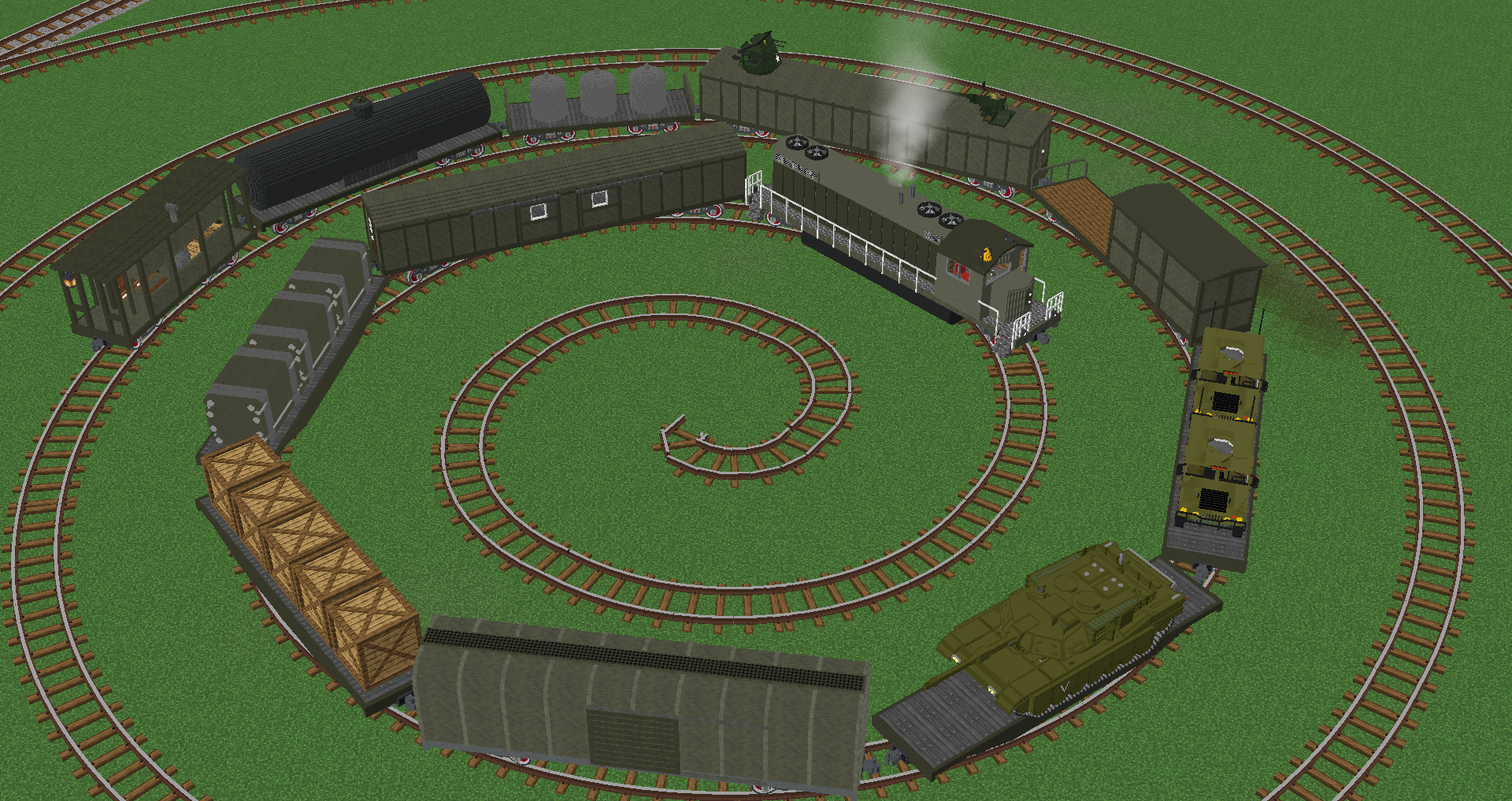

Imperial Railworks - Military Division
IRW Military pack for Immersive RailroadingInstall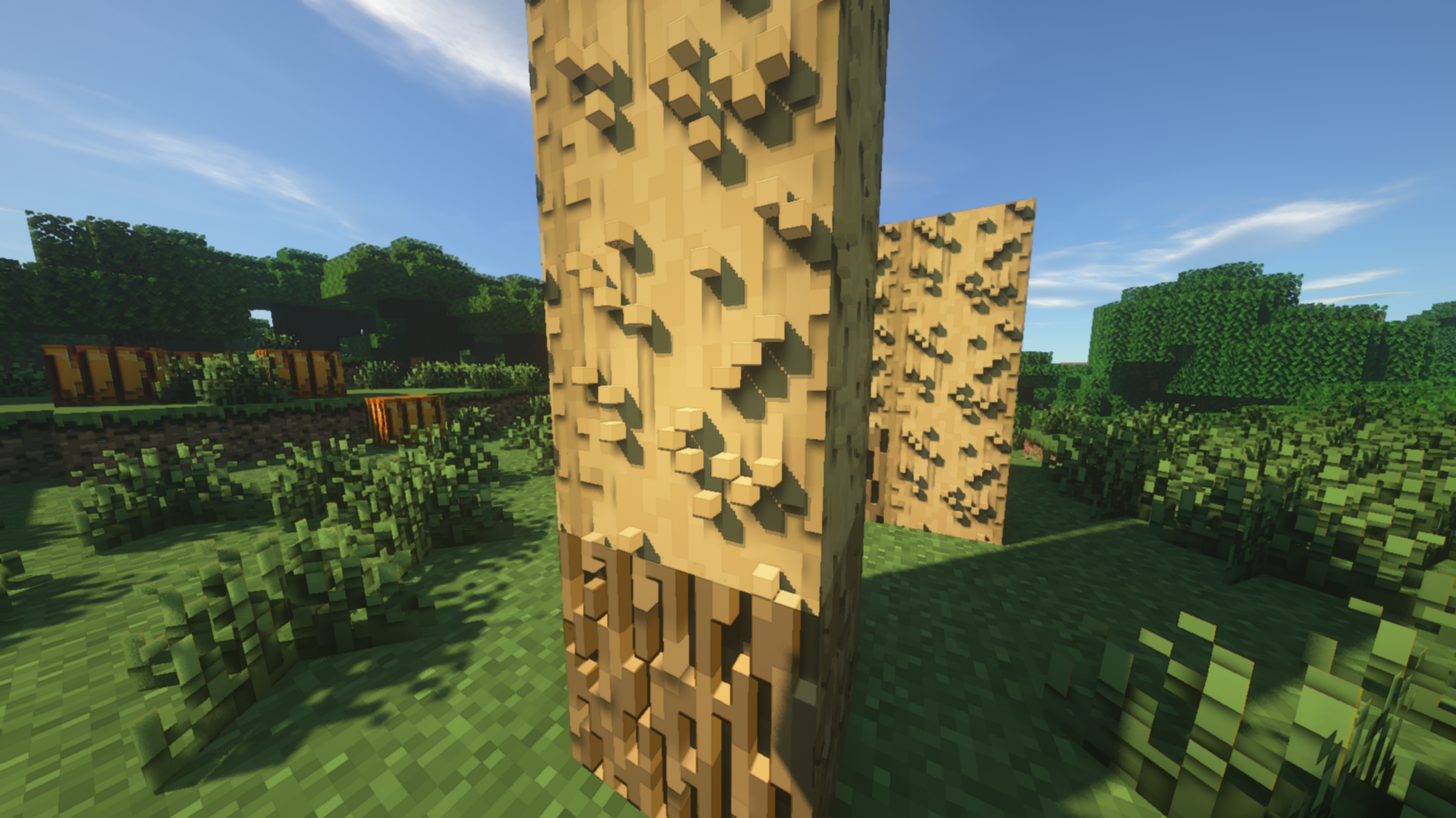
Hollywood Blocks - Resource Pack
Realistic ImmersionInstall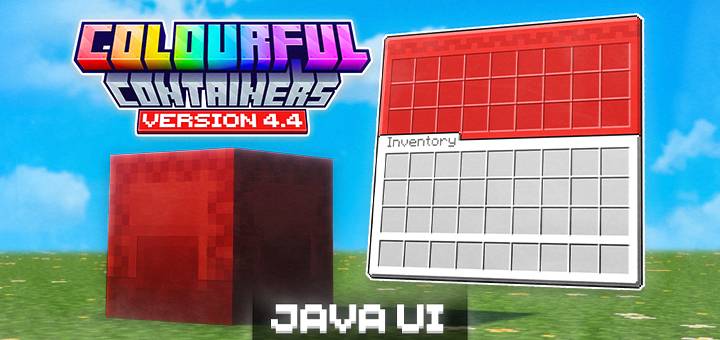

Colourful Containers BE: Java
Say goodbye to boring inventories. Colourful Containers BE: Java gives Minecraft Bedrock vibrant, block-themed GUIs with a more accurate UI port of the original pack!Download

Soartex FanverStyleGui
For using the sortexfanver-style GUI in the new versionInstall

Gui's HUD & UI Edition
A better view to the GUI inspired on the Vanilla Minecraft!Install
Iron's Spells 'n Spellbooks Reimagined
Brings your spells and combat to life by replacing flat weapons with fully built 3D models across Iron’s Spells ’n SpellbooksInstall

Porkier Piglins x Fresh Animations
Makes Porkier Piglins(my piglin pack) compatible with Fresh AnimationsInstall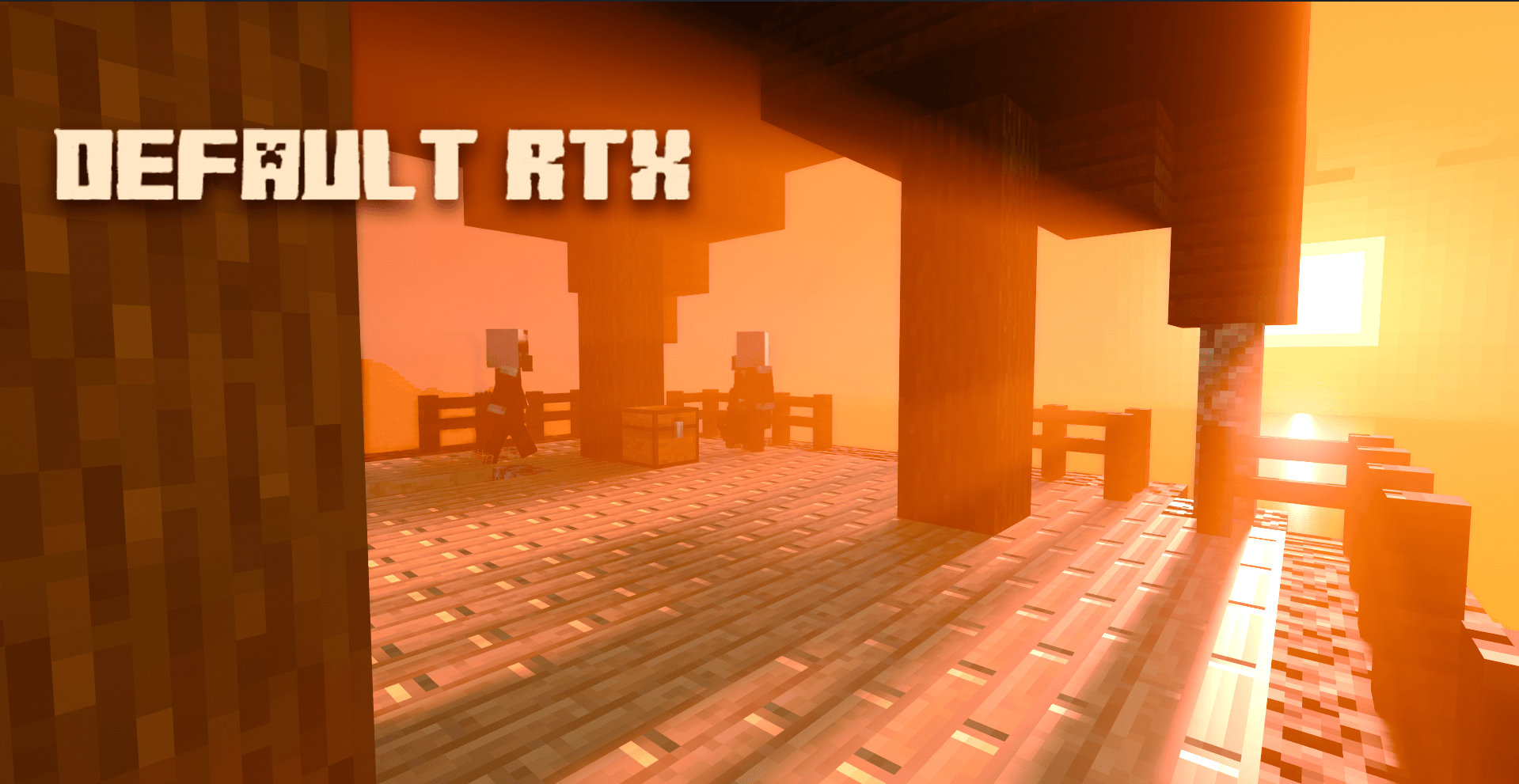

Default RTX
(Fun-made) ray-tracing resource pack for Minecraft bedrock edition that brings visual improvements to the game.Download

ezRTX
Vanilla-Style Vibrant Visuals and Ray Traced Resource PackDownload

PERFECTION RESOURCES
Additional resources to enhance your experience playing "PERFECTION MODPACK"Install

PLAYFUL Modern 1.14
PLAYFUL Modern 1.14Install

Whimscape x Oh The Biomes We've Gone
Retextures BWG to match the Whimscape texture pack.Install

Shadow Fantasy Visuals | Vibrant Visuals Shader
Shadow Visuals is a dark fantasy shader/pack for Minecraft Bedrock that transforms your world into a realm of mystery, power, and forgotten legends. 🕯️👁️ It’s not pure horror , instead, it captures the essence of dark fantasyDownload

Netherite Stone
This resource pack replaces the textures of regular stones and ores with the texture of the netherite block, giving them a uniform look and reinforcing a minimalist style. Every texture, from granite to iron ore, now looks like a netherite block — with the glossy, monolithic surface characteristic ofInstall

Better Mob Models
Visual overhauls of a few mobs that need improvement!Install
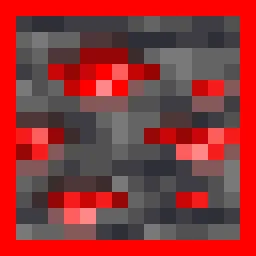
Glowing Animated Ores
glowing and animated ores that glow in night and also in darkness effect and versions are from 1.16 to latestInstall

Geometric Font Legacy
A sharp, clean remake of the default mojangles font for all resolutions.Install

Tarot Cards: Colorized
Replaces the golden Tarot Cards textures with their colored variant for my Tarot Cards mod.Install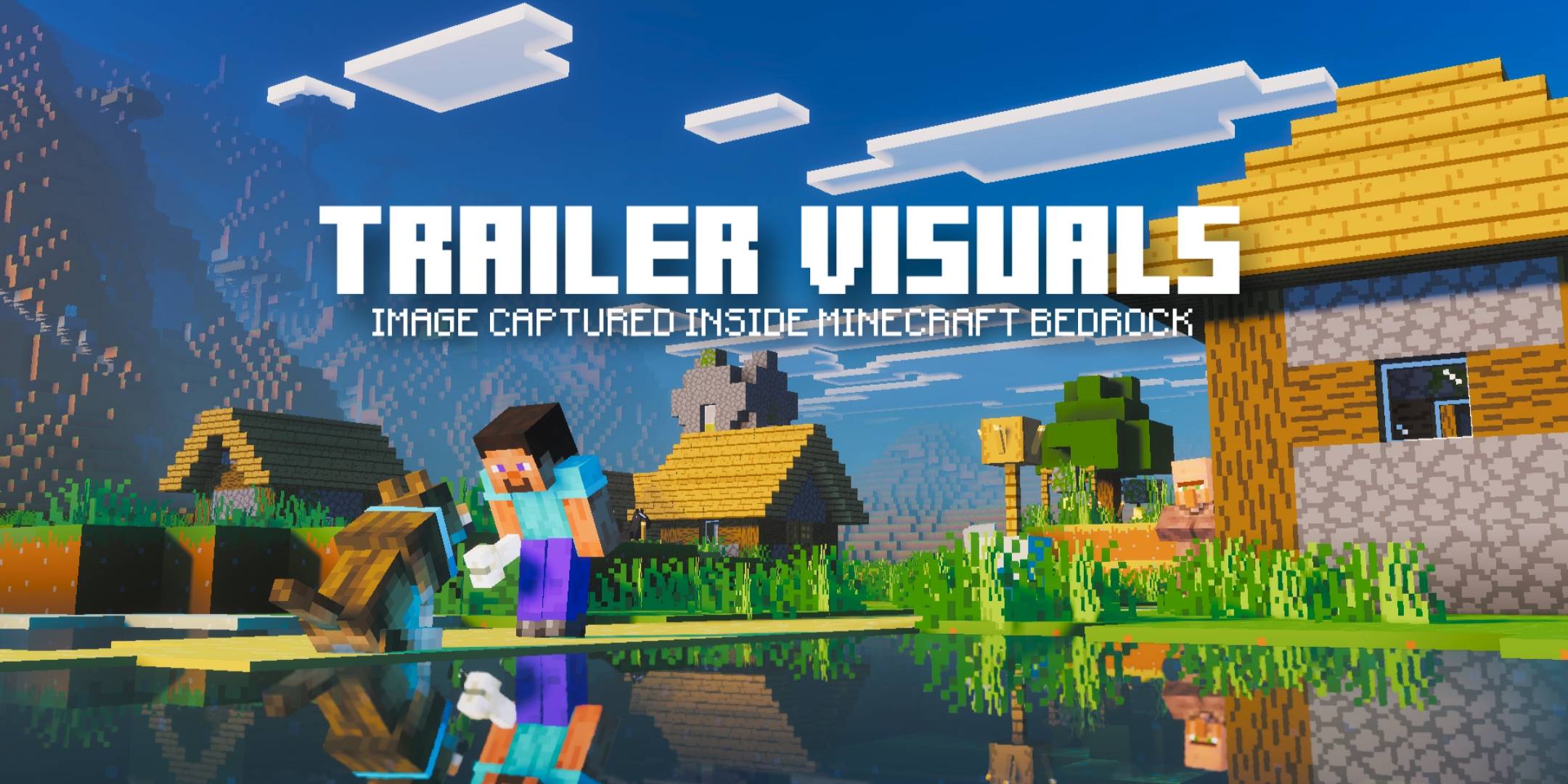

Trailer Visuals | Vibrant Visuals Pack
Have you always wanted the graphics from the Minecraft Bedrock trailers? Well, you’ve just found the best graphics pack currently available for that purpose.DownloadFAQ
Do I need Forge or Fabric for a resource pack?
No. A resource pack works on the regular game with no loaders or mods. Click “Install” and Millida Launcher will put the pack into the right modpack — then just enable it in the settings.
What do 16×, 32×, 64× mean?
The resolution of a single texture in pixels. 16× matches the original game, 32× and 64× are more detailed and heavier, and 128× and up put a noticeable load on your graphics card.
Will a pack made for another version work?
Most likely partly: older packs don't have textures for newer blocks, so those will stay default. The game won't break, though.
How is a texture pack different from a resource pack?
Only by name and age. Before version 1.6 the sets were called texture packs and changed only textures; in 1.6 resource packs replaced them and also change sounds, fonts and the interface. Old texture packs for 1.5 and below do not work on new versions without conversion.
Which texture packs are best for PvP?
PvP packs: 16× resolution or lower, shortened swords, low fire, a clear sky and bright particles. They barely load the computer and make the opponent easier to see. These packs are collected in the PvP theme.
How do I install a resource pack?
Press Install and Millida Launcher puts the pack into the resourcepacks folder of the right instance. Then enable it in the game: Options, then Resource Packs. Manually, the archive goes into resourcepacks inside the game folder, no need to unpack it.
Minecraft texture packs
A resource pack changes how the game looks and sounds: block and item textures, fonts, the interface, sounds. It doesn't touch the game's code, so it needs no mod loader and breaks nothing on a server — the pack only works on your screen. That's exactly why a resource pack is safer than any mod: the worst that happens on a version mismatch is that some textures stay default.
Textures, texture packs and resource packs are essentially the same thing: since version 1.6 Mojang calls these sets resource packs, but the old name is still searched more often. PvP packs are a big genre of their own: shortened swords, low fire, bright particles and 16× resolution or lower, so the opponent stands out and the frame rate does not drop. Such packs are most often made for 1.8.9 and 1.16.5, the versions many PvP servers run on.
The key thing about a pack is its resolution. The game's default textures are 16×16 pixels; 32× and 64× packs look more detailed, while 128× and up need a real graphics card and are usually paired with shaders. On a weak machine it makes sense to stay at 16× or go for packs that deliberately simplify graphics for more FPS. Every pack here lists its game version, author and license, and all released versions are gathered on one card. Put the downloaded archive in the resourcepacks folder and enable it in the game settings.