
Minecraft texture packs — page 103
Resource packs: list



Scaffolding Delta - Package Fast Edition
Version of Scaffolding Delta but without implement new model partsInstall

Faithful PBR 32x
Faithful PBR shader support with 32x normals and specular - Now with LABPBR!Install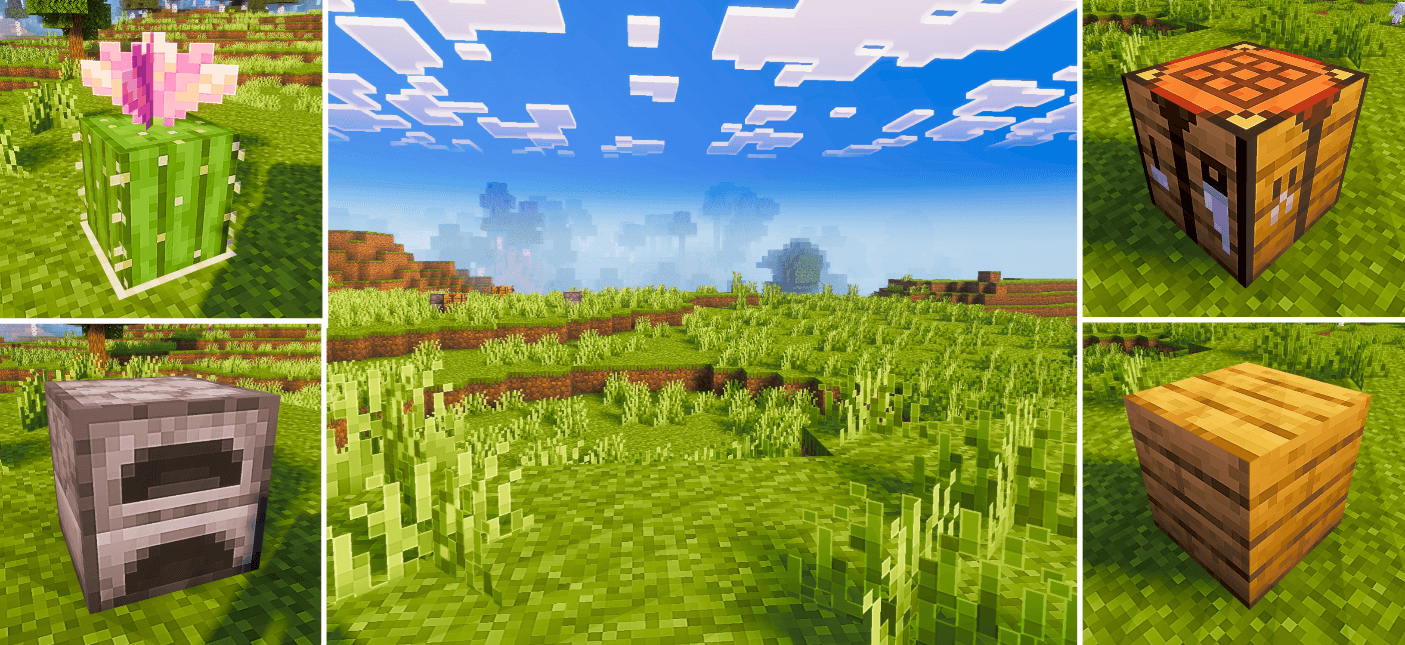
Pixel Edge
Pixel Edge enhances Minecraft’s visuals with HD clarity and sharp pixel borders, giving every texture a crisp, clean, and beautifully defined look while keeping the original vanilla style intact.Download
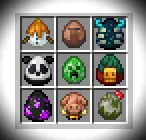
EGG textures from version 1.21.5
A texture pack that adds new eggs from the official version of Minecraft 1.21.5 (25w08a).Install

Scaffolding Delta - FancyShowDistance Module
Show distance with add new colours partsInstall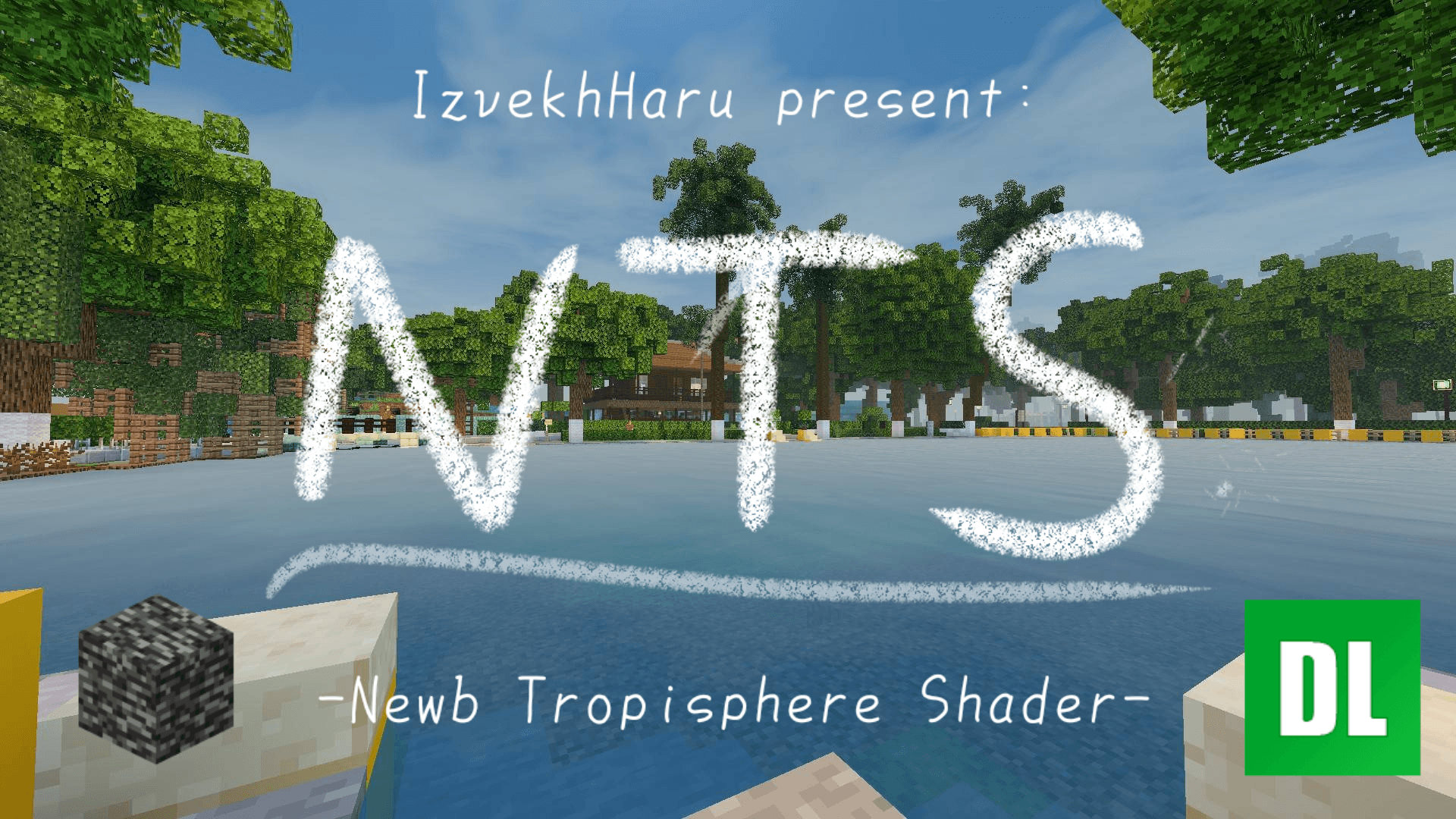
Newb Tropisphere Shader | beta 0.7.1 [v26.50+ support]
A semi-realistic, warm-vanilla shader for minecraft bedrock editionDownload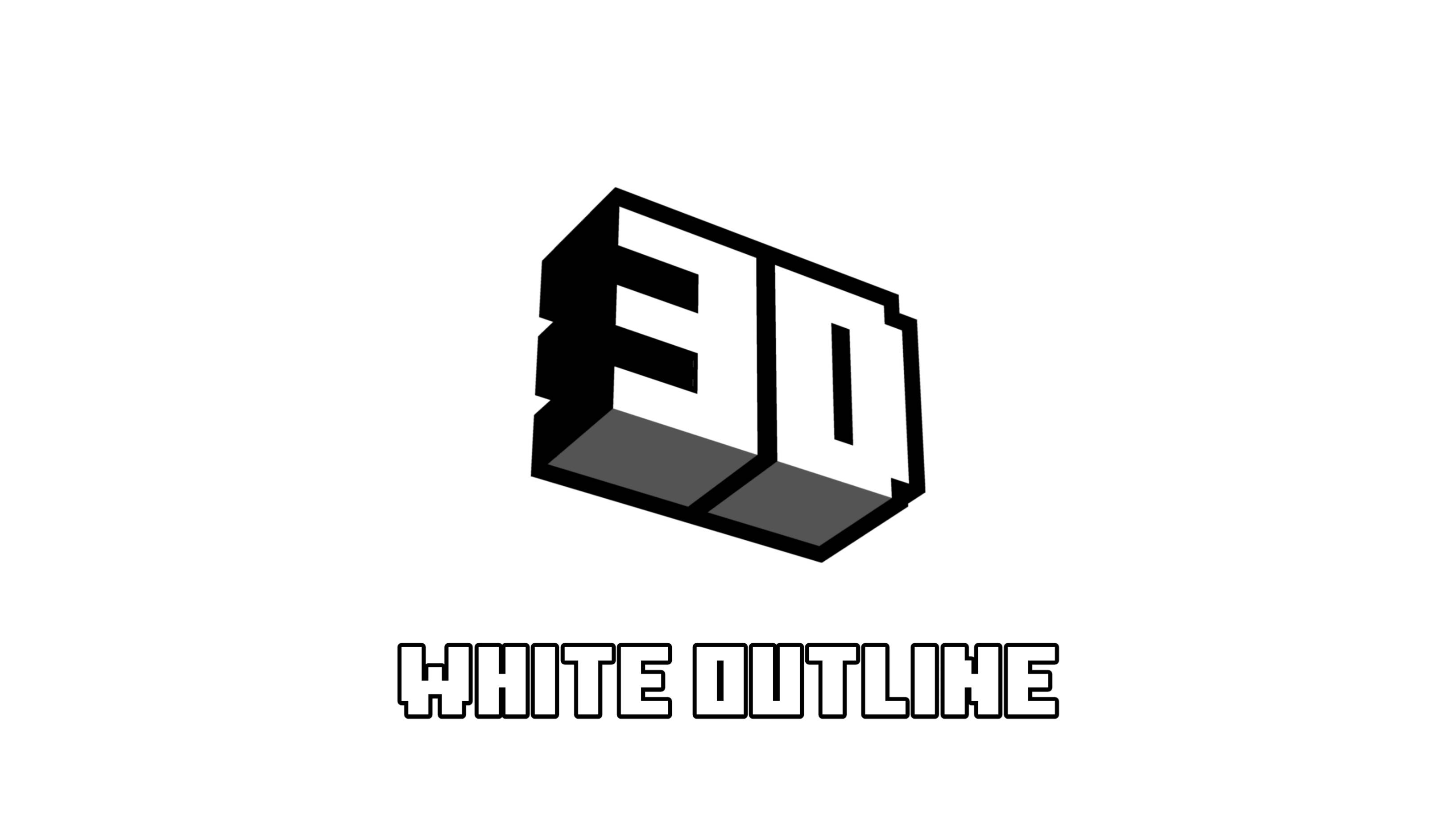
White 3D Outline
Replace the default black selection box with a clean white 3D outline for Minecraft Bedrock Edition. — gives every block and item a stylish glowing edge!Download

Big Brain GUI
An in-game wiki that shows useful info boxes. Never google for simple game information again!Install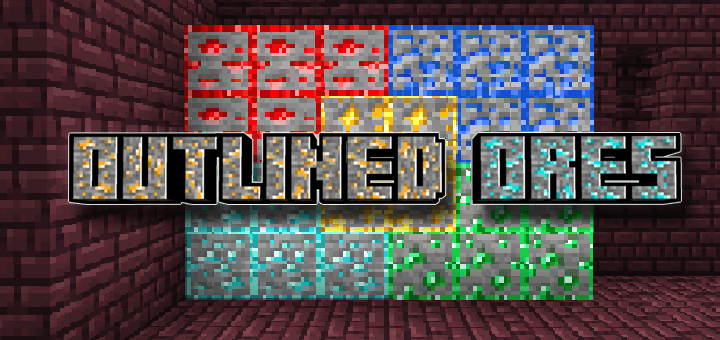

Outlined Ores
This texture pack makes mining easier and more fun by highlighting oresDownload

Fresh Better Turtle Variants
Fresh Animations Addon for Better Turtle Variants Resourcepack!Install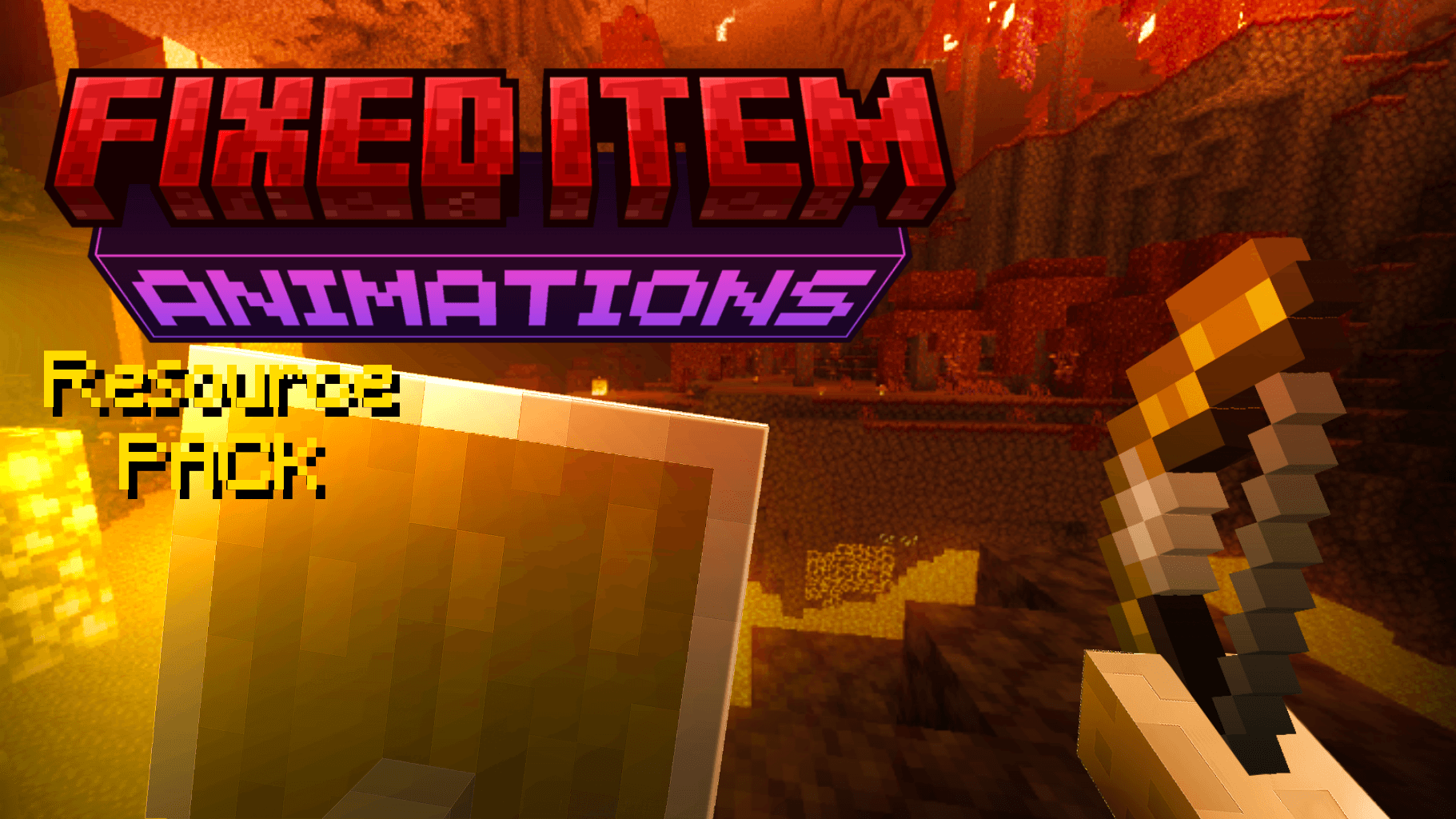

FIXED Item Animations
This fixes all item animations to match past versions or whatever you need.Download

CuteAnimeMobs (Discontinued)
This turns mobs into anime girlsInstall
Asteroid Animation
Free Animation Pack of Minecraft PE/BedrockDownload

Scaffolding Delta - CTM Module
ConnectTextureModel with scaffolding ? why notInstall

Simple Health Bar | HP Bar
This resourcepack adds health bars or health indicators, to Minecraft, it is compatible and focused on vanilla although it can be modified to be compatible with other resource packsDownload

[ Java ] Waifu Husbando Mobs: HPM
Turns Human Player Mobs's player model mobs to a more proportionate anthro modelInstall

Golden Age Textures
A retro nostalgia pack that restores classic Minecraft textures, colors, sounds and mobs. Includes old ores, Alpha foliage, old planks, classic UI, old clouds, old water/lava, snoutless animals and the original Zombie Pigman.Download

Fresh AI Tweaks
Allows Fresh Animations to work with Mob AI TweaksInstall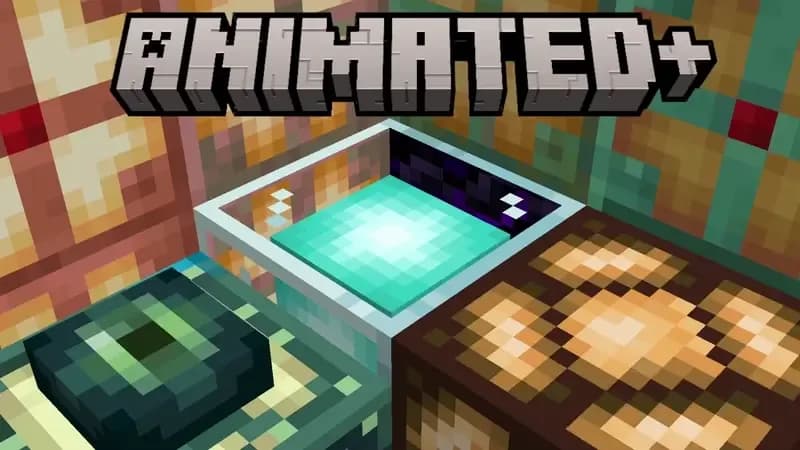

Animated+
Add some dynamic in your Minecraft World!Install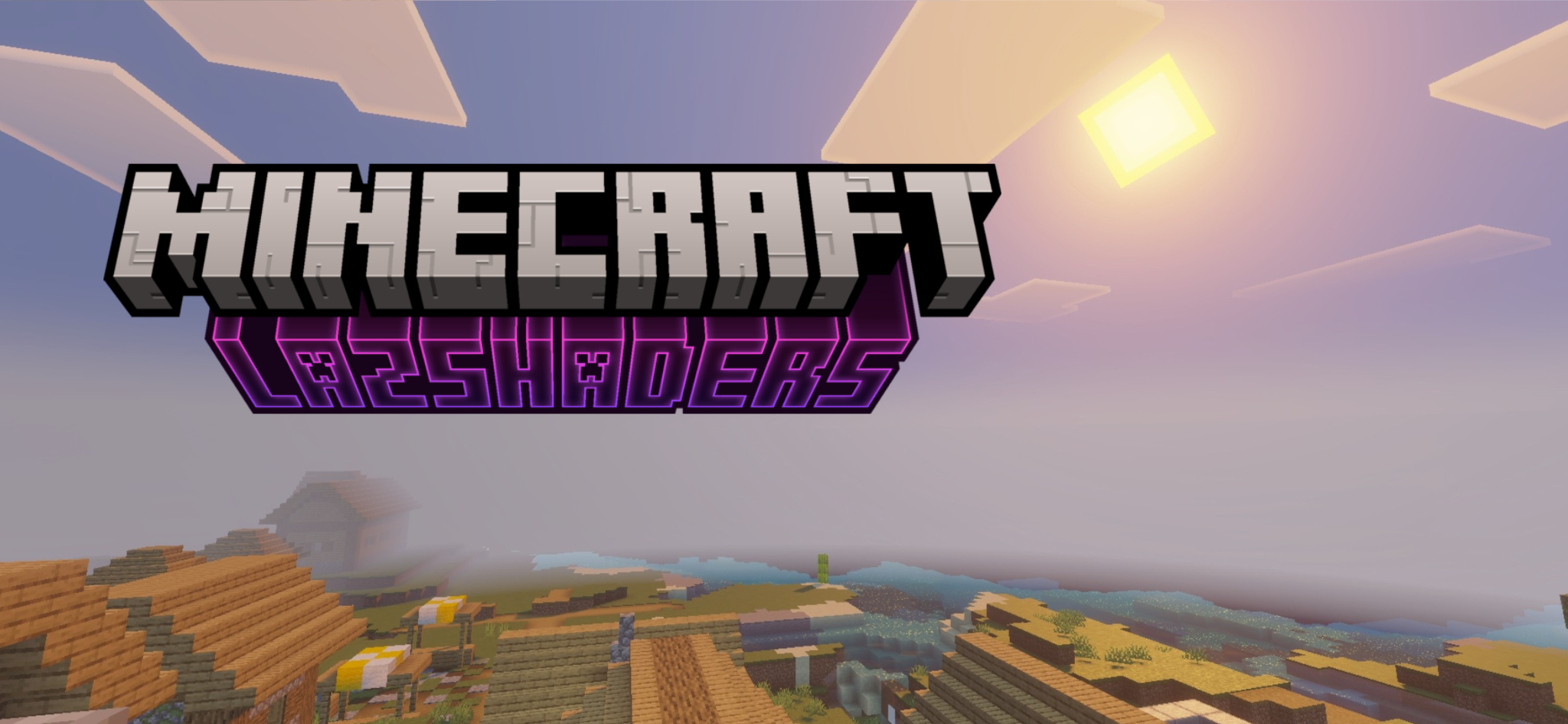

LazShaders (Vibrant Visuals Shaders) 1.21.90+
LazShaders is a Vibrant Visuals Shader made for Bedrock/Pocket editionDownload

Bluxy-Crystal (Crystal PvP)
Crystal PvP pack with a modern, smooth, sleek style for immersive gameplay.Install

Scaffolding Delta - FastEmitLight Module
Solution when build with scaffolding on night - FastInstall

Better Water
This resource pack makes your water be more realistic using the new vibrant visual featureDownloadFAQ
Do I need Forge or Fabric for a resource pack?
No. A resource pack works on the regular game with no loaders or mods. Click “Install” and Millida Launcher will put the pack into the right modpack — then just enable it in the settings.
What do 16×, 32×, 64× mean?
The resolution of a single texture in pixels. 16× matches the original game, 32× and 64× are more detailed and heavier, and 128× and up put a noticeable load on your graphics card.
Will a pack made for another version work?
Most likely partly: older packs don't have textures for newer blocks, so those will stay default. The game won't break, though.
How is a texture pack different from a resource pack?
Only by name and age. Before version 1.6 the sets were called texture packs and changed only textures; in 1.6 resource packs replaced them and also change sounds, fonts and the interface. Old texture packs for 1.5 and below do not work on new versions without conversion.
Which texture packs are best for PvP?
PvP packs: 16× resolution or lower, shortened swords, low fire, a clear sky and bright particles. They barely load the computer and make the opponent easier to see. These packs are collected in the PvP theme.
How do I install a resource pack?
Press Install and Millida Launcher puts the pack into the resourcepacks folder of the right instance. Then enable it in the game: Options, then Resource Packs. Manually, the archive goes into resourcepacks inside the game folder, no need to unpack it.
Minecraft texture packs
A resource pack changes how the game looks and sounds: block and item textures, fonts, the interface, sounds. It doesn't touch the game's code, so it needs no mod loader and breaks nothing on a server — the pack only works on your screen. That's exactly why a resource pack is safer than any mod: the worst that happens on a version mismatch is that some textures stay default.
Textures, texture packs and resource packs are essentially the same thing: since version 1.6 Mojang calls these sets resource packs, but the old name is still searched more often. PvP packs are a big genre of their own: shortened swords, low fire, bright particles and 16× resolution or lower, so the opponent stands out and the frame rate does not drop. Such packs are most often made for 1.8.9 and 1.16.5, the versions many PvP servers run on.
The key thing about a pack is its resolution. The game's default textures are 16×16 pixels; 32× and 64× packs look more detailed, while 128× and up need a real graphics card and are usually paired with shaders. On a weak machine it makes sense to stay at 16× or go for packs that deliberately simplify graphics for more FPS. Every pack here lists its game version, author and license, and all released versions are gathered on one card. Put the downloaded archive in the resourcepacks folder and enable it in the game settings.