
Minecraft texture packs — page 102
Resource packs: list



DSWG Night Vision
Night VisionInstall

Technoblade Totem of Undying
The Technoblade Totem resource pack brings the revered Minecraft YouTuber Technoblade into the game, transforming the totem of undying into a tribute to his impactful legacy.Install

Darklands Classic x32 Medieval Resource Pack
The dark ages as they should have been: clean and brightInstall
Cobblemon Text Fix
This resource pack fixes a vast majority of text errors in Cobblemon.Install

Default-Style Fall Pack
An Autumn overhaul to the Default Experience!Install
MYTHIC - A Pixel Art Journey
A 32x pure pixel art pack with an adventurous feel.Install

Spryzeen's Sun breathing
Sun breathing from Demon slayerInstall

OF FPS Booster
High-performance optimization for smoother gameplay and maximum frames.Download

Waifu Anime Beds
Redesigns all 16 beds with anime waifu artworkDownload

The Quintessential Quintuplets Custom GUI Pack
The Quintessential Quintuplets Custom GUI PackInstall

Remodeled Fence and Gates
Remodels and retextures the various fences and fence gatesInstall

3D Armor Items
3D Armor Items replaces the 2D sprites for armor visible in the player's hand and inventory with 3D models.Install
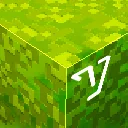
Barebones Better Leaves
Creates holes on leaves in a style that fits the barebones resourcepackInstall

Origin Vibrant Visuals
Experience breathtaking visuals with Origin Vibrant Visuals. Featuring stunning water reflections and enhanced lighting effects, this pack creates a vibrant, immersive atmosphere. See distant hills and crystal clear water.Download

Ores Aura
This pack makes it easier and faster to spot ores while mining, especially in dark caves.Install

Spryzeen's Falling Leaves
Unique style bushy leavesInstall
Majestica
Majestica is a fantasy medieval based texture pack that mixes realistic and cartoon-ish textures unique style!Install
Music for Hardcore Ender Expansion
The official music resource pack integrated with Hardcore Ender Expansion.Install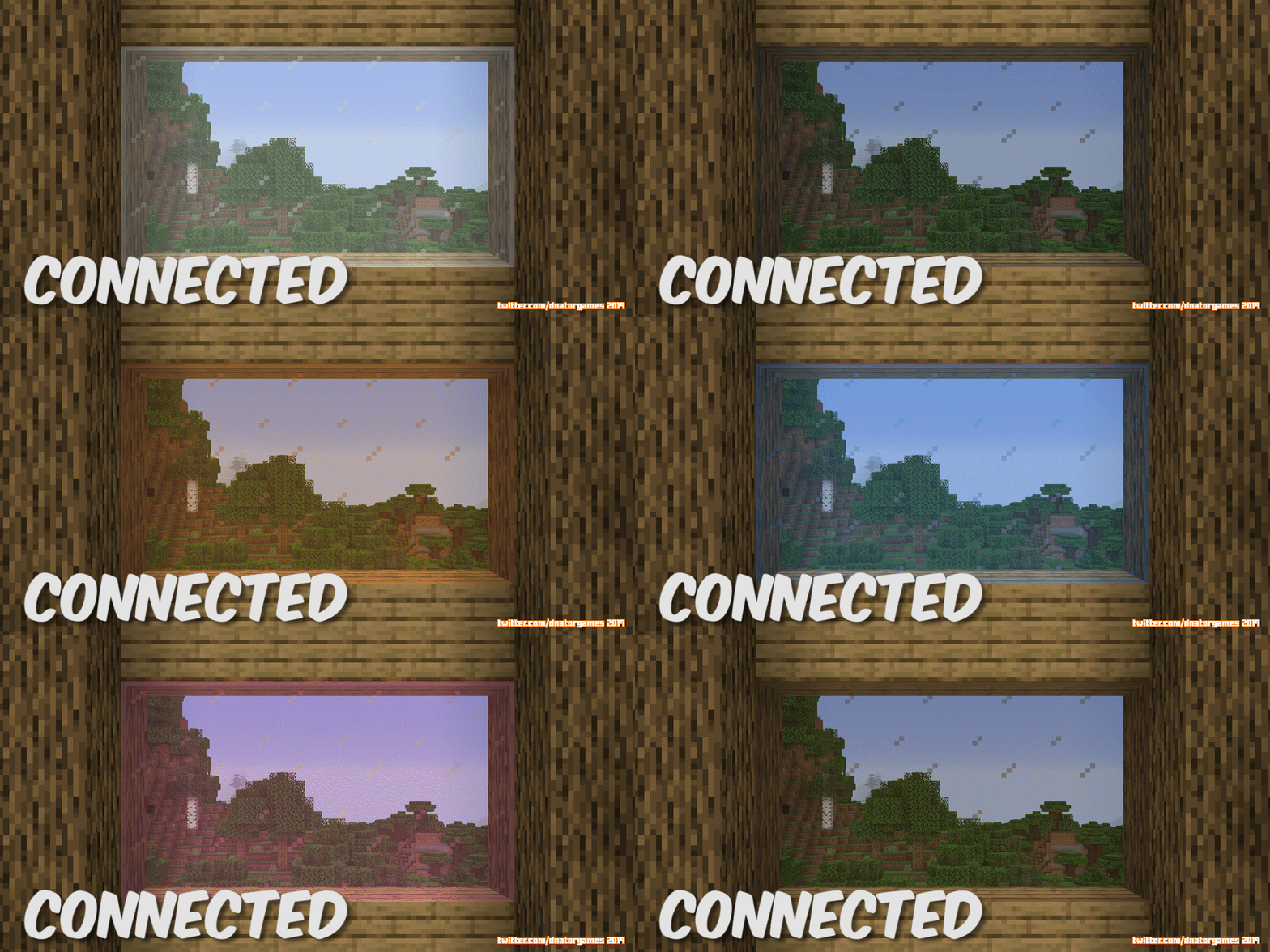
Jappa Glass with Connected Textures
JappaInstall
Fast Loading Screen Pack
This pack "removes" the loading screen menu and allows you to freely move your camera and mouse while loading the world or dimension.Download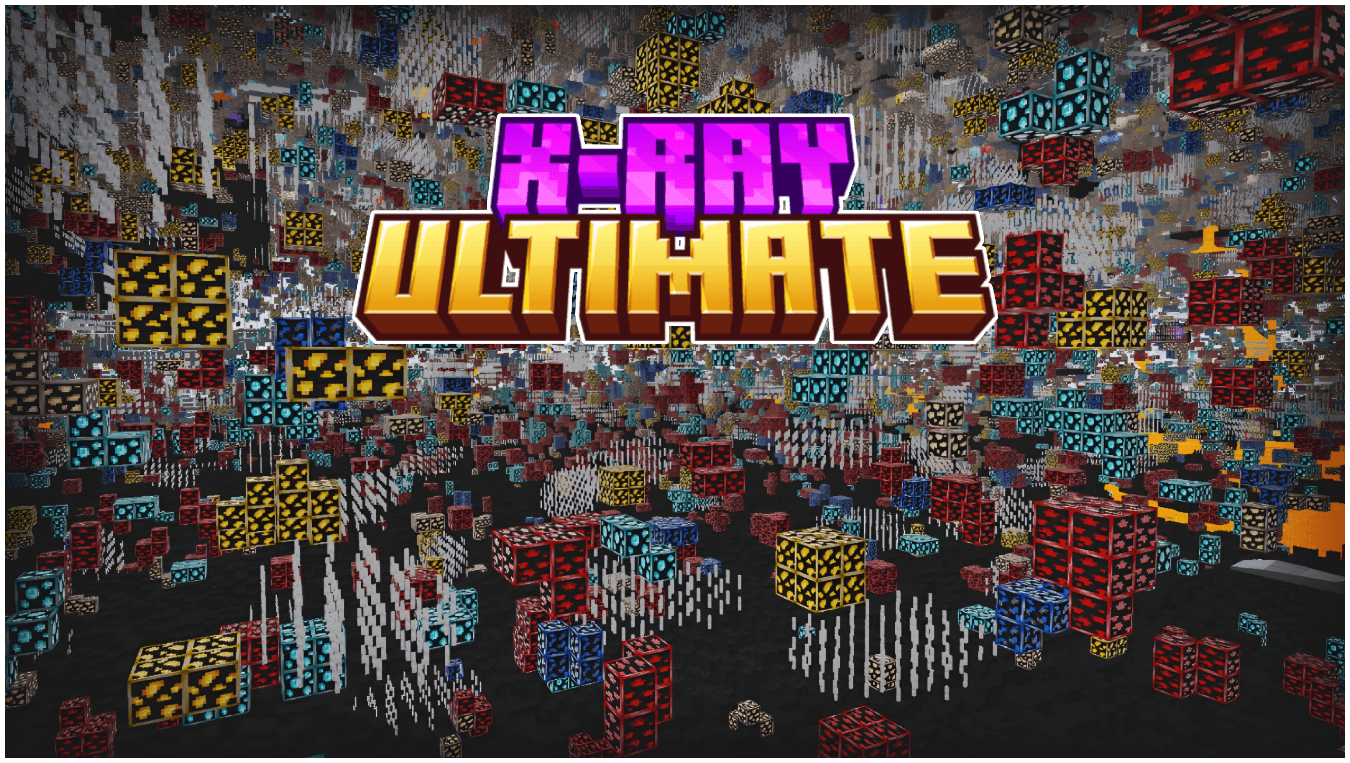

X-Ray Ultimate | Outlined Ores
See every valuable block instantly with Ultimate X-Ray, featuring clearly outlined and glowing ores for maximum visibility. Mine smarter, locate resources faster, and never miss diamonds again.Download

Os' Shulkers
Give each color of shulker a unique pattern upon dying it to identify it even easier.Install

Scaffolding Delta - FastShowDistance Module
Show distance without add extra parts at original ScaffoldingInstallFAQ
Do I need Forge or Fabric for a resource pack?
No. A resource pack works on the regular game with no loaders or mods. Click “Install” and Millida Launcher will put the pack into the right modpack — then just enable it in the settings.
What do 16×, 32×, 64× mean?
The resolution of a single texture in pixels. 16× matches the original game, 32× and 64× are more detailed and heavier, and 128× and up put a noticeable load on your graphics card.
Will a pack made for another version work?
Most likely partly: older packs don't have textures for newer blocks, so those will stay default. The game won't break, though.
How is a texture pack different from a resource pack?
Only by name and age. Before version 1.6 the sets were called texture packs and changed only textures; in 1.6 resource packs replaced them and also change sounds, fonts and the interface. Old texture packs for 1.5 and below do not work on new versions without conversion.
Which texture packs are best for PvP?
PvP packs: 16× resolution or lower, shortened swords, low fire, a clear sky and bright particles. They barely load the computer and make the opponent easier to see. These packs are collected in the PvP theme.
How do I install a resource pack?
Press Install and Millida Launcher puts the pack into the resourcepacks folder of the right instance. Then enable it in the game: Options, then Resource Packs. Manually, the archive goes into resourcepacks inside the game folder, no need to unpack it.
Minecraft texture packs
A resource pack changes how the game looks and sounds: block and item textures, fonts, the interface, sounds. It doesn't touch the game's code, so it needs no mod loader and breaks nothing on a server — the pack only works on your screen. That's exactly why a resource pack is safer than any mod: the worst that happens on a version mismatch is that some textures stay default.
Textures, texture packs and resource packs are essentially the same thing: since version 1.6 Mojang calls these sets resource packs, but the old name is still searched more often. PvP packs are a big genre of their own: shortened swords, low fire, bright particles and 16× resolution or lower, so the opponent stands out and the frame rate does not drop. Such packs are most often made for 1.8.9 and 1.16.5, the versions many PvP servers run on.
The key thing about a pack is its resolution. The game's default textures are 16×16 pixels; 32× and 64× packs look more detailed, while 128× and up need a real graphics card and are usually paired with shaders. On a weak machine it makes sense to stay at 16× or go for packs that deliberately simplify graphics for more FPS. Every pack here lists its game version, author and license, and all released versions are gathered on one card. Put the downloaded archive in the resourcepacks folder and enable it in the game settings.