
Shaders for Minecraft Java — page 27
967 itemsShaders: list


Wind Shaders
Every effect is tuned for depth and realism.Install

Nuar
A new shader that makes a 60s movie out of your game.Install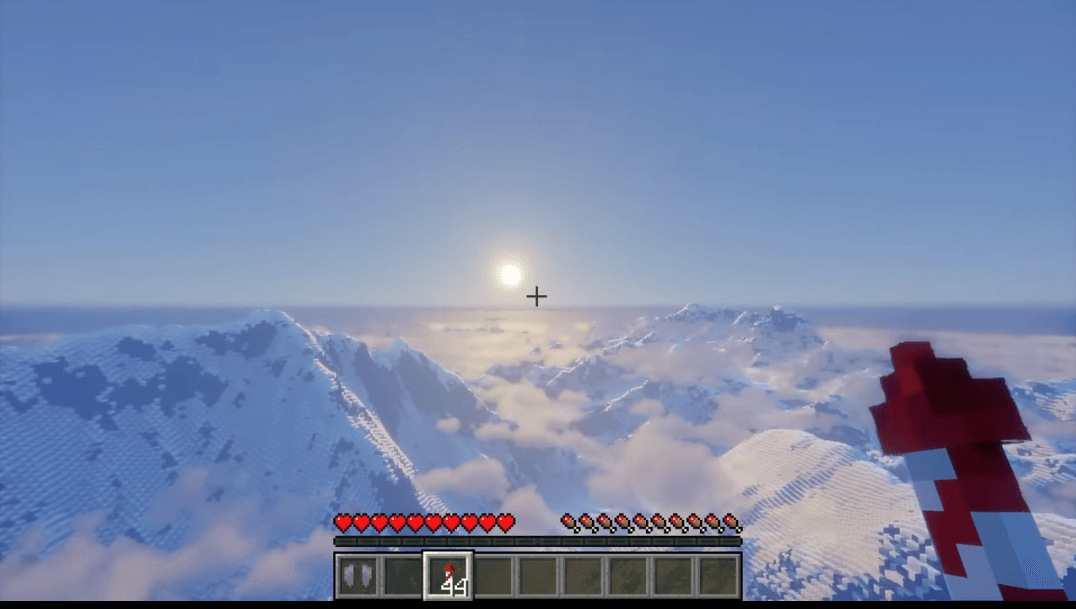
AerixiumSFA PTGI
AerixiumSFA PTGI is an extreme path-tracing Minecraft shader built for photorealistic global illumination, stunning reflections, and ultimate ray-traced visuals. 🔥Install

Yukee Shaders
An anime-inspired Iris shaderpack with illustrated skies, soft pastel colors, outlines, and sunlight shadows.Install

RtfShader
A clean Minecraft shaderpack with smooth lighting, atmospheric visuals, and balanced effects for everyday gameplay.Install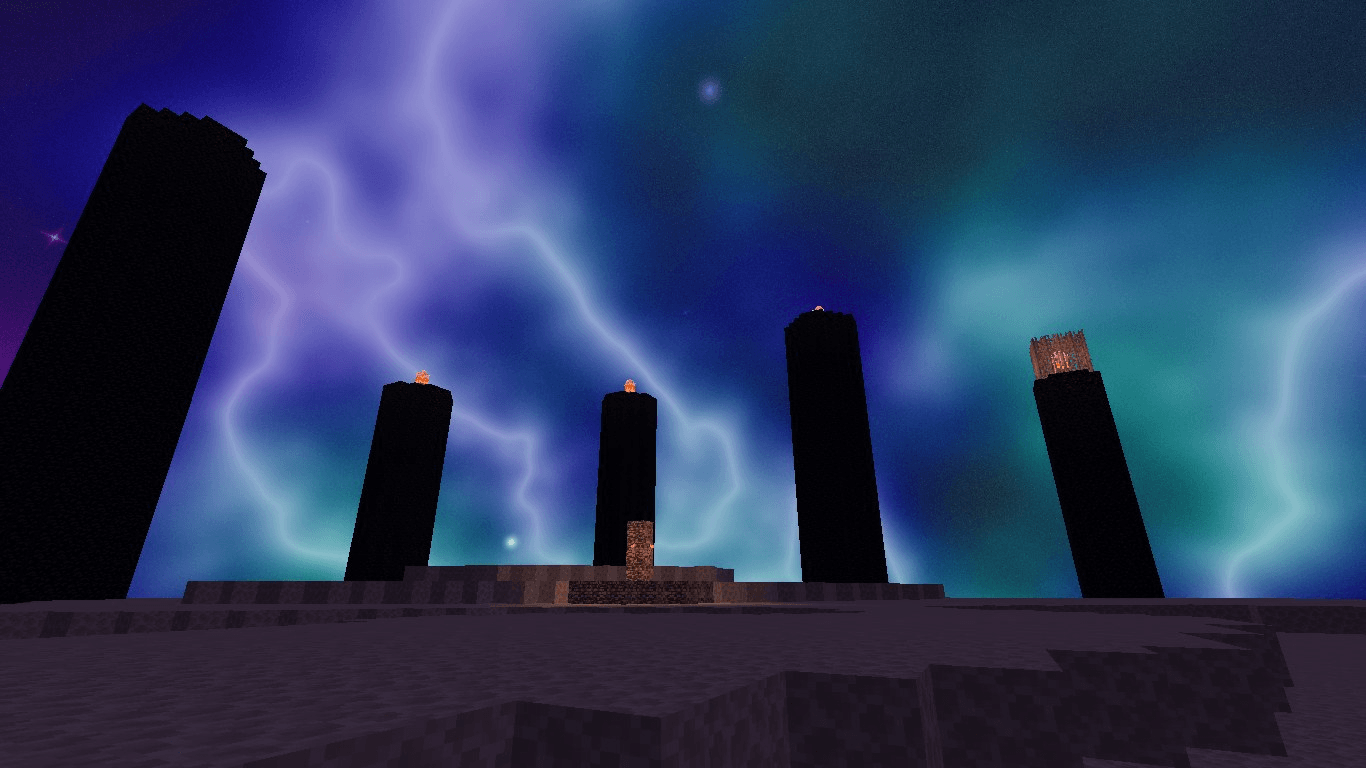
Builder's QOL (Forked)
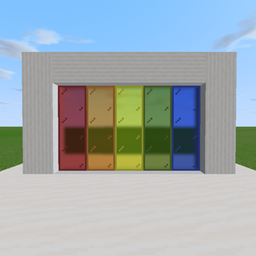
An unofficial fork of Builder's QOL Shaders, updated for newer Minecraft versions while preserving the original shader's look and feel.Install

True Vanilla
A chill vanilla-style High Performance Shader with tweakable fog, colors, and fun filters. Looks clean, runs light.Install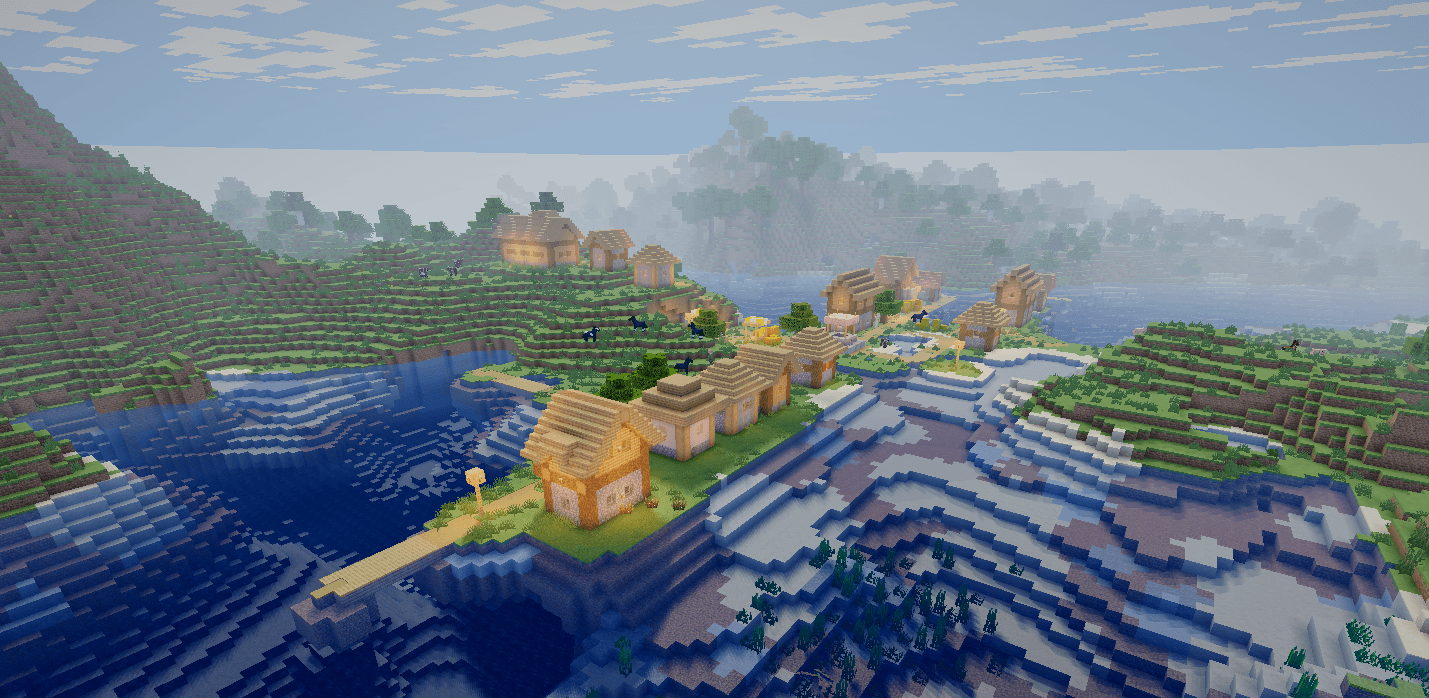
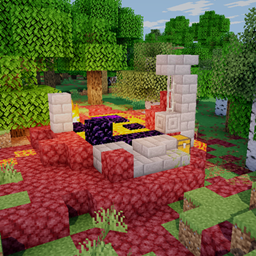
Skyrune Shader
A very lightweight ShaderPack, for potato pc's, but it still has great visuals and magnificiant waterInstall

DOShader
this Minecraft shader simulates the 8bit effect from old DOS gamesInstall

HighFrames
HighFrames is a lightweight Minecraft shader focused on delivering smooth gameplay with subtle visual enhancements like soft shadows, bloom, and animated water.Install

SwiftShade
Ultra-lightweight PvP & aesthetic shader with dark emerald grass, vibrant colors, atmospheric fog, and maximum FPS.Install

blackhole
The most realistic black hole in Minecraft.Install

Sylbobek's Shader Pack
Transform your Minecraft worlds with reflective water, soft shadows, atmospheric skies and waving foliage. Choose your look with customizable quality profiles.Install
HSN-Shaders
Adding lite shaders while retaining performance.Install

Rift - superfast
Rift Shaders is an ultra lightweight shaderpack, that adds basic shader things out there. Some effects, some shadows, you know?Install

Velora shader turbo
Ultra-smooth Minecraft shader with stunning lighting, realistic water, and maximum FPS. Designed for every PC.Install

HolexShader Reimaged
Cherry Reimagined is a modern Minecraft shaderpack focused on realistic lighting, vibrant colors, cinematic skies, immersive water, and high performance.Install
Glazed
Glazed transforms Minecraft with a sleek, glossy finish that makes blocks, mobs, and environments look smooth, polished, and reflective. The world feels brighter, cleaner, and more vibrant—like everything has been coated in a subtle, glassy shine.Install

Galaxy'S Shaders
A Minecraft Shaderpack For Minecraft: Java Edition. Simple Shaders.Install

SSRE Shader
A balanced, cold-toned tropical shader offering vibrant color and semi realistic enviroment with great fps.Install

MakeUp: Dead Days
Well I was bored out of my mind, and so I did an edit of makeup ultrafast, so it looks like Kane and Lynch or wtvInstall

Incredible Graphics
Godrays, soft colored shadows, waving water & plants, dynamic skies, and filmic bloom — a shaderpack that makes Minecraft look incredible.Install

Bluei's Better Visuals- MacOS
MACOS A simple, light weight shader for those who want great visuals, while still maintaining fps.InstallRequired to run
FAQ
What do I need to get shaders working?
Iris or OptiFine. Iris installs as a Fabric mod and is usually faster; OptiFine is a separate installer. Without one of them the game simply won't see the shader. Millida Launcher installs Iris along with the shader for you.
Which shaders run on a low-end PC?
Light packs without ray tracing and with low shadow resolution. They're marked in the catalog — they give you shadows and water while costing noticeably fewer frames.
How do I install shaders?
Click “Install” and Millida Launcher will put the shader into the shaderpacks folder of the right modpack. Then select the pack in the video settings — no need to unpack the archive.
Iris or OptiFine — which should I choose?
For new versions, Iris: it works with Sodium, usually gives more FPS and supports almost all modern shaders. OptiFine is needed on old versions and for packs that rely on its special features. The two cannot be installed in the same instance.
Are there shaders for Bedrock?
The shaders in this section are for the Java edition; their format does not work in Minecraft PE and Bedrock. Bedrock has a built-in Vibrant Visuals graphics mode and resource packs with deferred rendering support, which are turned on in the game settings.
Shaders for Minecraft Java
Shaders rewrite the game's lighting: you get soft shadows, volumetric sunlight, reflections on water and a real night instead of flat dusk. A shader on its own isn't a mod: it's a set of programs for your graphics card, run through a middleman — Iris or OptiFine. Iris installs as a Fabric mod and runs faster; OptiFine is a standalone installer that has been around the longest.
Iris works together with Sodium, so on the same machine it usually gives more frames, and new shaders come out for it first; OptiFine is chosen for old game versions and its own features such as connected textures. On a low-end PC start with packs from the For low-end PCs collection and lower the quality profile inside the shader, and leave heavy ray-traced packs to a powerful graphics card.
Beauty costs frames. Heavy ray-traced shaders can cut performance several times over even on a good graphics card, so the catalog separately marks light packs built for weak machines: they give you shadows and decent water while barely touching FPS. In practice: first install Iris or OptiFine, then put the shader archive in the shaderpacks folder and select it in the video settings. It's best to start with a light pack, and the quality profiles inside the shader itself lower the load even further.