
Shaders for Minecraft Java — page 23
967 itemsShaders: list


Source Engine Water
An Iris shader pack that recreates Source Engine water by reverse-engineering its 2004 and 2007 water-rendering implementationsInstall

Nova's Vibrant Lite Shaders
Nova's Vibrant Lite Sharders is a Iris shaderpack that adds dynamic shadows, some lighting, and reflections without choking your PC!Install

Optimize Shader
Optimize Shader is an ultra-lightweight, shadowless shaderpack for Iris (Fabric) built with performance as the top priority — ideal for low-end and mobile devices.Install

Liminal Shader [LOST]
Perfect for horror maps, liminal space builds, and atmospheric survival gameplay.Install

Aetherstone
A Pretty, Stylized Shader trying to be extremey lightweightInstall

AVALux Shaders Reimagined
Preserving the Elements of Minecraft with exceptional Quality and Performance.Install

VerdantLight Pro
VerdantLight Pro is a Professional version of VerdantLight, provides more cinematic views.Install

Liminal Shader
A dreamcore/dream liminal shader with many presets to choose fromInstall

Fullsight
Removes all obtrusive rendering. No shading, fog, ect. Also a great template for creating your own shaderpacks.Install

FlowestShaders
It is a shader,by OptiFine or Oculus.The sky will be more bright.The water is clean.Your Minecraft will be better.Install
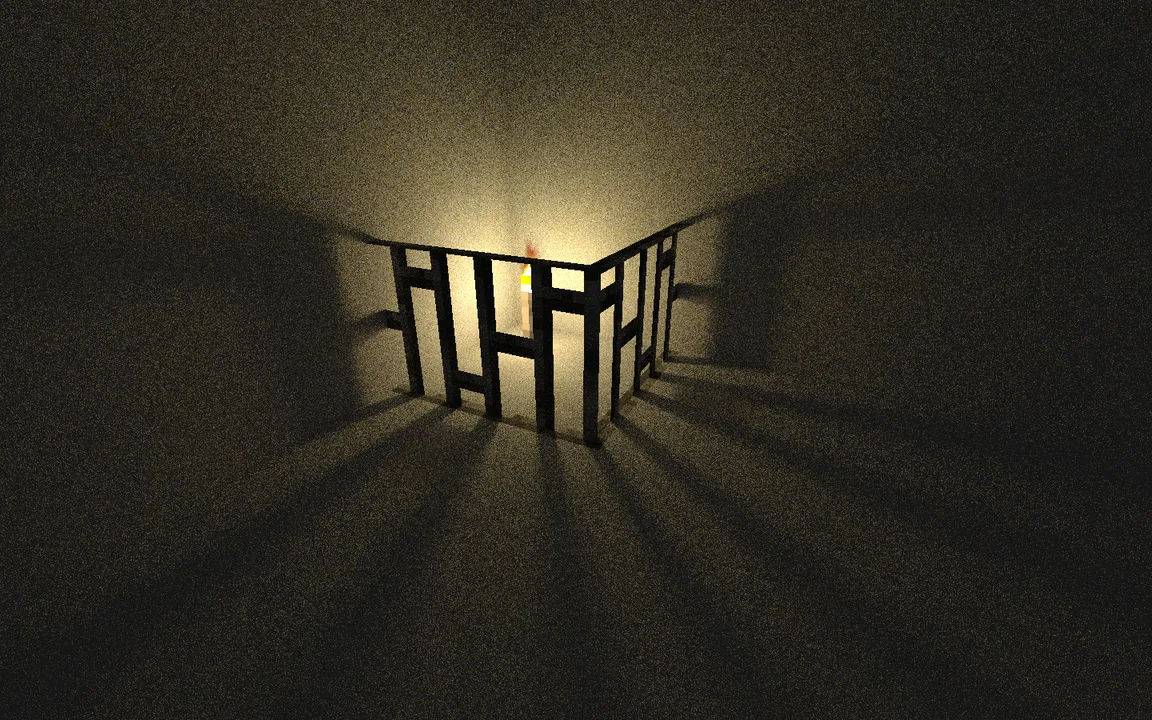
Light-Shadow
Light and Shadow enhances Minecraft with improved block and sky lighting, shadow-map based shadows, GI occlusion, LabPBR material support, and atmospheric visual effects.Install

Hyperion Shaders
An enhanced edition of Photon Shaders featuring critical fixes for beacon beams across all dimensions, entity nametag darkening, and improved rendering.Install

BSR Shaders
[WIP] A Colorful Shaders Based on Complementary Reimagined.Install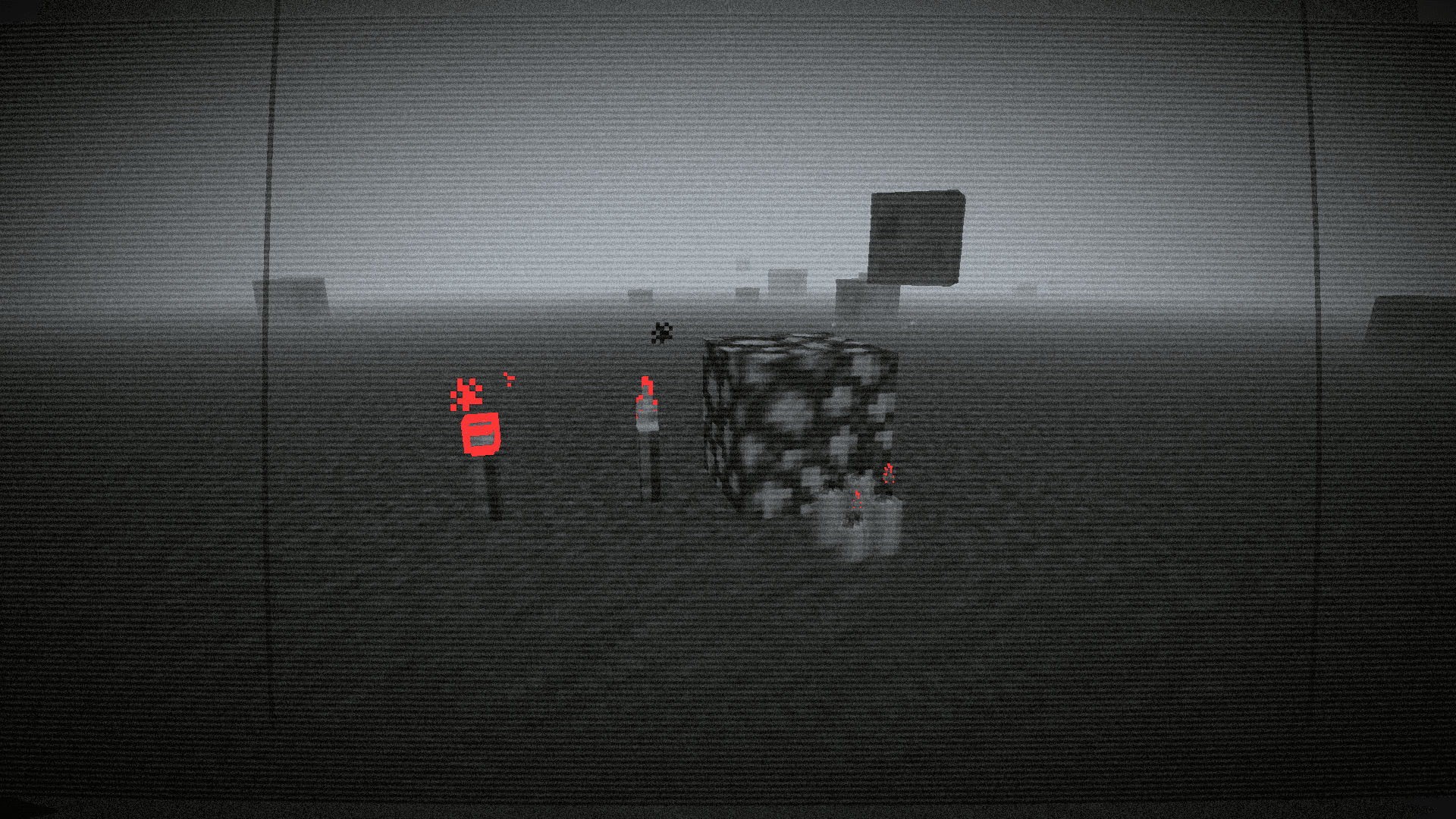
Paranoia VHS: Isolation
A haunting analog horror experience featuring bodycam distortion, psychological fog, and striking selective red highlightsInstall

TAA-Voxy Port
fork of TAA project that adds voxy supportInstall

Shader_vanilla
a simple shader so no fps loss make it similar to vanillaInstall

DMS
Atmospheric, dark and horror styled shaderInstall

GlamorousSP Shaders
A vibrant and customizable shader pack focused on beautiful lighting, rich colors, and smooth performance. GlamorousSP is inspired from Mellow Shader by TheCMK.Install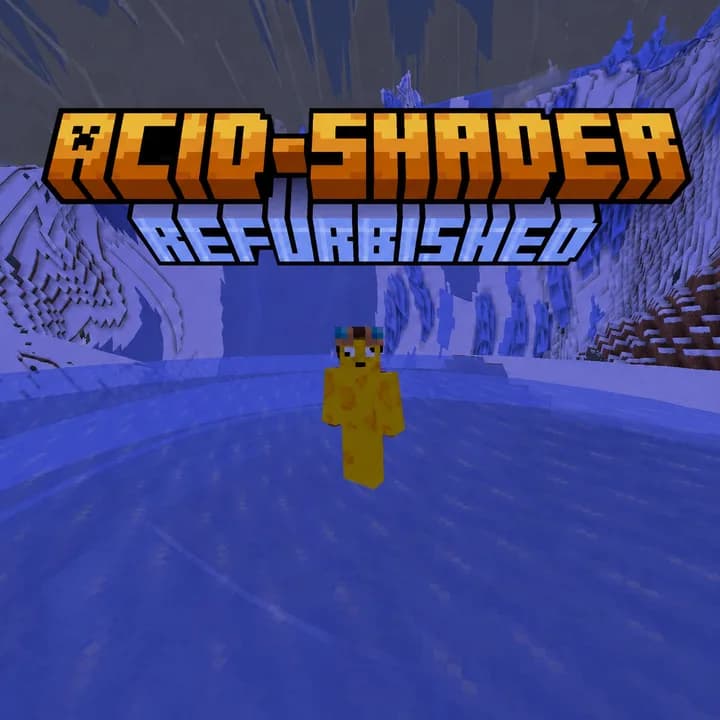

Acid Shaders Refurbished
The acid shader is a shader designed to make you puke/dizzy. And now its in 26.2!Install

WVP Shader (Wozt Vanilla Plus Shader)
Enhance your Minecraft with vibrant colors, warm lighting, and smooth performance. The ultimate Vanilla+ experience.Install

Faentasy Shaders
Atmospheric, dreamy and fantasy styled shaderInstall

DAP Shaders
The best shader to exist! Adds a ton of new graphic elements to the game.Install

FS shaders
Cinematic shaders for Iris & OptiFine (1.21): physically-based scattering skies, soft sun/moon shadows, volumetric light, reflective water, waving foliage, bloom, and filmic color grading — plus a gravitationally-lensed black hole in the End.InstallRequired to run
FAQ
What do I need to get shaders working?
Iris or OptiFine. Iris installs as a Fabric mod and is usually faster; OptiFine is a separate installer. Without one of them the game simply won't see the shader. Millida Launcher installs Iris along with the shader for you.
Which shaders run on a low-end PC?
Light packs without ray tracing and with low shadow resolution. They're marked in the catalog — they give you shadows and water while costing noticeably fewer frames.
How do I install shaders?
Click “Install” and Millida Launcher will put the shader into the shaderpacks folder of the right modpack. Then select the pack in the video settings — no need to unpack the archive.
Iris or OptiFine — which should I choose?
For new versions, Iris: it works with Sodium, usually gives more FPS and supports almost all modern shaders. OptiFine is needed on old versions and for packs that rely on its special features. The two cannot be installed in the same instance.
Are there shaders for Bedrock?
The shaders in this section are for the Java edition; their format does not work in Minecraft PE and Bedrock. Bedrock has a built-in Vibrant Visuals graphics mode and resource packs with deferred rendering support, which are turned on in the game settings.
Shaders for Minecraft Java
Shaders rewrite the game's lighting: you get soft shadows, volumetric sunlight, reflections on water and a real night instead of flat dusk. A shader on its own isn't a mod: it's a set of programs for your graphics card, run through a middleman — Iris or OptiFine. Iris installs as a Fabric mod and runs faster; OptiFine is a standalone installer that has been around the longest.
Iris works together with Sodium, so on the same machine it usually gives more frames, and new shaders come out for it first; OptiFine is chosen for old game versions and its own features such as connected textures. On a low-end PC start with packs from the For low-end PCs collection and lower the quality profile inside the shader, and leave heavy ray-traced packs to a powerful graphics card.
Beauty costs frames. Heavy ray-traced shaders can cut performance several times over even on a good graphics card, so the catalog separately marks light packs built for weak machines: they give you shadows and decent water while barely touching FPS. In practice: first install Iris or OptiFine, then put the shader archive in the shaderpacks folder and select it in the video settings. It's best to start with a light pack, and the quality profiles inside the shader itself lower the load even further.