
Shaders for Minecraft Java 26.2 — page 9
Shaders: list


LiDAR Visualizer
A shader that imitates LiDAR visualization softwareInstall

Bloom
[7K DOWNLOADS!] A vibrant shaderpack upgrading the feel of vanilla, while keeping performance.Install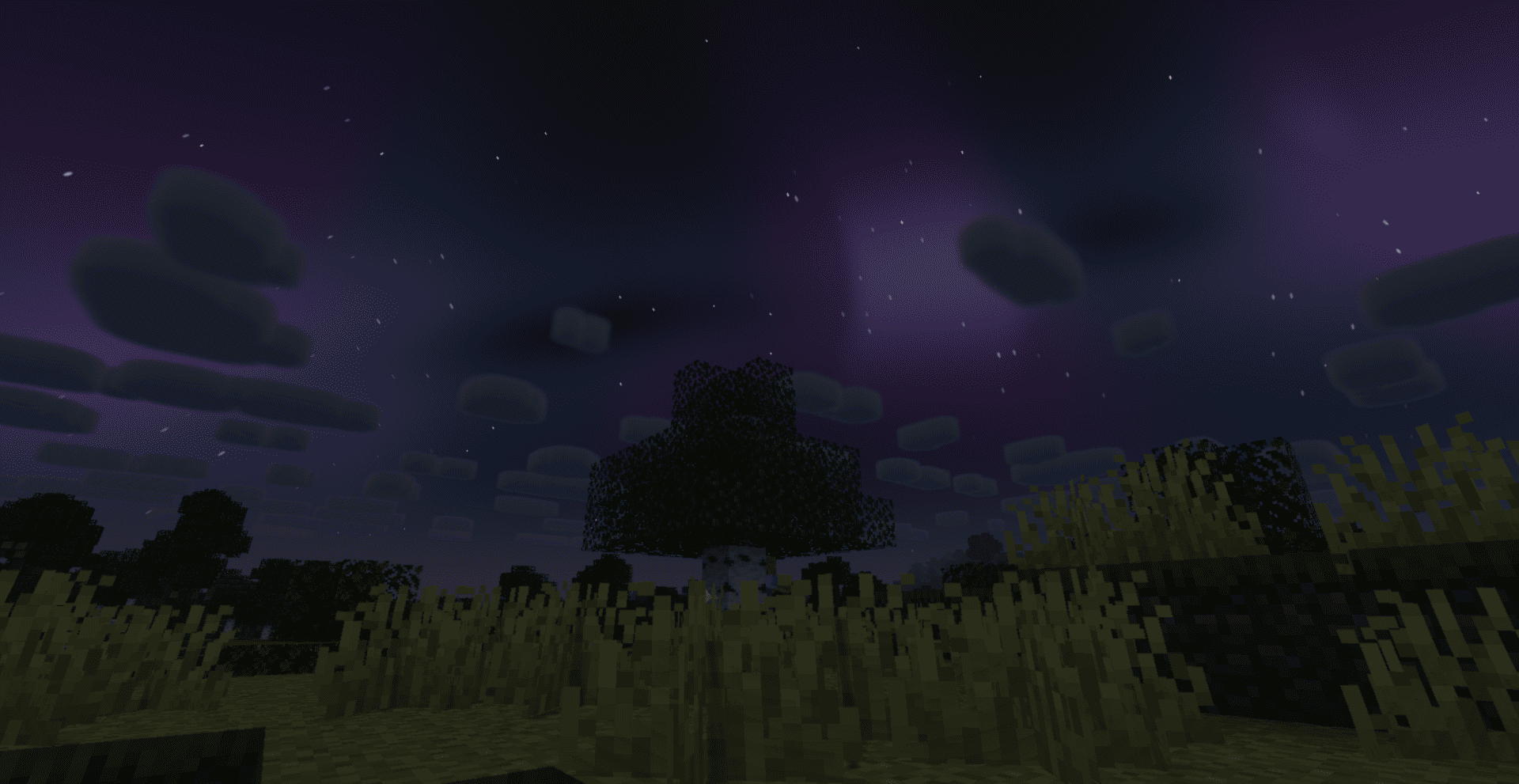

SADEEM Shaders
A cinematic Minecraft shader pack with atmospheric lighting, realistic water, dynamic weather, and distinct Nether and End visuals.Install

Sundial Lite Vivid
An edited version of Sundial Lite with various color adjustments.Install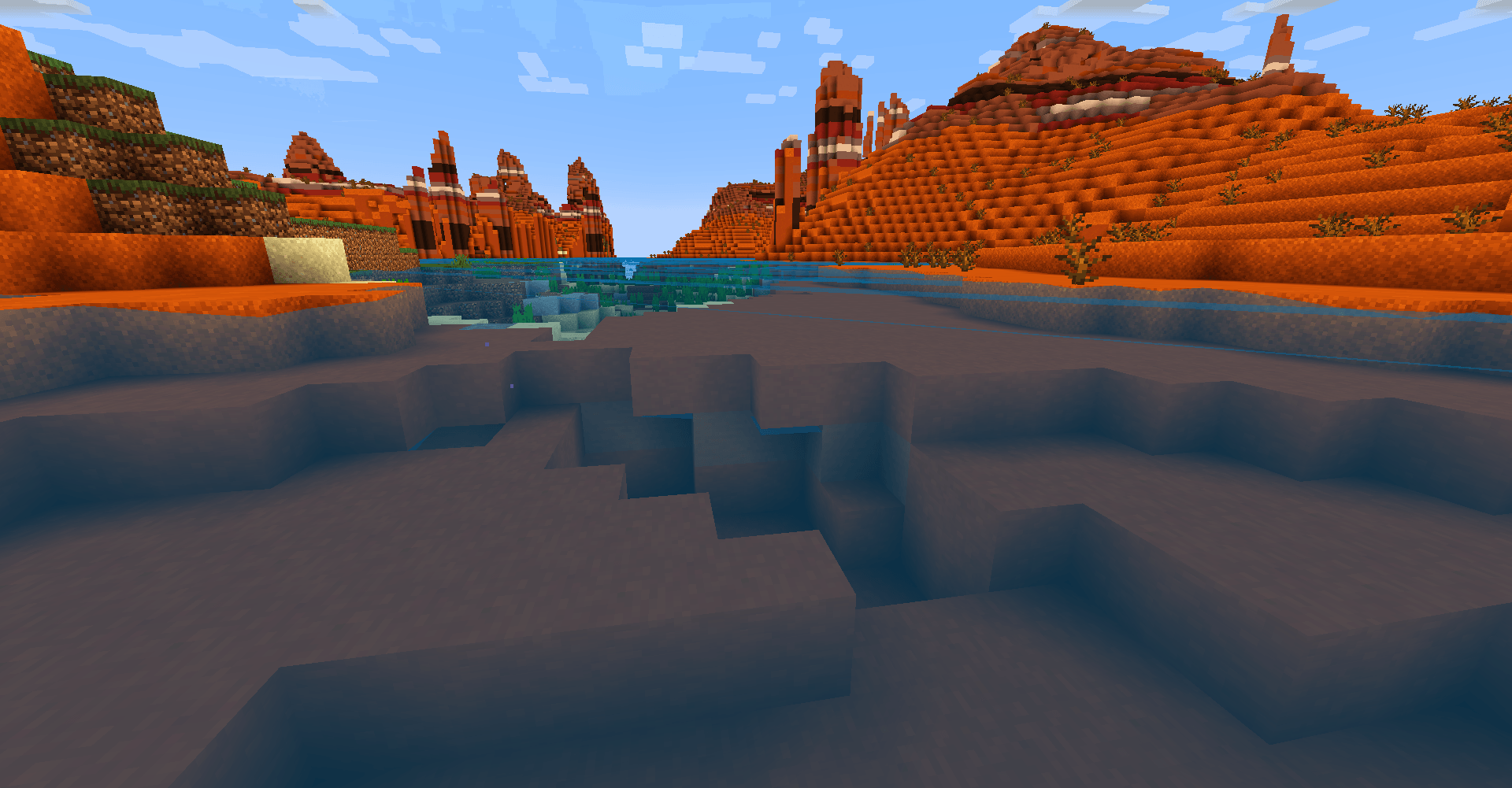

TDDshader
The shaders of The Diamonds Devloppers. It's optimized and looks good. Practical for low-end computers.Install

HyperShader
Hyper-realistic visuals with smooth FPS — built for low-end PCs. Tune every detail in-game: water, lava, sun, moon, stars and more.Install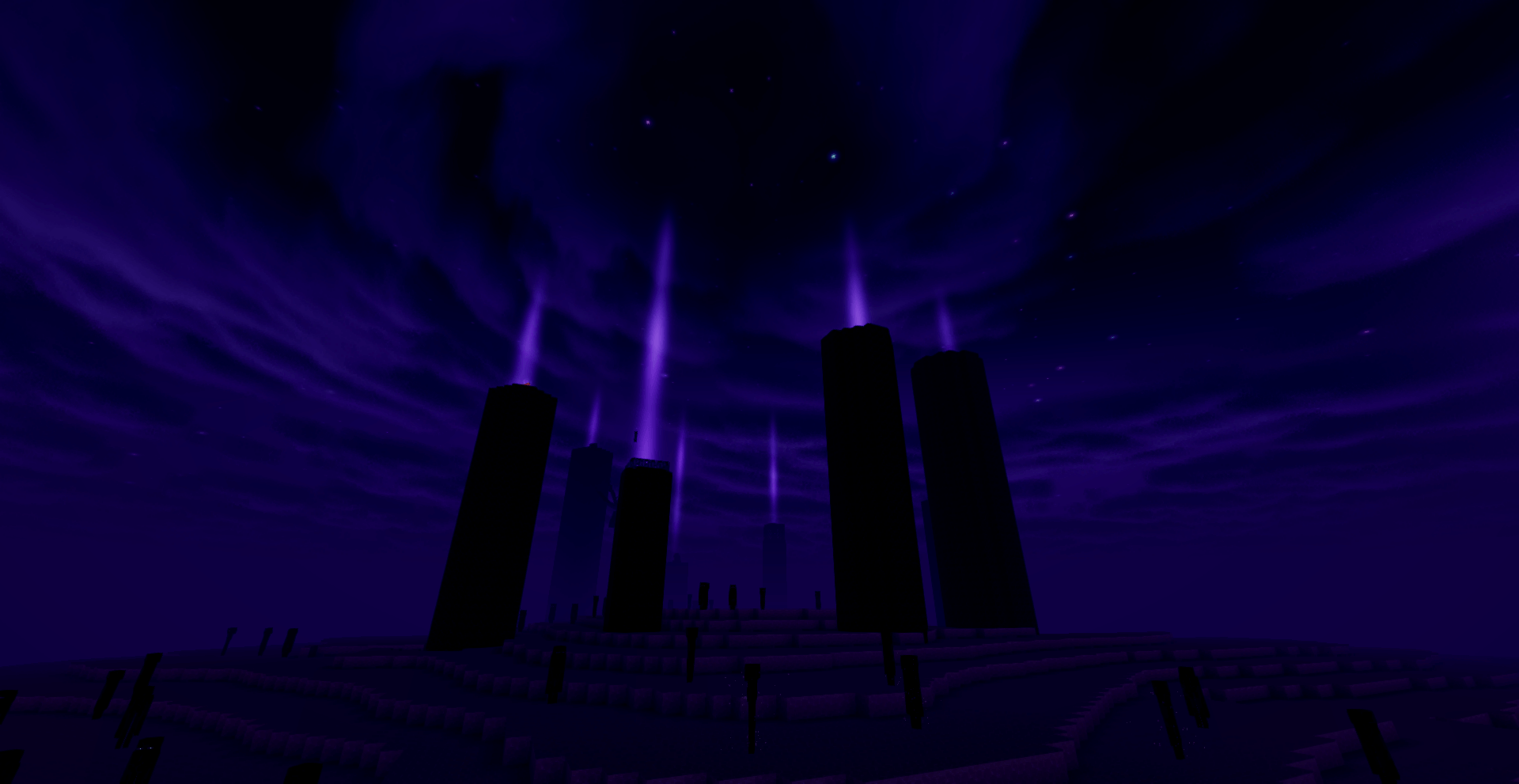

Adistira shader
Adistira shader is a hand-written pack with PBR lighting, soft shadows, volumetric clouds, realistic water reflections, TAA, ACES tonemapping, and custom skies for the Overworld, Nether, and End.Install

Phero Visuals
Phero Visuals Minecraft shader pack featuring vibrant lighting, realistic water, dynamic skies, soft shadows, cinematic atmosphere, and optimized performance for an immersive, smooth, and visually stunning gameplay experience.Install

HighFrames+
HighFrames+ is a lightweight Minecraft shader focused on delivering smooth gameplay with subtle visual enhancements like soft shadows, bloom, and animated water.Install

Dreamers Shaders
A vivid fantasy shaderpack with magical skies — auroras every night, nebulae and magenta sunsets, plus a crystal-clear Nether crowned by fiery infernal auroras. Based on Complementary Unbound.Install

Lightmap Fixer
1.21.9 changed the lightmap shader, and now block light is strangely warm/orange. this fixes that.Install

VanillaEX Shader
A simple and lightweight shader designed for weak devicesInstall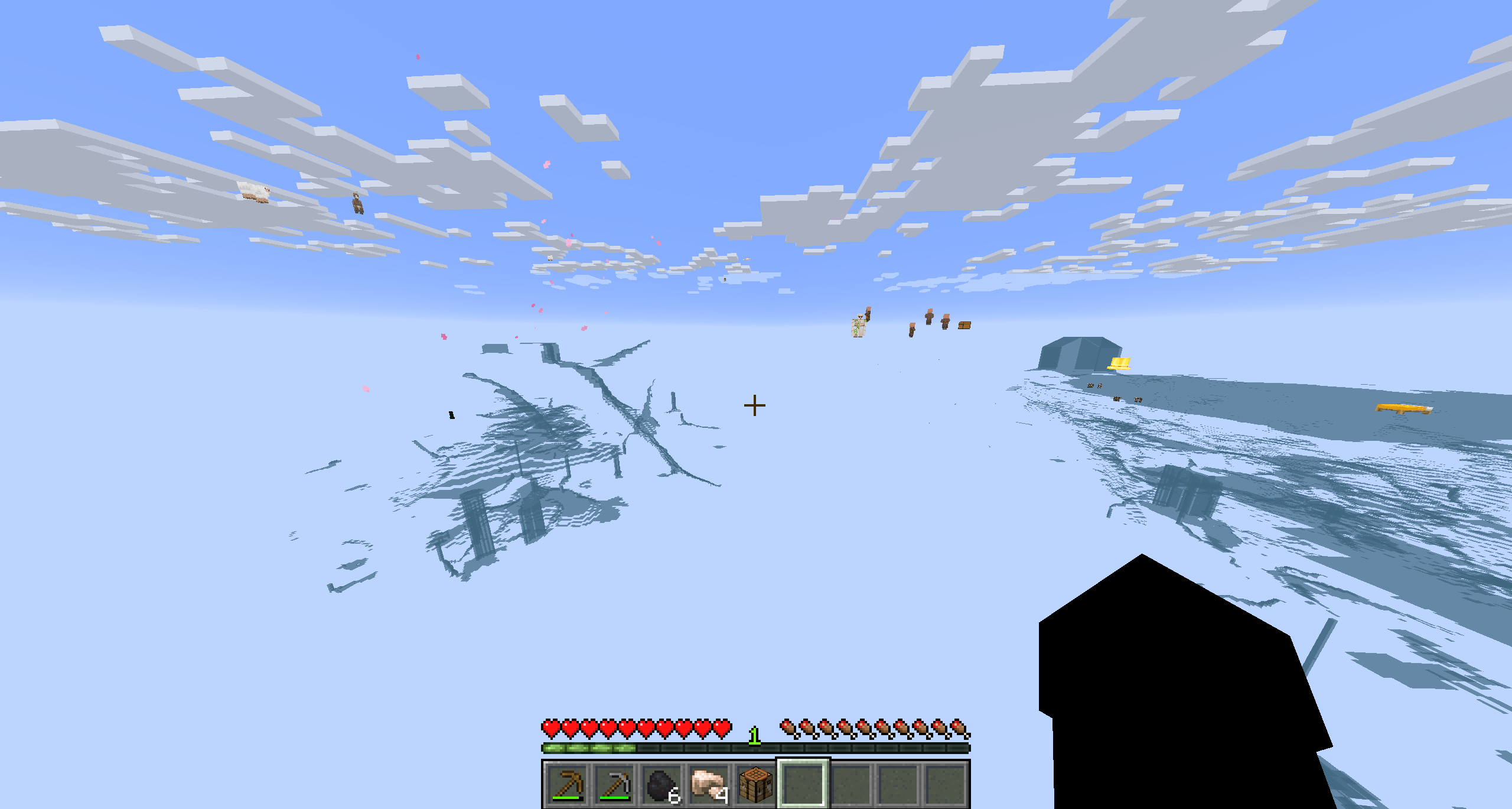
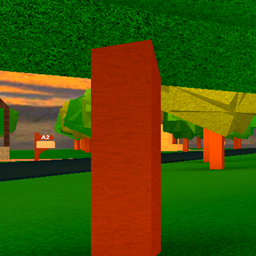
Xray entities shaders
This modpack makes it so that you can see entities and no blocks except for water beware i don't know how to code so i let gemini and it has a weird yellow circle now if you look a certain directionInstall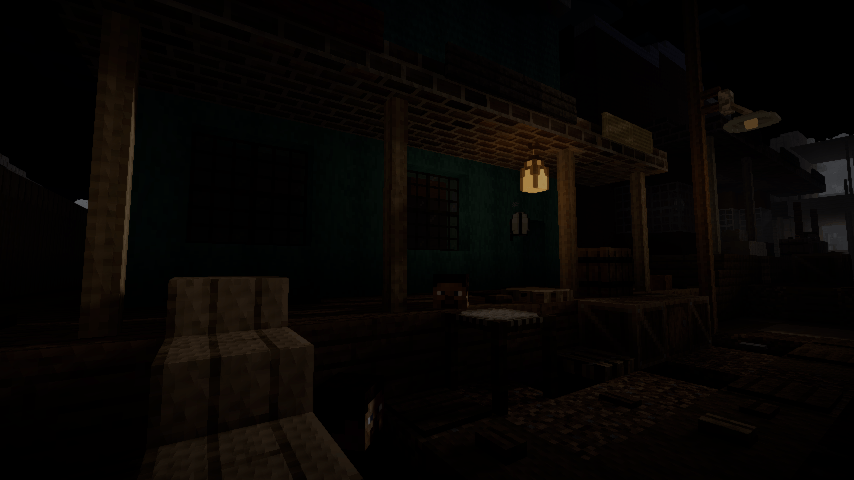

DMS
Atmospheric, dark and horror styled shaderInstall

RAY TRACING POTATO
Performance-focused Minecraft shaders that bring beautiful lighting to potato PCs.Install

Gradius VibrantShader
Minecraft Iris shader optimized for Intel HD/UHD graphics & low-end GPUs/iGPUs with stunning visualsInstall

Aurora Astral
A cosmic-fantasy shader pack featuring animated astral rifts, a colossal planet, and an evolving galactic sky.Install
Vespera
Volumetric clouds, coloured shadows, physically absorbed water — a complete modern shaderpack for Minecraft.Install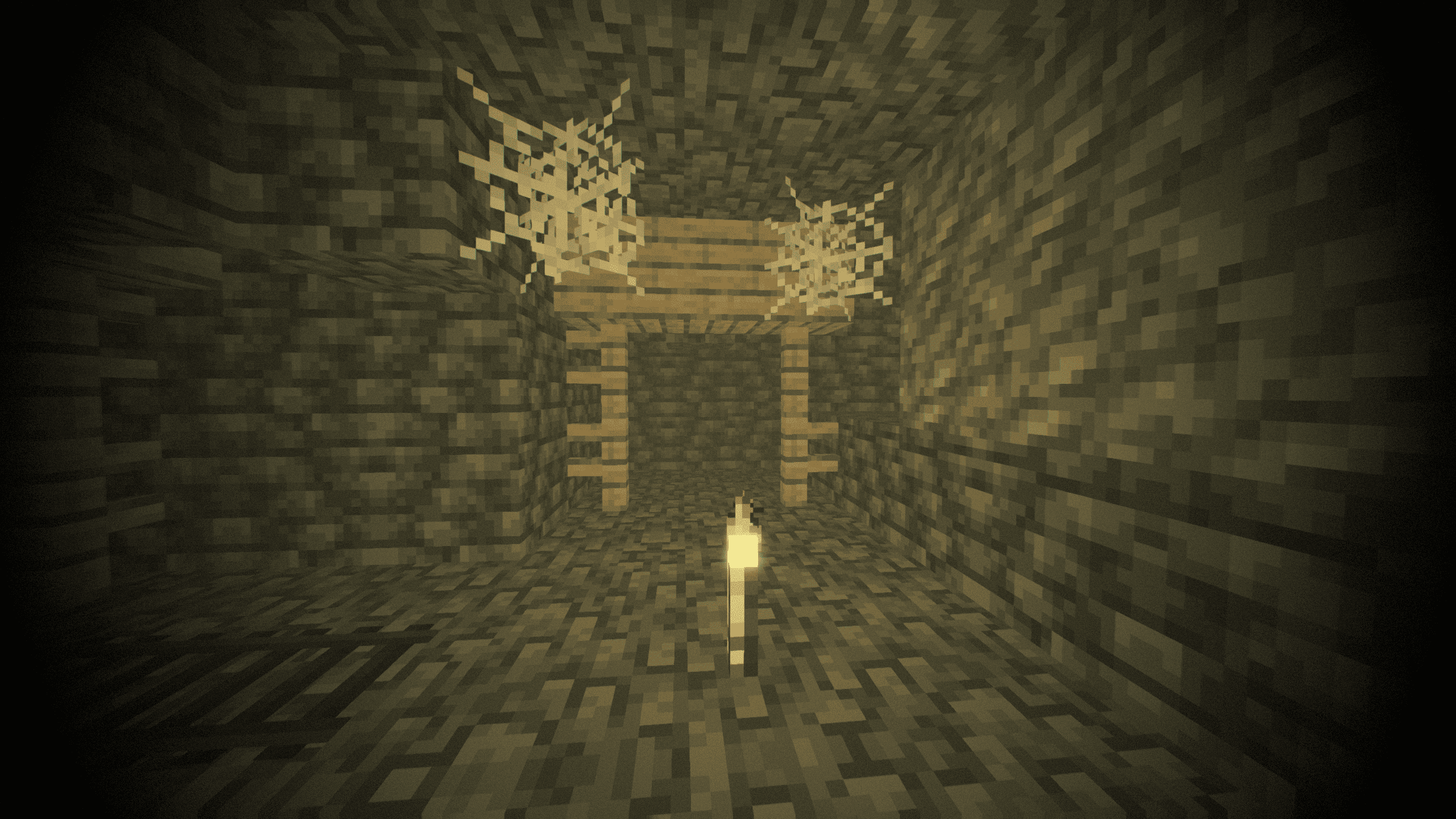
Gravemist
Gravemist is a horror shaderpack for Minecraft 26.2: heavy fog that hides mobs until the last second, unstable torchlight, and an image that quietly degrades the longer you stay underground.Install
I Am Not Okay
Dynamic intoxication visual effects shader.Install

Mist
RTX-Like lighting with volumetric water and clouds.Install

Mode 13h: MS-DOSify!
An Iris shader pack for Minecraft that recreates the look of late-90s MS-DOS 3D graphics with deliberate retro accuracy.Install

Refrax
Refrax is a performance and feature-focused Minecraft shaderpack.InstallRequired to run
FAQ
What do I need to get shaders working?
Iris or OptiFine. Iris installs as a Fabric mod and is usually faster; OptiFine is a separate installer. Without one of them the game simply won't see the shader. Millida Launcher installs Iris along with the shader for you.
Which shaders run on a low-end PC?
Light packs without ray tracing and with low shadow resolution. They're marked in the catalog — they give you shadows and water while costing noticeably fewer frames.
How do I install shaders?
Click “Install” and Millida Launcher will put the shader into the shaderpacks folder of the right modpack. Then select the pack in the video settings — no need to unpack the archive.
Iris or OptiFine — which should I choose?
For new versions, Iris: it works with Sodium, usually gives more FPS and supports almost all modern shaders. OptiFine is needed on old versions and for packs that rely on its special features. The two cannot be installed in the same instance.
Are there shaders for Bedrock?
The shaders in this section are for the Java edition; their format does not work in Minecraft PE and Bedrock. Bedrock has a built-in Vibrant Visuals graphics mode and resource packs with deferred rendering support, which are turned on in the game settings.
Shaders for Minecraft Java 26.2
Shaders for Minecraft 26.2: 498 items in the Shaders section. Compatibility is checked against the files, not the description: only items with a build for exactly these conditions stay in the list.
Beauty costs frames. Heavy ray-traced shaders can cut performance several times over even on a good graphics card, so the catalog separately marks light packs built for weak machines: they give you shadows and decent water while barely touching FPS. In practice: first install Iris or OptiFine, then put the shader archive in the shaderpacks folder and select it in the video settings. It's best to start with a light pack, and the quality profiles inside the shader itself lower the load even further.