
Shaders for Minecraft Java 26.2 — page 10
Shaders: list
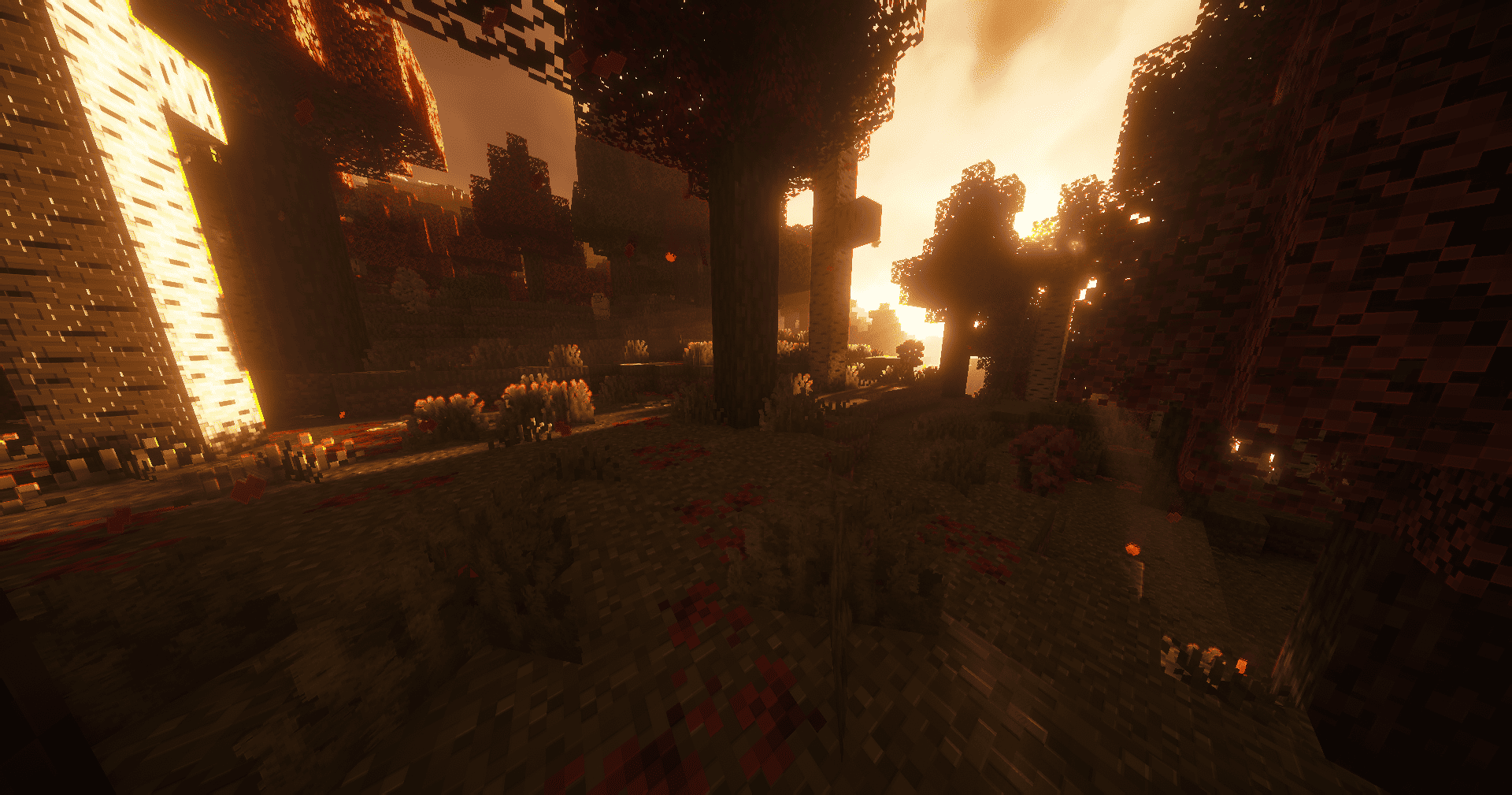


Vividness
Enhance Minecraft with vivid, vibrant colors - a simple color grading shader.Install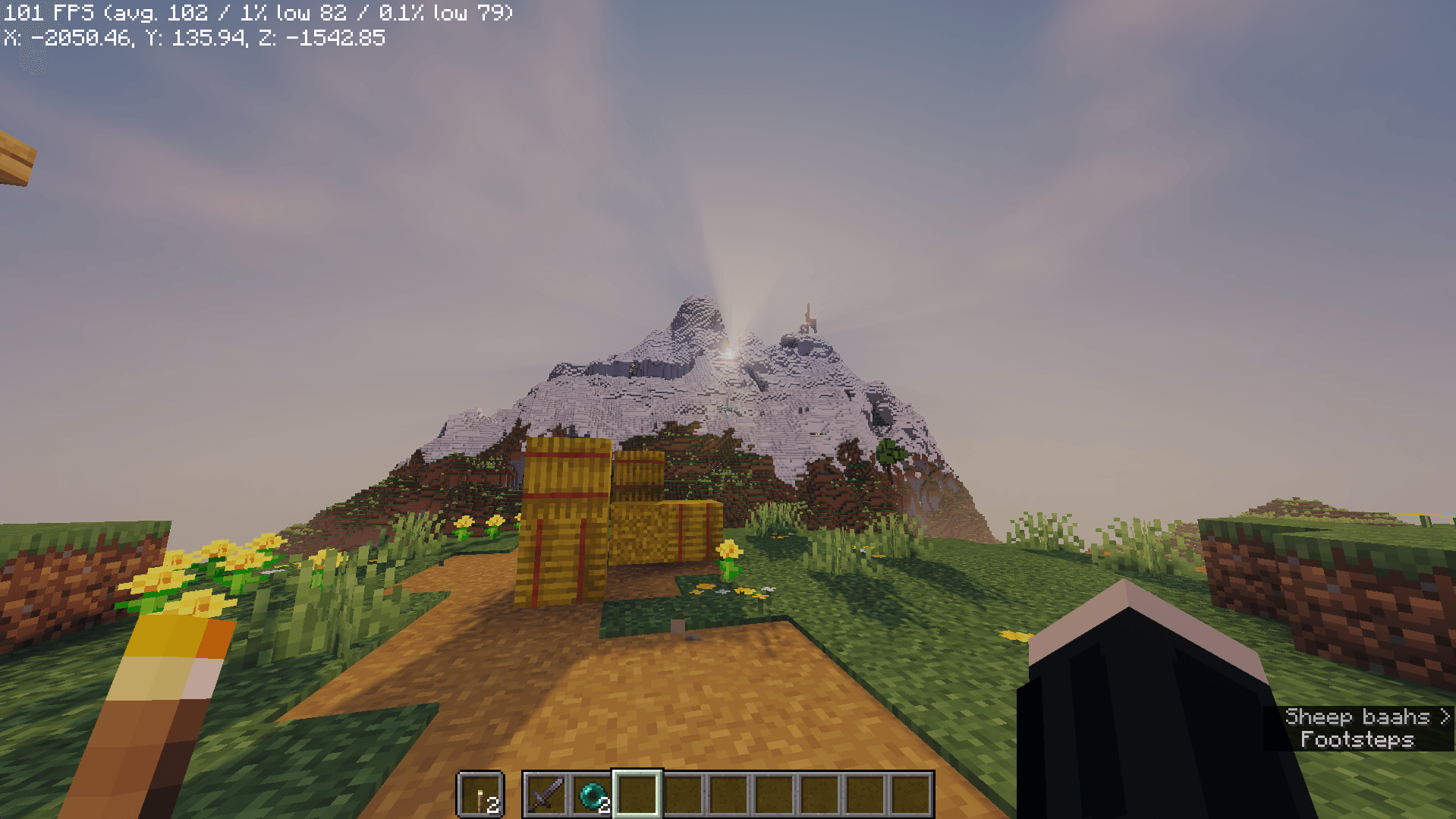

AerixiumSFA Shaders
AerixiumSFA is a performance-optimized shader pack for Minecraft, offering crisp, vibrant visuals, realistic lighting, and 3D parallax. Get cinematic graphics with clean, smooth gameplay.Install

Principal
Dynamic atmospheric Minecraft shader with cinematic skies, volumetric clouds, immersive lighting, and reactive weather.Install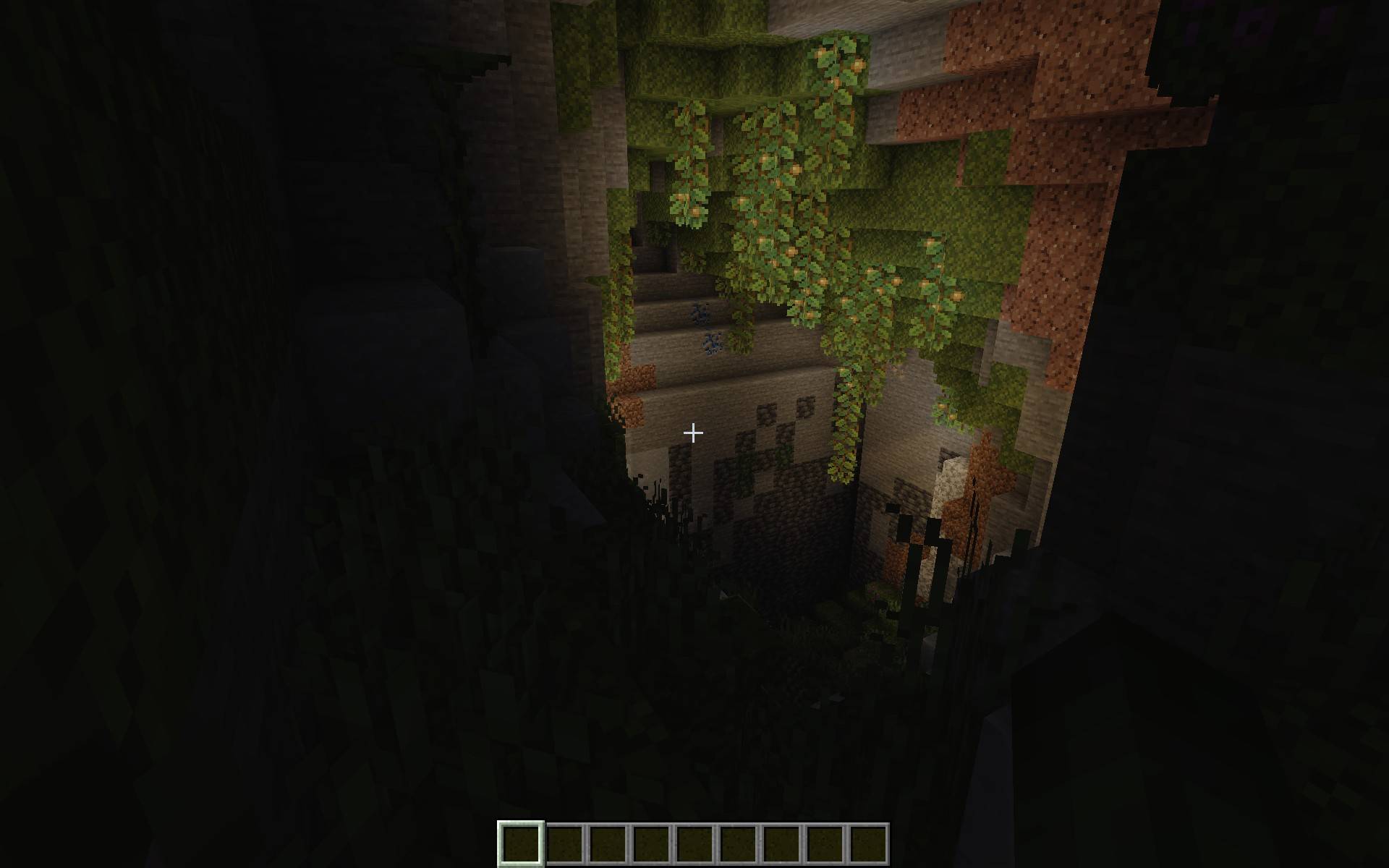

PoorLite
A simple shader for low end devices, features include shadows, light rays, and customizable settings.Install
PathMax
Enchanting look with smooth and simple path tracing.Install

Pagoda Shaders
Pagoda Shaders is a Japanese-themed Minecraft shader pack that enhances the game's visuals with a serene and traditional Eastern aesthetic. It features soft lighting, warm tones, sakura-style ambience.Install
Rev's Better Shaders
A clean, natural-looking Minecraft Java shader pack for Iris and Sodium, focused on beautiful lighting, soft shadows, atmospheric skies, reflective water, and strong performance.Install

Pholas Shaders
Pholas Shaders is a heavy shaders with godrays, reflections etc.Install

N87 Shaders
This is N87 Shaders, creating realistic graphics with a modern and advanced look. They add physically based lighting, detailed shadows and reflections, realistic water with refraction and underwater ray effects, as well as god ray effects, light rays through clouds. The Sun and Moon look believable, with changing brightness and color palette depending on the time of day. Special attention is paidInstall
Actendium Shaders
Actendium Shader is a lightweight, vibrant Minecraft shader designed for smooth performance on lower-end PCs. It features bright saturated colors, subtle PBR reflections, and stunning visuals without lagging your game!Install

3D Displacement Test Shader
Screen Space Displacement as a replacement for POM. As a result blocks are re-rendered per-pixel as 3D objects. Experimental.Install

Aetheria Fantasy
Lightweight, RTX-like vanilla shaders are perfect for low-end devices and are also supported in the render dragon engineInstall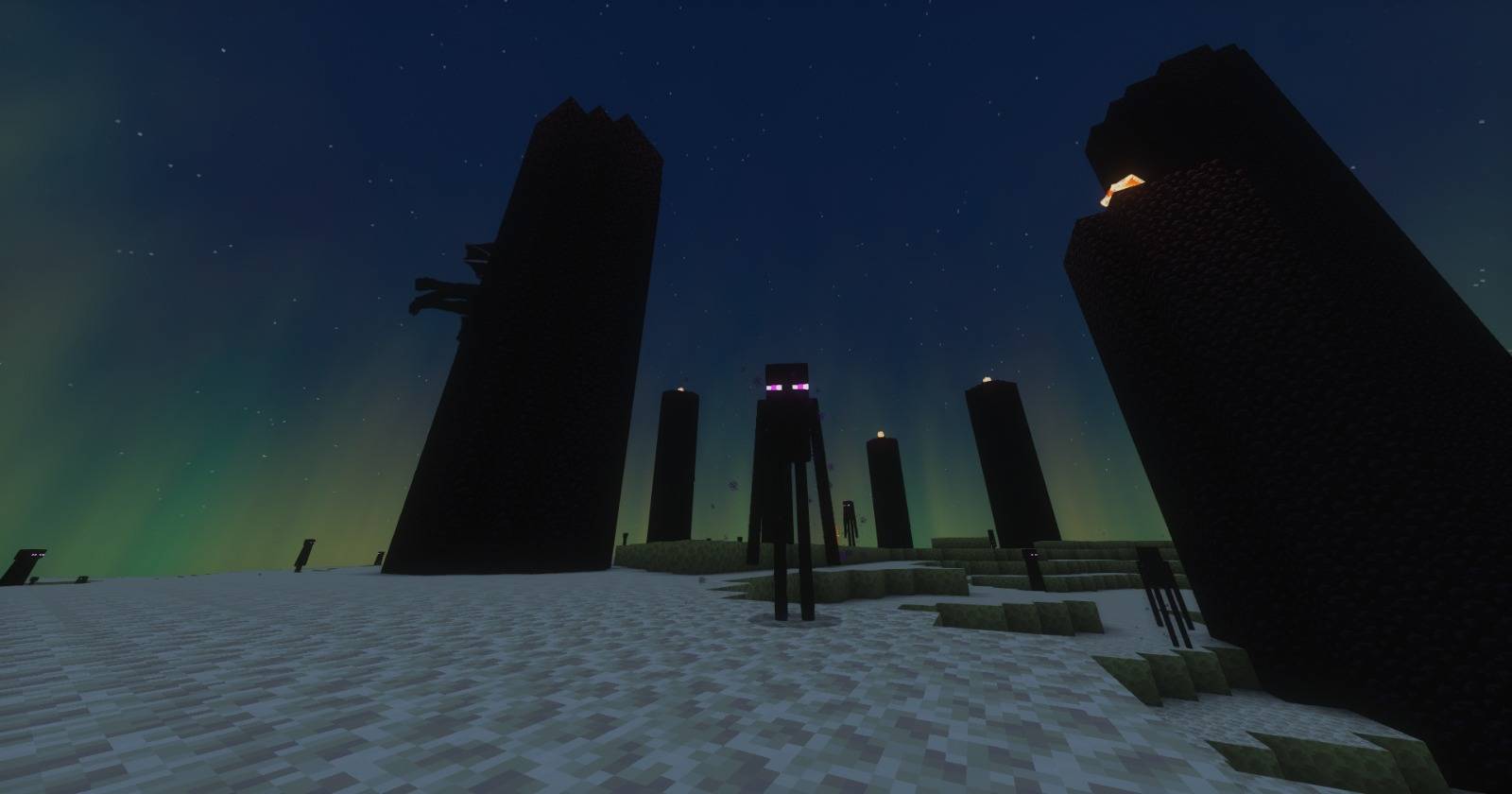

Krpmon Lite
An very optimized shaderpack for minrcraft,mostly very adaptable for low end pc tooInstall

Colorblind Swap
Time-varying color perception remapping shader.Install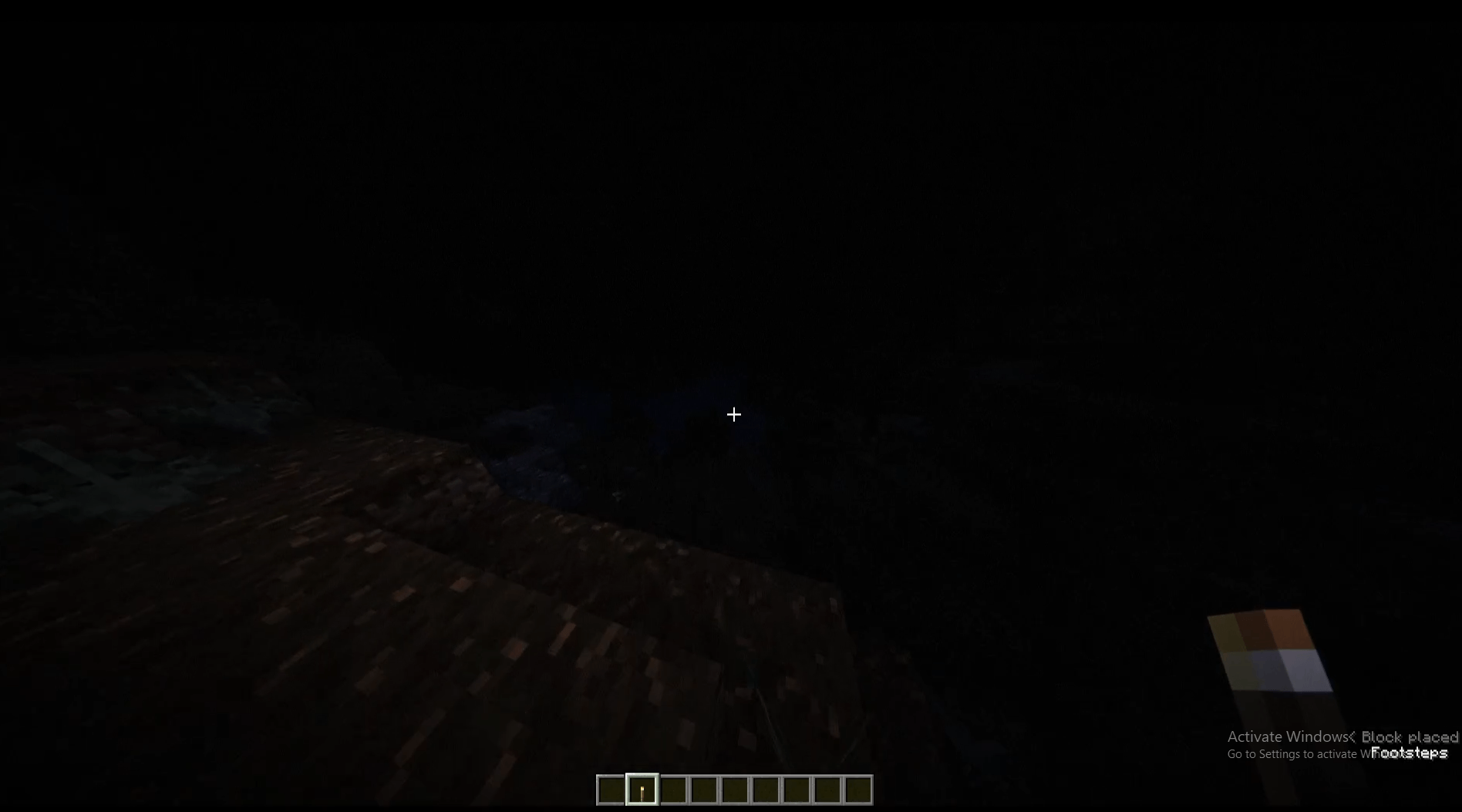

DreadShade
A dread-soaked post-processing shaderpack for Minecraft — creeping fog, bleak color grading, and tunnel-vision vignette built to make every torch feel like it's not enough.Install

SMM - Ultra Light Weight Shader
A lightweight shader built for low-end hardware, even older GPUs like the NVIDIA GeForce GT Series. .SuperMeltedMatter.Lightweight.LowEnd.SaveTF2Install

AuroraRT
AuroraRT is a premium, next-generation visual overhaul for Minecraft, built to deliver a distinct, atmospheric polar aesthetic and cinematic rendering quality.Install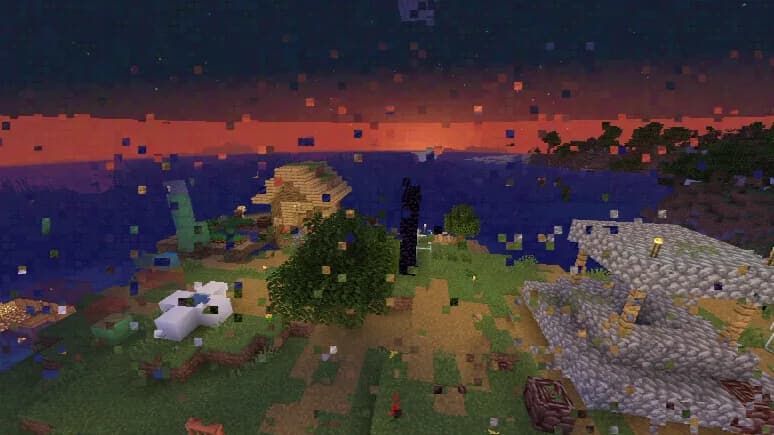

Datamosh
MPEG-style datamosh compression artifacts.Install

Solar Reimagined
Solar Reimagined is a light weight, vibrant vanilla plus shaderInstall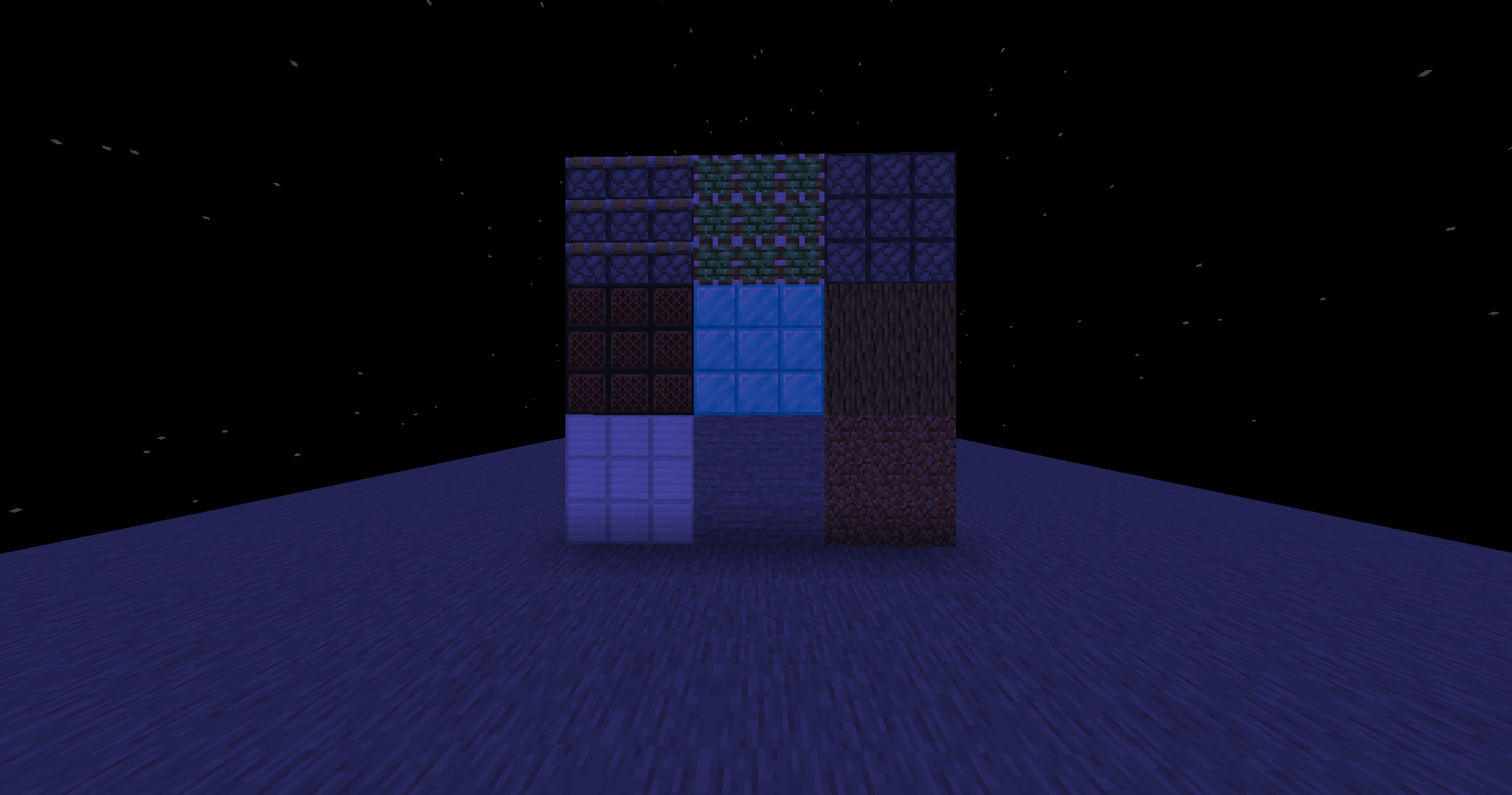
Better Pipeline
Minecraft Shaders - BetterPipeline - Vannila-likeInstall

Ultra Realistic PBR Shader Pack
A next-gen physically-based shader pack with dynamic celestial mechanics, a photorealistic rotating Earth in The End, and filmic ACES color science.Install

ESSENTIALS Shader
A lightweight Minecraft shader with only essential VFX to simulate realistic effects such as shadows, rays, etc., to run on integrated GPUs.Install

Cripe
Visual corruption and display degradation shader.InstallRequired to run
FAQ
What do I need to get shaders working?
Iris or OptiFine. Iris installs as a Fabric mod and is usually faster; OptiFine is a separate installer. Without one of them the game simply won't see the shader. Millida Launcher installs Iris along with the shader for you.
Which shaders run on a low-end PC?
Light packs without ray tracing and with low shadow resolution. They're marked in the catalog — they give you shadows and water while costing noticeably fewer frames.
How do I install shaders?
Click “Install” and Millida Launcher will put the shader into the shaderpacks folder of the right modpack. Then select the pack in the video settings — no need to unpack the archive.
Iris or OptiFine — which should I choose?
For new versions, Iris: it works with Sodium, usually gives more FPS and supports almost all modern shaders. OptiFine is needed on old versions and for packs that rely on its special features. The two cannot be installed in the same instance.
Are there shaders for Bedrock?
The shaders in this section are for the Java edition; their format does not work in Minecraft PE and Bedrock. Bedrock has a built-in Vibrant Visuals graphics mode and resource packs with deferred rendering support, which are turned on in the game settings.
Shaders for Minecraft Java 26.2
Shaders for Minecraft 26.2: 498 items in the Shaders section. Compatibility is checked against the files, not the description: only items with a build for exactly these conditions stay in the list.
Beauty costs frames. Heavy ray-traced shaders can cut performance several times over even on a good graphics card, so the catalog separately marks light packs built for weak machines: they give you shadows and decent water while barely touching FPS. In practice: first install Iris or OptiFine, then put the shader archive in the shaderpacks folder and select it in the video settings. It's best to start with a light pack, and the quality profiles inside the shader itself lower the load even further.