
Shaders for Minecraft Java 26.2 — page 8
Shaders: list


Lux V1: BrickCraft Edition
A version of Lux V1 made in collaboration with and in remembrance of BrickCraft's original creator.Install

Etherea Shader
A high quality vanilla-styled shaderpack built for exceptional performance.Install

RealisticLite Shader
This is a Minecraft Java Edition Version 26.2 shader. This shader is Iris Version 1.11.1 compatible. This shader adds realistic lights and shadows and blooming to Minecraft.Install

Mist Shaders
Mist Shaders: Enhances Minecraft with a gentle, glowing tone while keeping the vanilla feel for a calm, immersive look.Install

Realistic Dark
Attempts to faithfully recreate how your actual, real-life eyes see in the dark rather than just turning down the brightness.Install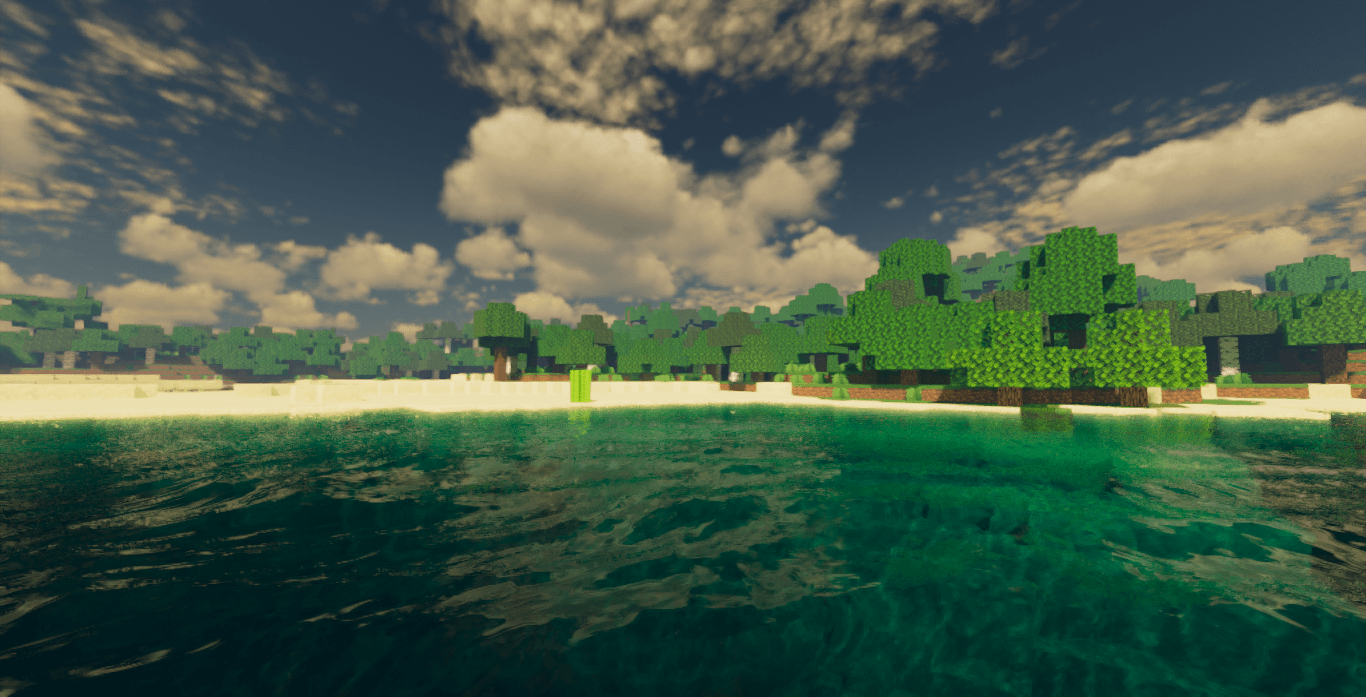
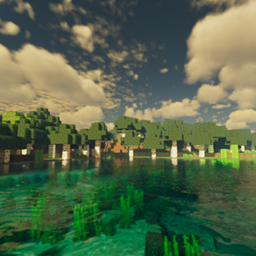
Optimized Prime
A Kappa-inspired shader that finally lets you run a shader on your old PC.Install
minecraft CRT
A simple customizable CRT shader with a sprinkle of analog horror.Install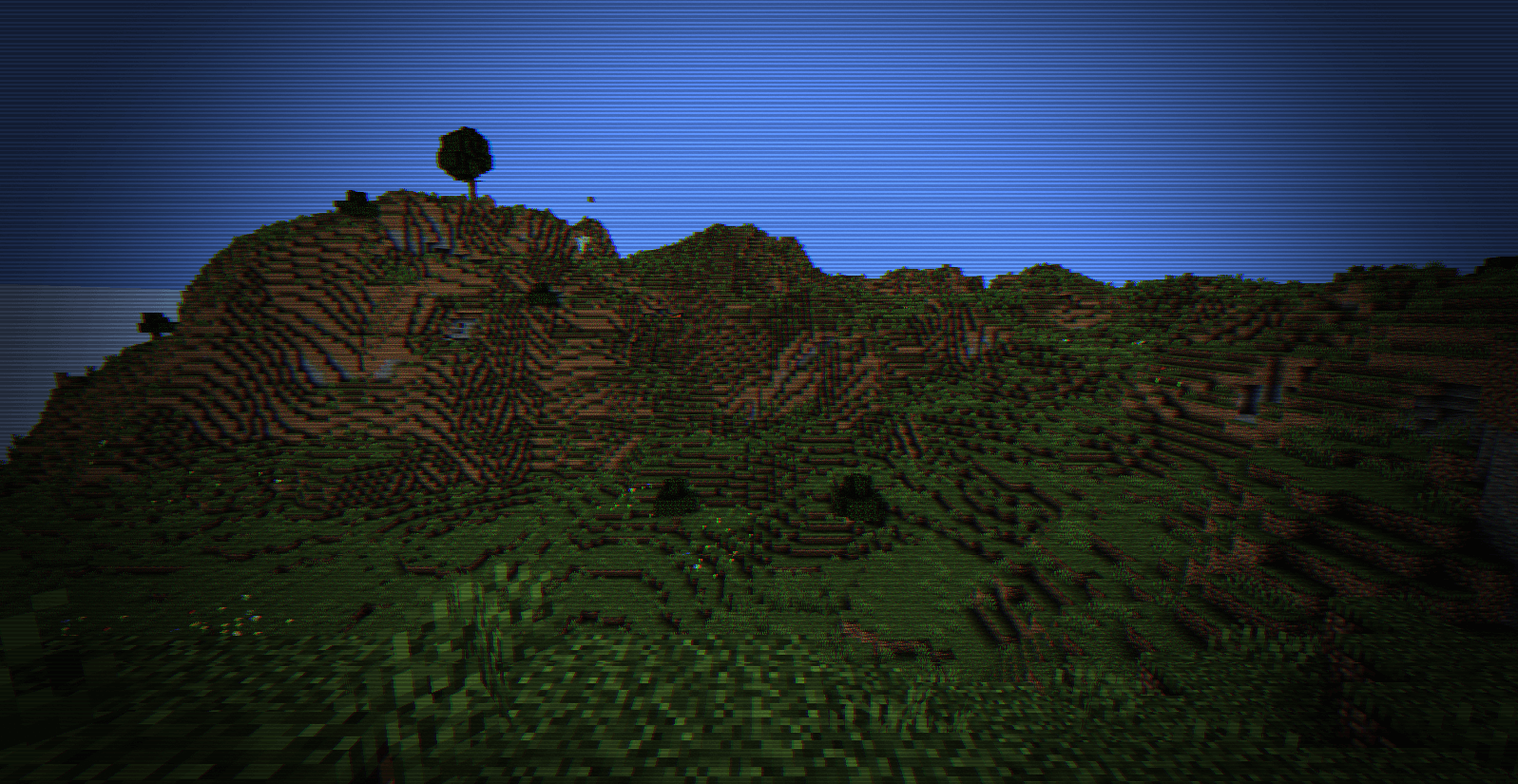
Shader Terror VHS
A terrifying horror shader that adds a realistic retro VHS camera effect to your world.Install

Zombie Horror Shader
A desaturated, horror-themed shader pack for OptiFine and Iris. Features atmospheric film-grain night lighting and automatically makes the eyes of zombies, creepers, and animals glow blood-red without needing external resource packs.Install

Bad WiFi
Simulates unstable internet streaming artifacts.Install

Lost Signal VHS
Authentic Backrooms VHS shader with analog fog, YIQ processing, true interlacing, tracking damage, and the critical v1.8.1 Iris packaging fix.Install

ReVespera Shader VXPT
This is a new shader project that is still under development. The shader is inspired by Eclipse shader, IterationRP. Shader was developed by a Vietnamese author.Install

Camellia
A pathtracing shader pack with quad raytracing.Install

Dark Fantasy Shader
A dark, cinematic Minecraft shaderpack inspired by Dark Souls and Elden RingInstall

Aerial
Atmospheric lighting, skies, and natural landscapes.Install

ApexShader
Advanced ray tracing(PT+SSRT,GI) shader with dynamic weather and post processing effects.Translation 高级光影包,支持光线追踪(PT路径追踪+SSGI)、动态天气、多层云和高级后期处理效果Install

Aurelia Shaders
Warm, cinematic golden-hour shaders — soft PCSS shadows, global illumination, volumetric clouds, glowing ores, vibrant biome atmosphere.Install

CoffeeShaders
Coffee Shaders is a mid-quality shader pack designed to enhance your game with smooth, realistic shadows, adjustable settings for personalized control, and a subtle bloom effect that adds a warm glow.Install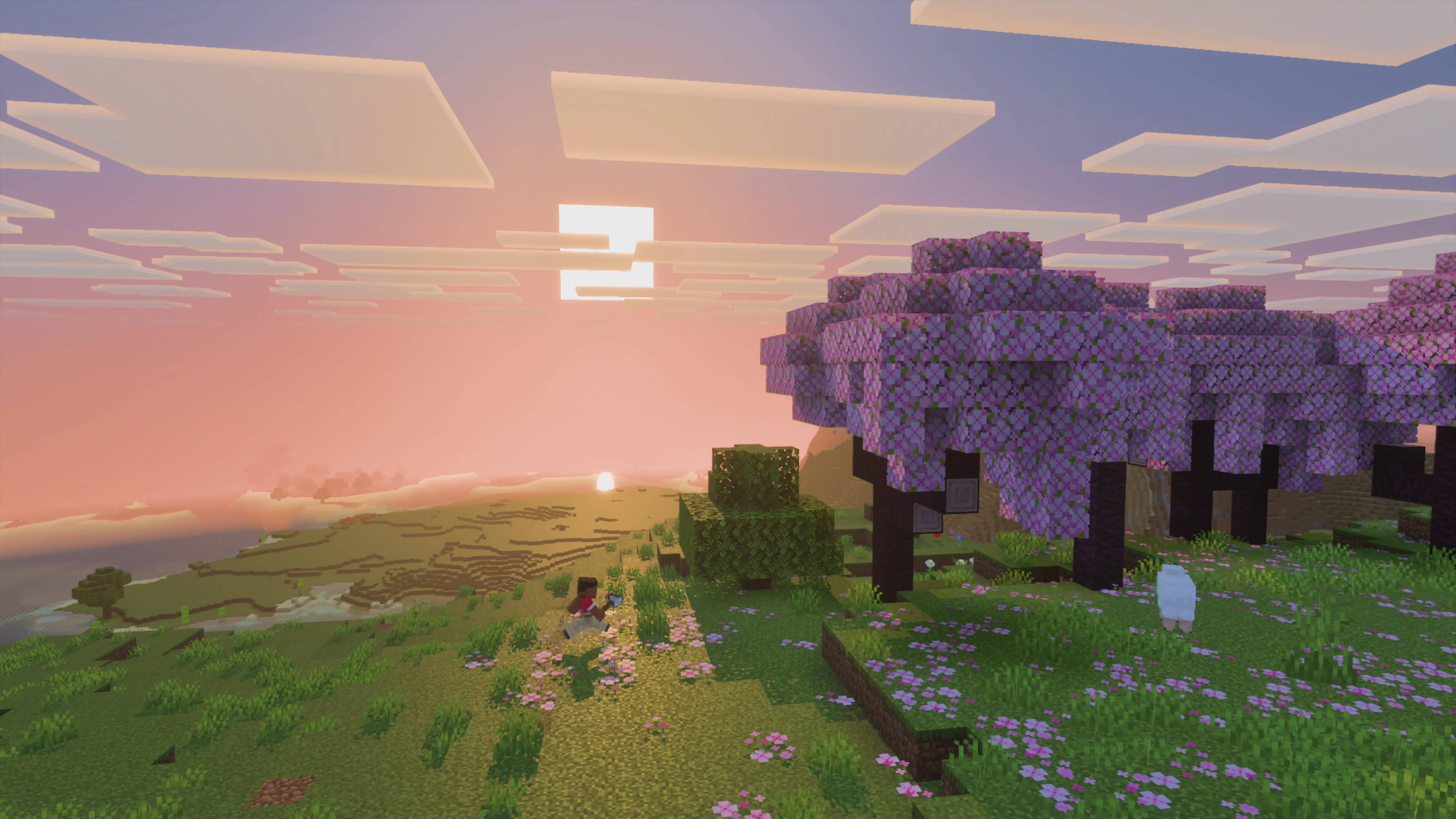
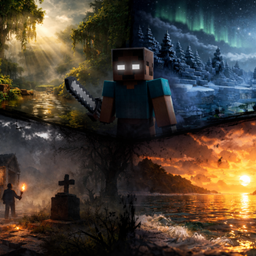
Lumeric bedrock visuals
A lightweight cinematic shaders-pack for Minecraft Bedrock Edition that enhances lighting, fog, water, and biome atmosphere to deliver a more immersive and realistic visual experience, Here is full details 👇Install

Oak Shaders
Oak Shaders offers realistic water and a calm, peaceful visual style, enhancing the overall atmosphere with smooth lighting and a naturally soothing theme.Install

Dappled Shaders
Dappled Shaders by Eptune is a re-colored, autumn-themed fork of Complementary Shaders.Install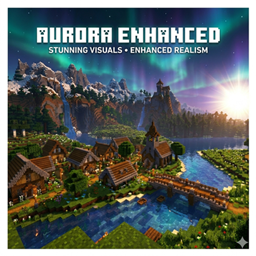
Aurora Enhanced
Aurora Enhanced— Warm, Filmic & Optimized for Low-End PCs.The vanilla feel you love, made cinematic. Rich sunsets, warm torchlight, filmic color grading — without killing your FPS.Install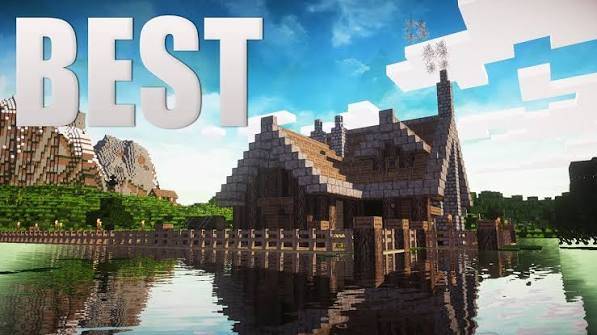
TheHolShader Shader
A realism-focused shaderpack with dynamic shadows, animated water, volumetric god rays, drifting clouds, and full in-game customization — built for OptiFine and Iris.InstallRequired to run
FAQ
What do I need to get shaders working?
Iris or OptiFine. Iris installs as a Fabric mod and is usually faster; OptiFine is a separate installer. Without one of them the game simply won't see the shader. Millida Launcher installs Iris along with the shader for you.
Which shaders run on a low-end PC?
Light packs without ray tracing and with low shadow resolution. They're marked in the catalog — they give you shadows and water while costing noticeably fewer frames.
How do I install shaders?
Click “Install” and Millida Launcher will put the shader into the shaderpacks folder of the right modpack. Then select the pack in the video settings — no need to unpack the archive.
Iris or OptiFine — which should I choose?
For new versions, Iris: it works with Sodium, usually gives more FPS and supports almost all modern shaders. OptiFine is needed on old versions and for packs that rely on its special features. The two cannot be installed in the same instance.
Are there shaders for Bedrock?
The shaders in this section are for the Java edition; their format does not work in Minecraft PE and Bedrock. Bedrock has a built-in Vibrant Visuals graphics mode and resource packs with deferred rendering support, which are turned on in the game settings.
Shaders for Minecraft Java 26.2
Shaders for Minecraft 26.2: 498 items in the Shaders section. Compatibility is checked against the files, not the description: only items with a build for exactly these conditions stay in the list.
Beauty costs frames. Heavy ray-traced shaders can cut performance several times over even on a good graphics card, so the catalog separately marks light packs built for weak machines: they give you shadows and decent water while barely touching FPS. In practice: first install Iris or OptiFine, then put the shader archive in the shaderpacks folder and select it in the video settings. It's best to start with a light pack, and the quality profiles inside the shader itself lower the load even further.