
Plugins for Minecraft Java — page 15
3,785 itemsPlugins: list



NBTEditor
NBTEditor allows easy customization of entities and spawners. It also provides tools to manage other NBT related objects.On a server

EssentialsX Chat
The chat formatting module for EssentialsX. (requires main module)On a server
Cristichi's Tree Capitator
Very configurable tree cutting plugin for Minecraft 1.13 to 1.20.6. with constant testing and active developing Works on nether trees! Forest-friendly replants! Still growing in 2024!On a server

Combat Tag
Prevent pvp loggers from getting their way!On a server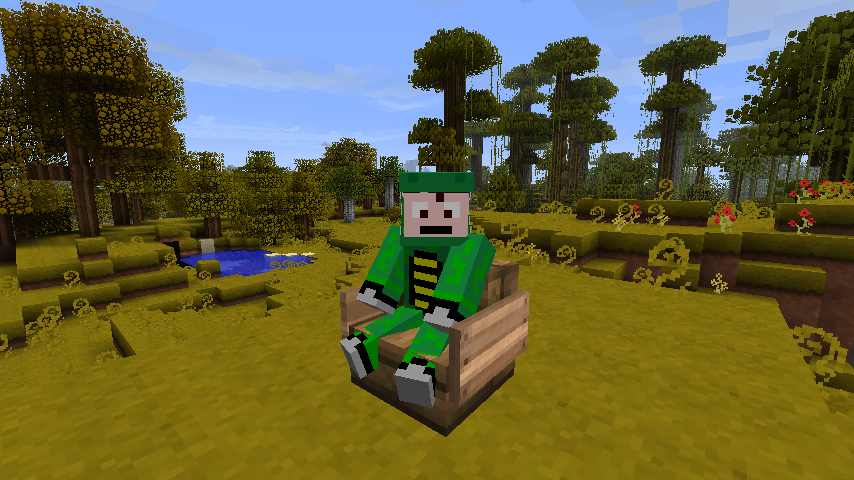
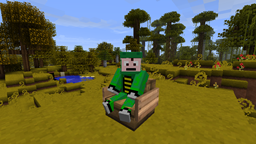
Chairs
ChairsOn a server
Be Herobrine
Now YOU can be Herobrine!On a server

squaremap
squaremap is a minimalistic & lightweight world map viewer for Minecraft servers, using the vanilla map rendering styleOn a serverClickEdit
The simplest sign editing plugin around! Shift+Rightclick to edit!On a server
SinglePlayerSleep2
Allows one person to sleep, without others on server having to sleep or log.On a serverAlphaChest
Virtual chests. And workbenches!On a server

Sentry for Citizens2
Sentry is a Citizens2 Character that guards against mobs and playersOn a server

AntiCheat+
Continuation of the popular AntiCheat anti-cheating plugin.On a serverModifyworld
Permission-based world modification controlOn a serverOtherDrops
Simple block/mob/player drop editing - ultimate customization!On a server

CrazyEnchantments
Adds over 80 unique enchantments to your server and more!On a server

DeathTpPlus
DeathTpPlus, Deathnotify, Deathtp, Tombstones, Tombs and moreOn a server

MyWarp
A social and self managing warp system for the Minecraft multiplayer.On a serverskQuery 3
An addon to the popular addon Skript that exposes the Bukkit API to general server ownersOn a server
Chest Randomizer
Chest RandomizerOn a server

EssentialsX Spawn
The player spawning control module for EssentialsX. (requires main module)On a server

Stickman's Items Rebuilt
The Stickman's Items Plugin - Now rewritten in Kotlin for PaperOn a serverpTweaks
Reduce or remove all server lag, Use 2x less ram as before!On a server
TreeAssist
Will allow players carrying a stone axe to remove all wood blocks just by chopping the bottom-most block of the tree.On a serverFAQ
How is a plugin different from a mod?
A plugin runs only on the server and requires nothing from players: the client stays vanilla. A mod has to be installed by everyone, and it changes the game itself.
Where do I put a plugin?
Put the .jar file in the plugins folder on the server, then restart the server. The plugin will create its config on first launch.
Will a Spigot plugin work on Paper?
Usually yes: Paper and Purpur are built on Spigot and are compatible with its plugins. The reverse isn't true — a plugin that uses Paper features won't work on plain Spigot.
How do I install a plugin on Aternos?
On Aternos, plugins can only be installed from the built-in list in the “Plugins” section of the panel. You can't upload your own .jar file, so paid and rare plugins can't be installed on Aternos. If the plugin you need isn't on the list, you need hosting with access to the plugins folder: put the file there and restart the server.
Which plugins should I install on a server first?
People usually start with four: EssentialsX (homes, warps, kits, teleport), LuckPerms (groups and permissions), WorldGuard together with WorldEdit (spawn and region protection) and ViaVersion (joining from other game versions). For a server with nickname login, add AuthMe for passwords and SkinsRestorer for skins.
Which plugins should I install on a server for playing with friends?
A small server for friends needs just a few: EssentialsX (home, teleport to a friend, warps), CoreProtect (rolling back griefing and finding who broke a block) and Simple Voice Chat for voice chat, which needs the mod of the same name on players' side. Permissions and region protection are usually unnecessary on such a server.
How do I install a plugin on Paper?
Download the plugin file for your Paper version, put the .jar into the plugins folder and restart the server — the /plugins command will list it. On Millida Hosting the On a server button on the plugin page does the same.
Plugins for Minecraft Java
A plugin is installed on the server, not by the player, and that's the whole difference from a mod: the client stays plain vanilla, and you can join the server without downloading a single file. Plugins run on server cores — Paper, Spigot, Bukkit, Purpur, Folia — while Velocity and BungeeCord are used for proxies between servers. The core matters as much as the version: a Paper plugin will almost always run on Purpur, but a Velocity plugin won't start on a regular server at all.
The useful minimum for a server is almost always the same: EssentialsX for basic commands, LuckPerms for permissions, WorldGuard together with WorldEdit for region protection and CoreProtect to roll back griefing. Servers with nickname login add AuthMe and SkinsRestorer, servers for friends add Simple Voice Chat. On Millida Hosting a free plugin from the catalog goes onto the server with the On a server button on its page, no manual .jar upload.
Plugins handle almost everything behind the scenes on a server: ranks and permissions, land protection, economy and shops, anti-cheat, map rotation, menus and voting. You install them by copying the .jar file into the plugins folder and restarting the server; most create their own config on first launch, which is what you then edit. The card lists supported cores and game versions, the author and license, and all releases are gathered on one page — you can update the plugin right from there.