
Plugins for Minecraft Java — page 143
3,786 itemsPlugins: list




OPLock
Lock operators in placeOn a server

KotlinMC
A SpigotMC, BungeeCord and Velocity Plugin with the Kotlin Runtime and Other Libraries that automatically updates upon a new Kotlin VersionOn a server
JustBlood
JustBloodOn a server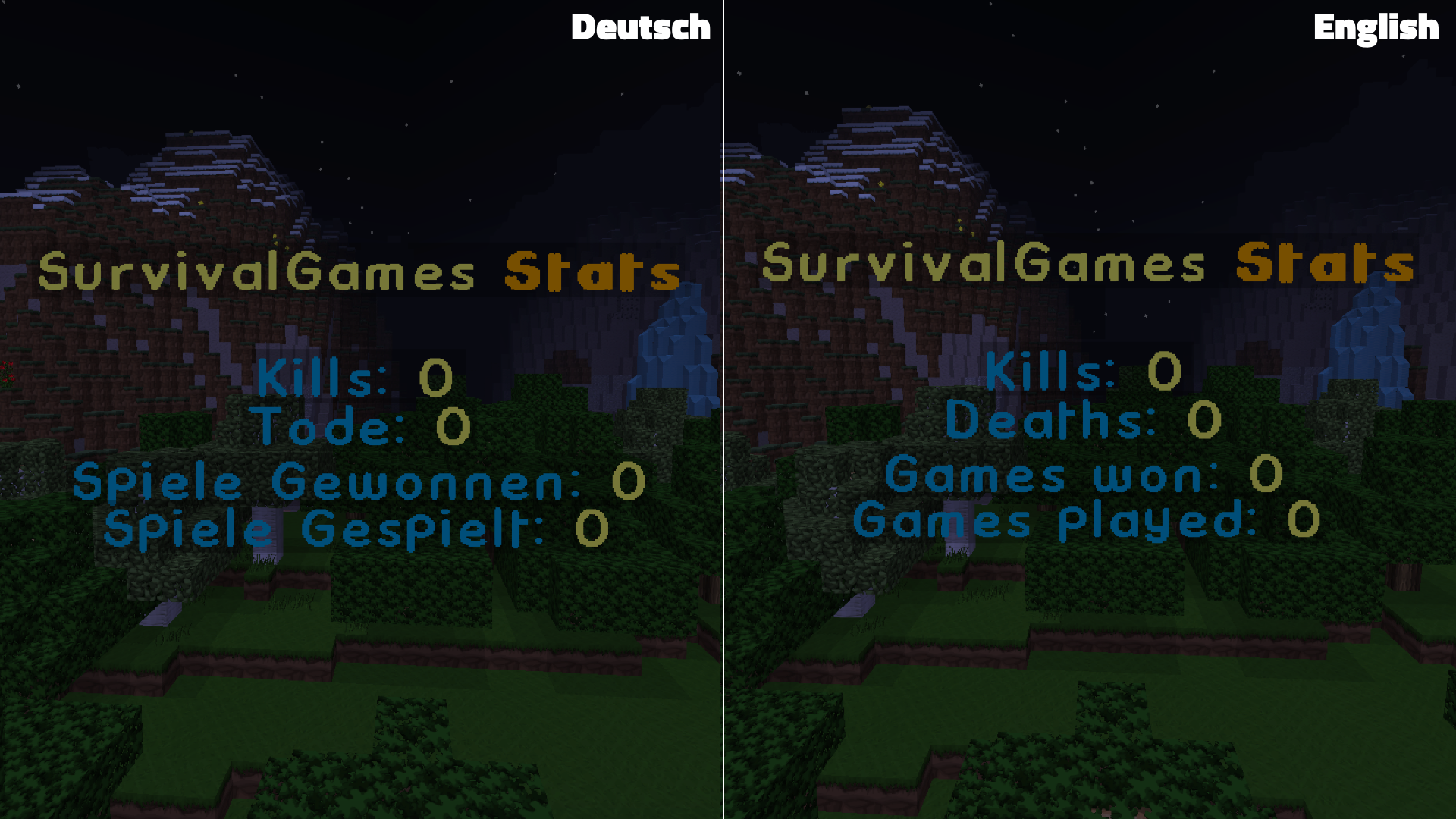

SurvivalGames Bungeecord
SurvivalGames BungeecordOn a server

RepairSign
Setup a repair stationsOn a server

EasySoup
Bringing back 1.7 soup.On a server
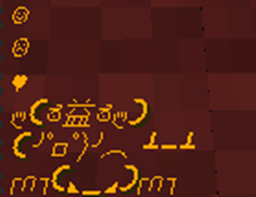
Emoticons
Spices up chat by adding emoticons!On a serverAdminMode
A simple Admin mode!On a serverGroup Command
Commands that do different things for different permission groups.On a server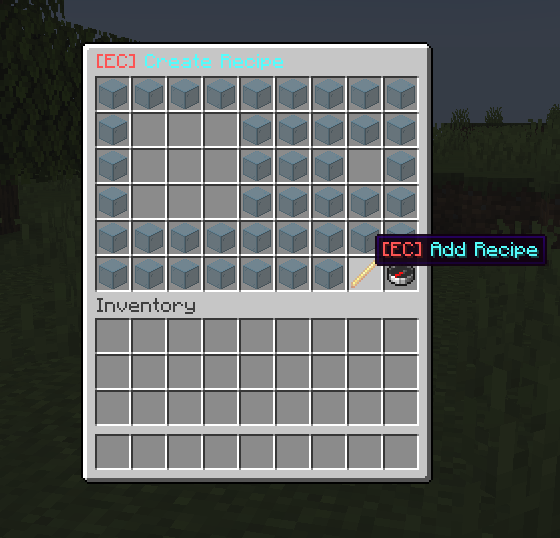
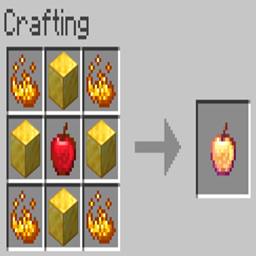
Enhanced Crafting
Adds new crafting recipes to your Minecraft ServerOn a serverOpen MineZ
Extendable, configurable, open-source version of Shotbow's popular MineZ gamemode.On a server

AutoTool
Automatically change your item to what's best in your hotbar when breaking blocks.On a server

Protectcord
Protectcord is an anti VPN/Proxy plugin it uses an advanced API to check if an IPv4/IPv6 is a VPN or Proxy!On a serverWelcomeRulezz
[ADMIN] WelcomeRulezz 0.2 - Simple Welcome/Login Message + /rules commandOn a server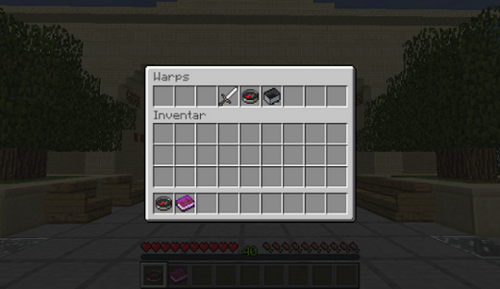

GuestCraft
GuestCraft - Allow guests to teleport to locations worth seeing on your Server!On a server

DisableMessage
DisableMessage disables the join, quit and death messages.On a server

I am YouTuber
Some usefull commands for YouTuberOn a server
Simple Set Homes (1.8-.116)
A simple homes pluginOn a serverTitleEdit
A plugin to change and set custom titles to be displayed in front of a player's name.On a serverAutoTimeSet
AutoTimeSet by EikesterOn a server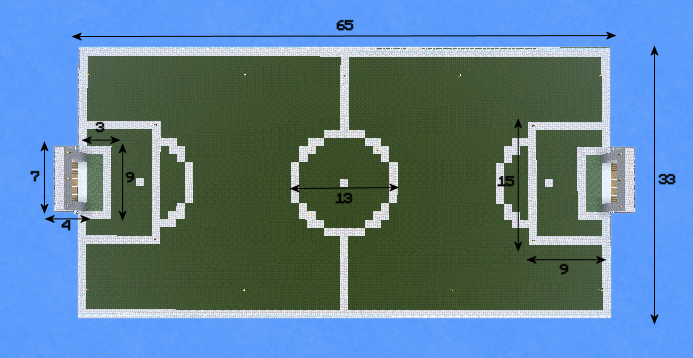

Futbol
Soccer/Football PluginOn a serverProHeads+
ProHeads+On a serverPersonalWorlds
A per-person world pluginOn a serverFAQ
How is a plugin different from a mod?
A plugin runs only on the server and requires nothing from players: the client stays vanilla. A mod has to be installed by everyone, and it changes the game itself.
Where do I put a plugin?
Put the .jar file in the plugins folder on the server, then restart the server. The plugin will create its config on first launch.
Will a Spigot plugin work on Paper?
Usually yes: Paper and Purpur are built on Spigot and are compatible with its plugins. The reverse isn't true — a plugin that uses Paper features won't work on plain Spigot.
How do I install a plugin on Aternos?
On Aternos, plugins can only be installed from the built-in list in the “Plugins” section of the panel. You can't upload your own .jar file, so paid and rare plugins can't be installed on Aternos. If the plugin you need isn't on the list, you need hosting with access to the plugins folder: put the file there and restart the server.
Which plugins should I install on a server first?
People usually start with four: EssentialsX (homes, warps, kits, teleport), LuckPerms (groups and permissions), WorldGuard together with WorldEdit (spawn and region protection) and ViaVersion (joining from other game versions). For a server with nickname login, add AuthMe for passwords and SkinsRestorer for skins.
Which plugins should I install on a server for playing with friends?
A small server for friends needs just a few: EssentialsX (home, teleport to a friend, warps), CoreProtect (rolling back griefing and finding who broke a block) and Simple Voice Chat for voice chat, which needs the mod of the same name on players' side. Permissions and region protection are usually unnecessary on such a server.
How do I install a plugin on Paper?
Download the plugin file for your Paper version, put the .jar into the plugins folder and restart the server — the /plugins command will list it. On Millida Hosting the On a server button on the plugin page does the same.
Plugins for Minecraft Java
A plugin is installed on the server, not by the player, and that's the whole difference from a mod: the client stays plain vanilla, and you can join the server without downloading a single file. Plugins run on server cores — Paper, Spigot, Bukkit, Purpur, Folia — while Velocity and BungeeCord are used for proxies between servers. The core matters as much as the version: a Paper plugin will almost always run on Purpur, but a Velocity plugin won't start on a regular server at all.
The useful minimum for a server is almost always the same: EssentialsX for basic commands, LuckPerms for permissions, WorldGuard together with WorldEdit for region protection and CoreProtect to roll back griefing. Servers with nickname login add AuthMe and SkinsRestorer, servers for friends add Simple Voice Chat. On Millida Hosting a free plugin from the catalog goes onto the server with the On a server button on its page, no manual .jar upload.
Plugins handle almost everything behind the scenes on a server: ranks and permissions, land protection, economy and shops, anti-cheat, map rotation, menus and voting. You install them by copying the .jar file into the plugins folder and restarting the server; most create their own config on first launch, which is what you then edit. The card lists supported cores and game versions, the author and license, and all releases are gathered on one page — you can update the plugin right from there.