
Plugins for Minecraft Java — page 125
3,789 itemsPlugins: list
Sheath
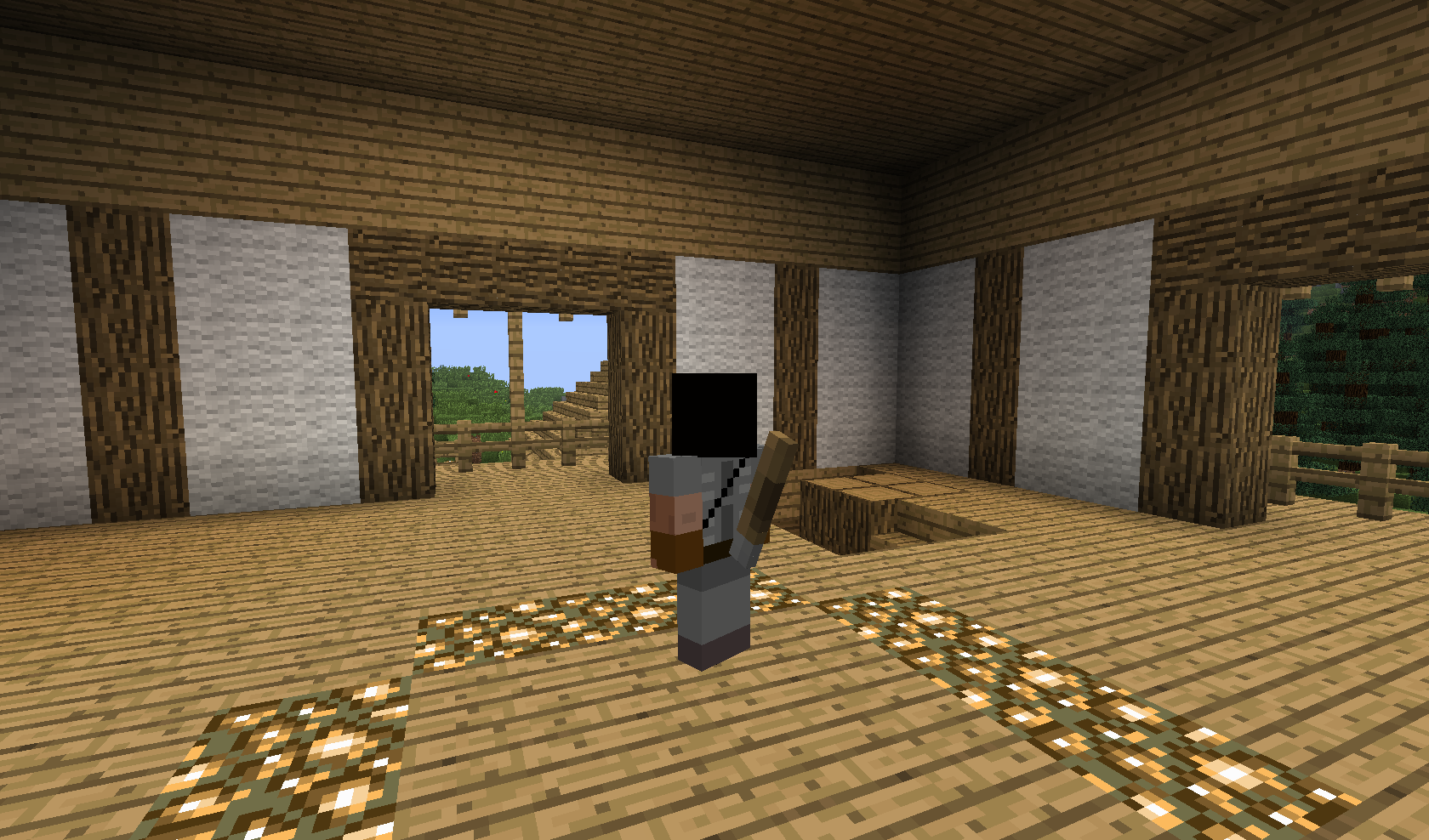
Sheath swords with /sheath they are visible on your character!On a serverBroadcaster
Broadcast easier!On a serverStats 2.0
Stats 2.0On a server
Smoking Pipes
Kick back in the tavern with a pipeOn a serverPearlXP
PearlXPOn a serverWayOfShadows
Backstab, Poison and Grappling HookOn a server

SayanVanish
A modular vanish system for Minecraft serversOn a server
PlayerWeight
Modify player's speed according to their weight!On a serverHolographic 3D Damage Indicator
Holographic 3D Damage IndicatorOn a server
HypixelTNT
Adds the TNT and Fireballs used on Hypixel Bedwars.On a server

NexGen KoTHs
Capture zones and get rewarded!On a server
CommandRewriter
Assign texts to commandsOn a server

ItemRenamerReloaded
ItemRenamerReloaded, its a plugin that gives the ability to rename items with customs names and custom lores, with full RGB colors support (+1.16)On a server

HamsterAPI
Lightweight Spigot/Bukkit API library that provides developers with utility methods, performance-focused abstractions, and shared systems to speed up plugin development.On a serverAdmin Toolbox Remake
Many administrative controls in an easy to use interface!On a serverCustomVillager
CustomVillagerOn a serverRealistic Shield
Allows players to block with a pistonhead. Also craftableOn a serverSmokeTP
Regular teleport too boring? Get some smoke!On a serverRaces
Enhance your role play experience by adding game mechanics to their race!On a server
NoNameNPC
Finally a working solution for invisible name plates on Citizens NPCs!On a server

Epilog Dashboard
real time analytics and visualizations about your Minecraft serverOn a serverSilkierTouch
Silk Touch is cool again!On a serverPrefixSuffixManager
PrefixSuffixManagerOn a serverFAQ
How is a plugin different from a mod?
A plugin runs only on the server and requires nothing from players: the client stays vanilla. A mod has to be installed by everyone, and it changes the game itself.
Where do I put a plugin?
Put the .jar file in the plugins folder on the server, then restart the server. The plugin will create its config on first launch.
Will a Spigot plugin work on Paper?
Usually yes: Paper and Purpur are built on Spigot and are compatible with its plugins. The reverse isn't true — a plugin that uses Paper features won't work on plain Spigot.
How do I install a plugin on Aternos?
On Aternos, plugins can only be installed from the built-in list in the “Plugins” section of the panel. You can't upload your own .jar file, so paid and rare plugins can't be installed on Aternos. If the plugin you need isn't on the list, you need hosting with access to the plugins folder: put the file there and restart the server.
Which plugins should I install on a server first?
People usually start with four: EssentialsX (homes, warps, kits, teleport), LuckPerms (groups and permissions), WorldGuard together with WorldEdit (spawn and region protection) and ViaVersion (joining from other game versions). For a server with nickname login, add AuthMe for passwords and SkinsRestorer for skins.
Which plugins should I install on a server for playing with friends?
A small server for friends needs just a few: EssentialsX (home, teleport to a friend, warps), CoreProtect (rolling back griefing and finding who broke a block) and Simple Voice Chat for voice chat, which needs the mod of the same name on players' side. Permissions and region protection are usually unnecessary on such a server.
How do I install a plugin on Paper?
Download the plugin file for your Paper version, put the .jar into the plugins folder and restart the server — the /plugins command will list it. On Millida Hosting the On a server button on the plugin page does the same.
Plugins for Minecraft Java
A plugin is installed on the server, not by the player, and that's the whole difference from a mod: the client stays plain vanilla, and you can join the server without downloading a single file. Plugins run on server cores — Paper, Spigot, Bukkit, Purpur, Folia — while Velocity and BungeeCord are used for proxies between servers. The core matters as much as the version: a Paper plugin will almost always run on Purpur, but a Velocity plugin won't start on a regular server at all.
The useful minimum for a server is almost always the same: EssentialsX for basic commands, LuckPerms for permissions, WorldGuard together with WorldEdit for region protection and CoreProtect to roll back griefing. Servers with nickname login add AuthMe and SkinsRestorer, servers for friends add Simple Voice Chat. On Millida Hosting a free plugin from the catalog goes onto the server with the On a server button on its page, no manual .jar upload.
Plugins handle almost everything behind the scenes on a server: ranks and permissions, land protection, economy and shops, anti-cheat, map rotation, menus and voting. You install them by copying the .jar file into the plugins folder and restarting the server; most create their own config on first launch, which is what you then edit. The card lists supported cores and game versions, the author and license, and all releases are gathered on one page — you can update the plugin right from there.