
Minecraft mods — page 46
9,009 itemsMods: list


PlayerRevive
Revive your friendsInstall
Dungeon Tactics
Some handy tools for the avid adventurerInstall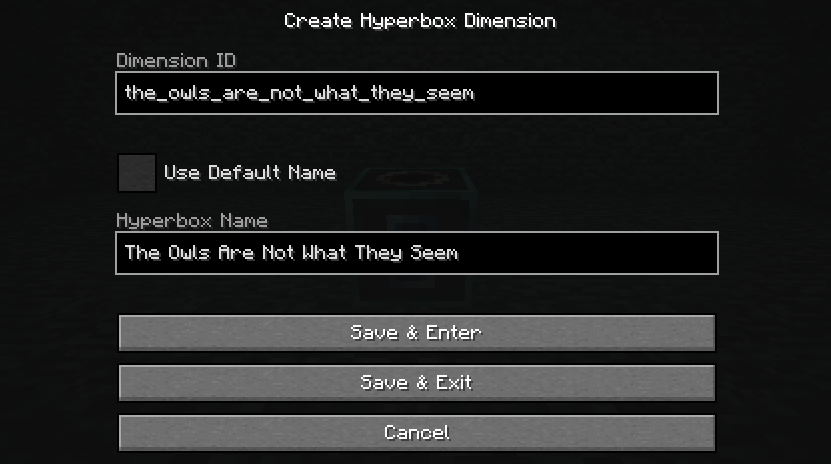
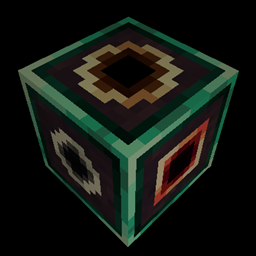
Hyperbox
A forge mod that adds a box that's bigger on the inside than it is on the outsideInstall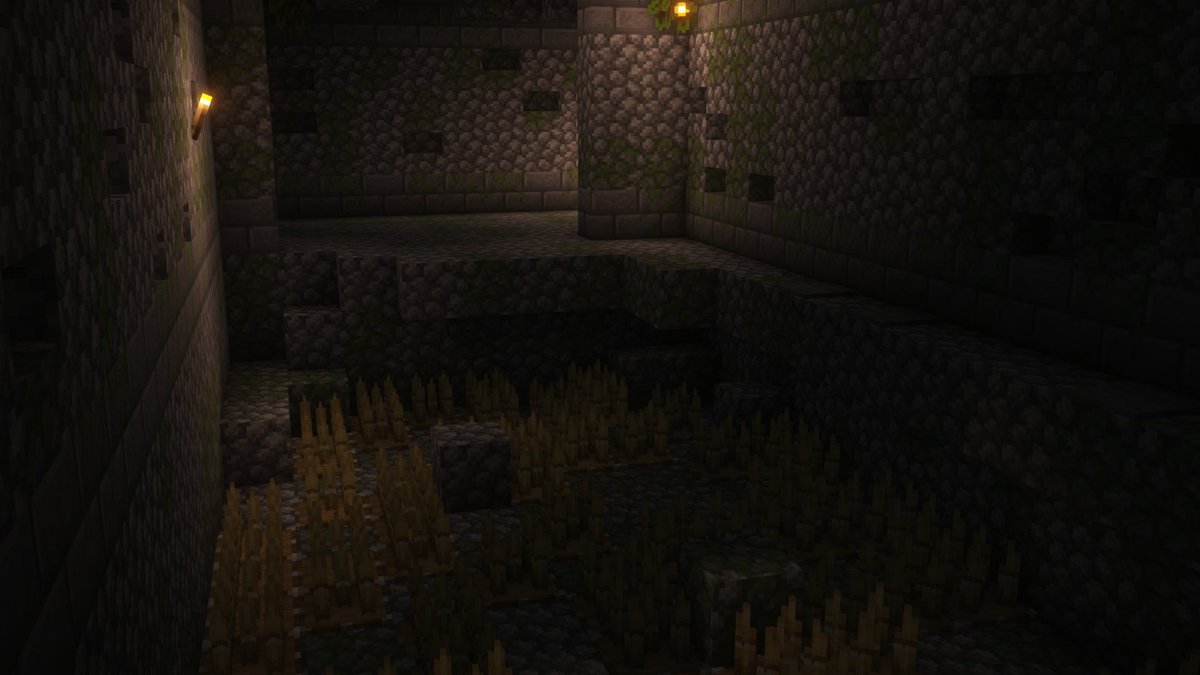

YUNG's Better Jungle Temples (NeoForge) [1.20.4 - 1.21.1 ONLY]
A complete redesign of Minecraft's jungle temples!Install

InvMove
Adds the ability to walk around while in inventoriesInstall

Item Highlighter
Highlights newly picked-up items. Simple and convenient.Install

I18nUpdateMod
Brand new update mod for "Minecraft Mod Language Package". 全新的「简体中文资源包」自动更新模组。Install
Farseek
A Scala API for Minecraft mods.Install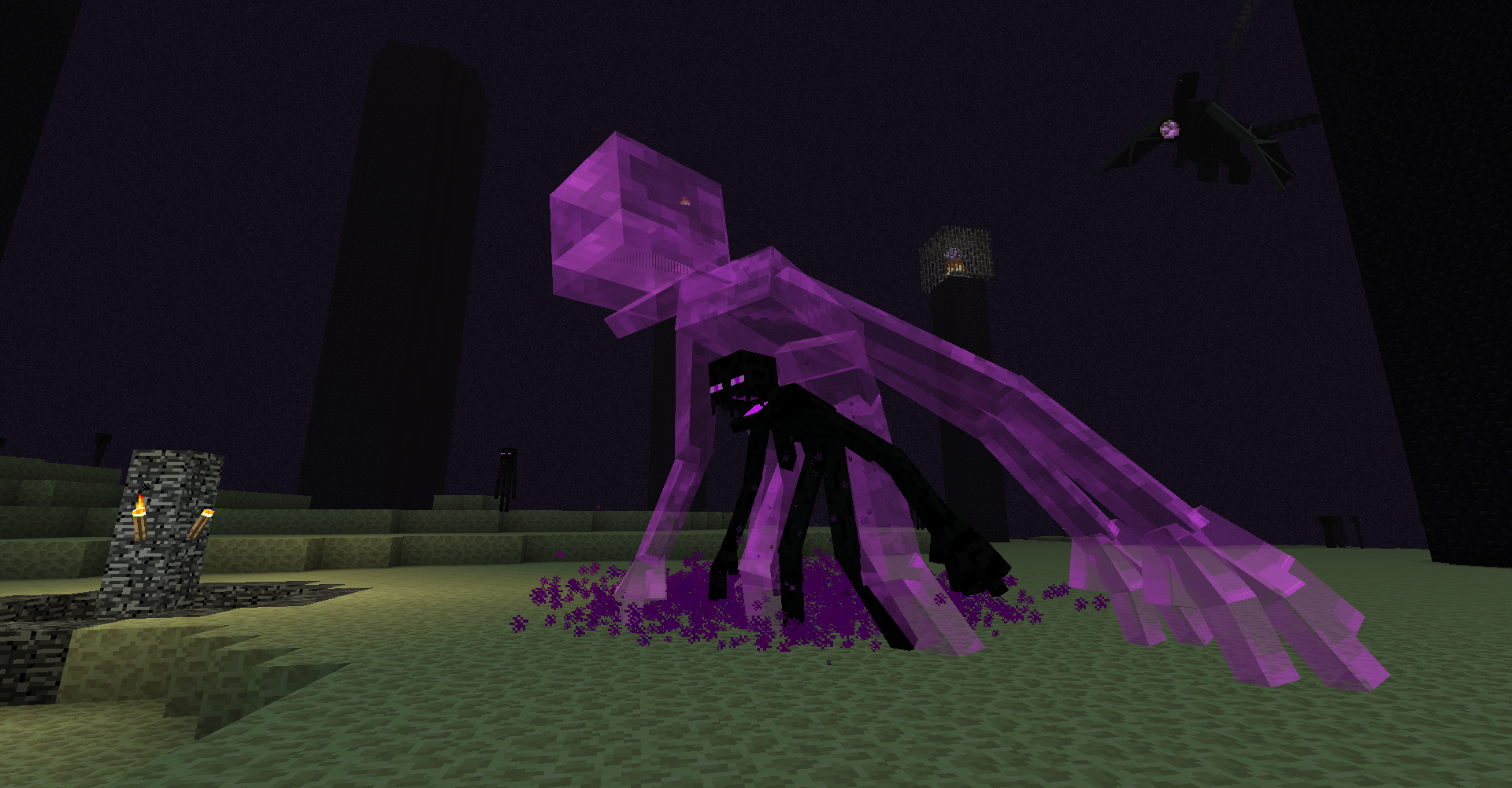
Mutant Beasts
The mutants are backInstall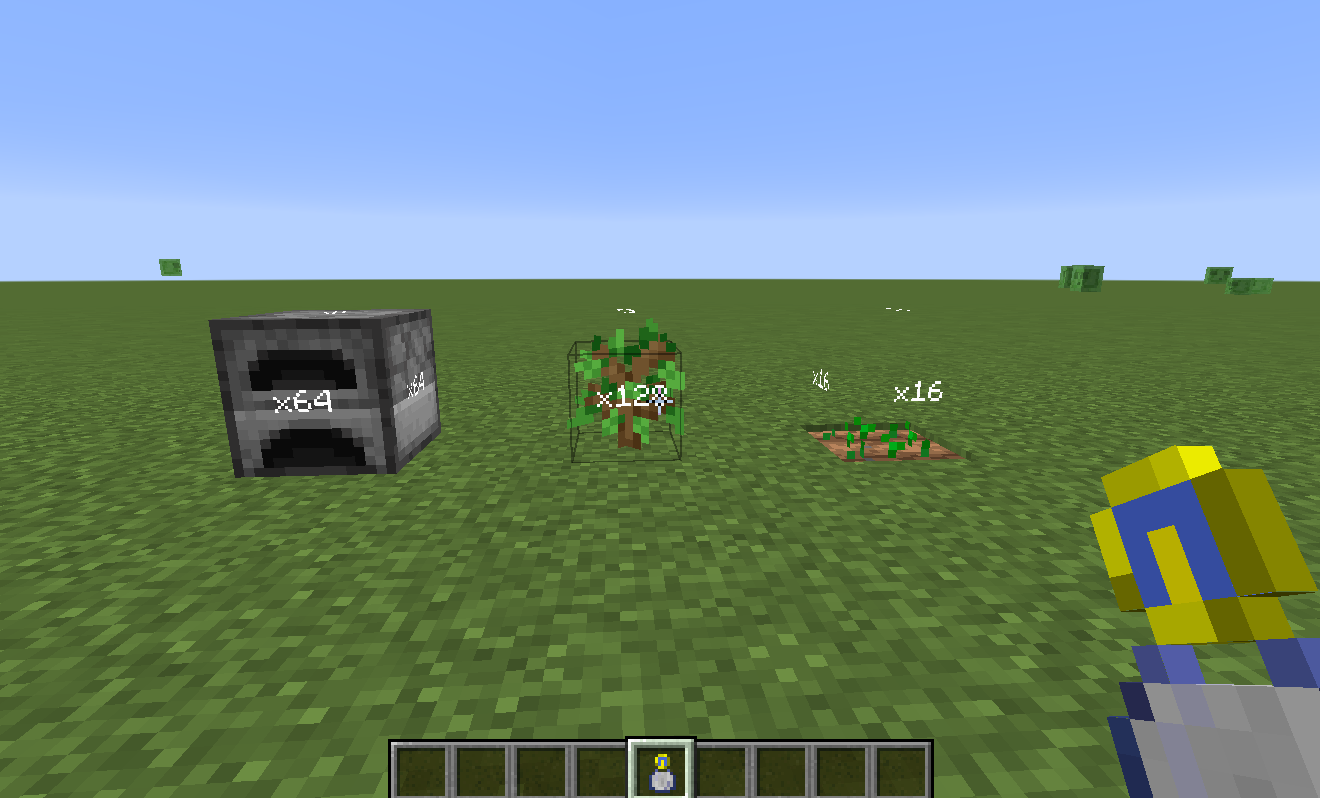
Time in a bottle standalone
Time in a bottle (Random things) - Standalone, ported to 1.16 - 1.19Install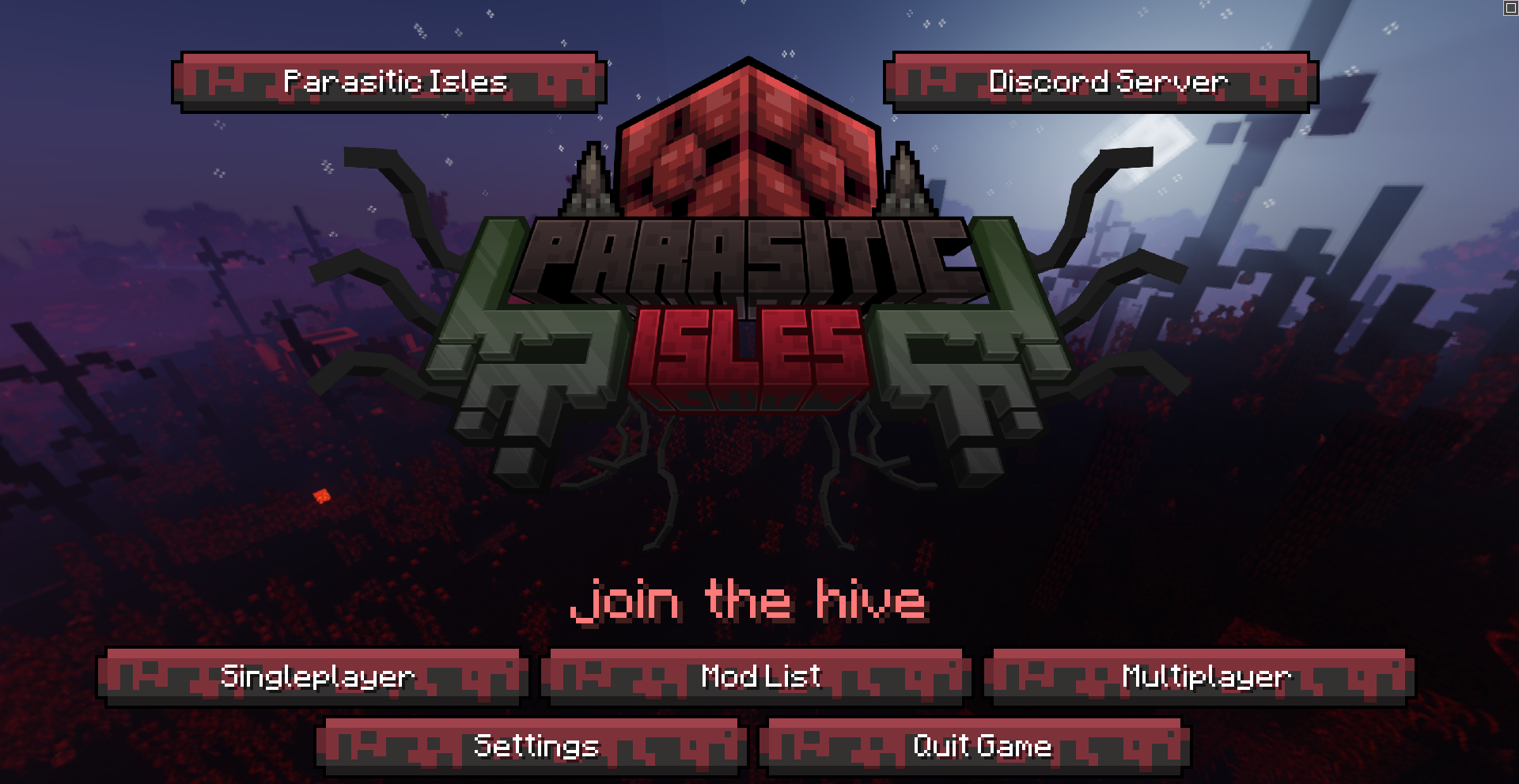

FancyMenu [Fabric] [MOVED TO NEW PROJECT]
Customize Minecraft's menus with ease!Install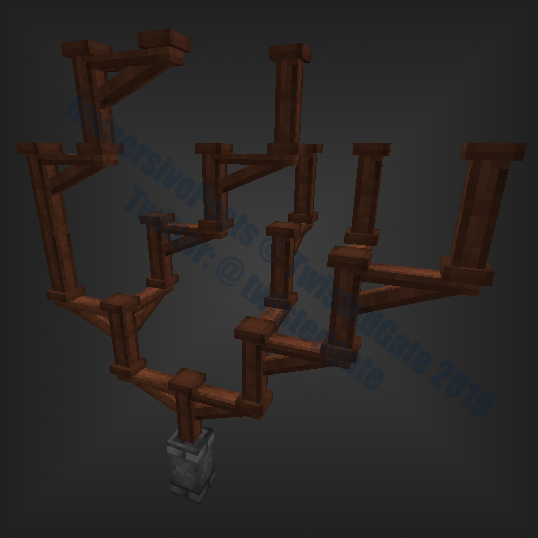
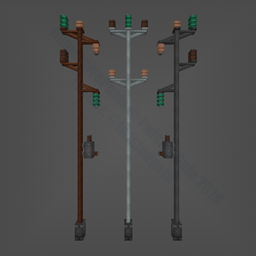
Immersive Posts
Extendable treated-wood, aluminium, steel posts and more for ImmersiveEngineering.Install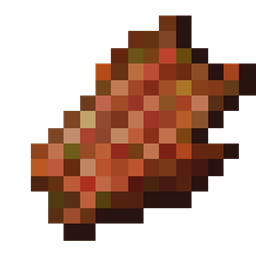
Just Another Rotten Flesh to Leather Mod
Lets you smelt Rotten Fleh to Leather.Install

Better Combat
⚔️ Easy, spectacular and fun melee combat system from Minecraft Dungeons.InstallOn a server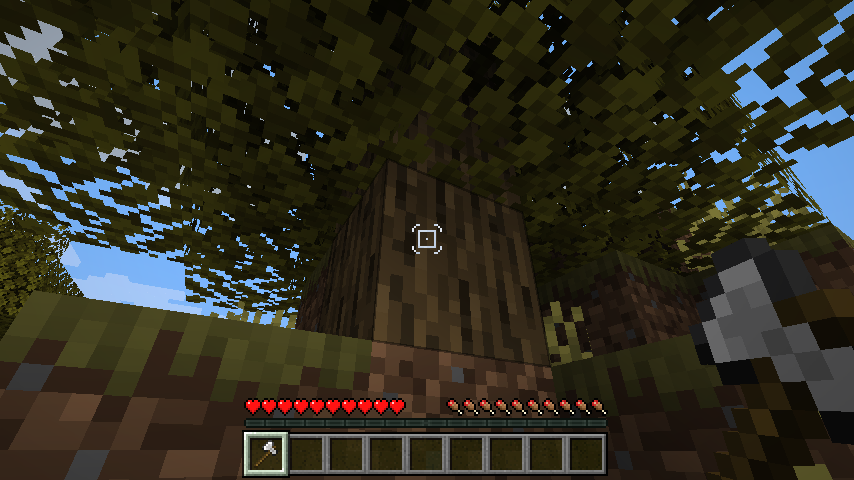

Dynamic Crosshair
A Minecraft mod that hides or changes the crosshair dependent on contextInstall
Friendermite
Enderman will not attack EndermiteInstall
FastBoot
FastBoot: Accelerate Your Game Loading TimeInstall

TCDCommons API
TheCSDev's personal library mod for the Minecraft modding environment.InstallOn a server

Easy Anvils
Overhauled anvils with stored items, fairer costs, and no more frustrating repair penalties.InstallOn a server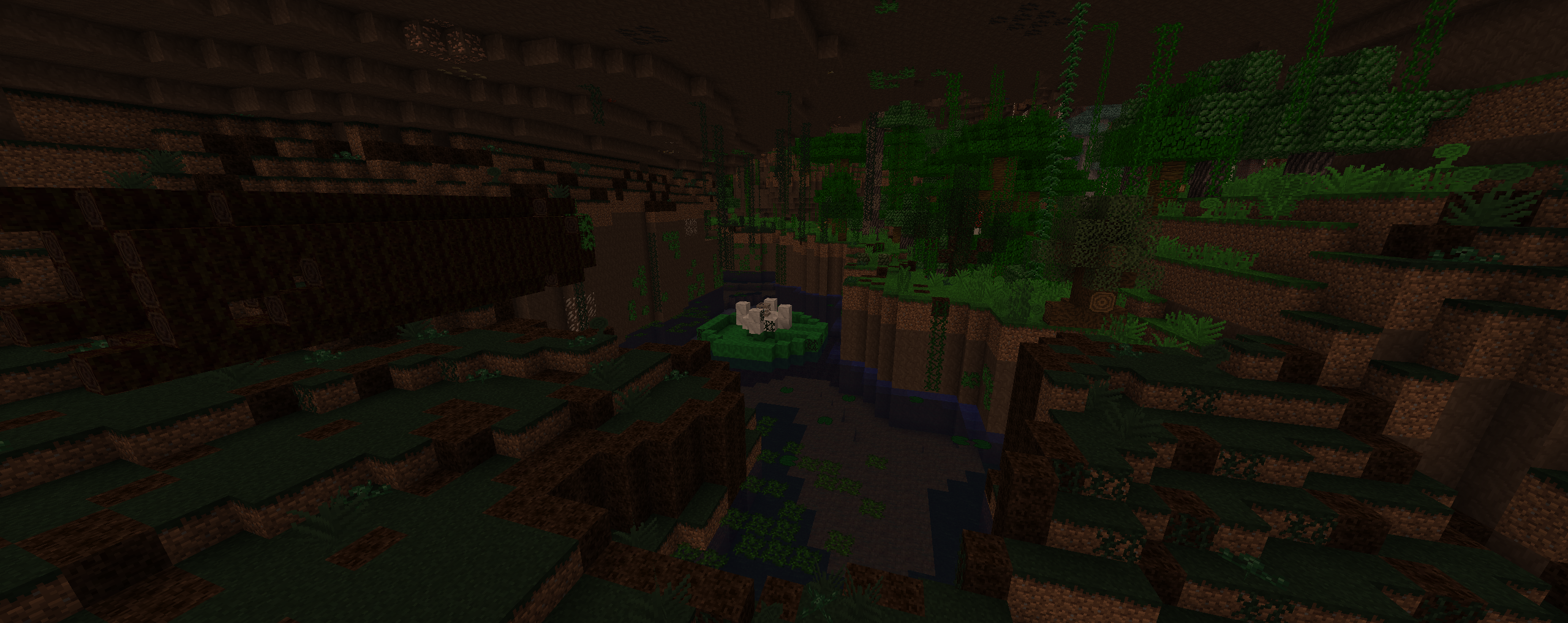

The Erebus
A dimension ruled by colossal invertebrates... Enter the darkness and uncover its secrets.Install
Giant Player Boss
Adds a single giant boss modInstall
ZenStages
ZenStages gives modpack makers the tools to create a staged modpack easier and faster! When using in conjunction with GameStages.Install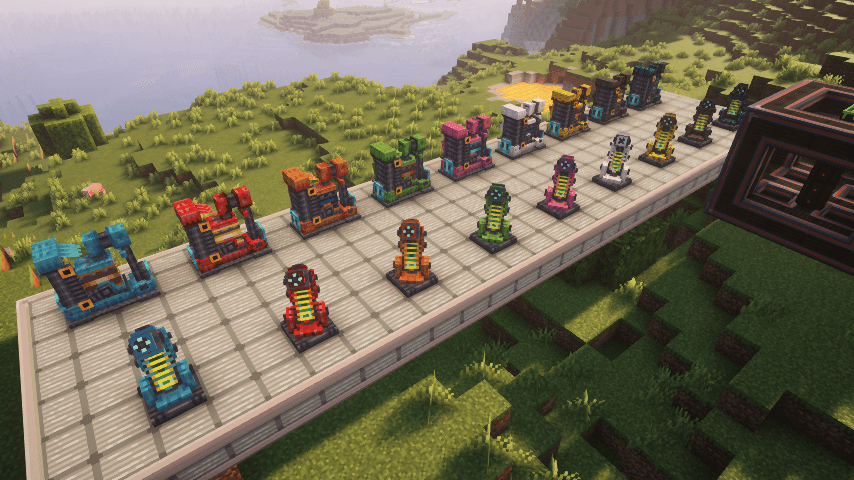

Oritech
A technology-focused mod, with animated machinery, diverse processing options, and plenty of new mechanics and equipmentInstallFAQ
How is Forge different from Fabric?
They're two different mod loaders that aren't compatible with each other. Forge is the older one and better suited to big tech and magic modpacks; Fabric is lighter, updates to new game versions faster, and hosts most performance mods. NeoForge is a Forge fork for newer versions, and Quilt is a Fabric fork. A Forge mod won't run on Fabric, and vice versa. Millida Launcher installs the right loader for you.
How do I know which mod version I need?
The one that matches your game version and loader. The “Install” button picks the file for you: Millida Launcher grabs the version for your modpack. A mod for 1.20.1 usually won't work on 1.21.
How do I install a mod?
Click “Install” and Millida Launcher will download the mod, its dependencies and the right loader for you. To install a downloaded file manually, put it in the mods folder inside the game directory.
Do I need CurseForge to install mods?
No. The Install button on a mod page opens Millida Launcher: it downloads the mod, its dependencies and the right loader into the chosen instance by itself. No CurseForge and no manual file copying.
Which mods are there for 1.20.1?
1.20.1 is one of the most modded versions, especially on Forge: tech, magic, RPG, furniture, weapons. Pick 1.20.1 in the version filter to keep only mods with a file built exactly for it, then pick Forge or Fabric next to it.
Can I install mods on my phone?
On Android, yes: Millida Launcher runs the Java edition on a phone, and mods work there just like on a PC, though light ones run much better than heavy ones. Minecraft PE (Bedrock) cannot load PC mods — it has add-ons instead, in the Minecraft PE mods section.
Which mods are best to play with friends?
The usual picks are Simple Voice Chat for proximity voice chat, Waystones for fast travel, Xaero's Minimap and something big to work on together, such as Create. Mods that change the world must be installed by every player and on the server, while client-side ones like a minimap or performance mods are up to each player.
Minecraft mods
A mod is an add-on that changes the game itself: it adds blocks, mobs and mechanics, or speeds up world rendering. It isn't installed into the game directly but on top of a loader — Forge, Fabric, NeoForge or Quilt — and it's the loader that decides whether the file will run. That's why every card here lists both the game version and the loader: two mods with the same name for 1.12.2 Forge and 1.21 Fabric are two different files, and mixing them up means a crash on launch.
The most searched Minecraft mods are weapon, furniture, horror and performance mods: each theme has its own collection, and links to the themes and the most wanted versions are in the Popular block. Version 1.20.1 on Forge still holds the most big tech, magic and RPG mods, while the fresh 1.21.11 and 26.2 get Fabric and NeoForge mods fastest.
One mod in the catalog, one page. Every version the author has released is listed on its card: pick your game version and loader right there instead of jumping between ten similar pages. Each file shows its size, release date and checksum, and the mod itself shows the author, license and a link to the original source. Files whose license allows rehosting are stored with us and download directly — no link shorteners, timers or ad redirects. If the license forbids rehosting, the button honestly takes you to the author.