
Minecraft mods — page 47
9,009 itemsMods: list
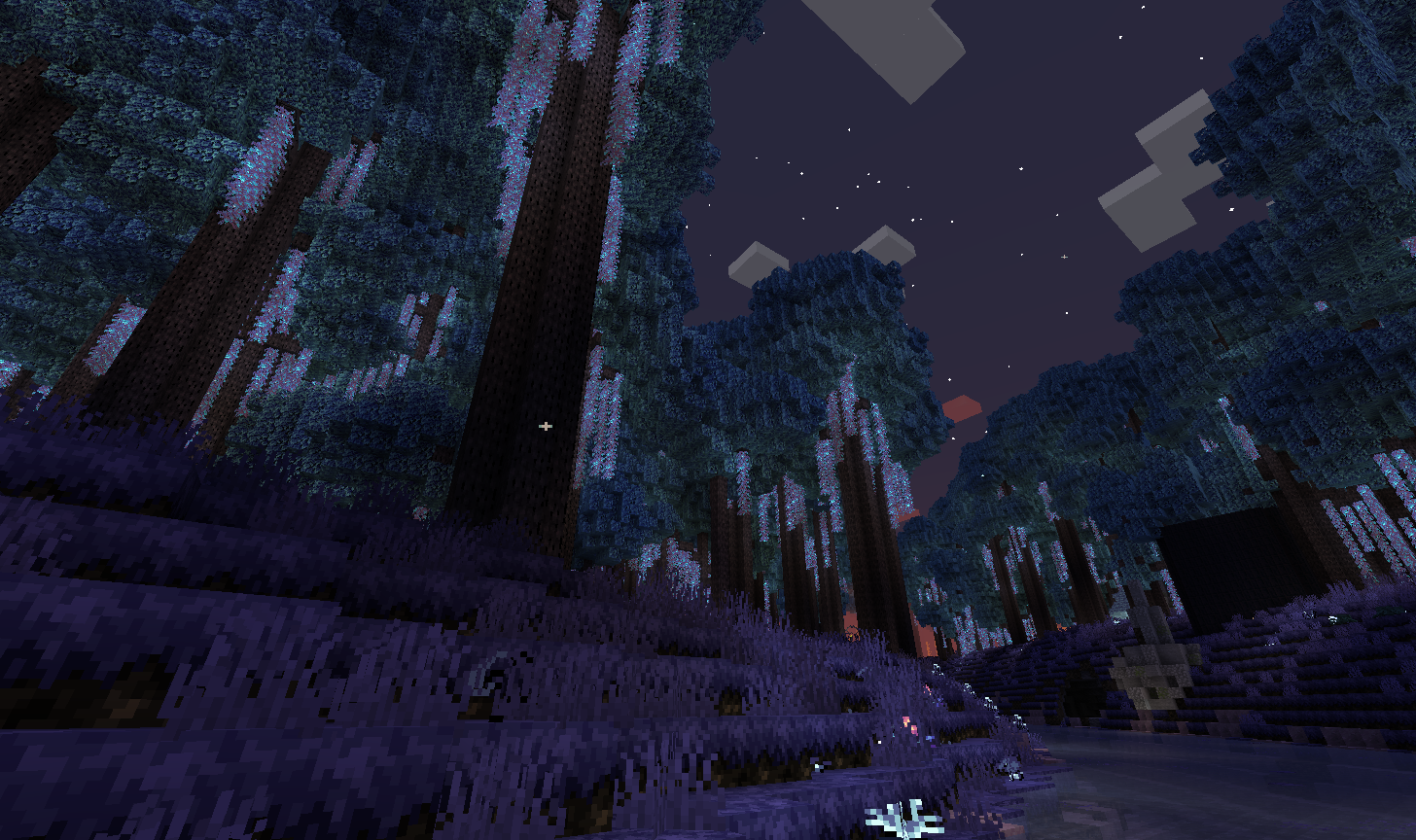
Eternal Starlight
A minecraft mod that adds the magical and mysterious starlight dimension.Install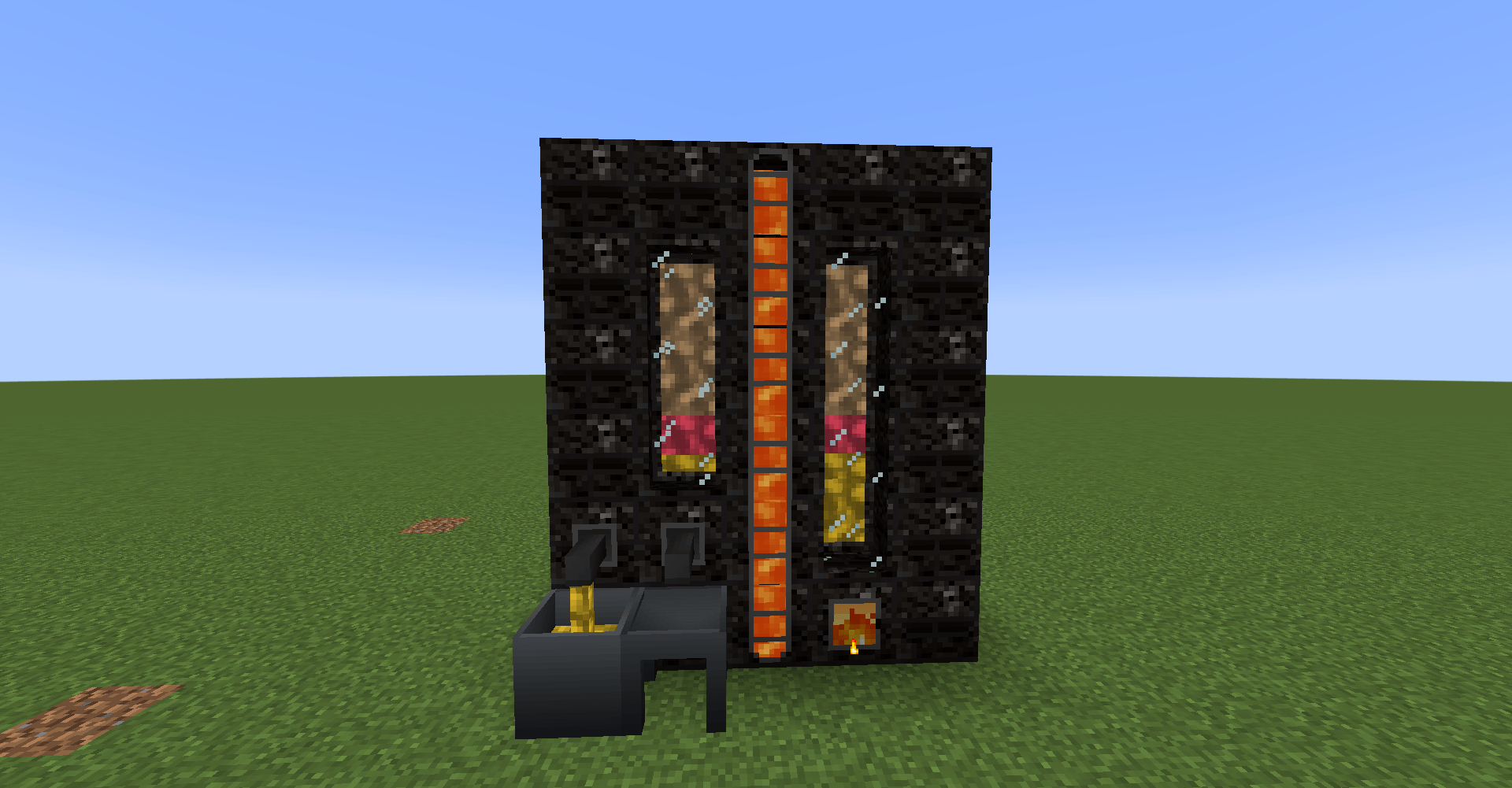
Productive Metalworks
Adds a foundry multiblock for smelting and casting metal items.Install
Legacy: [Let's Do] Bakery
Bake many variations of Bread, Cupcakes and Cakes! Eatable, placeable.Install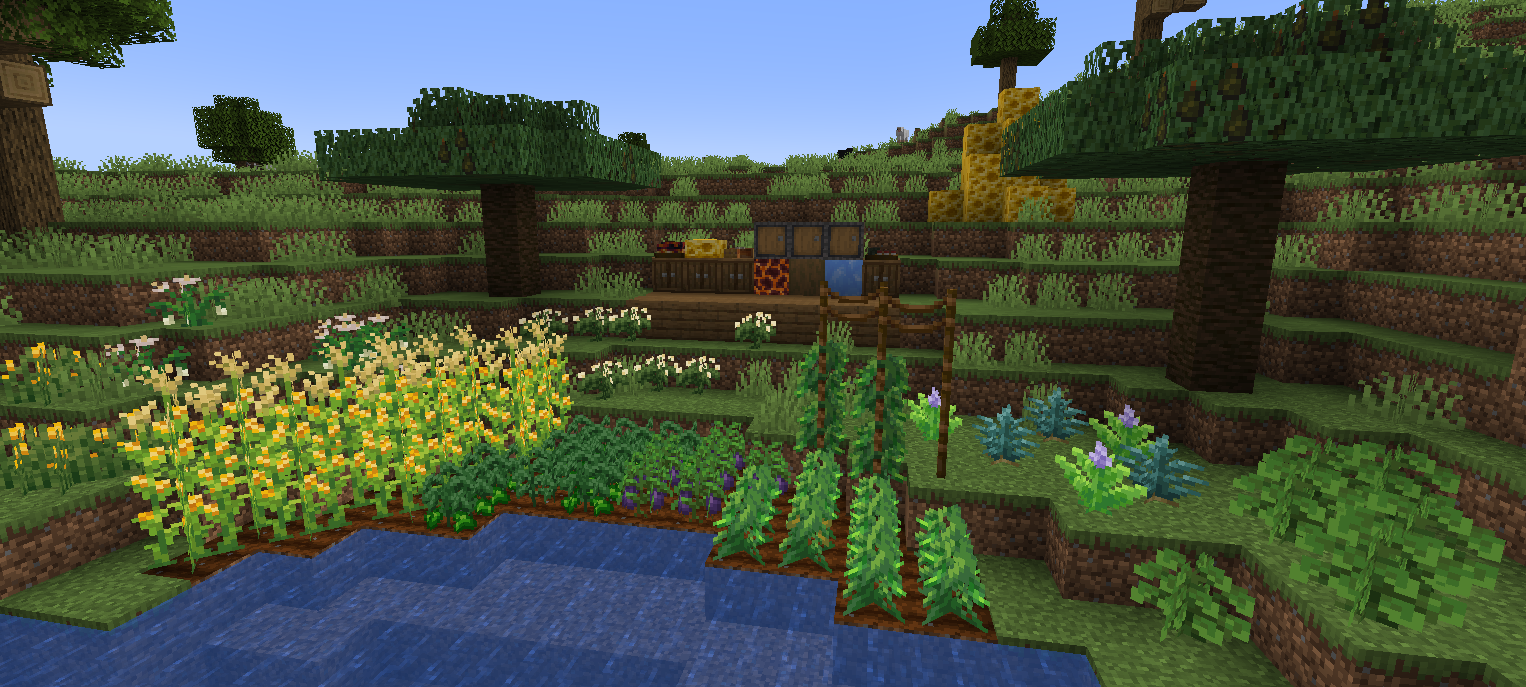
Cultural Delights
A Farmer's Delight addon that adds food systems from around the world.Install
Ender Storage
linked color coded ender chestsInstall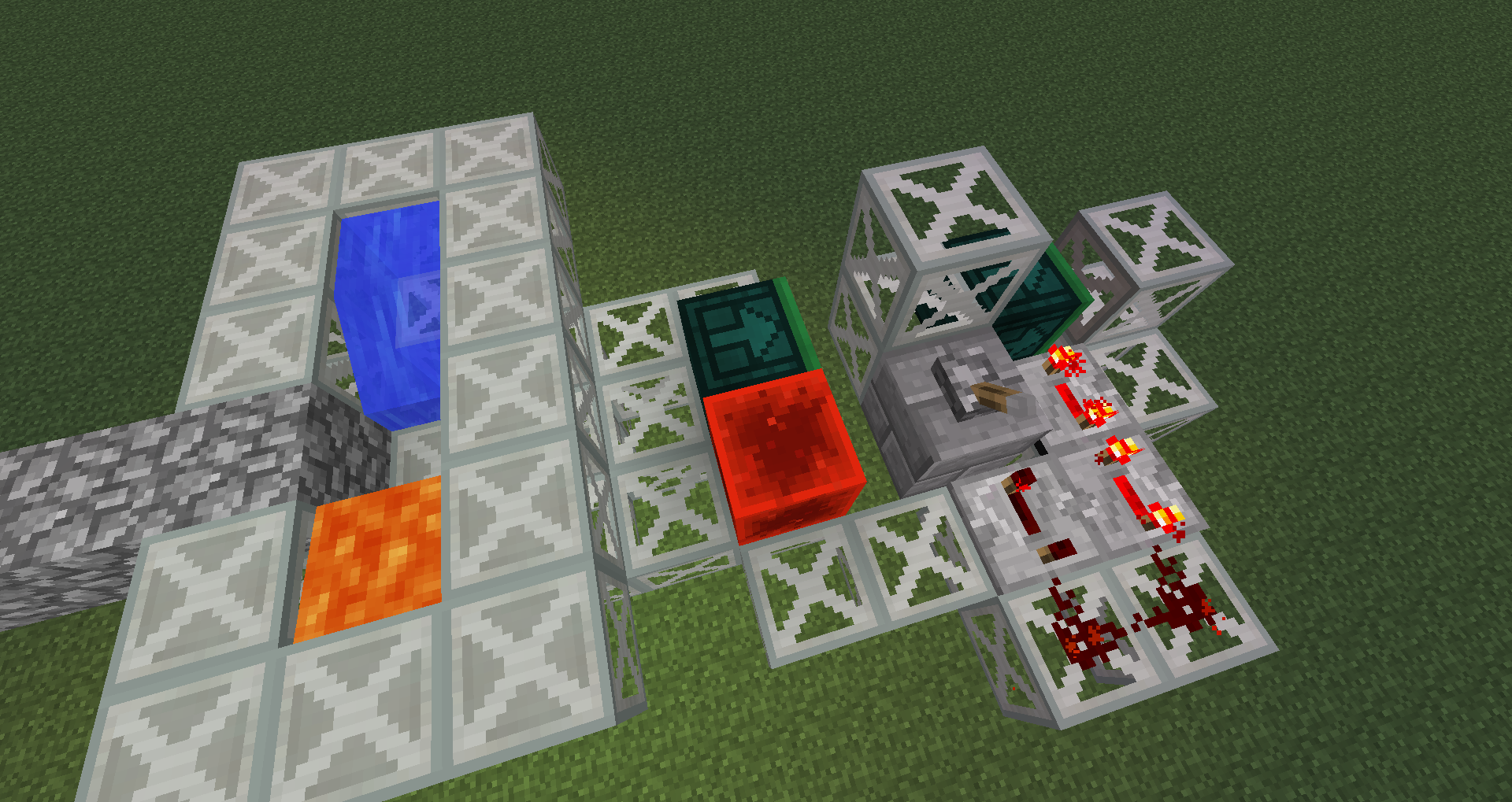
Funky Locomotion
Every block in the grooveInstall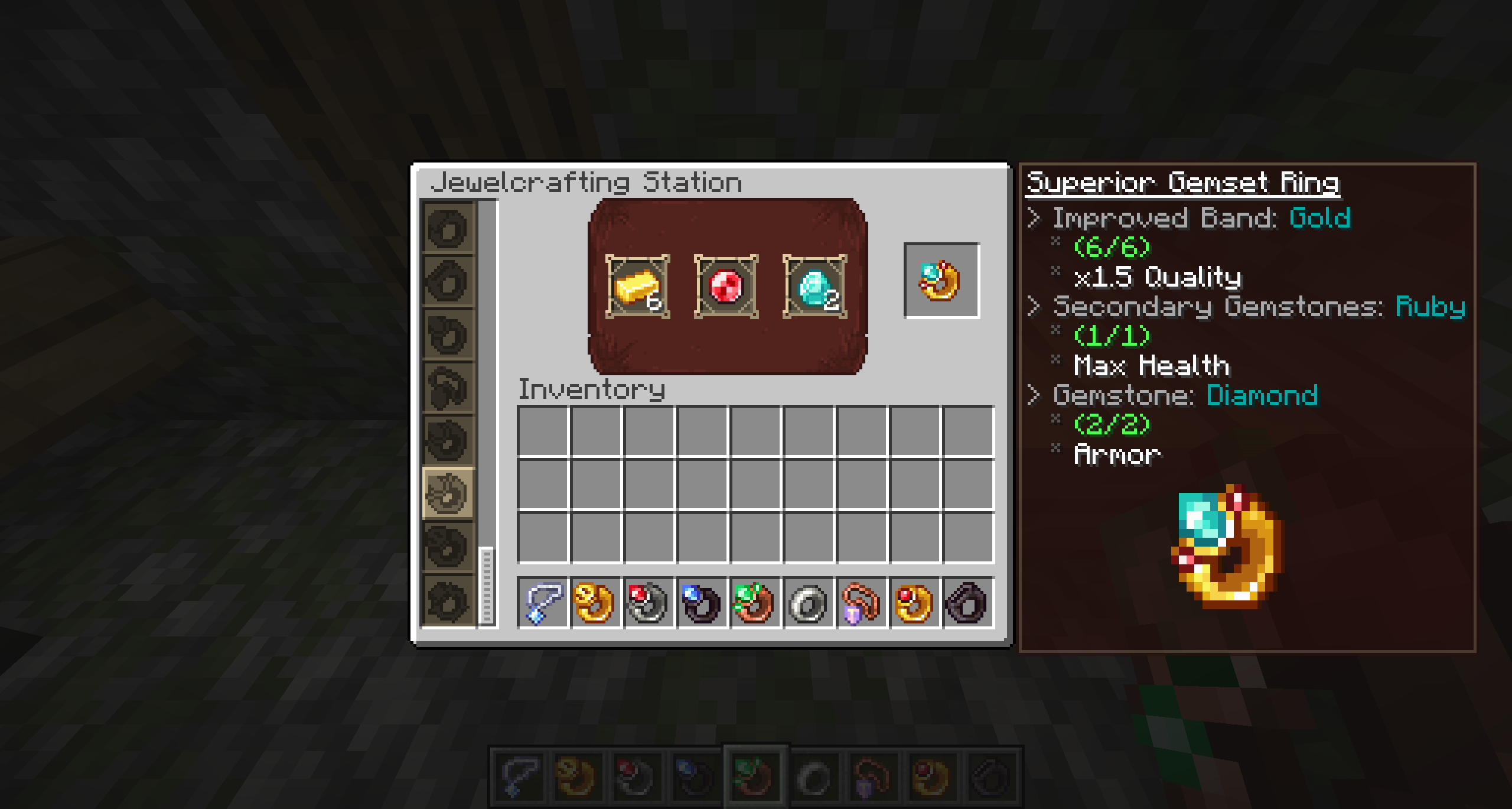

Iron's Gems 'n Jewelry
Introducing modular jewelcrafting, featuring gems and jewelry!Install
Extended Industrialization
An addon mod that extends the content in Modern IndustrializationInstall
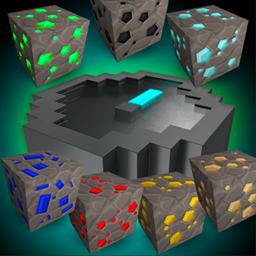
Advanced Finders
Discover ores faster with new finders that revolutionize the mining experienceInstall

YUNG's Better Desert Temples
A complete redesign of Minecraft's desert temples!InstallOn a server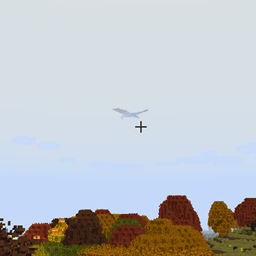
ISeeDragons
Fixes the dragon render distance in RLCraft and older versions of Ice and FireInstall
Crystalix
Adds super customizable glass blocks, allowing everyting rom color to properties to be changedInstall
Roost
A place for chickens to restInstall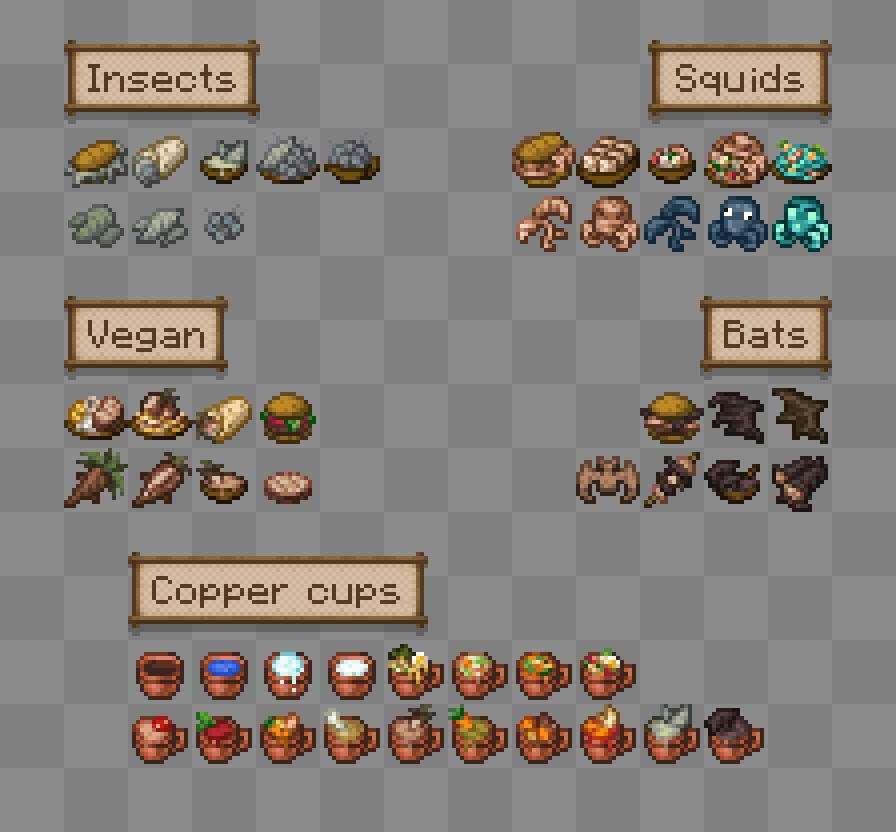
Miner's Delight +
Farmer's Delight add-on for minersInstall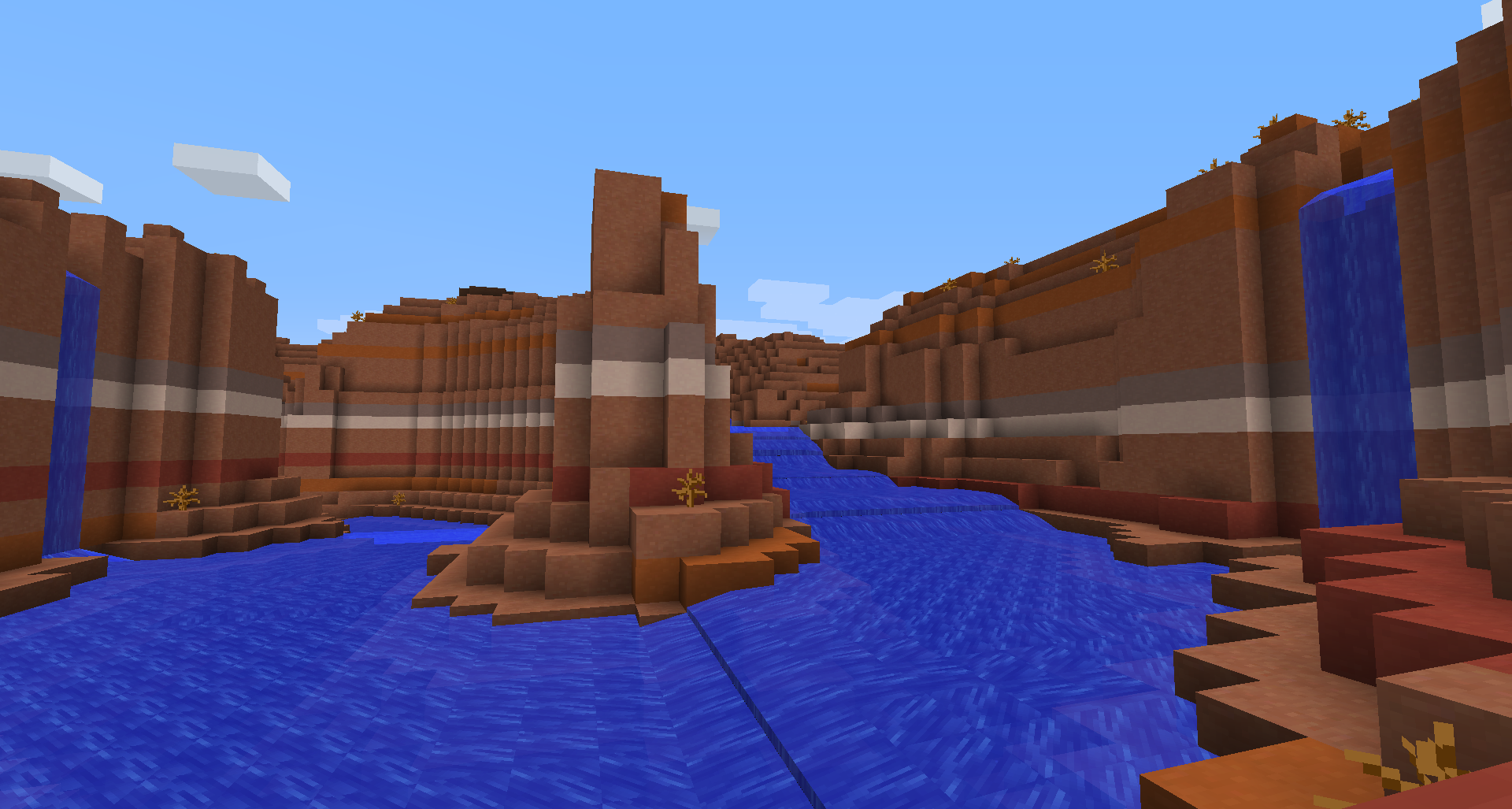

Streams
This mod introduces real flowing rivers, with a true current, to your Minecraft worlds. Compatible with many terrain generators!Install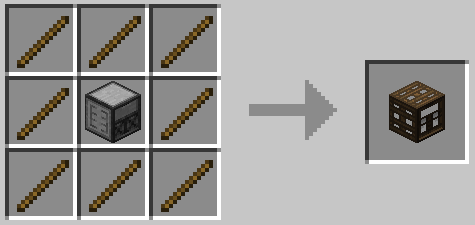
Framed Compacting Drawers
Adds (more) Framed Drawers to the Storage Drawers modInstall
Modular Machinery
Configurable, dynamic, custom, complex machineryInstall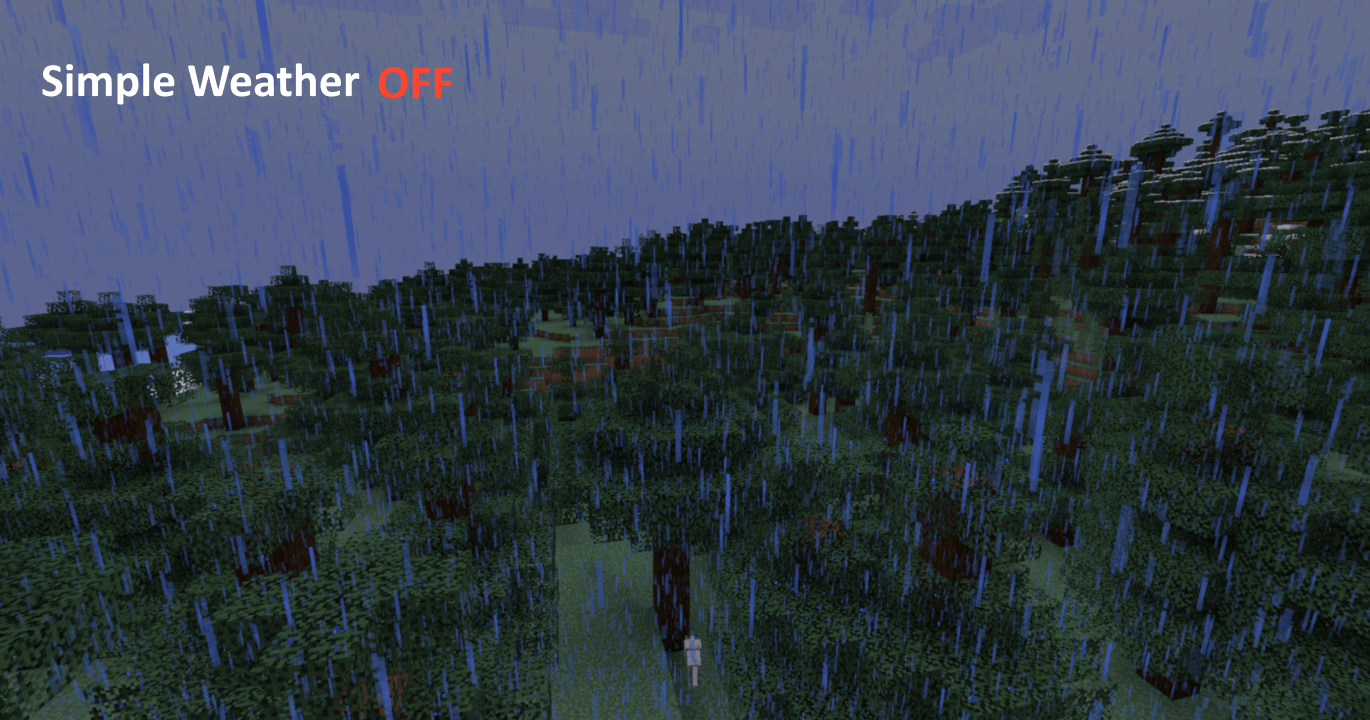

Simple Weather
Providing an alternative, yet elegant solution for weather effects in Minecraft.Install
Gadgets Against Grind
A cross-platform Minecraft mod that adds various different utility items and blocks!Install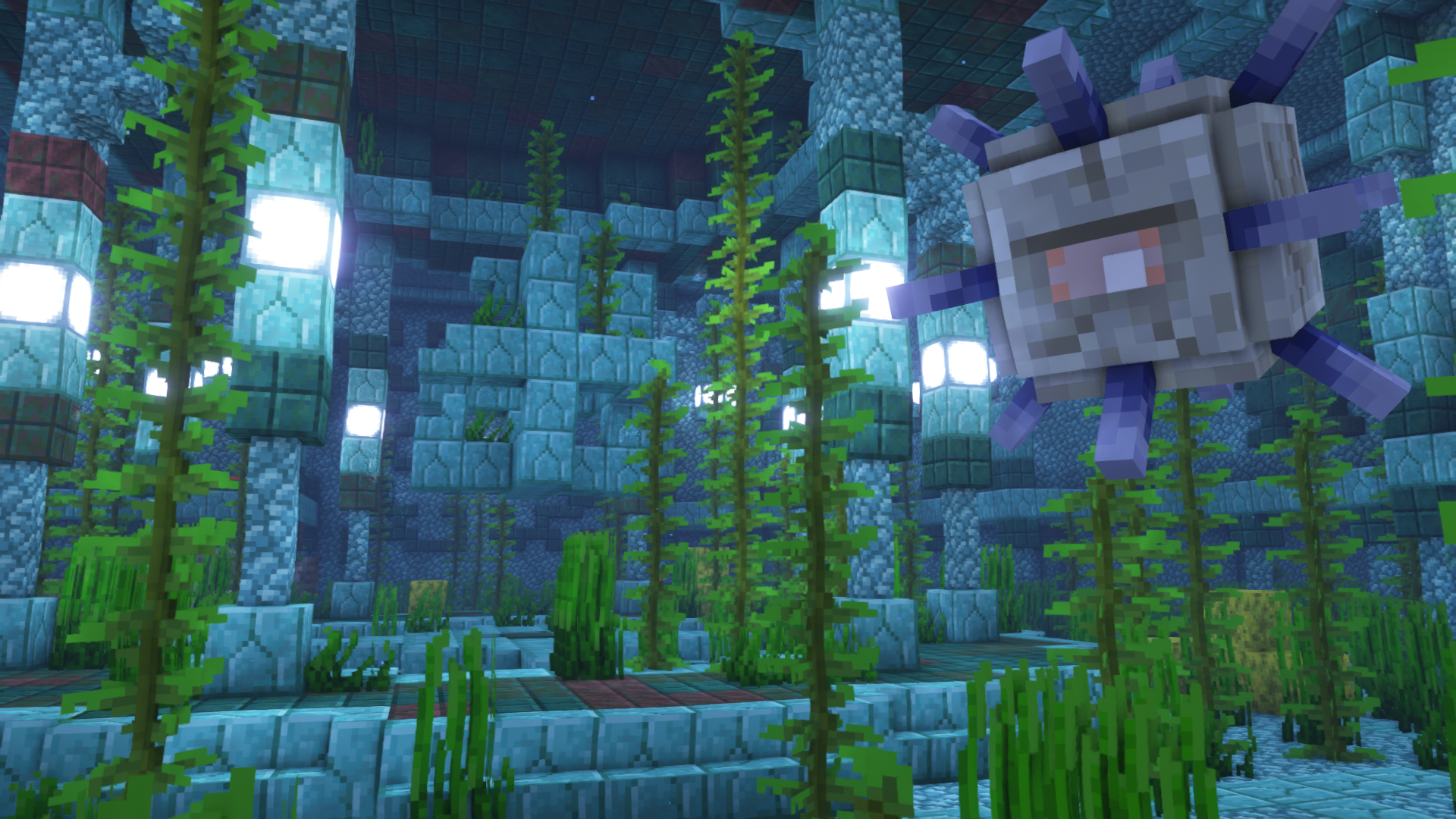

YUNG's Better Ocean Monuments (NeoForge) [1.20.4 - 1.21.1 ONLY]
A complete redesign of Minecraft's ocean monuments!Install

ShatterLib | OctoLib
Collection of shared code for OctoStudios' modsInstallOn a server

Citadel
A Lightweight LibraryInstallOn a server
Data Anchor
Simple library mod with helpful data attaching and networking utilities including attaching data to entities, chunks, players, and worlds with low boilerplate code. Its own system built from the ground up for multiloader support.InstallFAQ
How is Forge different from Fabric?
They're two different mod loaders that aren't compatible with each other. Forge is the older one and better suited to big tech and magic modpacks; Fabric is lighter, updates to new game versions faster, and hosts most performance mods. NeoForge is a Forge fork for newer versions, and Quilt is a Fabric fork. A Forge mod won't run on Fabric, and vice versa. Millida Launcher installs the right loader for you.
How do I know which mod version I need?
The one that matches your game version and loader. The “Install” button picks the file for you: Millida Launcher grabs the version for your modpack. A mod for 1.20.1 usually won't work on 1.21.
How do I install a mod?
Click “Install” and Millida Launcher will download the mod, its dependencies and the right loader for you. To install a downloaded file manually, put it in the mods folder inside the game directory.
Do I need CurseForge to install mods?
No. The Install button on a mod page opens Millida Launcher: it downloads the mod, its dependencies and the right loader into the chosen instance by itself. No CurseForge and no manual file copying.
Which mods are there for 1.20.1?
1.20.1 is one of the most modded versions, especially on Forge: tech, magic, RPG, furniture, weapons. Pick 1.20.1 in the version filter to keep only mods with a file built exactly for it, then pick Forge or Fabric next to it.
Can I install mods on my phone?
On Android, yes: Millida Launcher runs the Java edition on a phone, and mods work there just like on a PC, though light ones run much better than heavy ones. Minecraft PE (Bedrock) cannot load PC mods — it has add-ons instead, in the Minecraft PE mods section.
Which mods are best to play with friends?
The usual picks are Simple Voice Chat for proximity voice chat, Waystones for fast travel, Xaero's Minimap and something big to work on together, such as Create. Mods that change the world must be installed by every player and on the server, while client-side ones like a minimap or performance mods are up to each player.
Minecraft mods
A mod is an add-on that changes the game itself: it adds blocks, mobs and mechanics, or speeds up world rendering. It isn't installed into the game directly but on top of a loader — Forge, Fabric, NeoForge or Quilt — and it's the loader that decides whether the file will run. That's why every card here lists both the game version and the loader: two mods with the same name for 1.12.2 Forge and 1.21 Fabric are two different files, and mixing them up means a crash on launch.
The most searched Minecraft mods are weapon, furniture, horror and performance mods: each theme has its own collection, and links to the themes and the most wanted versions are in the Popular block. Version 1.20.1 on Forge still holds the most big tech, magic and RPG mods, while the fresh 1.21.11 and 26.2 get Fabric and NeoForge mods fastest.
One mod in the catalog, one page. Every version the author has released is listed on its card: pick your game version and loader right there instead of jumping between ten similar pages. Each file shows its size, release date and checksum, and the mod itself shows the author, license and a link to the original source. Files whose license allows rehosting are stored with us and download directly — no link shorteners, timers or ad redirects. If the license forbids rehosting, the button honestly takes you to the author.