
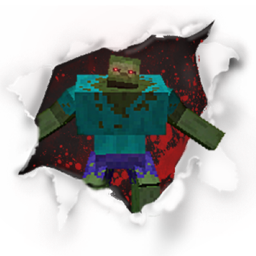
About the Mutant Beasts mod
Mutant Beasts brings back the popular Mutant Creatures mod to modern Minecraft, after four years without an update.
Note that I am not the original creator; all credits for the content made goes to shcott21/thehippomaster21
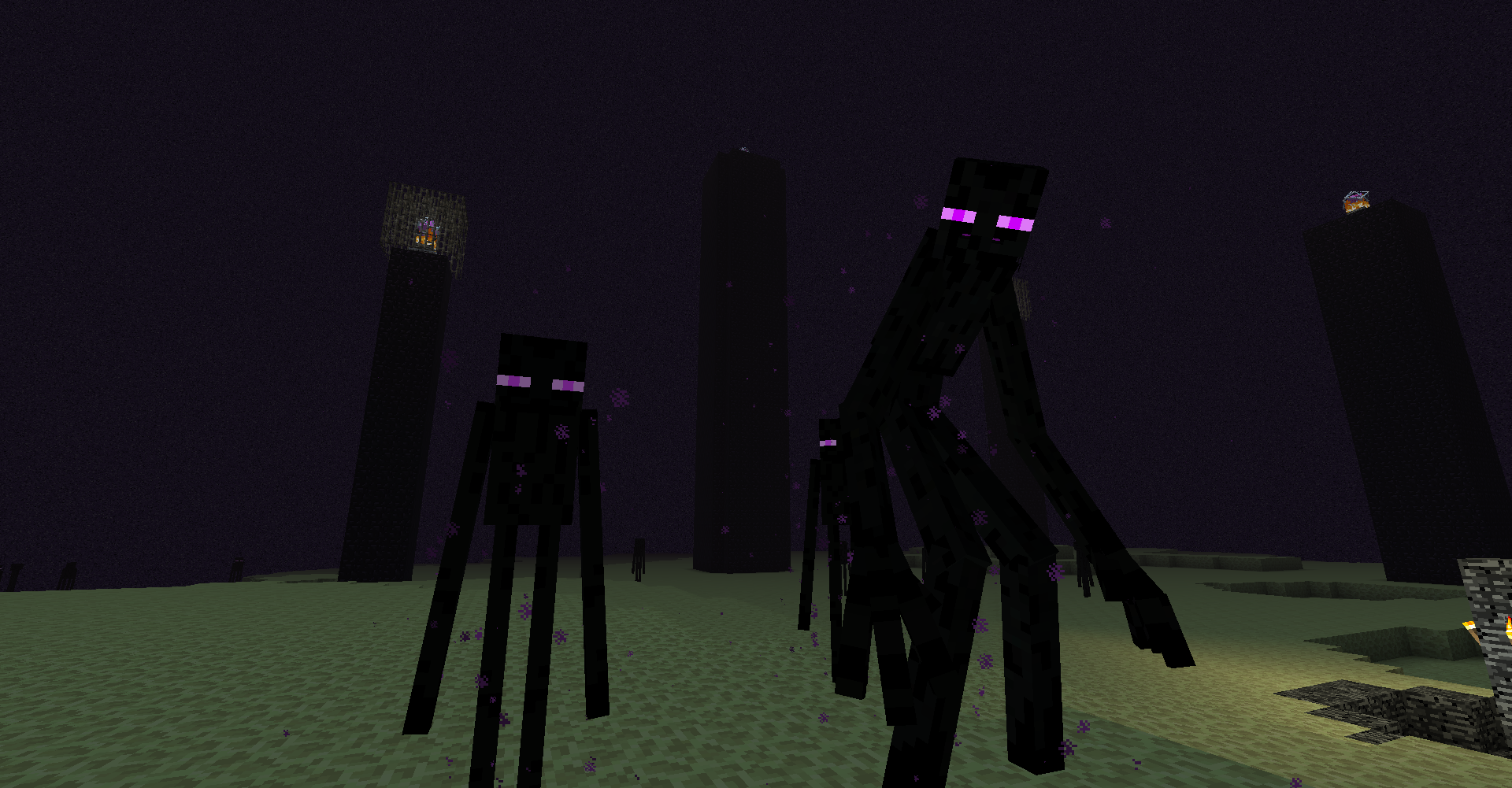
I have contacted the author privately to ask for permission to create this port, but the author has yet to respond, meaning I don't have official permission.
The original mod required another mod to work, which was called AnimationAPI, that is also the work of the Mutant Creatures creator, but is not needed for this mod.
Below are links to the CurseForge page of the original as well as the Minecraft Fourm page. The fourm page contains most of the information you will need to know about this mod. It is also where I got the logo for this project and for the in-game logo on the mods screen, and the credit for those goes to their respective creators
Requires Minecraft Forge
How to create Chemical X
https://thumbs.gfycat.com/FragrantSingleArcherfish-mobile.mp4
Creating a Spider-Pig
https://thumbs.gfycat.com/BraveAromaticAdmiralbutterfly-mobile.mp4
Taming a Spider-Pig
https://thumbs.gfycat.com/ElderlyBadJabiru-mobile.mp4
CurseForge:
Mutant Creatures Mod
Minecraft Forum:
Mutant Creatures - Spider Pig, Spider Pig [v1.4.9]
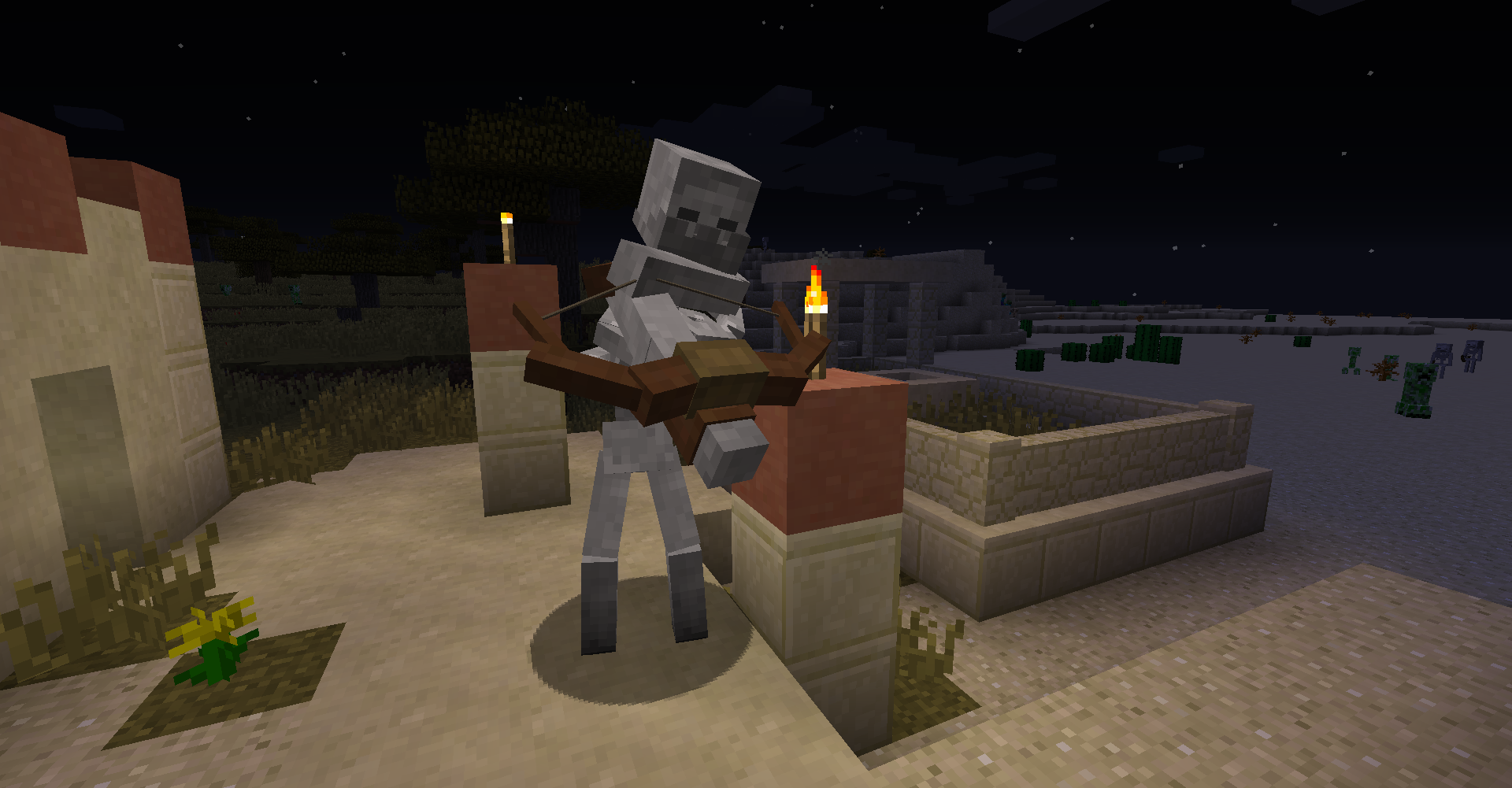
How to install Mutant Beasts
With Millida Launcher
Install Millida Launcher
The launcher is free: download it at millida.net/launcher and sign in with any nickname.
Click “Install” on this page
The launcher opens and installs the mod for Minecraft 1.15.2 automatically.
Launch the game
A profile with it appears in the launcher: click “Play”.
Manually
Download the file for your version
In the version list above, pick the file MutantBeasts-1.15.2-1.0.9.jar (1.2 MB) for your game version.
Put it in the mods folder
The folder is inside .minecraft (Windows: %appdata%\.minecraft\mods). If it does not exist, create it.
Launch the loader profile
Open “Mods” in the main menu: Mutant Beasts should be in the list.
Minecraft 1.15.2 runs on Java 8: with a different Java version the game may close right after launch.
Versions
With dependencies
| Minecraft | Loader | File | Date | Actions |
|---|---|---|---|---|
| 1.15.2 | — | MutantBeasts-1.15.2-1.0.9.jar1.2 MB 2 |
FAQ
Which Minecraft versions does Mutant Beasts work on?
Only Minecraft 1.15.2: there are no files for other versions.
Which Java does Mutant Beasts need?
Minecraft 1.15.2 runs on Java 8. If the game closes right after launch, the usual cause is the wrong Java version in the profile settings.
Where can I download Mutant Beasts safely?
On this page: the file MutantBeasts-1.15.2-1.0.9.jar (1.2 MB) is stored on Millida’s server, with no link shorteners. SHA-1 checksum: cb04a35031895b7072b177562378a724f353de20.
Reviews
Be the first to rate Mutant Beasts


