
Minecraft mods — page 39
9,009 itemsMods: list


InfinityLib
Library holding common code used by all of my modsInstall

Xtones
The "official" successor to ZtonesInstall
AE2 JEI Integration
Re-introduces JEI compatibility for Applied Energetics 2Install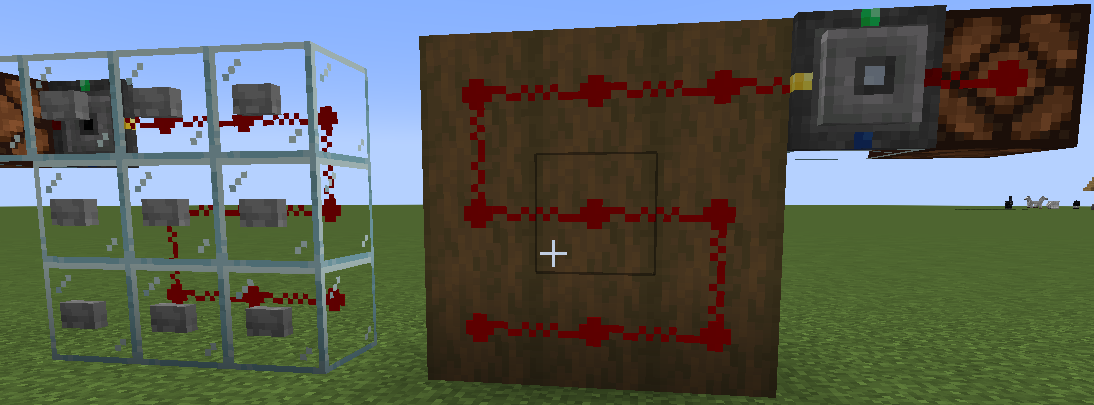
Redstone Pen
Adds a pen to draw Redstone selectively and optimized, as well as signal repeating relays, and a Redstone logic controller.Install
Mob Stages
This mod hooks in to the GameStage API, and allows mob spawning to be gated behind custom progression.Install

Tom's Simple Storage Mod
Simple vanilla style storage modInstallOn a server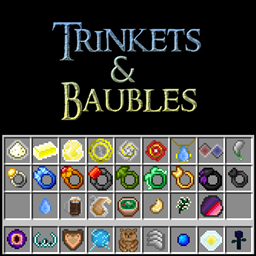
Trinkets and Baubles
Addon for the Baubles Mod by AzanorInstall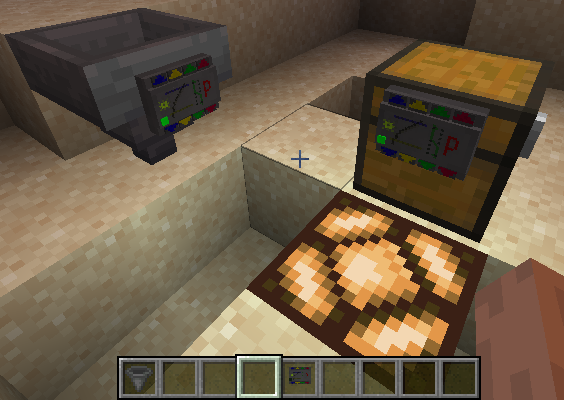
Gauges and Switches
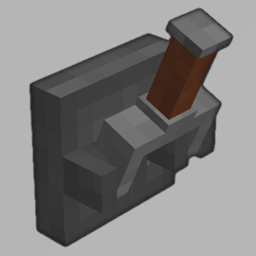
Adds buttons, levers, plates, timers, detectors, sensors, gauges and lamps. Configurable and wirelessly linkable.Install
Upgraded Core
Contains the shared code to use in my other mods.Install
Brutal Bosses - Custom Bosses
Adds 29+ Bosses to dungeons and structures. Allows custom boss creation through datapacksInstall

Sophisticated Backpacks
Yet another backpack mod this time with backpack you can place in world, color in different color combinations, upgrade with more inventory and enhance with many functional upgradesInstallOn a server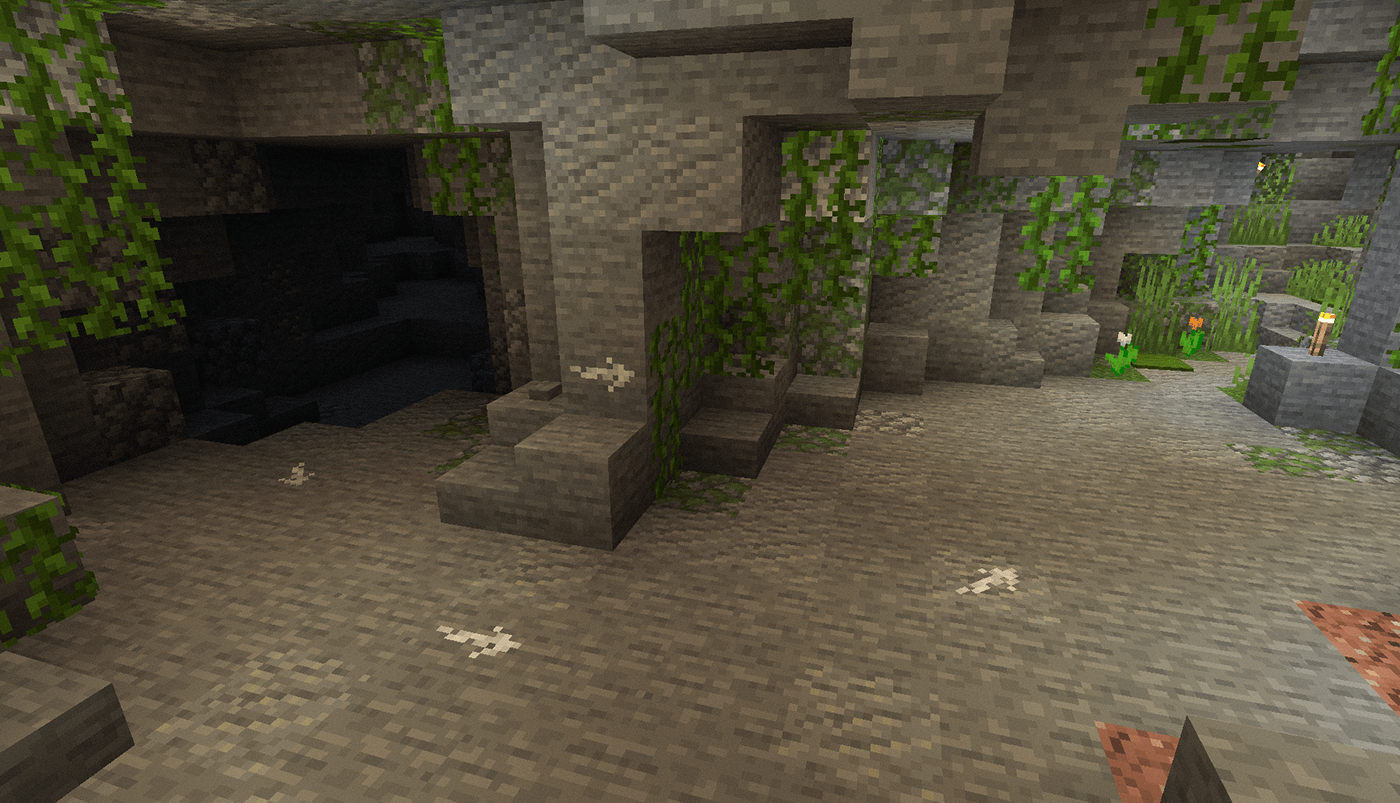
Chalk
Leave the mark!Install
Forge CIT
Ports Optifine Custom Item Textures to ForgeInstall
Bigger Reactors
Official Continuation of Erogenous Beef's Big ReactorsInstall
Second Chance (Forge)
No more one-shot deaths!Install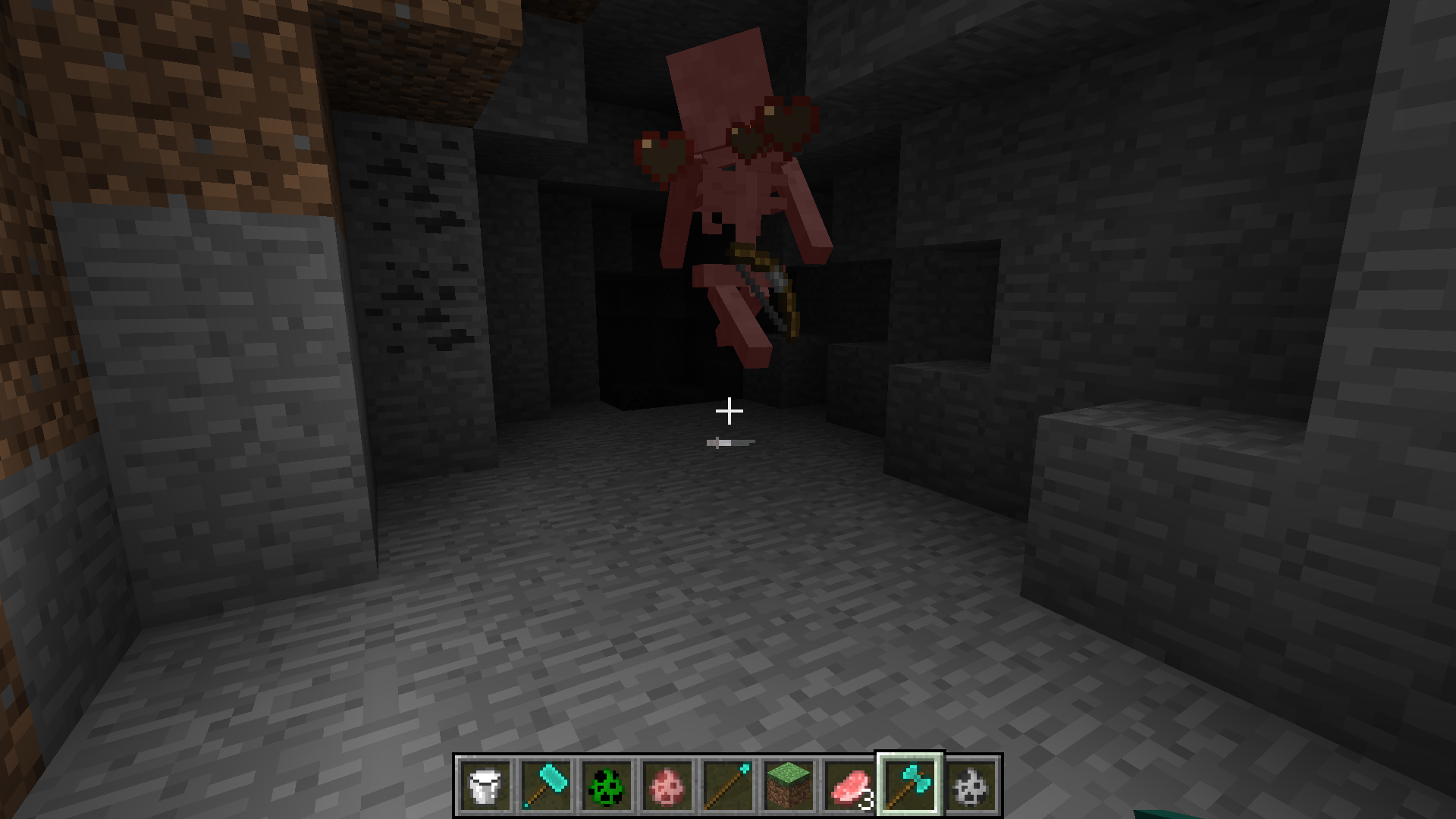
Better Survival mod
Adds more weapons and other stuff into minecraftInstall

YUNG's Better End Island
An overhaul of the main End Island where the dragon fight takes place!InstallOn a server
XyCraft: Override
Vanilla modifications in XyCraft style!Install

Better Statistics Screen
A Minecraft mod that improves the statistics screen and makes it more useful.InstallOn a server
Fullscreen Windowed (Borderless) for Minecraft
Allows minecraft to run in fullscreen windowed modeInstall
Controllable
Play Minecraft Java Edition with a Controller / GamepadInstall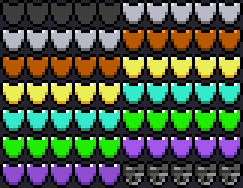

Armor Toughness Bar
Small mod that adds a toughness barInstall

Spell Engine
🪄 Data driven magic libraryInstallFAQ
How is Forge different from Fabric?
They're two different mod loaders that aren't compatible with each other. Forge is the older one and better suited to big tech and magic modpacks; Fabric is lighter, updates to new game versions faster, and hosts most performance mods. NeoForge is a Forge fork for newer versions, and Quilt is a Fabric fork. A Forge mod won't run on Fabric, and vice versa. Millida Launcher installs the right loader for you.
How do I know which mod version I need?
The one that matches your game version and loader. The “Install” button picks the file for you: Millida Launcher grabs the version for your modpack. A mod for 1.20.1 usually won't work on 1.21.
How do I install a mod?
Click “Install” and Millida Launcher will download the mod, its dependencies and the right loader for you. To install a downloaded file manually, put it in the mods folder inside the game directory.
Do I need CurseForge to install mods?
No. The Install button on a mod page opens Millida Launcher: it downloads the mod, its dependencies and the right loader into the chosen instance by itself. No CurseForge and no manual file copying.
Which mods are there for 1.20.1?
1.20.1 is one of the most modded versions, especially on Forge: tech, magic, RPG, furniture, weapons. Pick 1.20.1 in the version filter to keep only mods with a file built exactly for it, then pick Forge or Fabric next to it.
Can I install mods on my phone?
On Android, yes: Millida Launcher runs the Java edition on a phone, and mods work there just like on a PC, though light ones run much better than heavy ones. Minecraft PE (Bedrock) cannot load PC mods — it has add-ons instead, in the Minecraft PE mods section.
Which mods are best to play with friends?
The usual picks are Simple Voice Chat for proximity voice chat, Waystones for fast travel, Xaero's Minimap and something big to work on together, such as Create. Mods that change the world must be installed by every player and on the server, while client-side ones like a minimap or performance mods are up to each player.
Minecraft mods
A mod is an add-on that changes the game itself: it adds blocks, mobs and mechanics, or speeds up world rendering. It isn't installed into the game directly but on top of a loader — Forge, Fabric, NeoForge or Quilt — and it's the loader that decides whether the file will run. That's why every card here lists both the game version and the loader: two mods with the same name for 1.12.2 Forge and 1.21 Fabric are two different files, and mixing them up means a crash on launch.
The most searched Minecraft mods are weapon, furniture, horror and performance mods: each theme has its own collection, and links to the themes and the most wanted versions are in the Popular block. Version 1.20.1 on Forge still holds the most big tech, magic and RPG mods, while the fresh 1.21.11 and 26.2 get Fabric and NeoForge mods fastest.
One mod in the catalog, one page. Every version the author has released is listed on its card: pick your game version and loader right there instead of jumping between ten similar pages. Each file shows its size, release date and checksum, and the mod itself shows the author, license and a link to the original source. Files whose license allows rehosting are stored with us and download directly — no link shorteners, timers or ad redirects. If the license forbids rehosting, the button honestly takes you to the author.