
Minecraft mods — page 40
9,009 itemsMods: list


MemoryLeakFix
A mod that fixes random memory leaks for both the client and serverInstall
Fx Control!
Control Player Effects under various conditionsInstall
Dynamic Surroundings: HUDs
Various HUDs that were originally in Dynamic SurroundingsInstall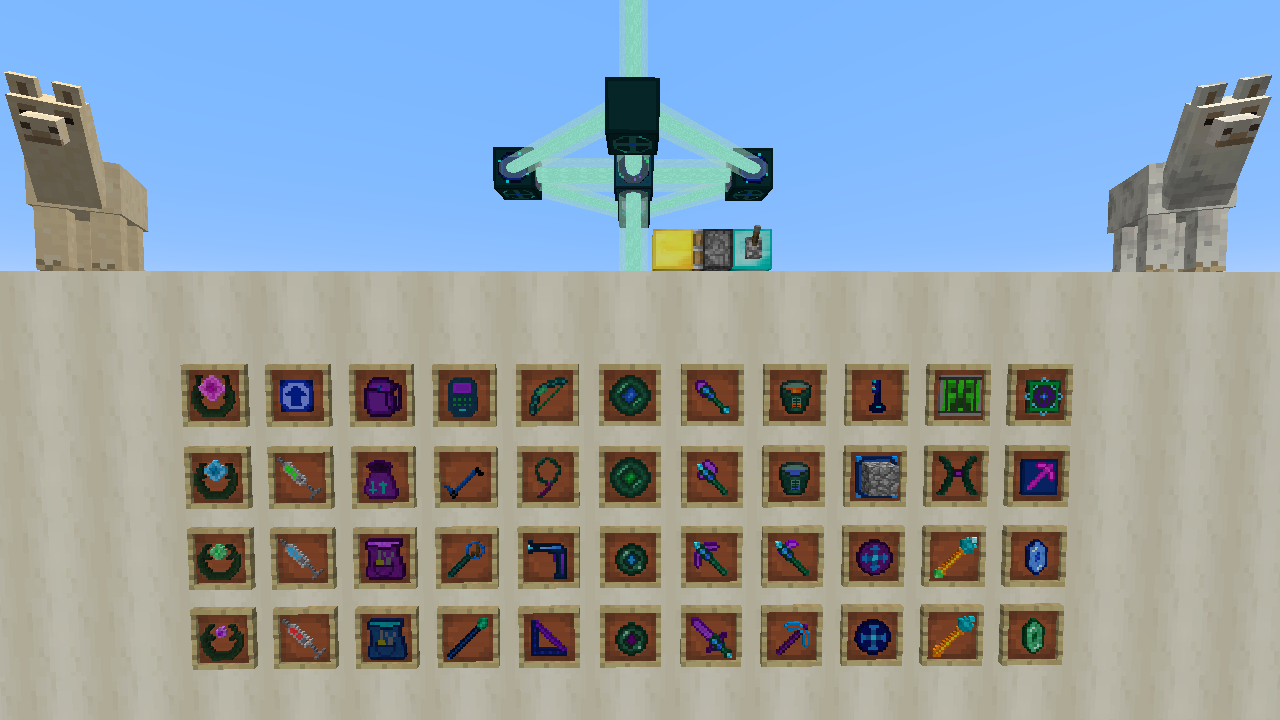
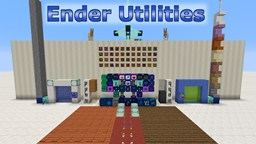
Ender Utilities
Miscellaneous utility items and blocks, many are inventory or storage related.Install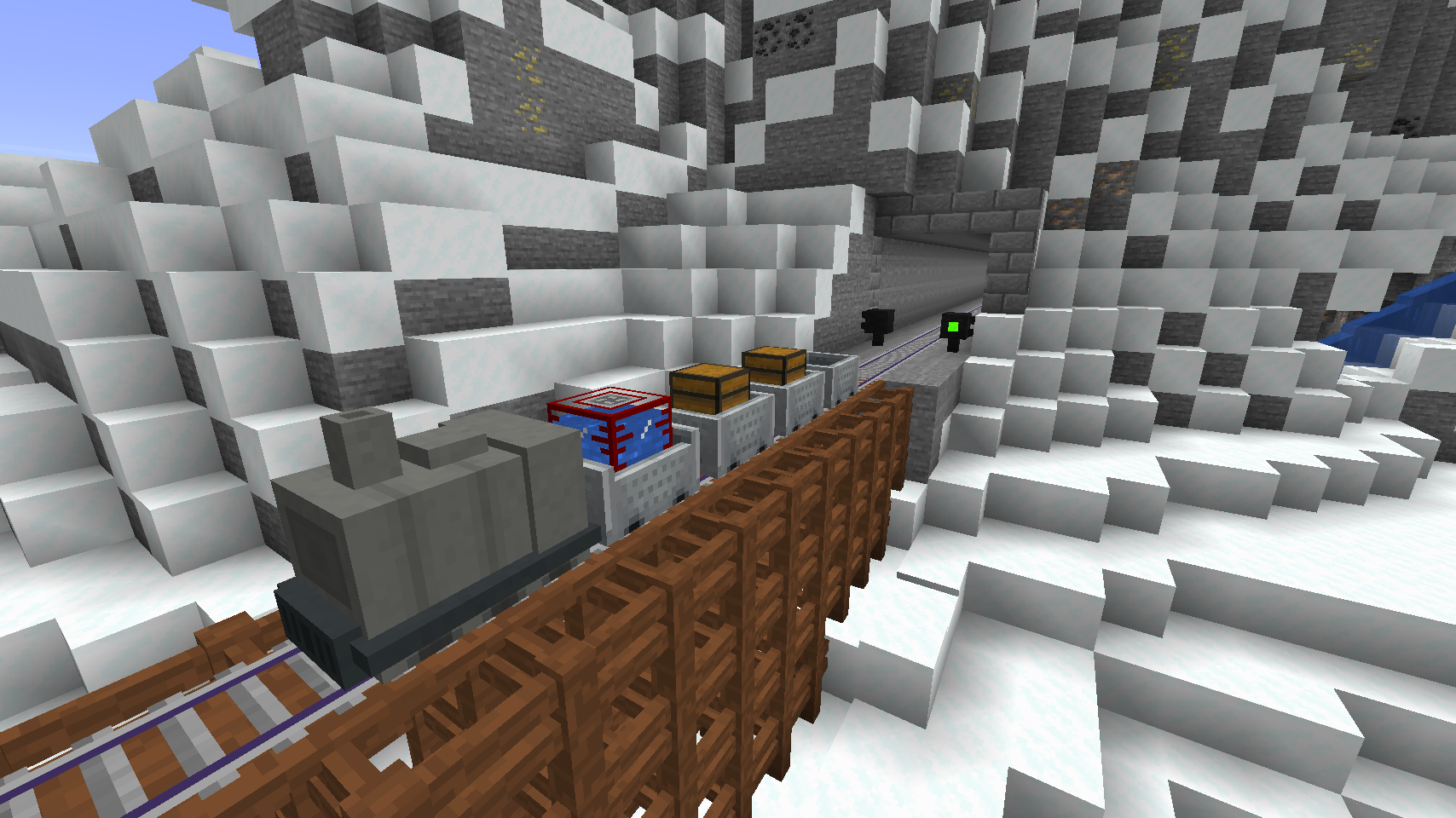
Railcraft Reborn
Redefine your rails!Install
LetsEncryptCraft
A mod to allow you to utilize resources which utilise a Let's Encrypt certificateInstall
Entity Culling
Skip rendering of hidden entitiesInstall
AI Reducer
Configurable AI for performanceInstall
AlcatrazCore
A simple code libraryInstall
Simple Shops
Adds simple and easy player shops and creative shops!Install

Jabba
Jabba (Just Another Better Barrel Attempt) is focused on providing an affordable mass storage block.Install

Sounds
It's what it says on the tin. A complete upgrade to Minecraft's SFX with over 170 new sound effects for UIs, items, blocks and more.Install

MixinTrace
Adds a list of mixins in the stack trace to crash reportsInstallOn a server

Create Confectionery
🍫 Create your own Chocolate Factory !Install

StarbuncleMania
Expand Ars Nouveau's Starbuncles with new jobs! Also adds liquified Source.Install
Anvil Patch - lawful
This mod removes the cumulative XP cost when enchanting or repairing items in the anvil, and removes the anvil level cap.Install
Sophisticated Core
Library mod for Sophisticated modsInstallOn a server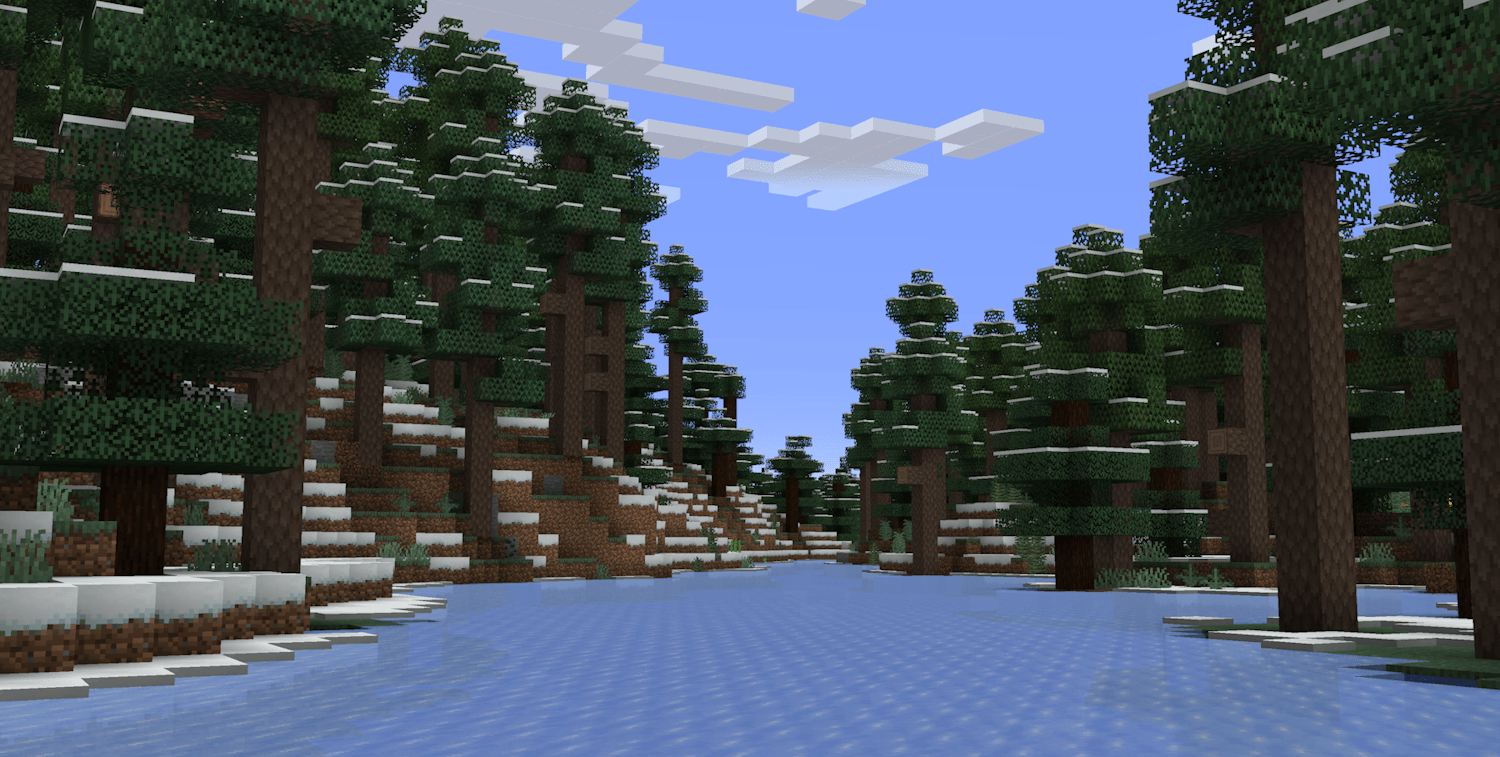
Environmental
Enhances the Overworld with new foliage and wildlife and introduces some simple biomes!Install

Amendments
Many changes to vanilla blocksInstallOn a server

EnhancedVisuals
Feel the pain!InstallOn a server
Occultism KubeJS
KubeJS plugin for Occultism.Install

Sodium Dynamic Lights
Multiloader port of LambDynLights that adds Sodium options integrationInstall
VeinMiner
VeinMinerInstallFAQ
How is Forge different from Fabric?
They're two different mod loaders that aren't compatible with each other. Forge is the older one and better suited to big tech and magic modpacks; Fabric is lighter, updates to new game versions faster, and hosts most performance mods. NeoForge is a Forge fork for newer versions, and Quilt is a Fabric fork. A Forge mod won't run on Fabric, and vice versa. Millida Launcher installs the right loader for you.
How do I know which mod version I need?
The one that matches your game version and loader. The “Install” button picks the file for you: Millida Launcher grabs the version for your modpack. A mod for 1.20.1 usually won't work on 1.21.
How do I install a mod?
Click “Install” and Millida Launcher will download the mod, its dependencies and the right loader for you. To install a downloaded file manually, put it in the mods folder inside the game directory.
Do I need CurseForge to install mods?
No. The Install button on a mod page opens Millida Launcher: it downloads the mod, its dependencies and the right loader into the chosen instance by itself. No CurseForge and no manual file copying.
Which mods are there for 1.20.1?
1.20.1 is one of the most modded versions, especially on Forge: tech, magic, RPG, furniture, weapons. Pick 1.20.1 in the version filter to keep only mods with a file built exactly for it, then pick Forge or Fabric next to it.
Can I install mods on my phone?
On Android, yes: Millida Launcher runs the Java edition on a phone, and mods work there just like on a PC, though light ones run much better than heavy ones. Minecraft PE (Bedrock) cannot load PC mods — it has add-ons instead, in the Minecraft PE mods section.
Which mods are best to play with friends?
The usual picks are Simple Voice Chat for proximity voice chat, Waystones for fast travel, Xaero's Minimap and something big to work on together, such as Create. Mods that change the world must be installed by every player and on the server, while client-side ones like a minimap or performance mods are up to each player.
Minecraft mods
A mod is an add-on that changes the game itself: it adds blocks, mobs and mechanics, or speeds up world rendering. It isn't installed into the game directly but on top of a loader — Forge, Fabric, NeoForge or Quilt — and it's the loader that decides whether the file will run. That's why every card here lists both the game version and the loader: two mods with the same name for 1.12.2 Forge and 1.21 Fabric are two different files, and mixing them up means a crash on launch.
The most searched Minecraft mods are weapon, furniture, horror and performance mods: each theme has its own collection, and links to the themes and the most wanted versions are in the Popular block. Version 1.20.1 on Forge still holds the most big tech, magic and RPG mods, while the fresh 1.21.11 and 26.2 get Fabric and NeoForge mods fastest.
One mod in the catalog, one page. Every version the author has released is listed on its card: pick your game version and loader right there instead of jumping between ten similar pages. Each file shows its size, release date and checksum, and the mod itself shows the author, license and a link to the original source. Files whose license allows rehosting are stored with us and download directly — no link shorteners, timers or ad redirects. If the license forbids rehosting, the button honestly takes you to the author.