
Minecraft mods — page 330
9,025 itemsMods: list

End Crystal Optimizer for PvP
makes ur crystals break instantly clientsideInstall

TAB
TAB is an all-in-one plugin for displaying information in various placesInstall
Cherry Grove Villages
A completely new vanilla like village in minecraft Cherry Grove biome!Install
Lucky Blocks World Add-on (Fabric/Forge/NeoForge/Quilt)
Lucky Blocks Add-on, find lucky blocks around the overworld!Install
Ventur Origin
A cute green-furred addon for origins modInstall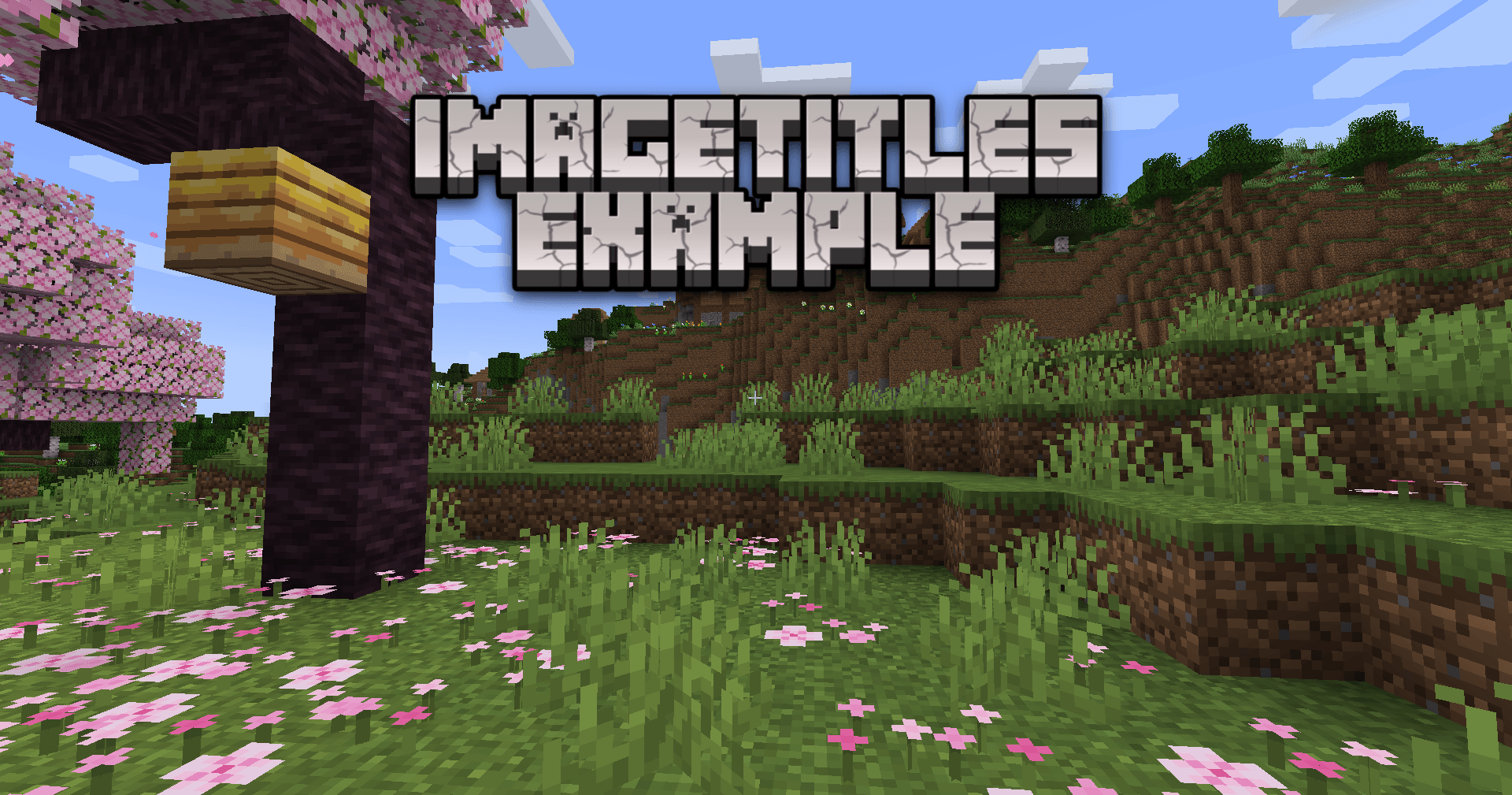

ImageTitles
Replace Minecraft titles with custom images. Create a resource pack with the images and you'll be able to display them to all players on your server.Install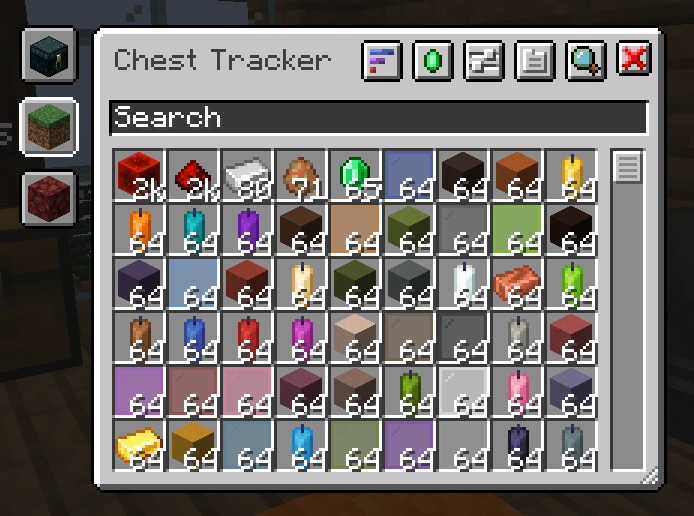

Chest Tracker (Unofficial port)
Client side item storage - remember where you've put things. Unofficial port Chest Tracker.Install
Sit!
Adds sitting to minecraft! Endless customizability for hand restrictions and sittable blocks.Install
Structural Beyond | SB
Simple mod that adds more structures to your worldInstall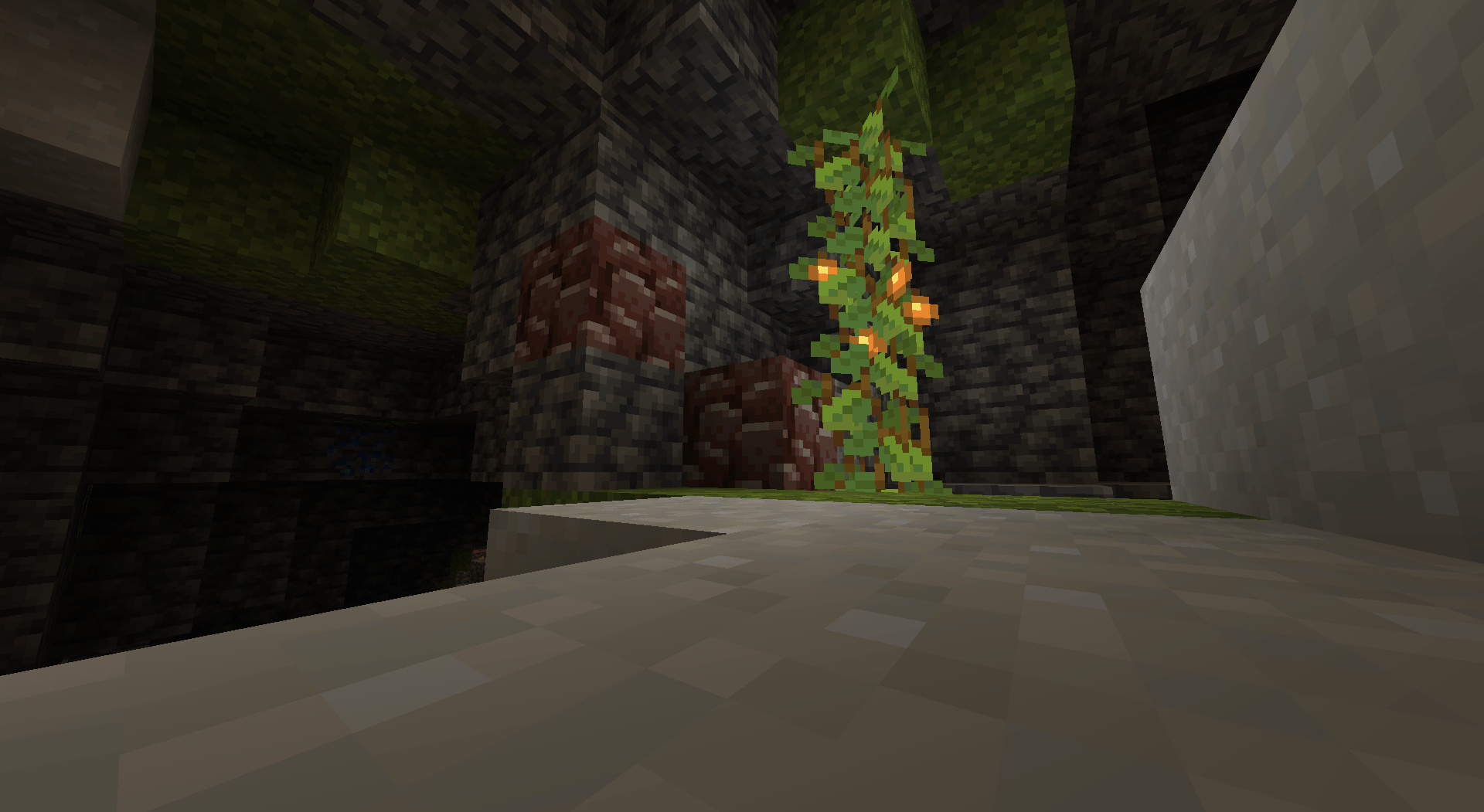
Ancient debris in the Overworld
Ancient debris can now spawn in the overworld too!Install
Old Walking Animation
This mod brings back the derpy walk cycle that caused your arms to flail around when you walk for all players.Install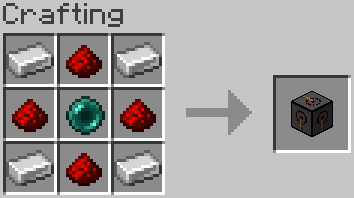
Melon Wireless Redstone
Adds wireless redstone transmitter and receiverInstall
IvyCore
A Core for IvyMC ProjectsInstall
Image2Map
Turn images into maps!Install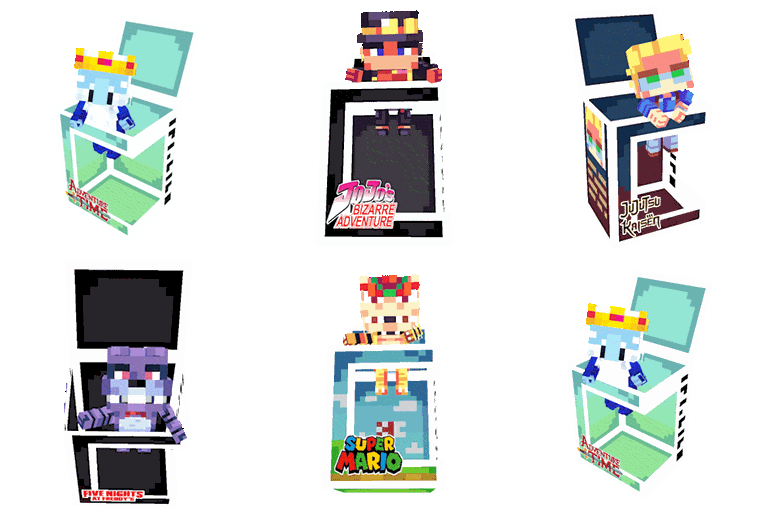
Block Pops
Collectible figures of players from your server and from multiple series/anime/gamesInstall
Just Potion Rings
Adds Rings that apply potion effects to the player while worn. compat with Trinkets / Curios API / Curios API Continuation / Accessories / AdornedInstall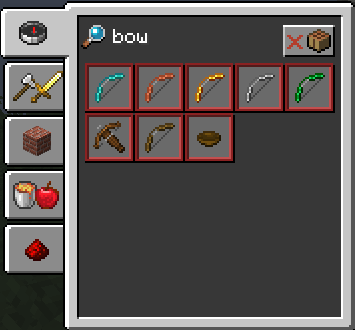
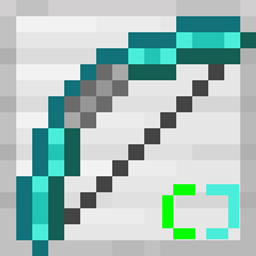
More Bows CJ [Fabric/Forge/Quilt]
Adds new bowsInstall
iCommonLib
Common library for multiversion development.Install
Player Tracking
🔎 A PvP mod that encourages raiding. Allows the tracking of players via special trackers.Install
Save and Load Inventories
💾 Save and load player inventories or kits to self and others by using commands.Install
Resource Explorer
A mod allowing the exploration & exporting of all the resources & packs available to Minecraft, as it sees them.Install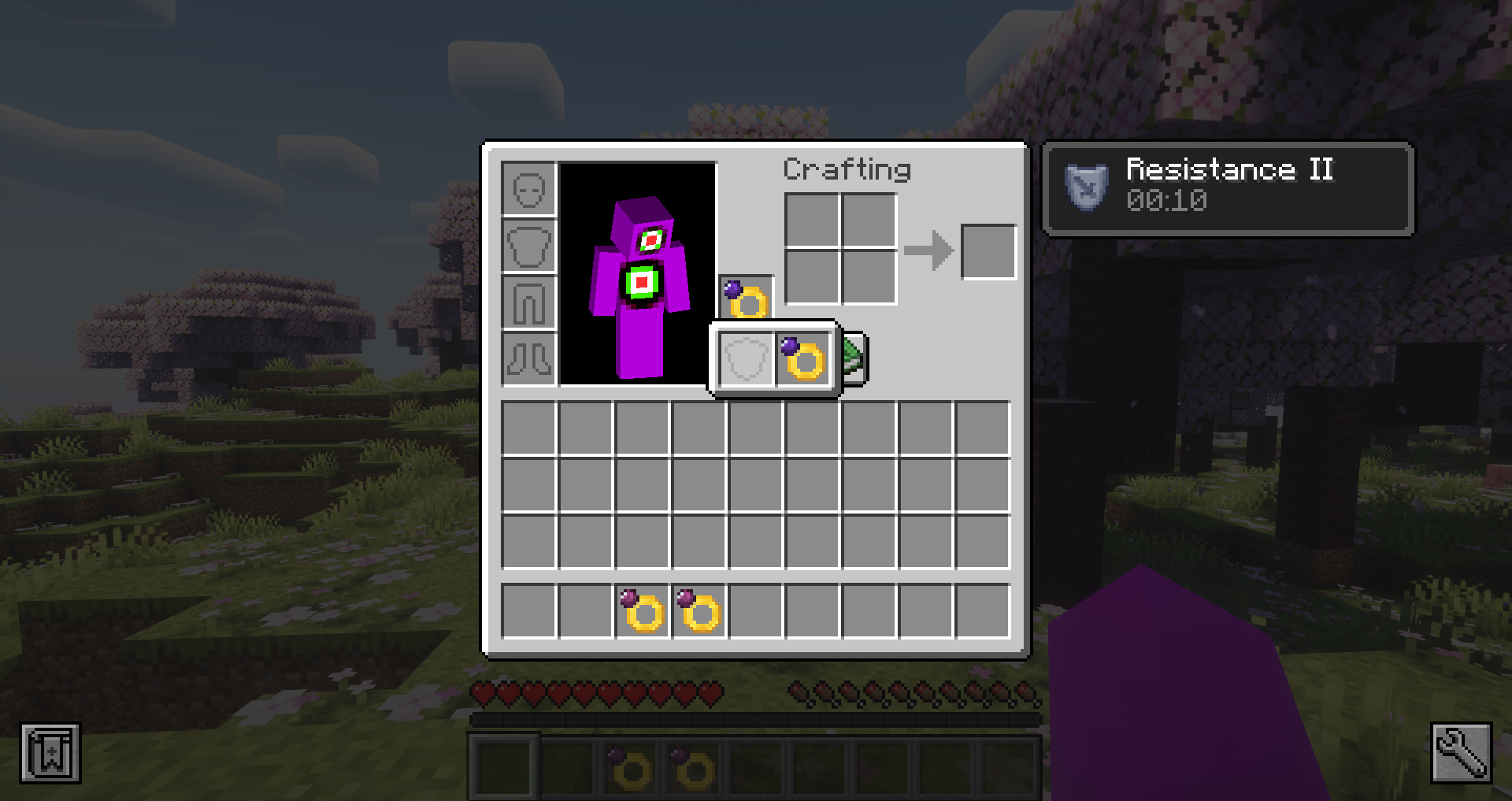

Potion Rings - REFORGED [FABRIC]
A Fabric port of the Potion Fingers Mod by Vazkii for news versions of MinecraftInstall
macu lib
Library for my mods and adding supporter perksInstallFAQ
How is Forge different from Fabric?
They're two different mod loaders that aren't compatible with each other. Forge is the older one and better suited to big tech and magic modpacks; Fabric is lighter, updates to new game versions faster, and hosts most performance mods. NeoForge is a Forge fork for newer versions, and Quilt is a Fabric fork. A Forge mod won't run on Fabric, and vice versa. Millida Launcher installs the right loader for you.
How do I know which mod version I need?
The one that matches your game version and loader. The “Install” button picks the file for you: Millida Launcher grabs the version for your modpack. A mod for 1.20.1 usually won't work on 1.21.
How do I install a mod?
Click “Install” and Millida Launcher will download the mod, its dependencies and the right loader for you. To install a downloaded file manually, put it in the mods folder inside the game directory.
Do I need CurseForge to install mods?
No. The Install button on a mod page opens Millida Launcher: it downloads the mod, its dependencies and the right loader into the chosen instance by itself. No CurseForge and no manual file copying.
Which mods are there for 1.20.1?
1.20.1 is one of the most modded versions, especially on Forge: tech, magic, RPG, furniture, weapons. Pick 1.20.1 in the version filter to keep only mods with a file built exactly for it, then pick Forge or Fabric next to it.
Can I install mods on my phone?
On Android, yes: Millida Launcher runs the Java edition on a phone, and mods work there just like on a PC, though light ones run much better than heavy ones. Minecraft PE (Bedrock) cannot load PC mods — it has add-ons instead, in the Minecraft PE mods section.
Which mods are best to play with friends?
The usual picks are Simple Voice Chat for proximity voice chat, Waystones for fast travel, Xaero's Minimap and something big to work on together, such as Create. Mods that change the world must be installed by every player and on the server, while client-side ones like a minimap or performance mods are up to each player.
Minecraft mods
A mod is an add-on that changes the game itself: it adds blocks, mobs and mechanics, or speeds up world rendering. It isn't installed into the game directly but on top of a loader — Forge, Fabric, NeoForge or Quilt — and it's the loader that decides whether the file will run. That's why every card here lists both the game version and the loader: two mods with the same name for 1.12.2 Forge and 1.21 Fabric are two different files, and mixing them up means a crash on launch.
The most searched Minecraft mods are weapon, furniture, horror and performance mods: each theme has its own collection, and links to the themes and the most wanted versions are in the Popular block. Version 1.20.1 on Forge still holds the most big tech, magic and RPG mods, while the fresh 1.21.11 and 26.2 get Fabric and NeoForge mods fastest.
One mod in the catalog, one page. Every version the author has released is listed on its card: pick your game version and loader right there instead of jumping between ten similar pages. Each file shows its size, release date and checksum, and the mod itself shows the author, license and a link to the original source. Files whose license allows rehosting are stored with us and download directly — no link shorteners, timers or ad redirects. If the license forbids rehosting, the button honestly takes you to the author.