
Minecraft mods — page 281
9,030 itemsMods: list


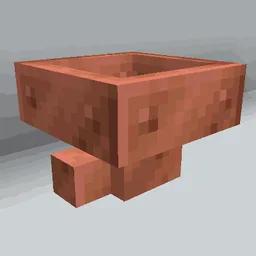
Copper Hopper
Hopper that acts as a simple item filter.InstallOn a server

QuickShulker
Quickly open shulker boxes(and more) without placing them downInstallOn a server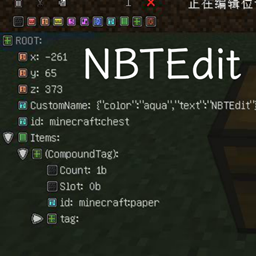
In-game NBTEdit Reborn
A mod adds a GUI to edit NBT of Entities or BlockEntities.Install

bodacious berries
a mod aiming to provide the finest berry experience you could possibly ask forInstallOn a server
Server Hats
Server-side Fabric mod that allows players equip items as hatsInstall
Cobblemon - Show Held Items
Shows your Pokémon's held items in the world.InstallOn a server
Light Overlay
A Light Level Overlay Mod that's efficient and powerful.Install

Enchancement
A mod that completely overhauls the vanilla enchanting systemInstallOn a server

Snuffles (Fabric)
Adds Snuffles, a new mob to snowy biomes!InstallOn a server

GUI Compass
🧭 Shows direction and coordinates in the GUI/HUD with a compass in the inventory.Install

Better Zoom
Smoothly zoom with wheel and hotkeys as much as you want, in a simple way with customizationsInstall

Torcherino
various torches that increase the tick rates of tile entitiesInstallOn a server

Armour Durablity Hud
Display the durability of all wearable equipment directly on the HUD with customizable positioning and scalingInstall
Quilted Fabric API (QFAPI) / Quilt Standard Libraries (QSL)
The standard libraries of the Quilt ecosystem. Essential for your modding experience on Quilt!Install
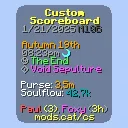
Custom Scoreboard
SkyHannis CustomScoreboard improved with more features for modern Hypixel SkyBlockInstall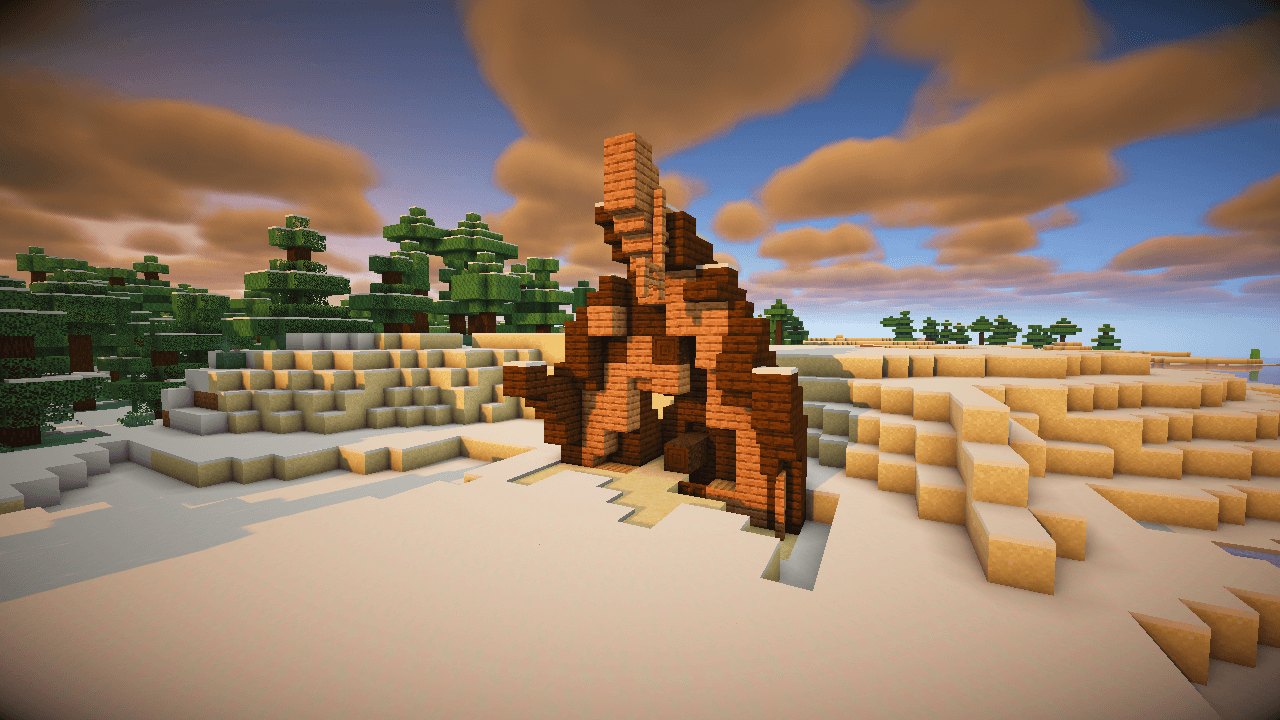
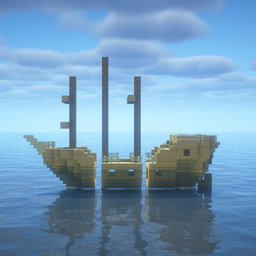
Revamped Shipwrecks (Mod)
Shipwreck structures redesigned with jigsaw degradation stages, hundreds of unique combinations!Install

Fairy Lights
Decorative string lights to light up your world! A Fabric & NeoForge port.InstallOn a server

Fullbright
This Mod will lighten up your Minecraft Experience by toggling Fullbright with a KeybindingInstall

Nature Arise
add new biomes, improve vanilla biomes and vanilla style additionsInstall

Your Reputation
A WTHIT/Jade plugin that displays your reputation on a tooltip with each villager.InstallOn a server
Shuffle
Place Random Blocks From Your Hotbar With Ease!Install
World Border
🌎 Allows the creation of a configurable world border, limiting the world size.Install
Default Skill Trees
The default skill trees for Pufferfish's Skills mod.InstallOn a serverFAQ
How is Forge different from Fabric?
They're two different mod loaders that aren't compatible with each other. Forge is the older one and better suited to big tech and magic modpacks; Fabric is lighter, updates to new game versions faster, and hosts most performance mods. NeoForge is a Forge fork for newer versions, and Quilt is a Fabric fork. A Forge mod won't run on Fabric, and vice versa. Millida Launcher installs the right loader for you.
How do I know which mod version I need?
The one that matches your game version and loader. The “Install” button picks the file for you: Millida Launcher grabs the version for your modpack. A mod for 1.20.1 usually won't work on 1.21.
How do I install a mod?
Click “Install” and Millida Launcher will download the mod, its dependencies and the right loader for you. To install a downloaded file manually, put it in the mods folder inside the game directory.
Do I need CurseForge to install mods?
No. The Install button on a mod page opens Millida Launcher: it downloads the mod, its dependencies and the right loader into the chosen instance by itself. No CurseForge and no manual file copying.
Which mods are there for 1.20.1?
1.20.1 is one of the most modded versions, especially on Forge: tech, magic, RPG, furniture, weapons. Pick 1.20.1 in the version filter to keep only mods with a file built exactly for it, then pick Forge or Fabric next to it.
Can I install mods on my phone?
On Android, yes: Millida Launcher runs the Java edition on a phone, and mods work there just like on a PC, though light ones run much better than heavy ones. Minecraft PE (Bedrock) cannot load PC mods — it has add-ons instead, in the Minecraft PE mods section.
Which mods are best to play with friends?
The usual picks are Simple Voice Chat for proximity voice chat, Waystones for fast travel, Xaero's Minimap and something big to work on together, such as Create. Mods that change the world must be installed by every player and on the server, while client-side ones like a minimap or performance mods are up to each player.
Minecraft mods
A mod is an add-on that changes the game itself: it adds blocks, mobs and mechanics, or speeds up world rendering. It isn't installed into the game directly but on top of a loader — Forge, Fabric, NeoForge or Quilt — and it's the loader that decides whether the file will run. That's why every card here lists both the game version and the loader: two mods with the same name for 1.12.2 Forge and 1.21 Fabric are two different files, and mixing them up means a crash on launch.
The most searched Minecraft mods are weapon, furniture, horror and performance mods: each theme has its own collection, and links to the themes and the most wanted versions are in the Popular block. Version 1.20.1 on Forge still holds the most big tech, magic and RPG mods, while the fresh 1.21.11 and 26.2 get Fabric and NeoForge mods fastest.
One mod in the catalog, one page. Every version the author has released is listed on its card: pick your game version and loader right there instead of jumping between ten similar pages. Each file shows its size, release date and checksum, and the mod itself shows the author, license and a link to the original source. Files whose license allows rehosting are stored with us and download directly — no link shorteners, timers or ad redirects. If the license forbids rehosting, the button honestly takes you to the author.