
Minecraft mods — page 115
9,028 itemsMods: list
Ztones
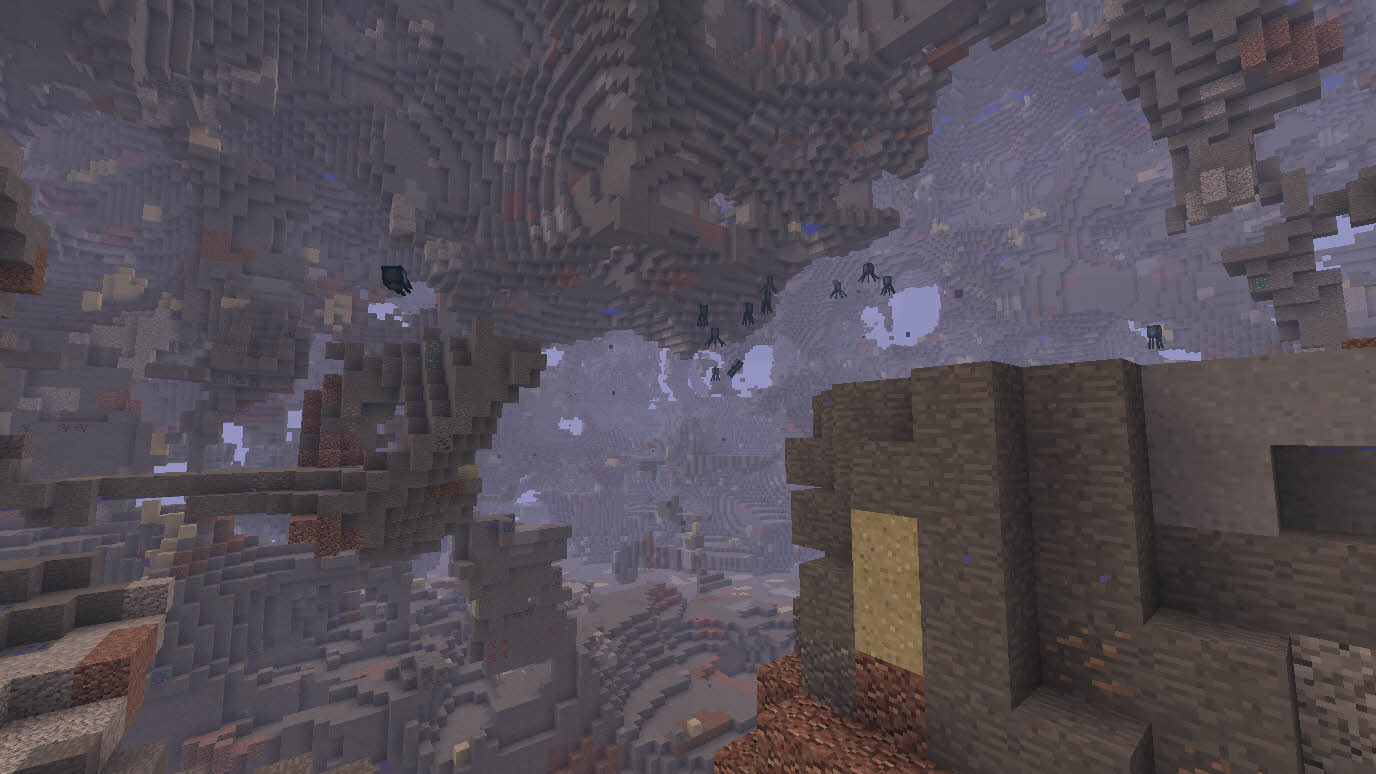
Ztones adds modern, futuristic, and fantasy-style decorative building blocks. The new version is out! Check BetterBlockZ for future updates.Install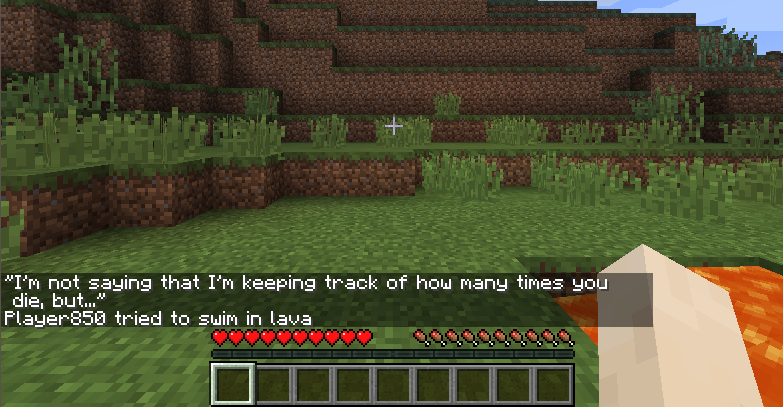
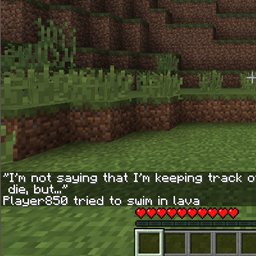
DeathQuotes / Death Quotes
Displays funny quotes when you die in MinecraftInstall

Accessories Compatibility Layer
Modifies commonly used Accessory API's to work with Accessories, unifying a modpack under one Accessory APIInstallOn a server

Better Clouds
Beautiful clouds in touch with the vanilla styleInstall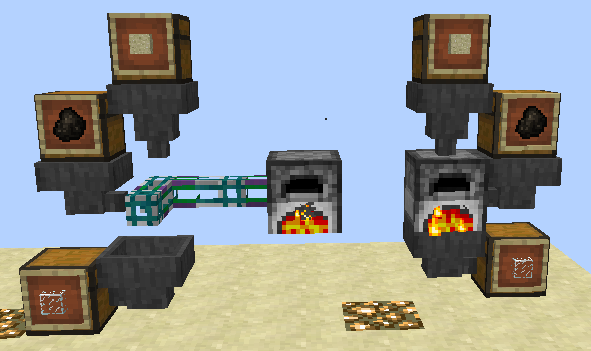
Inductive Logistics
Advanced transport, sorting & storage for items & fluidsInstall
PrimalChests
Adds intermediate chests that cannot hold as much as a normal chestsInstall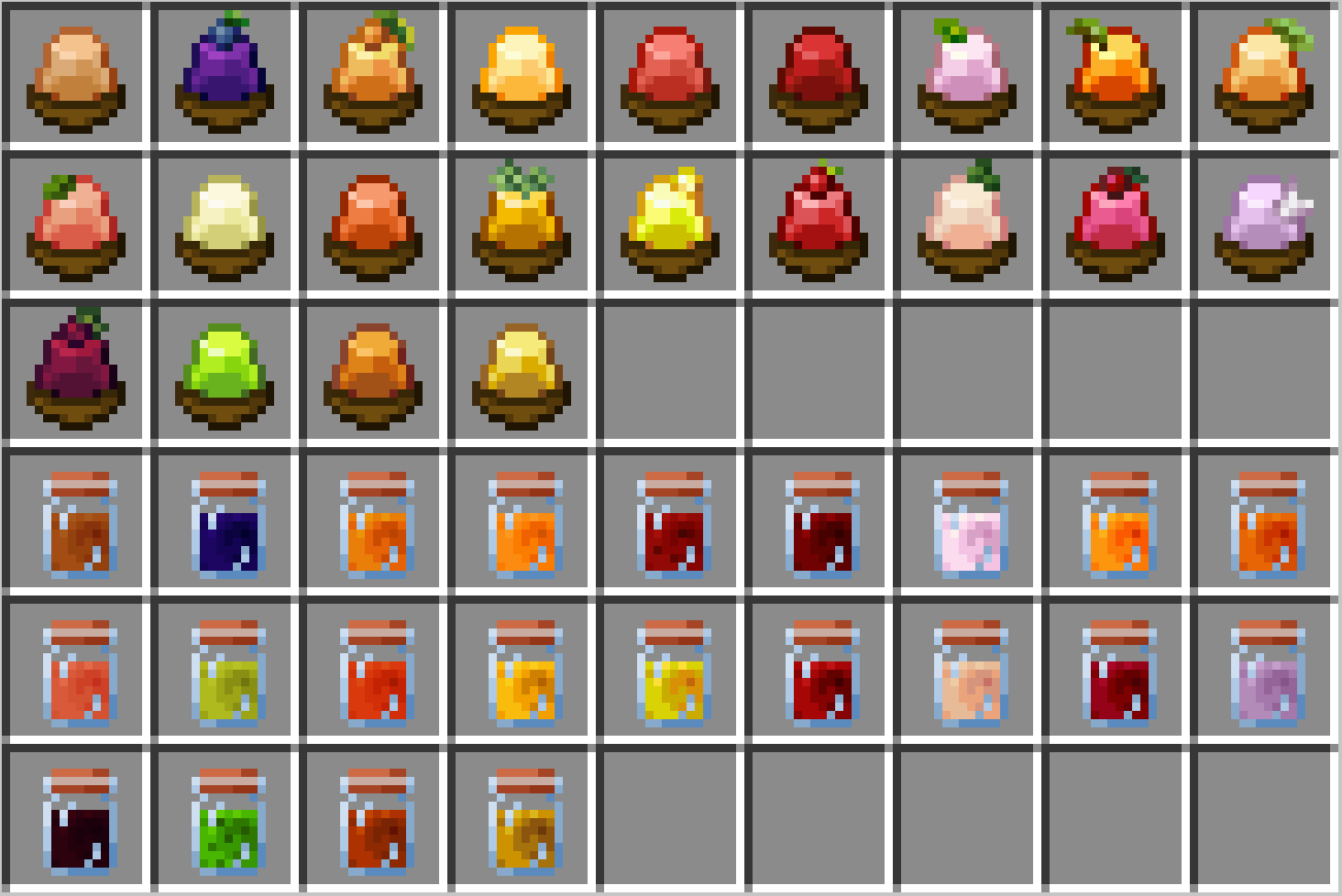
Fruits Delight
Adds fruits, jelly, juice, and fruit-based food in Farmer's Delight styleInstall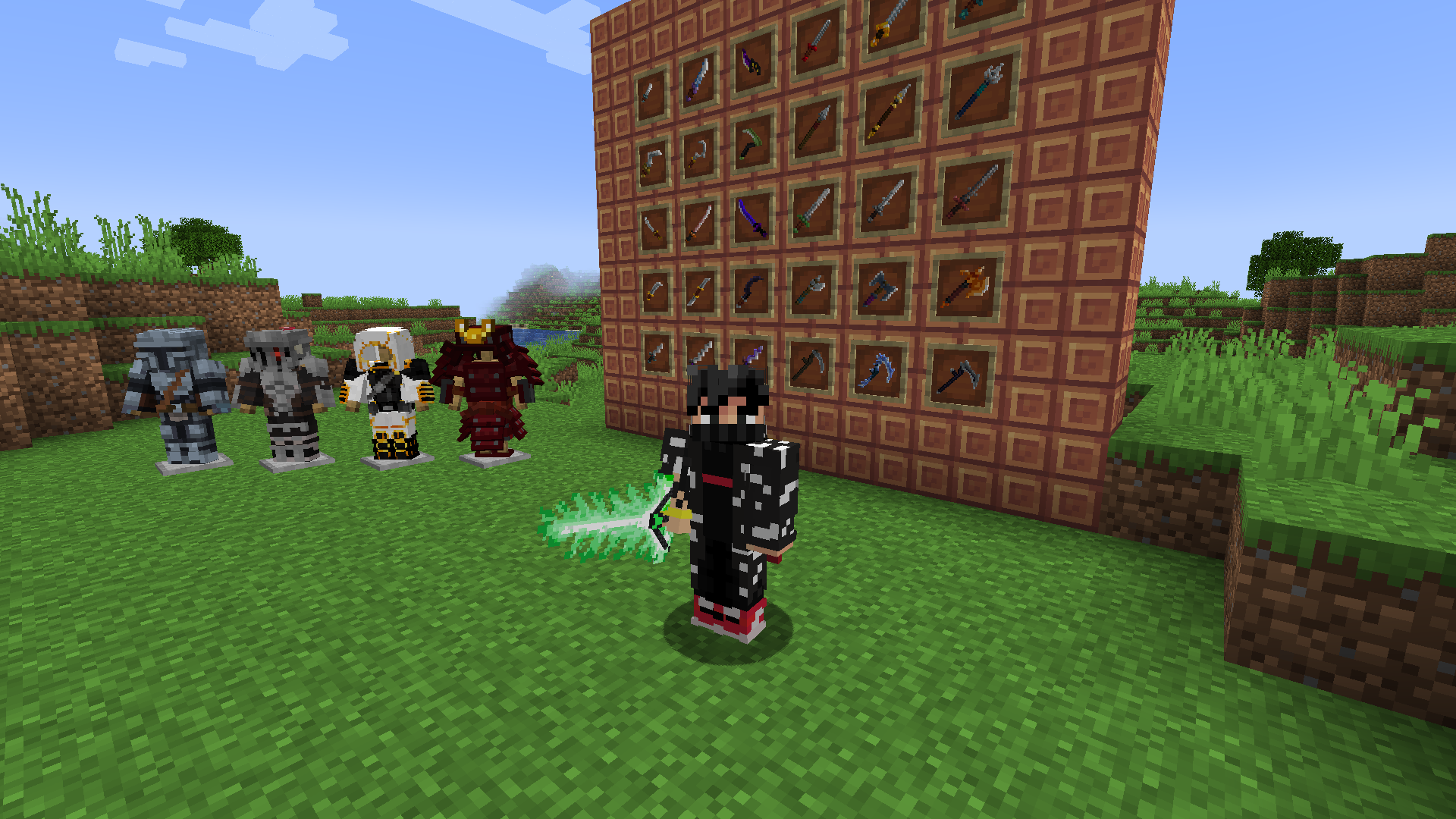
scattered weapons
A weapons and armor mod.Install
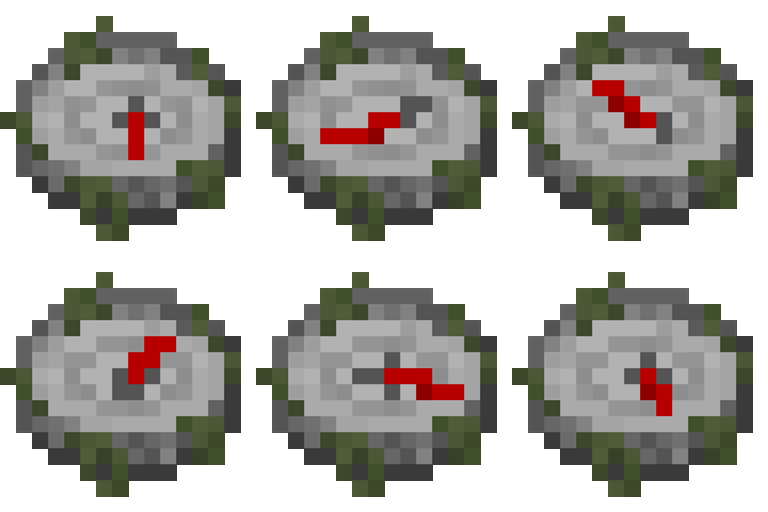
Structures' Compass
A mod allows player to quickly locate a specific structureInstall

Dawn API
API that facilitates the creation of features.InstallOn a server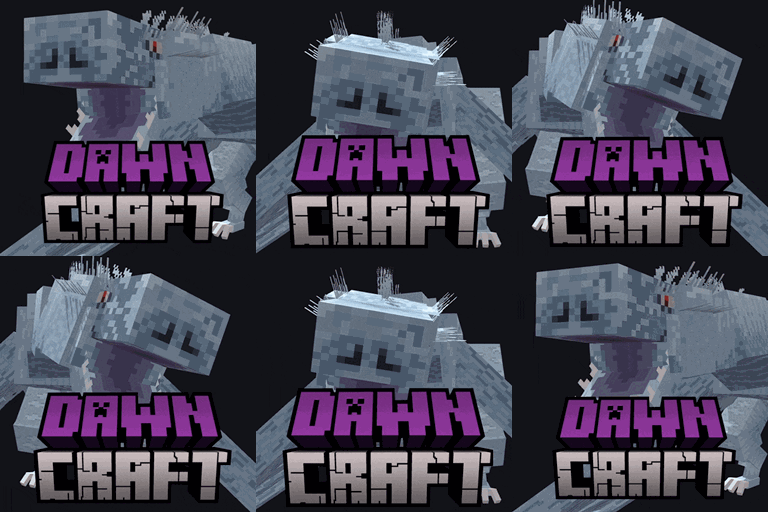
DawnCraft Tweaks
Custom tweaks for the DawnCraft modpackInstall
Music Delay Remover (Infinite Music)
Customisable delay between music tracks, updated to 1.21.3!Install
Loot Integrations: When Dungeons Arise & Co
Adds better loot to When Dungeons Arise chests, including modded lootInstall
Custom Entity Attributes (Modpack Utils Series)
Change entity attributes globally, per dimension, biome, difficulty, or time. With % chances too!InstallMobiusCore
Core mod for ProfMobius' mod collectionInstall

Satin Free Wakes
Satin free version of the Wakes mod. Which adds splashes and wakes while traveling on water. 3x fps of normal version.Install
[Forge] Snad
Sand makes sugarcane grow faster!!Install

Ecologics
Simple vanilla biome updates, with fun mobs, blocks, and more!InstallOn a server
Road Runner
Define Road Blocks that alter the Movement_SpeedInstall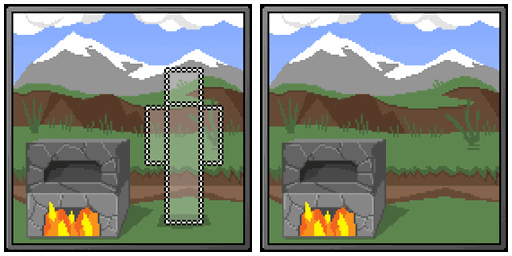
Presence Not Required
Progress for some blocks & entities in unloaded chunks.Install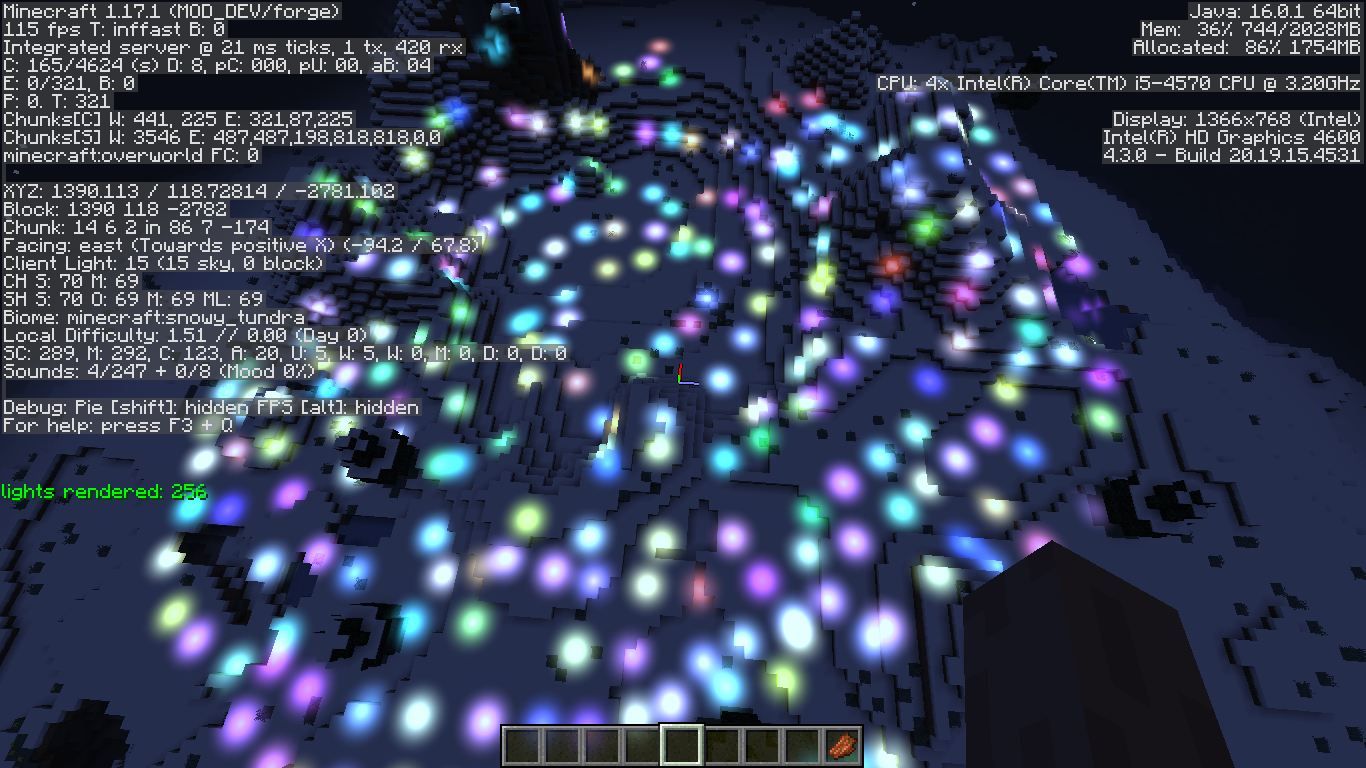

BraincellAPI
library mod with dispersed functionalitiesInstall

Biome Replacer
A quick way to get rid of a biome. Useful for tweaking datapack-based generators (like Terralith) that don't have a convenient configurationInstallOn a server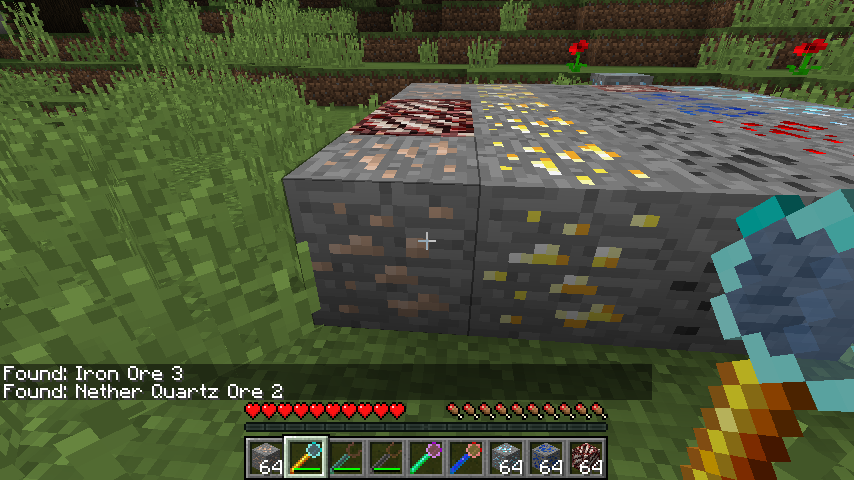

Ore Prospectors
Prospect ore in the area; highly configurableInstallFAQ
How is Forge different from Fabric?
They're two different mod loaders that aren't compatible with each other. Forge is the older one and better suited to big tech and magic modpacks; Fabric is lighter, updates to new game versions faster, and hosts most performance mods. NeoForge is a Forge fork for newer versions, and Quilt is a Fabric fork. A Forge mod won't run on Fabric, and vice versa. Millida Launcher installs the right loader for you.
How do I know which mod version I need?
The one that matches your game version and loader. The “Install” button picks the file for you: Millida Launcher grabs the version for your modpack. A mod for 1.20.1 usually won't work on 1.21.
How do I install a mod?
Click “Install” and Millida Launcher will download the mod, its dependencies and the right loader for you. To install a downloaded file manually, put it in the mods folder inside the game directory.
Do I need CurseForge to install mods?
No. The Install button on a mod page opens Millida Launcher: it downloads the mod, its dependencies and the right loader into the chosen instance by itself. No CurseForge and no manual file copying.
Which mods are there for 1.20.1?
1.20.1 is one of the most modded versions, especially on Forge: tech, magic, RPG, furniture, weapons. Pick 1.20.1 in the version filter to keep only mods with a file built exactly for it, then pick Forge or Fabric next to it.
Can I install mods on my phone?
On Android, yes: Millida Launcher runs the Java edition on a phone, and mods work there just like on a PC, though light ones run much better than heavy ones. Minecraft PE (Bedrock) cannot load PC mods — it has add-ons instead, in the Minecraft PE mods section.
Which mods are best to play with friends?
The usual picks are Simple Voice Chat for proximity voice chat, Waystones for fast travel, Xaero's Minimap and something big to work on together, such as Create. Mods that change the world must be installed by every player and on the server, while client-side ones like a minimap or performance mods are up to each player.
Minecraft mods
A mod is an add-on that changes the game itself: it adds blocks, mobs and mechanics, or speeds up world rendering. It isn't installed into the game directly but on top of a loader — Forge, Fabric, NeoForge or Quilt — and it's the loader that decides whether the file will run. That's why every card here lists both the game version and the loader: two mods with the same name for 1.12.2 Forge and 1.21 Fabric are two different files, and mixing them up means a crash on launch.
The most searched Minecraft mods are weapon, furniture, horror and performance mods: each theme has its own collection, and links to the themes and the most wanted versions are in the Popular block. Version 1.20.1 on Forge still holds the most big tech, magic and RPG mods, while the fresh 1.21.11 and 26.2 get Fabric and NeoForge mods fastest.
One mod in the catalog, one page. Every version the author has released is listed on its card: pick your game version and loader right there instead of jumping between ten similar pages. Each file shows its size, release date and checksum, and the mod itself shows the author, license and a link to the original source. Files whose license allows rehosting are stored with us and download directly — no link shorteners, timers or ad redirects. If the license forbids rehosting, the button honestly takes you to the author.