
Minecraft mods — page 114
9,028 itemsMods: list
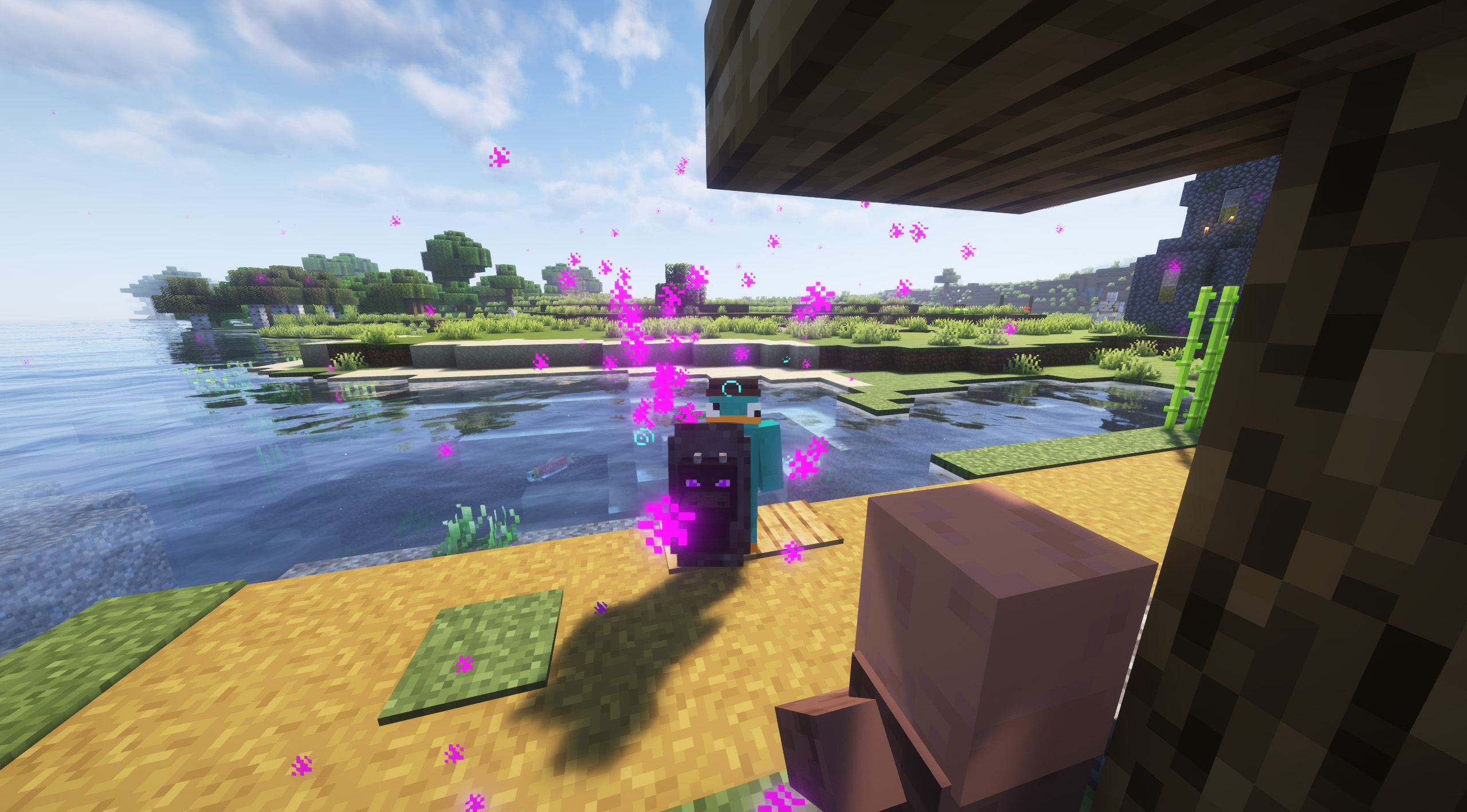

Snow Pig [Forge]
Ever wanted a pig in snowy biomes? No? Well here you go anyway!Install
Serious Player Animations
A client side mod that adds cool animations to the player.Install
Hardcore Map Reset
This mod is for modpack makers who include maps that might need to be reset after death.Install
TRansliterationLib
A library mod required for tr7zw's mods to work on Forge+FabricInstall

The Lost Castle
Former structure of End Remastered, The Lost Castle introduces an enormous castle. Inside resides infinite fortune and mysteries from a long forgotten civilization that disappeared a long time ago...InstallOn a server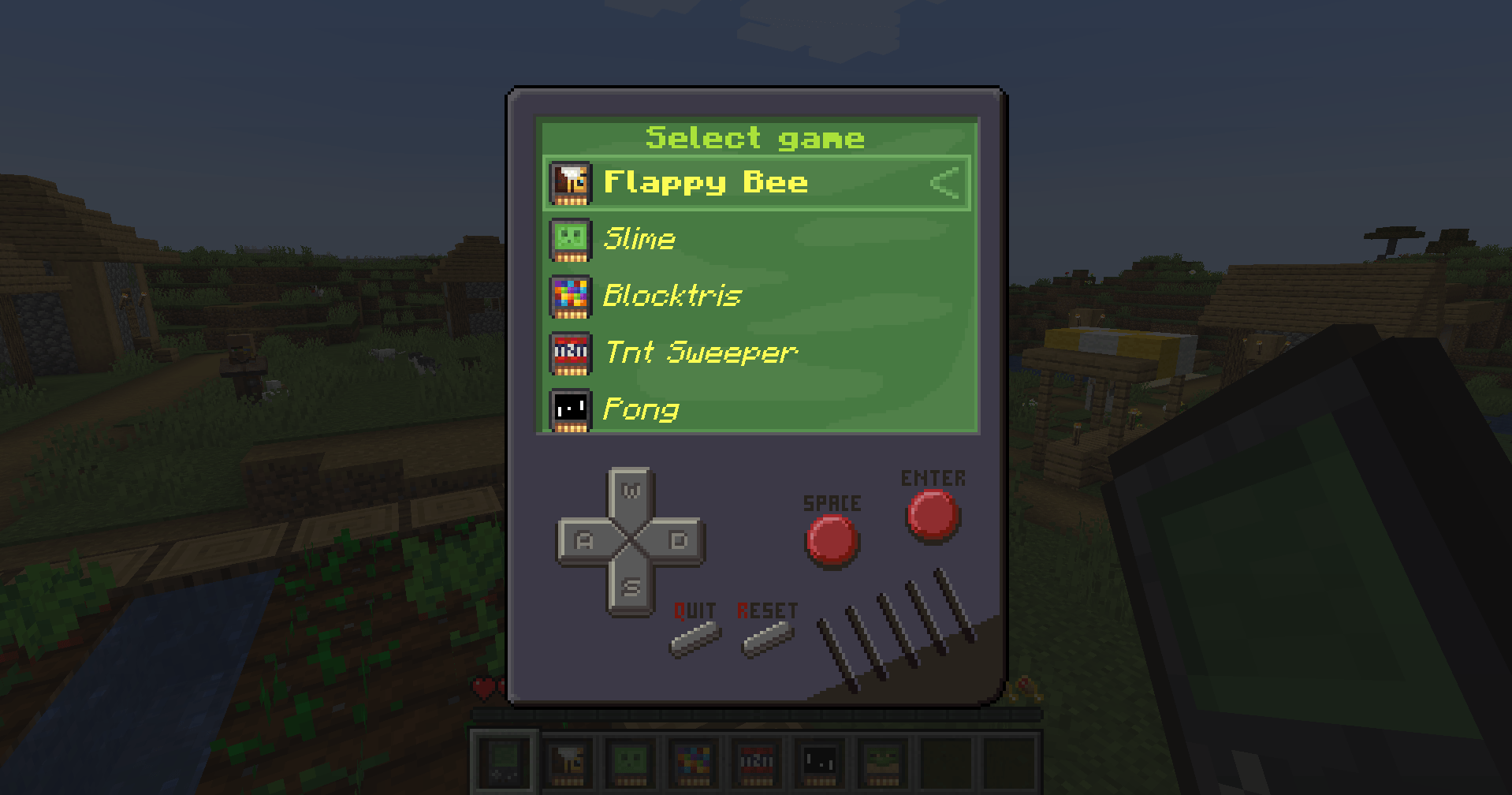
Game Discs
Play game classics inside Minecraft with new Game ConsoleInstall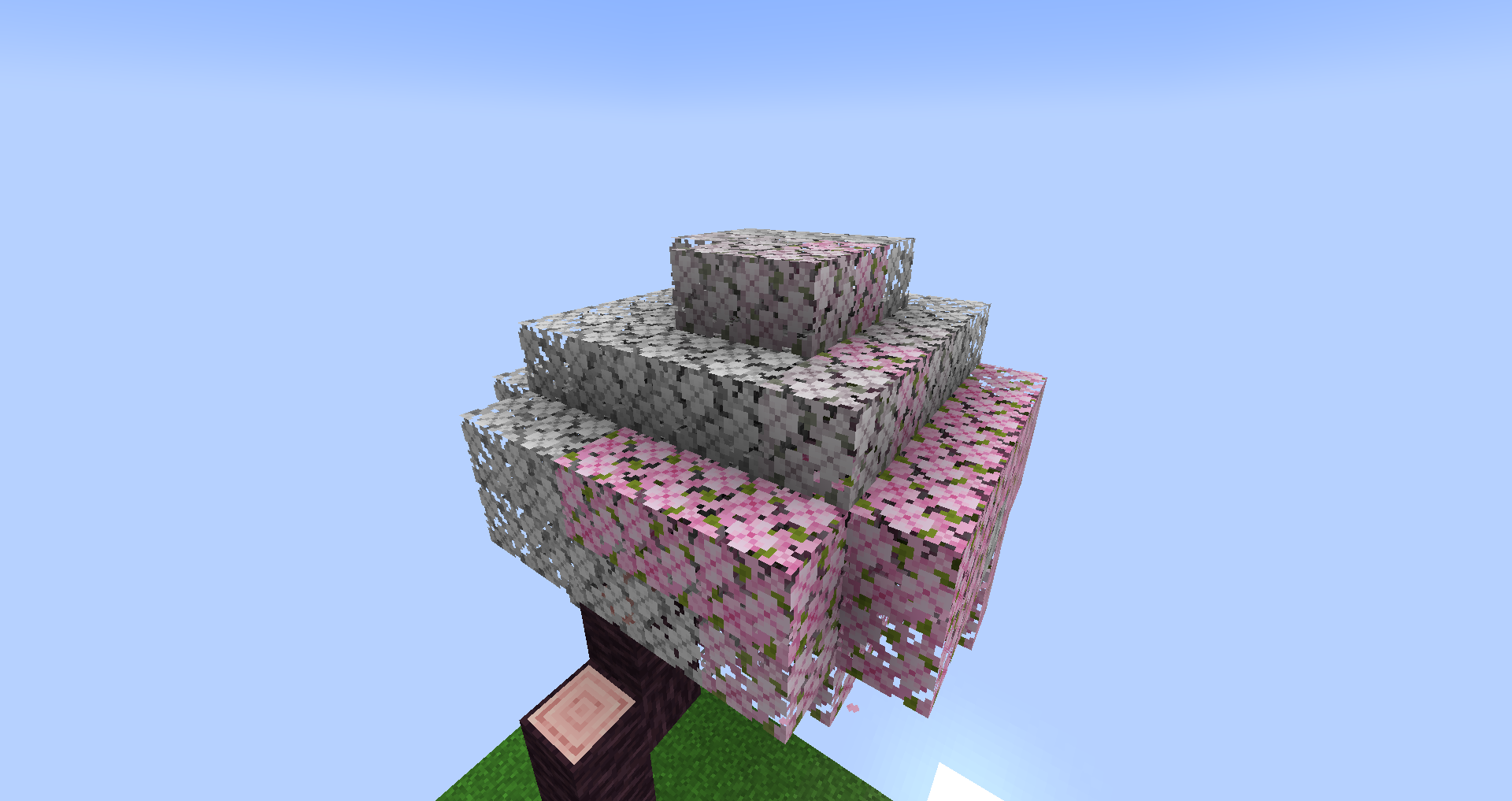
Ex Deorum
Port of the original Ex Nihilo to 1.20 and beyond.Install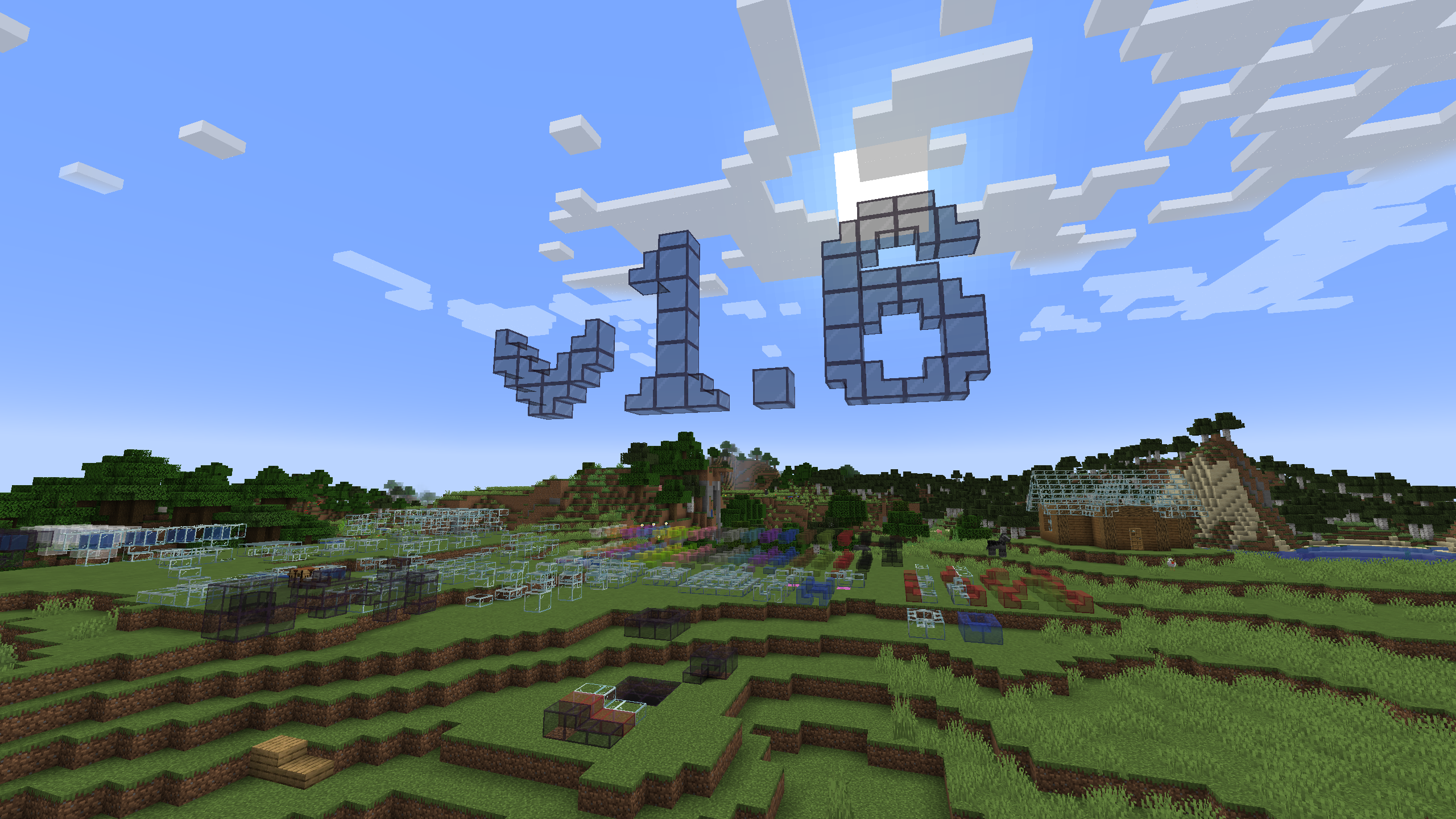

Mo Glass
Minecraft mod that adds glass stairs and glass slabs. They look great in any build and connect seamlessly with vanilla glass blocks.Install
Audio Extension for FancyMenu v2 [Forge]
Add audio elements to FancyMenu layouts.Install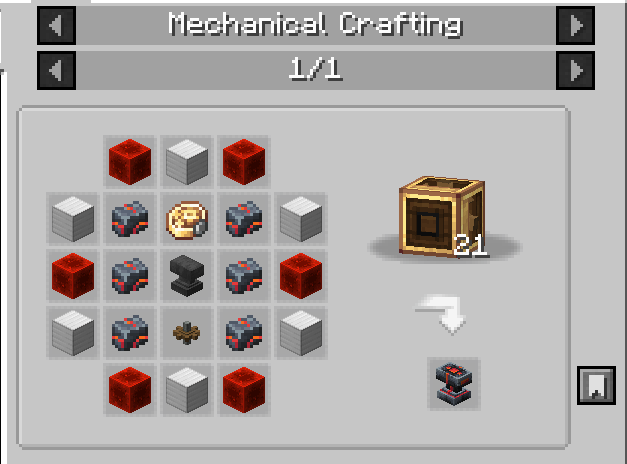

Integrated Cataclysm
Overhauling L_Ender's Cataclysm structures with integrationInstall

Falling Leaves (NeoForge/Forge)
Adds a neat little particle effect to leaf blocksInstall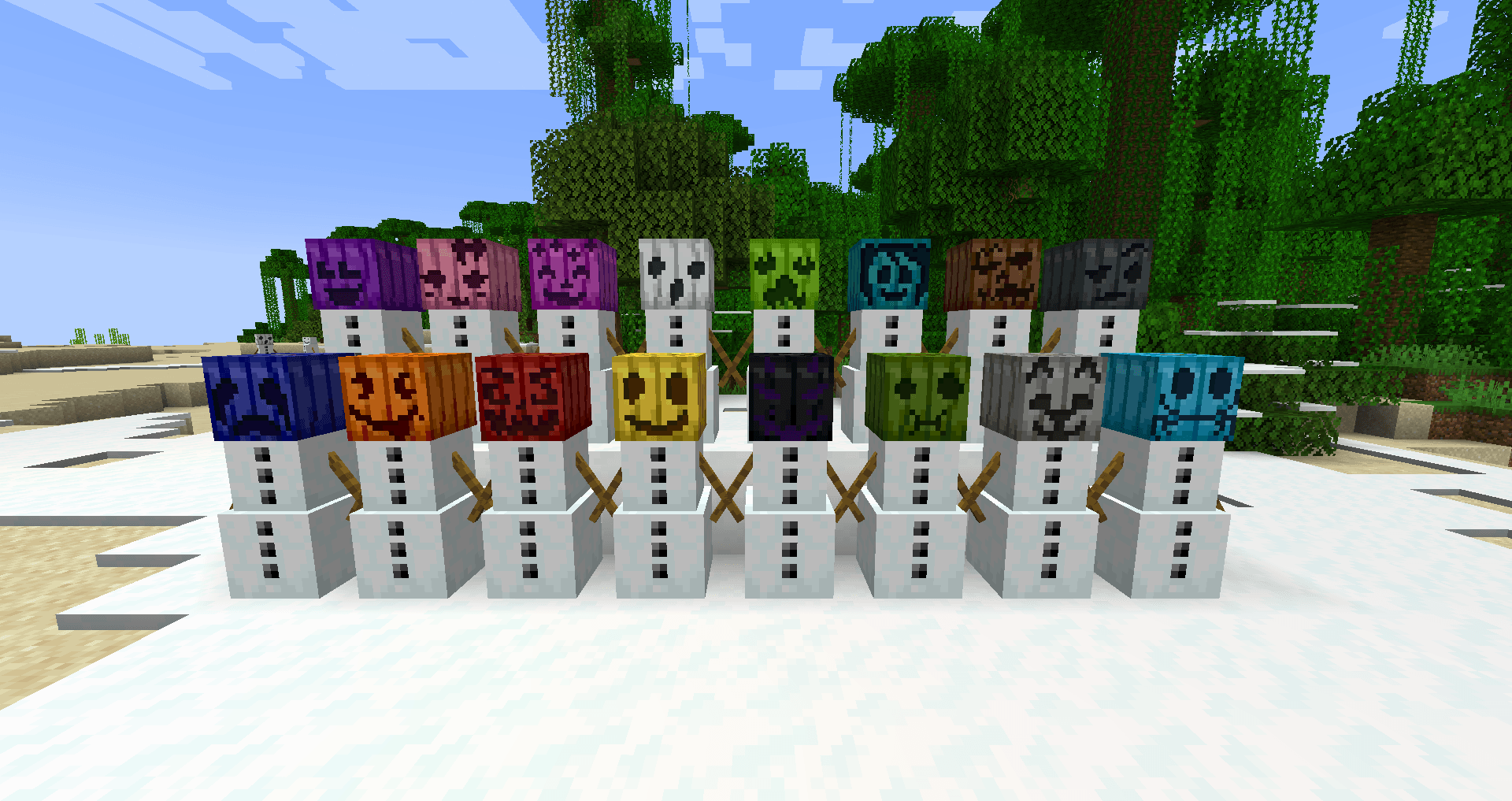
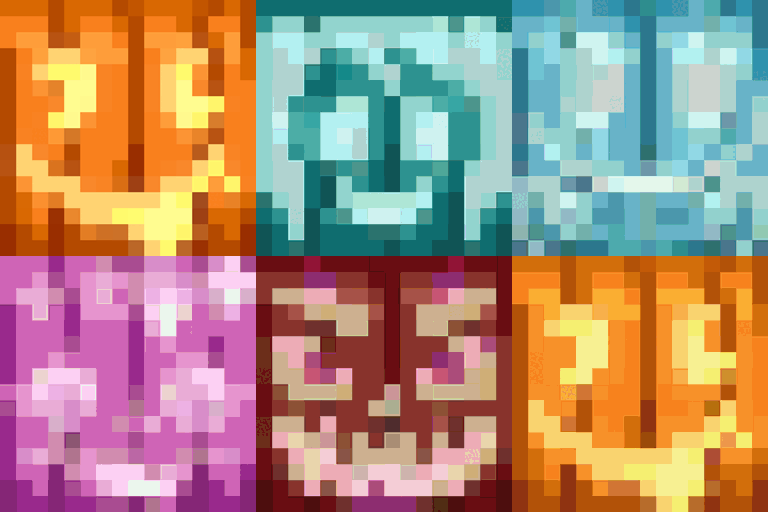
Chroma Carvings
Adds colored variants and new styles of pumpkins, carved pumpkins and Jack o'Lanterns with Snow golems to matchInstall
Item Split Bug Fix
Fix the bug that items cannot stack.Install
Farmer's Knives
Adds knives to Farmer's Delight for many other modsInstallOn a server
Connectedness
Unofficial Fork of Continuity that works with ForgeInstall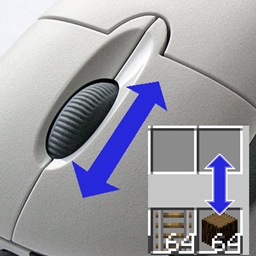
Item Scroller
Move items by mouse wheel scrolling, Shift + dragging, etc.Install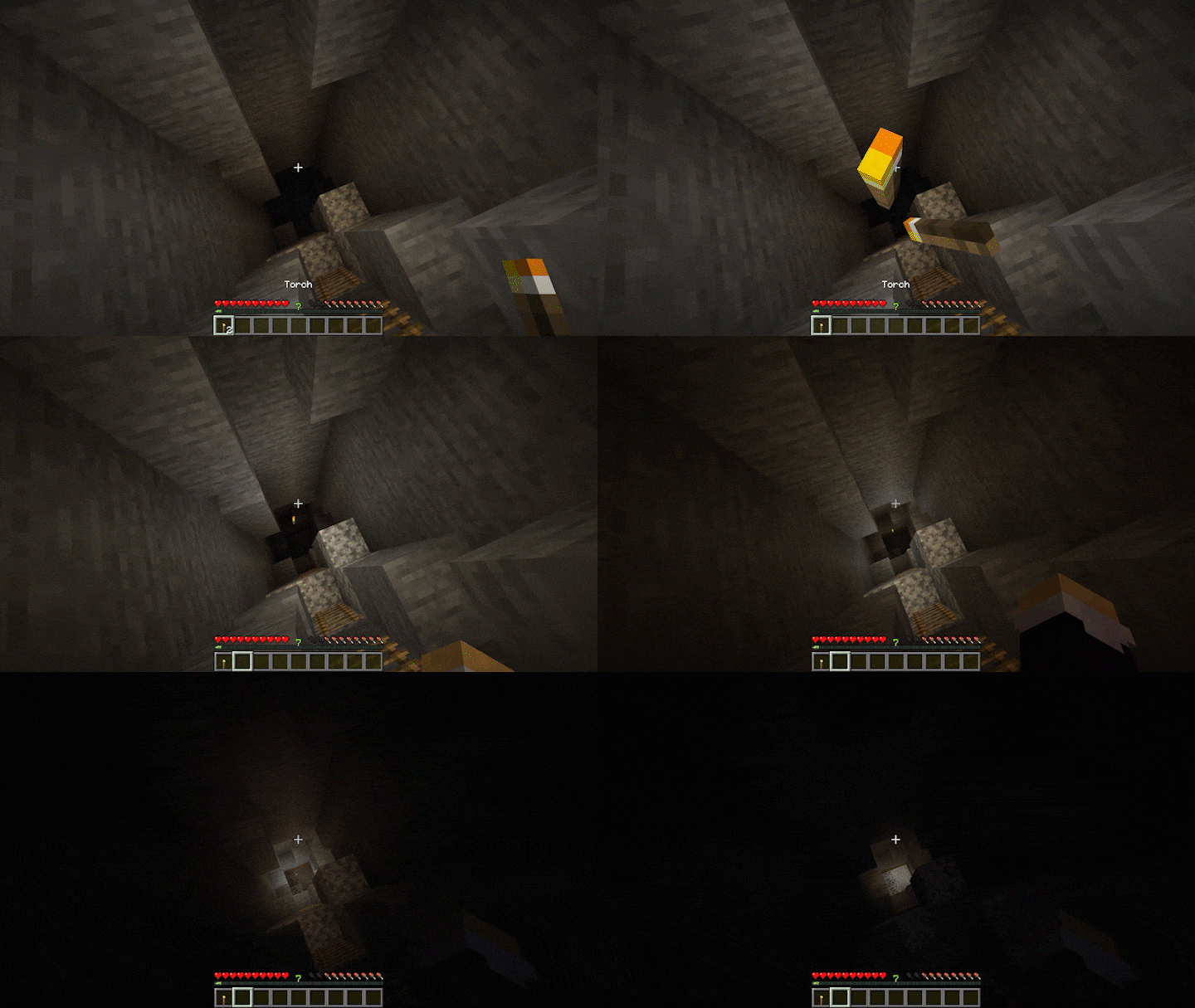

Lucent
A client-side dynamic lighting mod and APIInstall
Straw Golem Rebaled
Spiritual successor to the original straw golem. It's a farmer!Install

Jade Addons (Neo/Forge)
Jade 🔍's additional mod supports for Neo/ForgeInstallOn a server
SecurityCraft
Adds plenty of blocks and items to defend and secure your base with.InstallOn a server
Mundane Redstone Ore
Replacing Vanilla Redstone ore with non-shiny redstone since 2017Install
Restored Earth
Bringing home the lost Minecraft: Earth content!Install
Fat Cat
Adds a Fat Cat Industrialist Mob.InstallFAQ
How is Forge different from Fabric?
They're two different mod loaders that aren't compatible with each other. Forge is the older one and better suited to big tech and magic modpacks; Fabric is lighter, updates to new game versions faster, and hosts most performance mods. NeoForge is a Forge fork for newer versions, and Quilt is a Fabric fork. A Forge mod won't run on Fabric, and vice versa. Millida Launcher installs the right loader for you.
How do I know which mod version I need?
The one that matches your game version and loader. The “Install” button picks the file for you: Millida Launcher grabs the version for your modpack. A mod for 1.20.1 usually won't work on 1.21.
How do I install a mod?
Click “Install” and Millida Launcher will download the mod, its dependencies and the right loader for you. To install a downloaded file manually, put it in the mods folder inside the game directory.
Do I need CurseForge to install mods?
No. The Install button on a mod page opens Millida Launcher: it downloads the mod, its dependencies and the right loader into the chosen instance by itself. No CurseForge and no manual file copying.
Which mods are there for 1.20.1?
1.20.1 is one of the most modded versions, especially on Forge: tech, magic, RPG, furniture, weapons. Pick 1.20.1 in the version filter to keep only mods with a file built exactly for it, then pick Forge or Fabric next to it.
Can I install mods on my phone?
On Android, yes: Millida Launcher runs the Java edition on a phone, and mods work there just like on a PC, though light ones run much better than heavy ones. Minecraft PE (Bedrock) cannot load PC mods — it has add-ons instead, in the Minecraft PE mods section.
Which mods are best to play with friends?
The usual picks are Simple Voice Chat for proximity voice chat, Waystones for fast travel, Xaero's Minimap and something big to work on together, such as Create. Mods that change the world must be installed by every player and on the server, while client-side ones like a minimap or performance mods are up to each player.
Minecraft mods
A mod is an add-on that changes the game itself: it adds blocks, mobs and mechanics, or speeds up world rendering. It isn't installed into the game directly but on top of a loader — Forge, Fabric, NeoForge or Quilt — and it's the loader that decides whether the file will run. That's why every card here lists both the game version and the loader: two mods with the same name for 1.12.2 Forge and 1.21 Fabric are two different files, and mixing them up means a crash on launch.
The most searched Minecraft mods are weapon, furniture, horror and performance mods: each theme has its own collection, and links to the themes and the most wanted versions are in the Popular block. Version 1.20.1 on Forge still holds the most big tech, magic and RPG mods, while the fresh 1.21.11 and 26.2 get Fabric and NeoForge mods fastest.
One mod in the catalog, one page. Every version the author has released is listed on its card: pick your game version and loader right there instead of jumping between ten similar pages. Each file shows its size, release date and checksum, and the mod itself shows the author, license and a link to the original source. Files whose license allows rehosting are stored with us and download directly — no link shorteners, timers or ad redirects. If the license forbids rehosting, the button honestly takes you to the author.