
Minecraft modpacks — page 71
5,162 itemsModpacks: list
Zombie Horizon - Realistic Zombie World
A seriously difficult but fun zombie worldInstallOn a server
Q-tech
Light weight non-expert tech progression pack for 1.15.2InstallOn a server

Bedrock Reloaded
A redesigned and improved experience of the Bedrock edition.InstallOn a server
[MODIFIED] Cobblemon: OVERCLOCKED!
Modified Cobblemon - ATM style. Kitchen sink pack with all your fav magic, tech, & automation additions to create the perfect modded cobblemon experience!InstallOn a server
Sodium Optimization
A lightweight, performance focused Fabric modpack designed to deliver maximum frame stabilityInstallOn a server
Origins, origins, and more origins
The Origins mod and some Origins add-ons.InstallOn a server
RandBlock 2 Winterize
A modpack for skyblock featuring randomly generated blocks.InstallOn a server

Create: Complete by Shalz
Modpack used by Shalz in his Create survival series Create: Complete.InstallOn a server
The Last Survivor - Infected Survival | Zombie RPG
Survive in a zombie-infested world where every night is a fight for your life. Loot, craft, and fortify as the undead grow stronger.InstallOn a server

NijahPlay's Personal Pack
A completely vanilla modpack to make the game feel full of life, with far better performance! With Sodium as a base, and Iris for shaders, I combine cutting edge and well tested mods to get the best possible performance without looking dull!InstallOn a server

NotiFine
An OptiFine alternative modpack brought you by the team behind TheBreakdown and SimpleGameHosting!Install
SkyBlock Enhanced
The only Hypixel SkyBlock modpack you need. Built for modern Minecraft — 60+ optimized mods, a guided setup wizard, and a config system no other pack comes close to match.InstallOn a server

Kooplemon
🔥 Kooplemon - A Fresh Cobblemon Adventure! Welcome to Kooplemon, the perfect place to begin your Minecraft – Cobblemon – Pokémon journey with exciting gameplay, friendly community features, and endless adventures to discover!InstallOn a server
All The Mods Expert: Remastered - ATM
A New Expert/Hardcore Pack Based On The Sucess Of The Original All The Mods ExpertInstallOn a server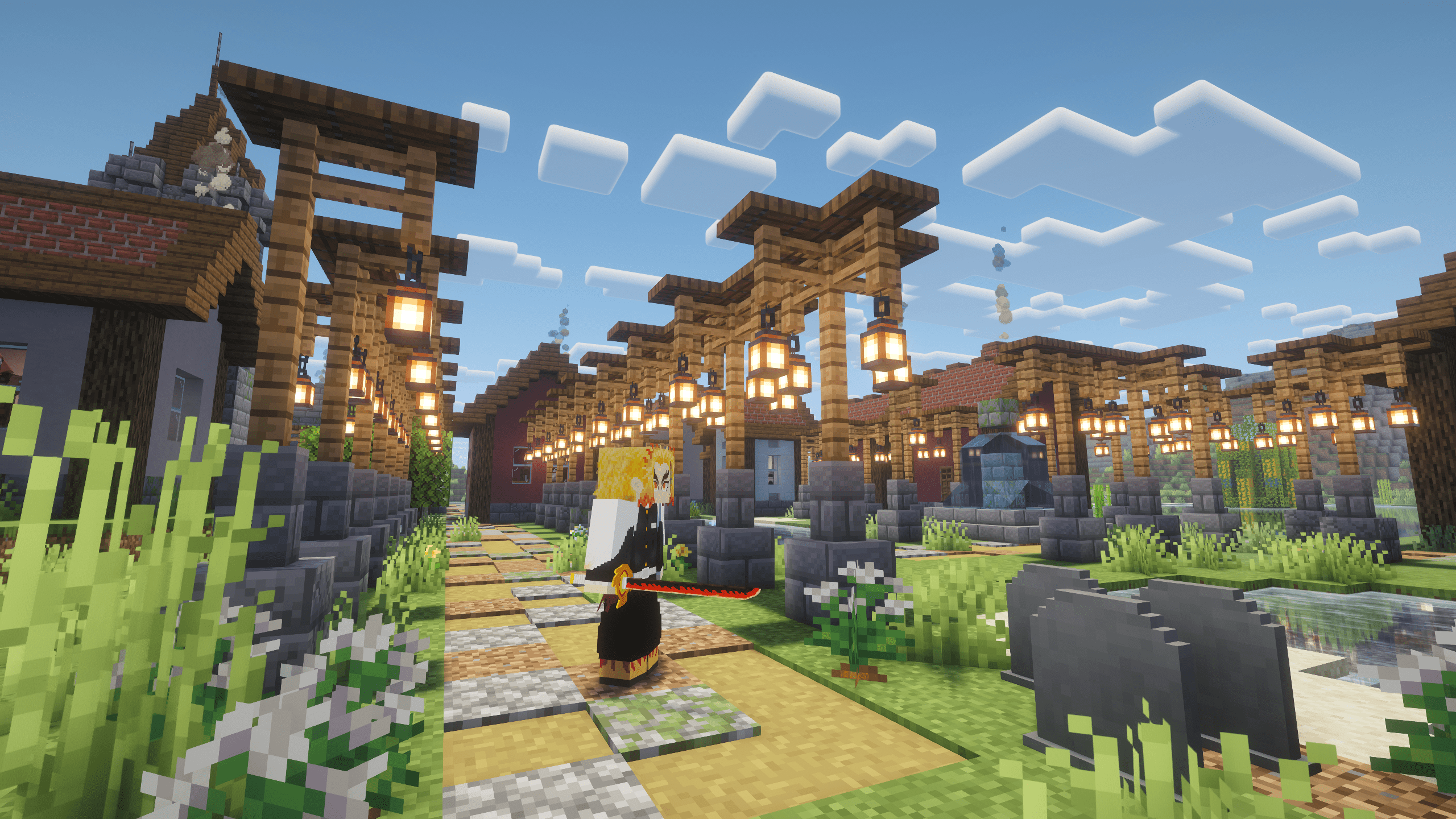

Otaku Anime World - Jujutsu Kaisen, Kimetsu no Yaiba, One Piece....
Anime Modpack based on Jujutsu Kaisen, Kimetsu no Yaiba, One Piece, and many more!InstallOn a server
Beyond Depth Insanity
Challenging Exploration Modpack 400+ mods | New dimensions | Tough bosses | Enhanced combat | Endless exploration.InstallOn a server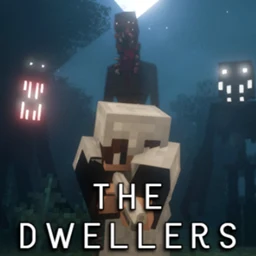
The Dwellers by SammJA
"The Dwellers" introduces an immersive Minecraft experience featuring enigmatic Dwellers, an atmospheric nebula, a diverse arsenal of relics, evolving fog dynamics, and new, mysterious biomes. The unpredictable nature of Dwellers and the dynamic evolutionInstallOn a server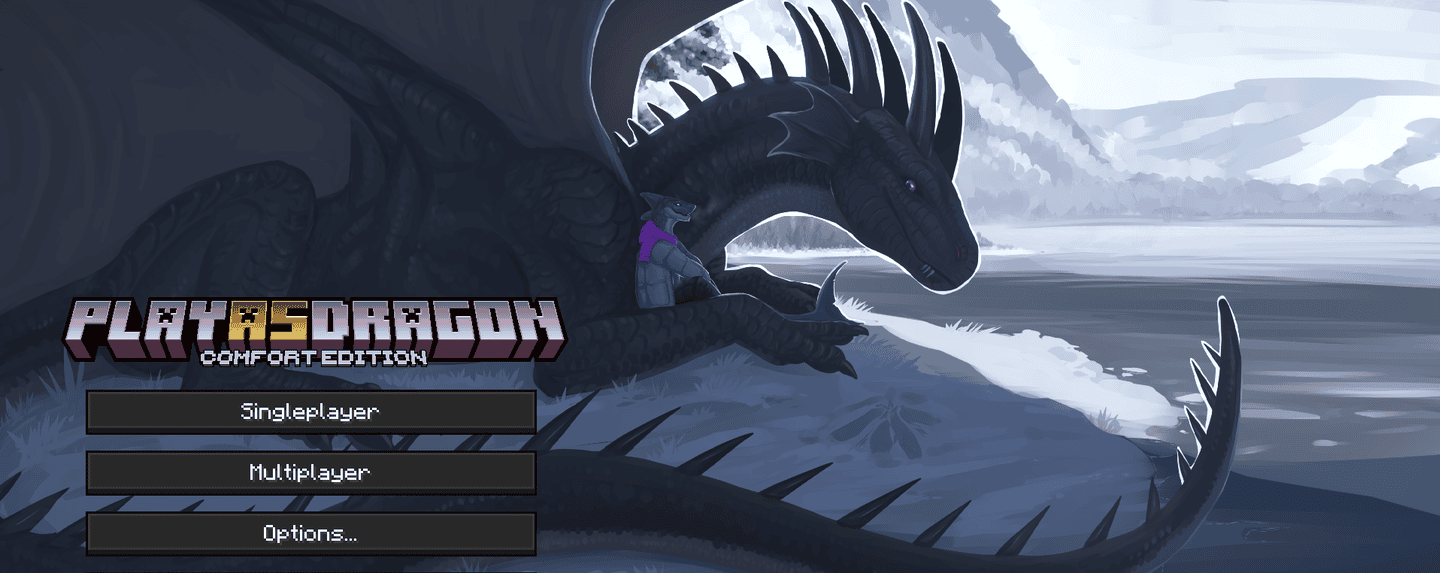

Play as Dragon: Comfort Edition
Play as dragon, as bee, brain-stealer, desert claw, griffin and more! No hardcore for dragon fans.InstallOn a server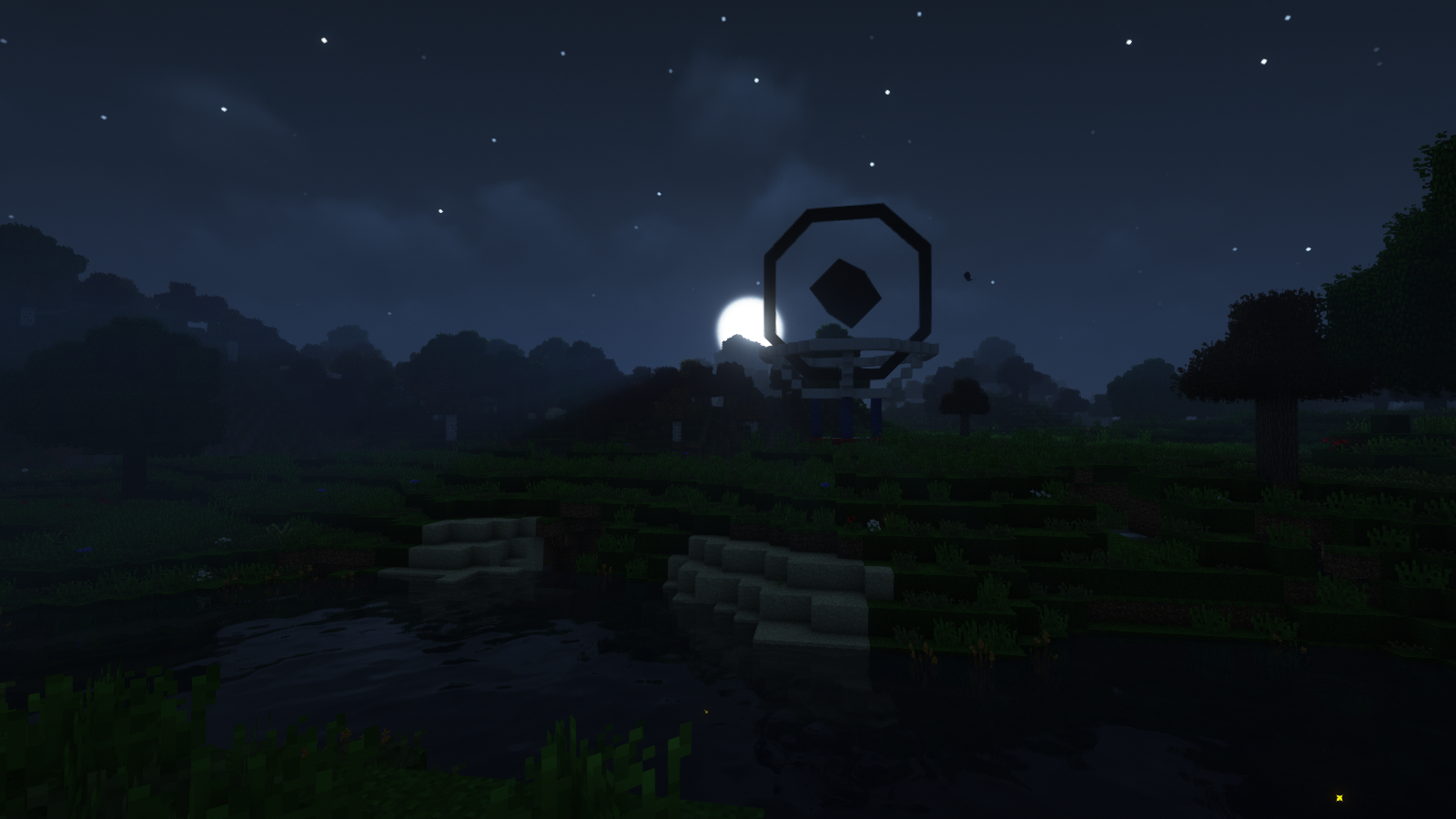
Clockwerk Pixelmon
A Pixelmon-centric modpack with a bit of steampunky tech, custom village and world structures, and some tools for RP.InstallOn a server
PixelGO - To the Sky
Experience the adventure with pokemons in the sky with mod tech, custom egg pokemon and with 900 quests !InstallOn a server
Escape the Barren Fallout
A 1.10.2 modpack designed for all players who like to survive. (140+ Quests)InstallOn a server
Avalon Reborn
Sequel to Avalon ForgeInstallOn a server

Donut Mods
A modpack aiming to provide great gameplay for the DonutSMP.InstallFAQ
How is a modpack different from a bunch of mods?
A modpack is already a tuned set: mod versions are matched to each other, configs are set up, and recipes and progression are tied together. Mods downloaded one by one you'll have to make work together yourself.
How do I install a modpack?
Click “Install” and Millida Launcher will download the modpack and the right Java for you and create a separate profile for it. No need to install the mods or loader separately.
How much memory should I allocate?
Light performance modpacks run on 4 GB, mid-sized ones on 6 GB, and big tech-and-magic ones need 8 GB or more. You can change memory in the Millida Launcher profile settings; the exact figure is usually in the modpack description.
Which modpack should I pick to play with friends?
Turn on the With a friend filter under What for to keep modpacks made for playing together: co-op survival, Create, adventures with shared progression. The modpack version must match for every player and the server.
Are there modpacks with quests in my language?
Modpacks with a quest book and a story are in the With quests theme. The quest language depends on the author: most packs ship in English, and other languages are usually added by a separate translation mod — check the modpack description.
Will a modpack run on a low-end PC?
A light one will. The For low-end PCs filter keeps modpacks with a small mod list and performance mods, and 4 GB of memory is enough for them. Big tech-magic modpacks need 6–8 GB and lag on a weak machine even if they start.
How do I run a modpack on my own server?
A modpack page has an On a server button: it installs the modpack on a Millida Hosting server and switches the core to match, and a copy of the old world is kept in backups. Players then install the same modpack in Millida Launcher and join the server address.
Minecraft modpacks
A modpack is a ready-made set of mods, configs and recipes put together by the author so that everything works together. Building a set like that by hand takes ages: mods clash over versions, need libraries and handle game mechanics in different ways. A modpack has already done that work for you — all that's left is to pick the game version and loader.
A modpack is not only for your own game: you can also run it on a server to play with friends. Next to Install on a modpack page there is an On a server button: it installs the same modpack on a Millida Hosting server together with the right core, and a copy of the old world is kept in backups. Your friends install the modpack in the launcher and join the server address — everyone gets the same version because it comes from one place.
Each modpack here is one page with every released version. The card shows which game version and loader it's built for, how big the archive is and who the author is. Modpacks aren't installed like individual mods: click “Install” and Millida Launcher downloads all the modpack's mods, the right loader and Java, and creates a separate profile for it without touching your others. Mind the memory requirements: heavy tech-and-magic modpacks need six gigabytes or more and simply won't start on the default two.