
Minecraft datapacks — page 97
2,540 itemsData packs: list


No Piglin
Disable Piglin in Minecraft by preventing its spawning and removing any that appear in the worldInstallOn a server
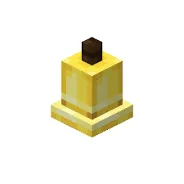
Craftable Bells
A simple datapack and mod that makes bells craftable. Useful for creative builds.InstallOn a server

No Guardian
Disable Guardian in Minecraft by preventing its spawning and removing any that appear in the worldInstallOn a server

Cobbled Deepslate to Cobblestone
Cobbled deepslate can now turn into cobblestone along with a few other features regarding stonecutters.InstallOn a server

Simple Improvement Renew
Added many practical functions.By making simple modifications (attempting to) make the player's experience completely refreshed.InstallOn a server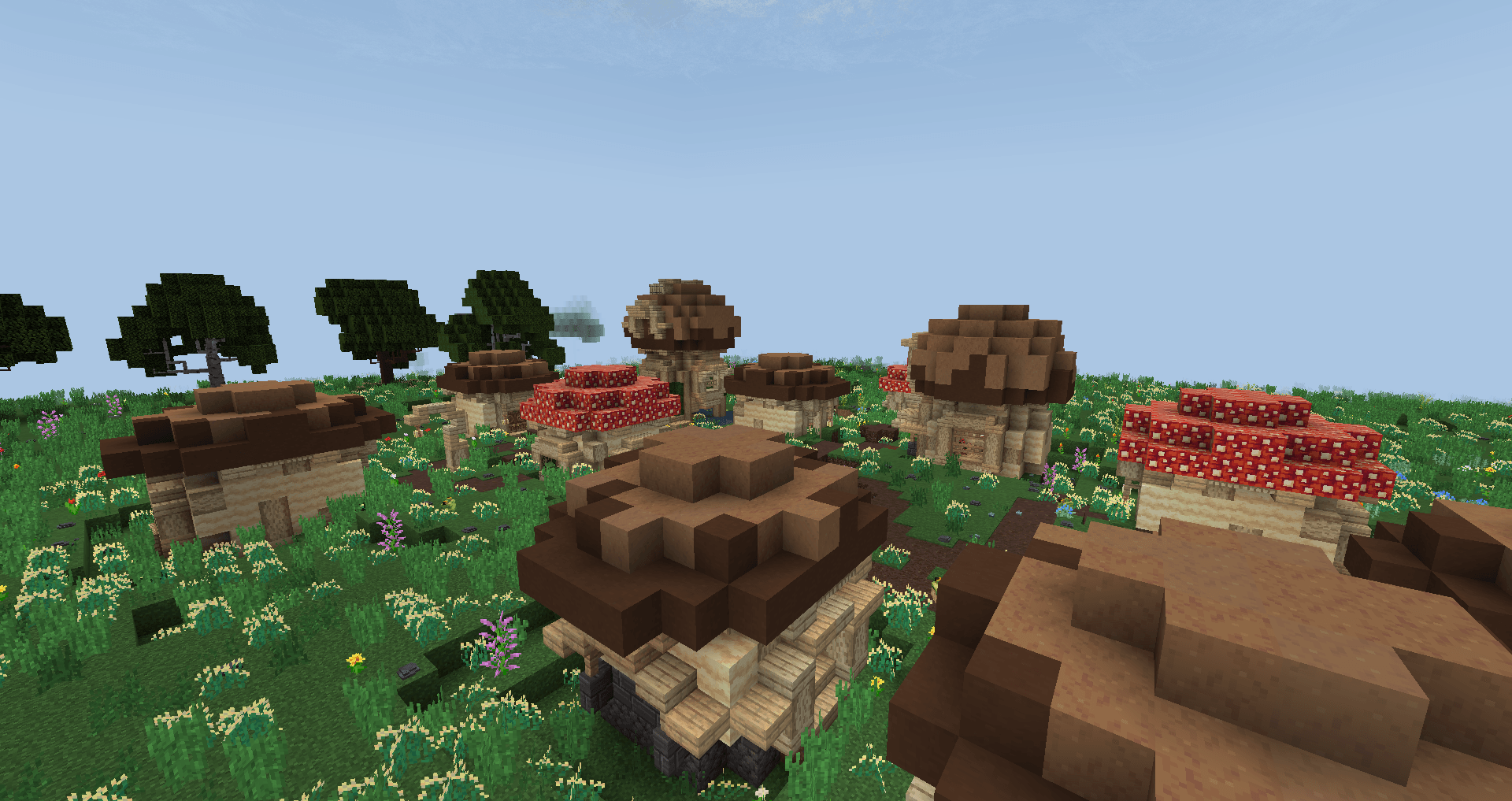
Compat Ribbits x TFC
Compatibility of Ribbitts villages with TFC generationInstallOn a server
Craftable Elytra tweak
This datapack allows players to craft Elytras using rare and valuable materialsInstallOn a server

Dyeable Color Variants
A Datapack to re-color any color-variant vanilla blockInstallOn a server

Dirt To Diamonds
A datapack that lets you turn dirt into diamonds!InstallOn a server
Easy Netherite Gear
Make netherite tools and armour easy to craft like all the other armour and tools for lazy people.InstallOn a server

Bedrock Golem
Adds Bedrock Golem in minecraft without replacing the original iron golem.InstallOn a server

Craftable Enchanted Golden Apples
Reintroduces the enchanted golden apple recipe which was removed in Minecraft 1.9InstallOn a server

jdjg-dalek-tardis
This adds a new TARDIS interior to Dalek Mod and is designed for what daleks would likely use.InstallOn a server

No "Too Expensive" (Blacksmithing)
Removes "Too Expensive" from Anvils since 1.13! Also lets you repair and recycle anvils, too!InstallOn a server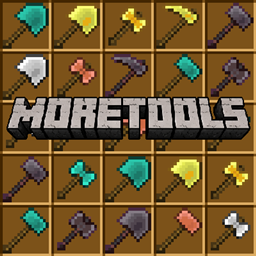
MoreTools
Add 4 type of new tools to minecraftInstallOn a server

No Ghast
Disable Ghast in Minecraft by preventing its spawning and removing any that appear in the worldInstallOn a server

Ultra Crafting
With the datapack would crafte easier and better.InstallOn a server

Deepslate Haste
With this Mod / Datapack you can instantly mine Deepslate with a Netherite pickaxe.InstallOn a server
Copper Rails
Changes all the Rails' recipes to include Copper!InstallOn a server

Simple Saddle
Simple saddle as in snapshot 25w20a [1.16.x - 1.21.5]InstallOn a server

Sunburn
When exposed to the sun you get sunburns and take damageInstallOn a server

No Elder Guardian
Disable Elder Guardian in Minecraft by preventing its spawning and removing any that appear in the worldInstallOn a server

No Bee
Disable Bee in Minecraft by preventing its spawning and removing any that appear in the worldInstallOn a serverFAQ
How is a datapack different from a mod?
A datapack uses the game's own tools: it changes recipes, loot, structures and advancements. A mod changes the game's code and can add something genuinely new — a block, a mob, an interface. A datapack doesn't need a loader to work.
How do I install a datapack?
Click “Install” and Millida Launcher will add the datapack to the world you choose. To do it manually, put the archive in the datapacks folder inside the world folder and rejoin the world.
Does a datapack work on a server?
Yes, on a regular server without mods: the datapacks folder sits inside the server's world folder. Players don't need to install anything on their clients.
What is a data pack?
A set of files that changes the game with its own tools: recipes, loot, world generation, advancements and command functions. It works from version 1.13 without mods or loaders and is installed into a specific world.
Are there data packs for world generation?
Yes, it is one of their most common jobs: new biomes, terrain, caves and structures. Generation only changes in chunks that have not been created yet, so such a data pack is best added when creating a new world.
Minecraft datapacks
A datapack changes the game's rules without touching its code: crafting recipes, loot tables, world structures, advancements, command functions. The game supports all of this natively since 1.13, so a datapack needs neither Forge nor Fabric — it's installed into a specific world and works on the vanilla client and a regular server.
Data packs do different jobs: some change world generation — biomes, terrain and structures, others add mechanics, challenges and horror events, and others are made for servers — economy, ranks, command-based minigames. Generation applies only to new chunks, so such packs are added when a world is created. On Millida Hosting a data pack goes onto the server with the On a server button on its page.
That's the main difference from mods: a datapack doesn't show up in the mod list, and it can't add anything the game doesn't have at all — you can't make a new block with its own model this way. On the other hand, it doesn't clash with other packs, doesn't need updating when you switch loaders and doesn't stop you from playing with friends on a regular server. Installing a datapack is simple: put the archive in the datapacks folder inside the world folder, then reload the world or run the reload command. The card lists the game version, author and license, and all releases are gathered in one place.