
Minecraft datapacks — page 96
2,543 itemsData packs: list
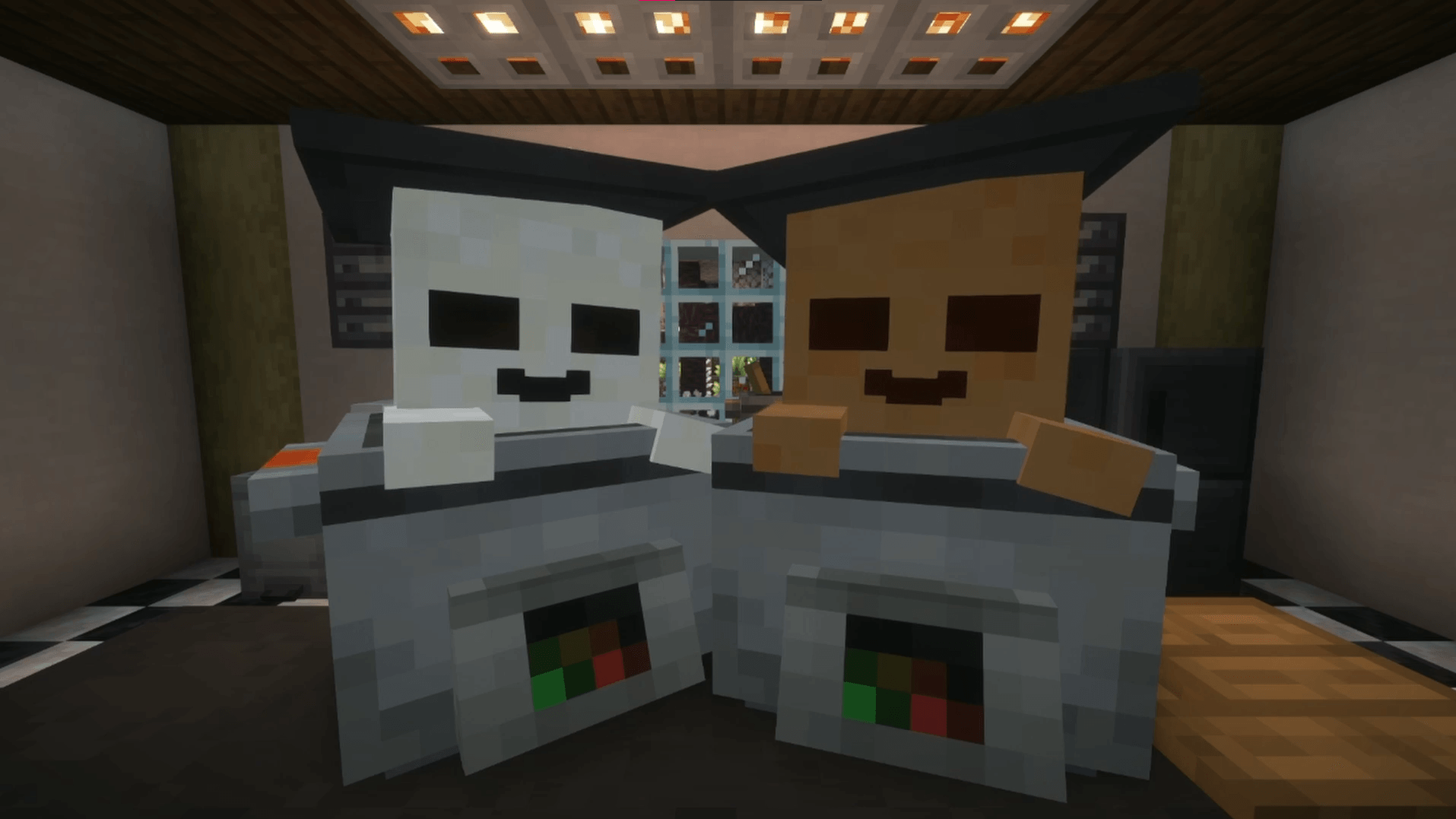


Enchanted Golden Apple Custom Recipe
Adds back the recipe for the Enchanted Golden Apple, but modifies it so it's less farmable.InstallOn a server
Vanillamon [Cobblemon]
A cobblemon addon adding 24 new fakemon based on minecraft mobs, with many more to come!InstallOn a server
Disable Twilight Forest Skybox
Disables the Twilight Forest Skybox, to get around bugs with some shaderpacksInstallOn a server
Cataclysm x EpicFight Resurrection
just a data pack that makes Cataclysm compatible with EpicFight ResurrectionInstallOn a server

Raid Illusioners
Makes it so illusioners now appear in raids!InstallOn a server

enigmaticlegacy_X_epic_fight
The project is an epic fight animation of the Enigmatic Legacy weaponsInstallOn a server

No Wither Skeleton
Disable Wither Skeleton in Minecraft by preventing its spawning and removing any that appear in the worldInstallOn a server

Craftable Overpowered!
brings back the recipe & achievement for Enchanted Golden ApplesInstallOn a server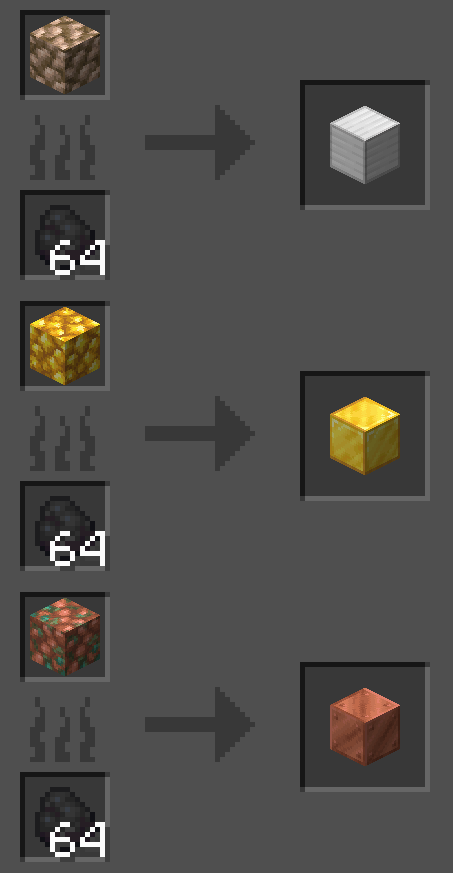
Superior Smelting [Data Pack]
Adds additional vanilla-style balanced recipes for smelting. Includes built-in extensions to support various mods.InstallOn a server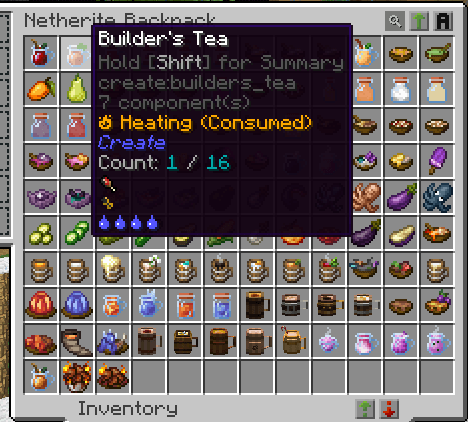

Tough As Nails - More Compatibility
This datapack adds compatibility between TAN the Tough As Nails mod and a variety of food and drink items from other popular mods.InstallOn a server

Fast Paths Together
Get move speed on dirt_path and polished blocks. Boost players and and vehicles.InstallOn a server

Craore
Crafting ores from a specific type of stone and the ore itselfInstallOn a server

Sparkles
Add visual effects to decorate your builds. Almost easy to use, tons of particles!InstallOn a server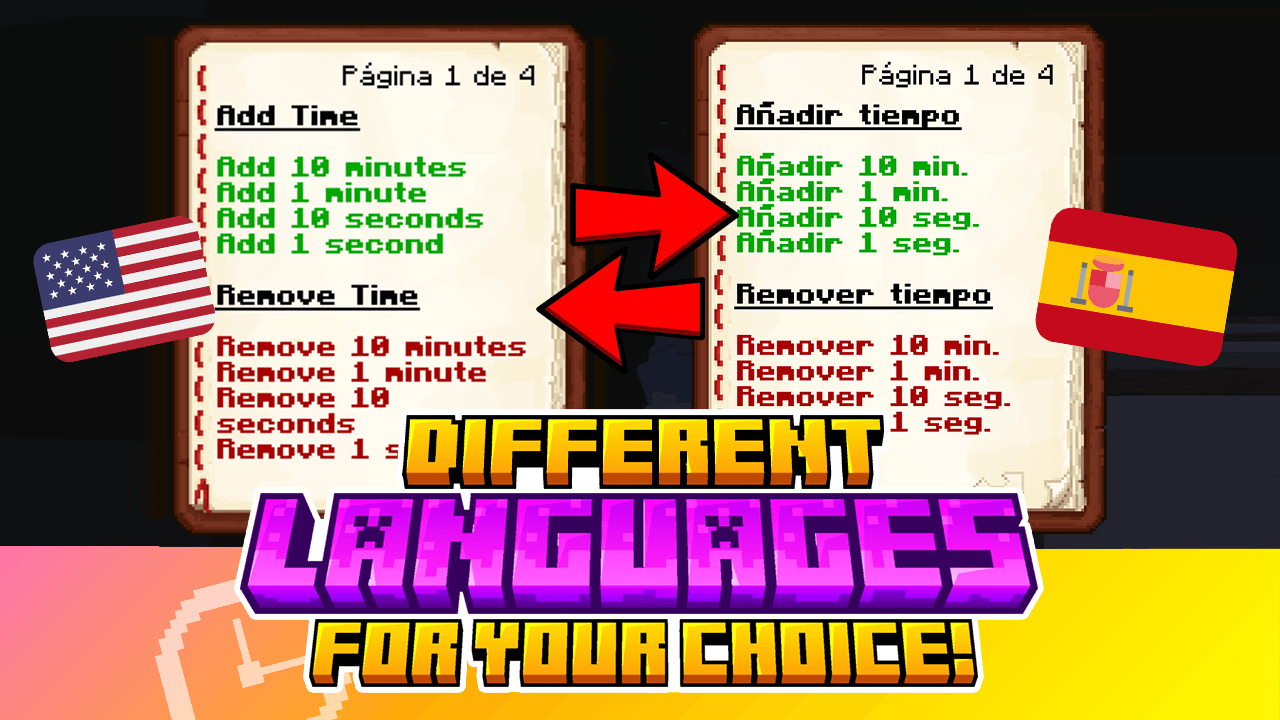

VCT - Voiid Countdown Timer
A customizable timer datapackInstallOn a server
Silk Touch Spawners
Allows you to get spawn eggs and spawners in survivalInstallOn a server
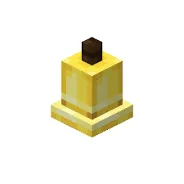
Craftable Bells
A simple datapack and mod that makes bells craftable. Useful for creative builds.InstallOn a server
Epic fight compatibility
I found there was a severe lack of epic fight compatibility with some of my favorite mods I have created datapacks (and resourcepacks) that give epic fight compatibility withs mods such as villager recruit, human companions mod villager guards and moreInstallOn a server

No Hoglin
Disable Hoglin in Minecraft by preventing its spawning and removing any that appear in the worldInstallOn a server
Mega Eeveelution And fusion
this pack add mega eeveelution and fusionInstallOn a server

Kawatt's Mining Starting Equipment
Spawns you with everything you need for a cave only playthroughInstallOn a server
Menagerie: Earth Mob Variants and More!
Mob variants from around the Minecraft franchise, now on JavaInstallOn a server

Limited Hearts
Dying is even more dangerous now that you lose a heart upon death!InstallOn a server

Simple Improvement Renew
Added many practical functions.By making simple modifications (attempting to) make the player's experience completely refreshed.InstallOn a serverFAQ
How is a datapack different from a mod?
A datapack uses the game's own tools: it changes recipes, loot, structures and advancements. A mod changes the game's code and can add something genuinely new — a block, a mob, an interface. A datapack doesn't need a loader to work.
How do I install a datapack?
Click “Install” and Millida Launcher will add the datapack to the world you choose. To do it manually, put the archive in the datapacks folder inside the world folder and rejoin the world.
Does a datapack work on a server?
Yes, on a regular server without mods: the datapacks folder sits inside the server's world folder. Players don't need to install anything on their clients.
What is a data pack?
A set of files that changes the game with its own tools: recipes, loot, world generation, advancements and command functions. It works from version 1.13 without mods or loaders and is installed into a specific world.
Are there data packs for world generation?
Yes, it is one of their most common jobs: new biomes, terrain, caves and structures. Generation only changes in chunks that have not been created yet, so such a data pack is best added when creating a new world.
Minecraft datapacks
A datapack changes the game's rules without touching its code: crafting recipes, loot tables, world structures, advancements, command functions. The game supports all of this natively since 1.13, so a datapack needs neither Forge nor Fabric — it's installed into a specific world and works on the vanilla client and a regular server.
Data packs do different jobs: some change world generation — biomes, terrain and structures, others add mechanics, challenges and horror events, and others are made for servers — economy, ranks, command-based minigames. Generation applies only to new chunks, so such packs are added when a world is created. On Millida Hosting a data pack goes onto the server with the On a server button on its page.
That's the main difference from mods: a datapack doesn't show up in the mod list, and it can't add anything the game doesn't have at all — you can't make a new block with its own model this way. On the other hand, it doesn't clash with other packs, doesn't need updating when you switch loaders and doesn't stop you from playing with friends on a regular server. Installing a datapack is simple: put the archive in the datapacks folder inside the world folder, then reload the world or run the reload command. The card lists the game version, author and license, and all releases are gathered in one place.