
Minecraft datapacks — page 15
2,540 itemsData packs: list


Craftable
Craft the impossible with almost 50 new recipes! (Mounts of Mayhem Support!)InstallOn a server
Enchant Everything
Combine enchantments you normally can't and adds some featuresInstallOn a server

Fortunate Ancient Debris
Fortune works on ancient debris! Use fortune-enchanted pickaxes on ancient debris for more netherite scrapsInstallOn a server

OneBlock 1.21.11 (Mounts of Mayhem)
Since 2022 | OneBlock is a adventure map with alot of Fun. | 1.21.11 | Mounts of Mayhem is Live! | [Continuation of IJAMinecraft's Oneblock!] | {This is a Datapack of OneBlock Reborn Map.}InstallOn a server
[SBW] Chovy's Apocalypse armor compatibility
Allows Chovy's Apocalypse armor to benefit from the armor system of the Superb Warfare mod.InstallOn a server

Snowy Biomes: Enhanced
Better Snowy Biomes: Adds white turning leaves while snowfall (like in Bedrock), smooth snow and much moreInstallOn a server

Yggdrasil
A server mods/datapack that adds gigantic new structures to Minecraft. The structures are so gigantic that they require hours of exploration and offer unique rewards!InstallOn a server

Extra Eeveelutions [Cobblemon]
A Datapack that adds evolutions for Eevee for the types that do not have them.InstallOn a server

Endercon
Revamp of the end generation with an emphasis on level design, traversal and varietyInstallOn a server
Myths and Legends Datapack
This is a Datapack which is needed for the Myths and Legends addon going forward from versions higher than 1.3 in order to add spawns that use the key items as a spawning conditionInstallOn a server

Advancement Count
Awards players a certain number of points for each advancement they complete. The total number for each player can then be viewed in the Tab list.InstallOn a server

Deeper Dark
A New Sculk-Filled Dimension for You to Explore.InstallOn a server

Ice And Fire Smithing
Progression-based smithing for the Ice And Fire mod.InstallOn a server

Vein Miner
VeinMiner Mine entire ore veins and trees efficiently, a chain minerInstallOn a server

Darceno's Minecarts
Improves minecarts for transportation, making them faster and able to load chunks.InstallOn a server

Unwrecked Ships
Vanilla shipwreck structures repaired and sailing the seas!InstallOn a server

No Caves
Collection of datapacks to stop All Caves, New Caves, or even the Old Carver Caves from generating.InstallOn a server
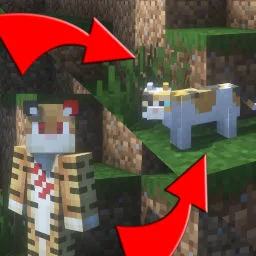
Gamingbarn's Morphs
Gives players the ability to morph into all kinds of different mobs!InstallOn a server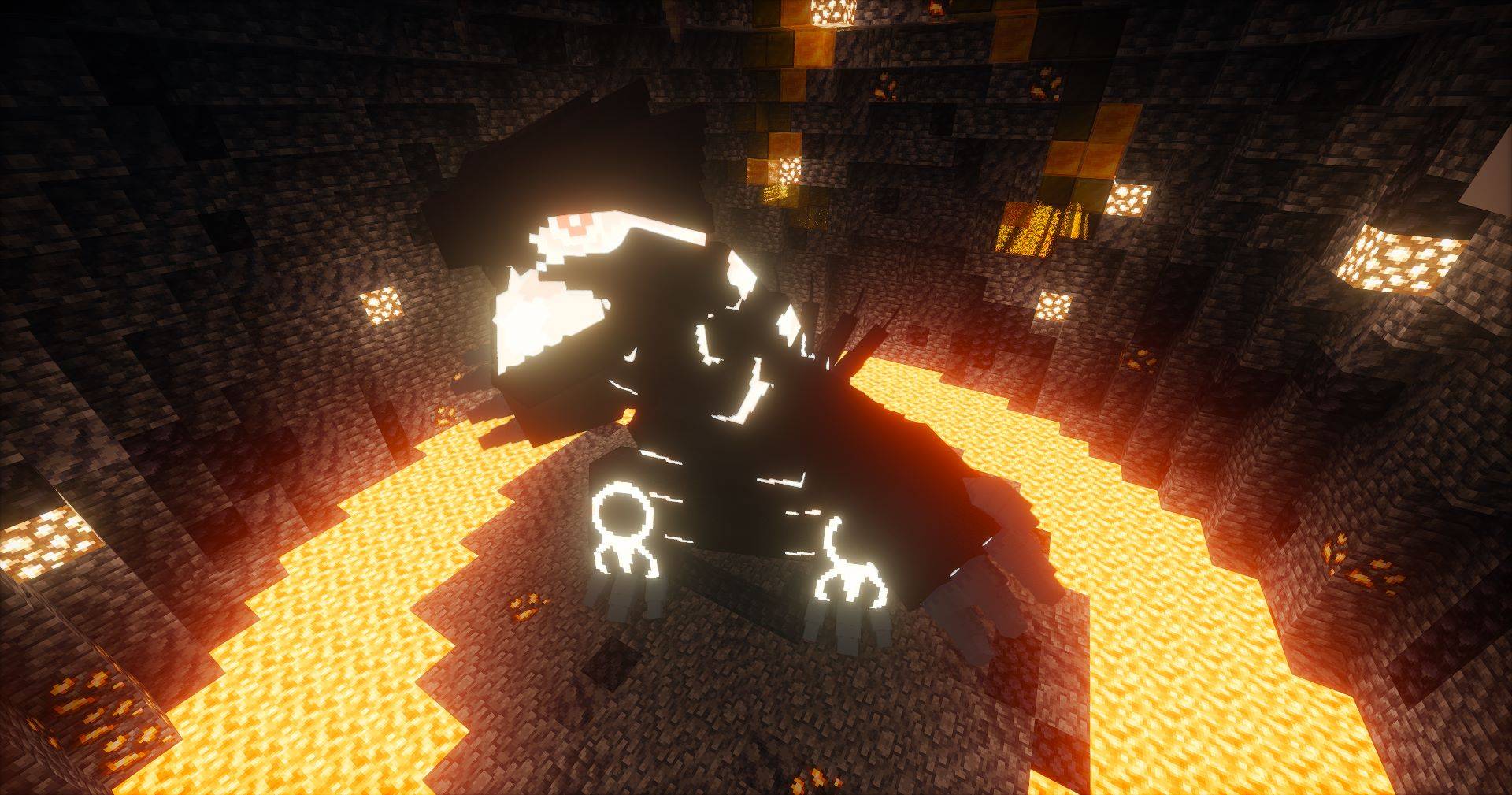
Cobblemon: Path to Legends
A Cobblemon addon adding Legendary Structures based on MegaShowDownInstallOn a server
Super Powers
SVM Powers is a Super Power datapack adding a variety of abilities, new structures, mobs, items and more!InstallOn a server

Call Your Horse
Easily call (whistle) your horse with a goat horn to teleport it to youInstallOn a server

Create Deco Additions
Adds mod compatibility for many mods by changing Create Deco's tags to the official ones.InstallOn a server

Ad Astra: Planets+
Adds more planets moons and star systems to explore in Ad Astra!InstallOn a serverFAQ
How is a datapack different from a mod?
A datapack uses the game's own tools: it changes recipes, loot, structures and advancements. A mod changes the game's code and can add something genuinely new — a block, a mob, an interface. A datapack doesn't need a loader to work.
How do I install a datapack?
Click “Install” and Millida Launcher will add the datapack to the world you choose. To do it manually, put the archive in the datapacks folder inside the world folder and rejoin the world.
Does a datapack work on a server?
Yes, on a regular server without mods: the datapacks folder sits inside the server's world folder. Players don't need to install anything on their clients.
What is a data pack?
A set of files that changes the game with its own tools: recipes, loot, world generation, advancements and command functions. It works from version 1.13 without mods or loaders and is installed into a specific world.
Are there data packs for world generation?
Yes, it is one of their most common jobs: new biomes, terrain, caves and structures. Generation only changes in chunks that have not been created yet, so such a data pack is best added when creating a new world.
Minecraft datapacks
A datapack changes the game's rules without touching its code: crafting recipes, loot tables, world structures, advancements, command functions. The game supports all of this natively since 1.13, so a datapack needs neither Forge nor Fabric — it's installed into a specific world and works on the vanilla client and a regular server.
Data packs do different jobs: some change world generation — biomes, terrain and structures, others add mechanics, challenges and horror events, and others are made for servers — economy, ranks, command-based minigames. Generation applies only to new chunks, so such packs are added when a world is created. On Millida Hosting a data pack goes onto the server with the On a server button on its page.
That's the main difference from mods: a datapack doesn't show up in the mod list, and it can't add anything the game doesn't have at all — you can't make a new block with its own model this way. On the other hand, it doesn't clash with other packs, doesn't need updating when you switch loaders and doesn't stop you from playing with friends on a regular server. Installing a datapack is simple: put the archive in the datapacks folder inside the world folder, then reload the world or run the reload command. The card lists the game version, author and license, and all releases are gathered in one place.