
Minecraft datapacks — page 16
2,540 itemsData packs: list


Myths And Legends
This is a Datapack which is needed for the Myths and Legends addon going forward from versions higher than 1.3 in order to add spawns that use the key items as a spawning conditionInstallOn a server

Better Lush Caves
Some much-needed upgrades for the lush cave biome, and some changes to moss.InstallOn a server

JoJo Stands
SVM JoJo is a addition to vanilla Minecraft that adds stands and items from JoJos Bizarre Adventure to the gameInstallOn a server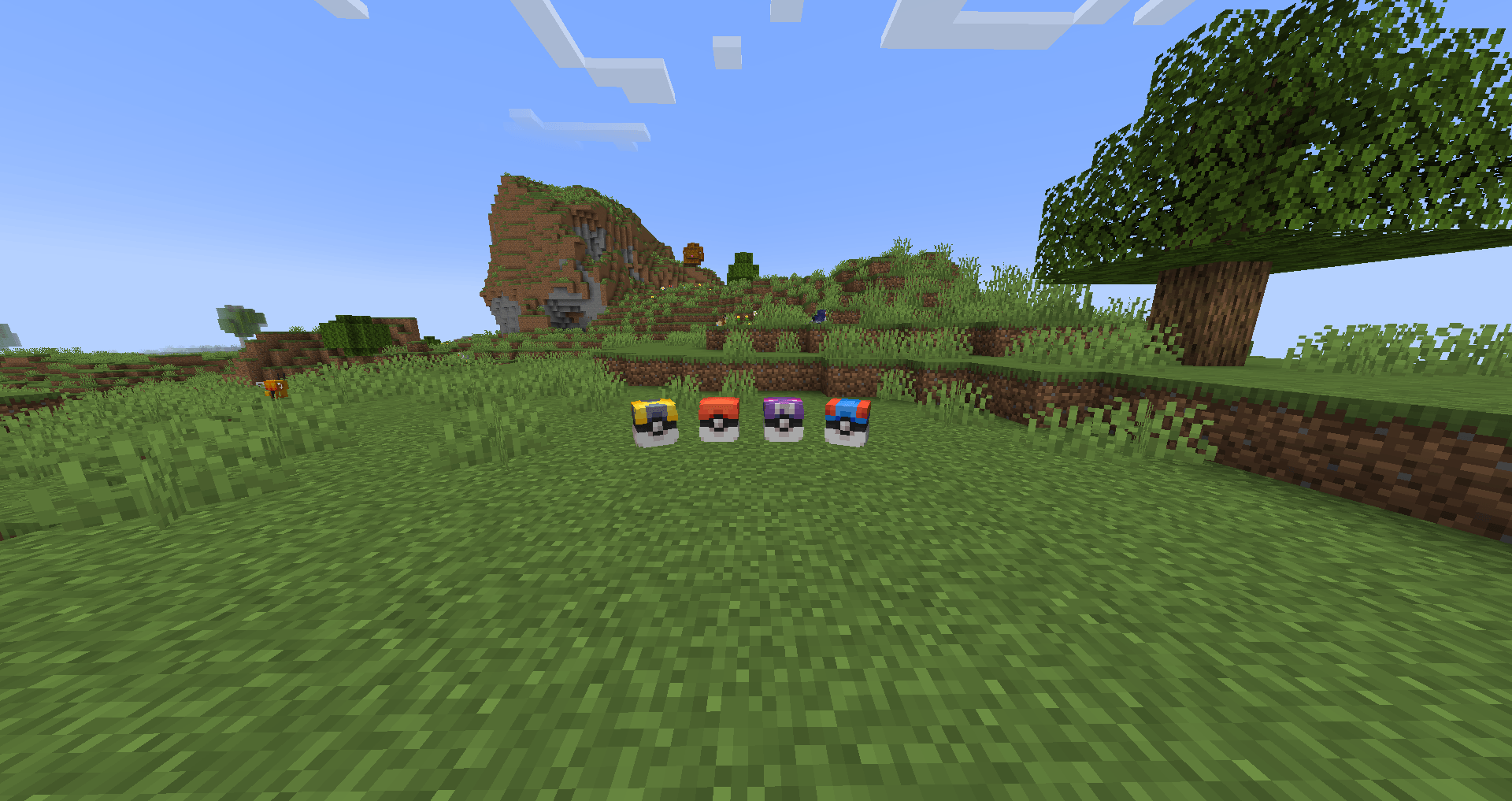
PokeLoot [Cobblemon]
Want to have pokeloot in cobblemon? Don't wait any longer! Just a simple datapack that makes all the loot you ever wanted into reality.InstallOn a server

Cobblemon Alatia's Fakemon Pack
An addon for Cobblemon that adds fakemon from the Alatia Region.InstallOn a server

Better Waypoints
A simple, fast, and user-friendly waypoint system for vanilla Minecraft.InstallOn a server

Random Island
随机方块空岛,6*3*3大小刷新,选择喜欢的模式通关吧 —— A skyblock with 6*3*3 refreshes random blocks beside itInstallOn a server
Integrated Villages- Configuration
The configuration datapack for the mod Integrated VillagesInstallOn a server
Reimagined Trims
Thoughtfully overhauls the armor trim duplication recipes to make them more interesting and balanced, while still staying true to vanilla.InstallOn a server

Netherracked
a Mod/Datapack that Adds Recipe for Netherrack in Minecraft (+ Create Mod)InstallOn a server
Tensura: IaF treasure
Adds magic ore, silver ingots, hipokte potions in dragon chestsInstallOn a server

Create: Renewable Diamonds
Adds a recipe to make diamonds renewable in the create mod.InstallOn a server

KawaMood's Waystones
Craft and place waystones to quickly travel between all your points of interest.InstallOn a server

World Editor
Make building easier with the World Editor datapack! Datapack has singleplayer and multiplayer support.InstallOn a server
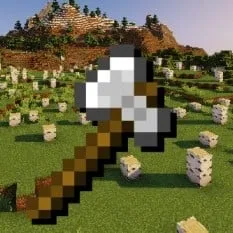
Tree Capitator
TreeCapitator makes chopping trees and getting wood much easier! If you cut a log block from a tree, all the logs above will also drop! There are lots of settings so you can customize everything to your needs!InstallOn a server

Mutandis Tweaks
This resource pack removes the excessive loot pool of Enchanted's mutandis.InstallOn a server

Stronger Skill Tree
A skill tree mod with the opportunity to choose your own path and become very strong needs pufferfish's skillsInstallOn a server

Tide Extra Compatibility
Adds Tide compatibility for fish, loot tables and crates from over 30 different mods.InstallOn a server

Vivillon Pride Patterns [Cobblemon]
Includes 14 pride-themed Vivillon wing patterns. Happy Pride Month!InstallOn a server

Nice Villagers Remastered
Villager & Village Names, New Trades, New Structures, New Advancements and many more tweaks and additions to truly remaster VillagersInstallOn a server
Tensura Reroller
Allows you to reroll your skills!InstallOn a server

New in Town | The Settler's Experience Data Pack
A multi-stage, story-driven, settler's experience, where you are tasked with founding, building up, and defending a modular settlement from the forces of the Nether, then taking the fight to them as you construct your own Nether Fortress!InstallOn a server

Physical Falling Trees
Cut down all the trees! Down with the floating trees!InstallOn a serverFAQ
How is a datapack different from a mod?
A datapack uses the game's own tools: it changes recipes, loot, structures and advancements. A mod changes the game's code and can add something genuinely new — a block, a mob, an interface. A datapack doesn't need a loader to work.
How do I install a datapack?
Click “Install” and Millida Launcher will add the datapack to the world you choose. To do it manually, put the archive in the datapacks folder inside the world folder and rejoin the world.
Does a datapack work on a server?
Yes, on a regular server without mods: the datapacks folder sits inside the server's world folder. Players don't need to install anything on their clients.
What is a data pack?
A set of files that changes the game with its own tools: recipes, loot, world generation, advancements and command functions. It works from version 1.13 without mods or loaders and is installed into a specific world.
Are there data packs for world generation?
Yes, it is one of their most common jobs: new biomes, terrain, caves and structures. Generation only changes in chunks that have not been created yet, so such a data pack is best added when creating a new world.
Minecraft datapacks
A datapack changes the game's rules without touching its code: crafting recipes, loot tables, world structures, advancements, command functions. The game supports all of this natively since 1.13, so a datapack needs neither Forge nor Fabric — it's installed into a specific world and works on the vanilla client and a regular server.
Data packs do different jobs: some change world generation — biomes, terrain and structures, others add mechanics, challenges and horror events, and others are made for servers — economy, ranks, command-based minigames. Generation applies only to new chunks, so such packs are added when a world is created. On Millida Hosting a data pack goes onto the server with the On a server button on its page.
That's the main difference from mods: a datapack doesn't show up in the mod list, and it can't add anything the game doesn't have at all — you can't make a new block with its own model this way. On the other hand, it doesn't clash with other packs, doesn't need updating when you switch loaders and doesn't stop you from playing with friends on a regular server. Installing a datapack is simple: put the archive in the datapacks folder inside the world folder, then reload the world or run the reload command. The card lists the game version, author and license, and all releases are gathered in one place.