
Datapacks for Minecraft 1.21 — page 36
1,282 itemsData packs: list


Coordinate Bar
Displays your current coordinates in the action bar.InstallOn a server

Super Gamemode Switcher
A Server Tool to allow switching gamemodes without Operator. Customizable selections & Spectator GlowingInstallOn a server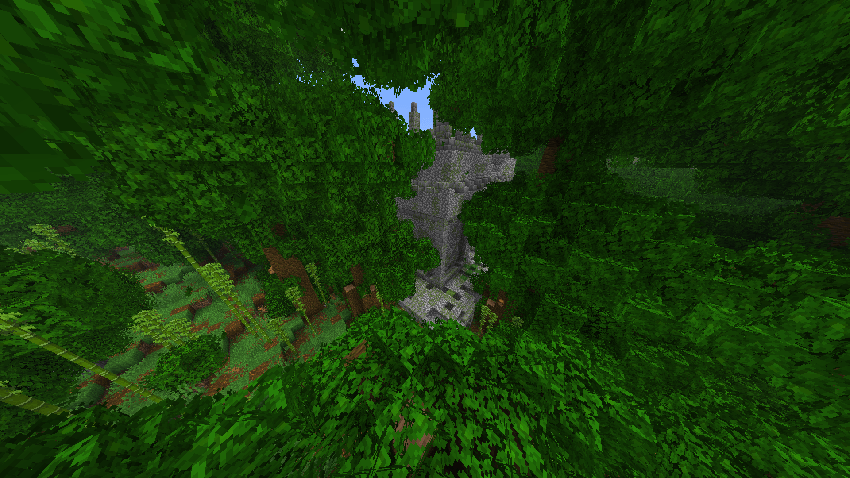

Big Globe - YUNG's Better Jungle Temples
A compatibility datapack for YUNG's Better Jungle Temples, makes structures generate correctly in Big GlobeInstallOn a server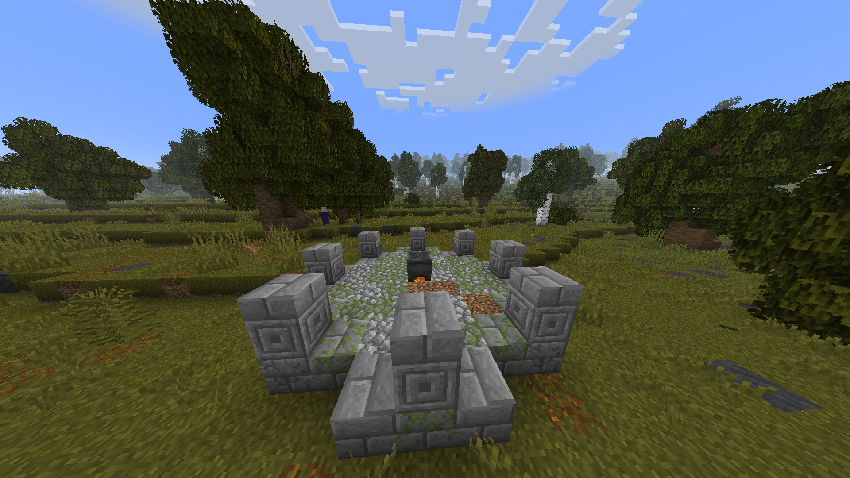

Big Globe - YUNG's Better Witch Huts
A compatibility datapack for YUNG's Better Witch Huts, makes structures generate correctly in Big GlobeInstallOn a server

Potions Description
This resource pack enhances Minecraft's potion system by providing detailed descriptions of every potion directly in-game. Whether you're new or experienced, it helps you make better choices while brewing your potions.InstallOn a server

Eternal Enchantment
New enchantment to prevent items from despawning and being destroyed!InstallOn a server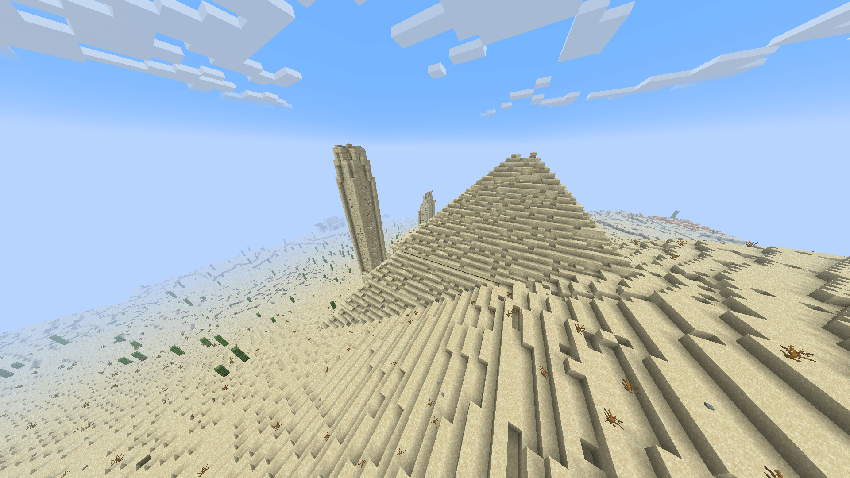

Big Globe - YUNG's Better Desert Temples
A compatibility datapack for YUNG's Better Desert Temples, makes structures generate correctly in Big GlobeInstallOn a server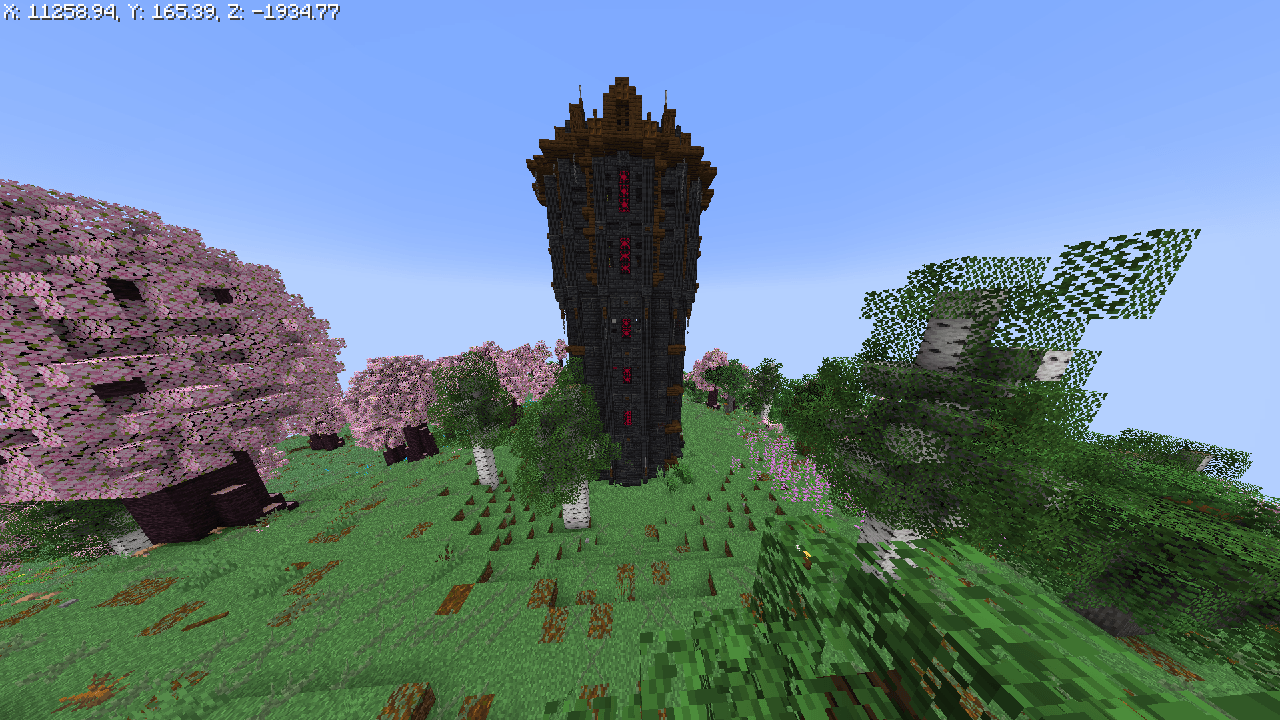

Big Globe - Born In Chaos Compatibility
A compatibility datapack for Born in Chaos, makes all structures and mobs generate correctly in Big GlobeInstallOn a server

Vanilla Planes
Historically Accurate Planes with a Minecraft Twist, Adds 12+ planes and a fuel system that is compatible with all of my datapacksInstallOn a server

Mystic Mobs
The Mystic Mobs datapack adds excitement to Minecraft by giving mobs random, powerful abilities like speed boosts, fireballs, and teleportation. Each encounter becomes unpredictable, making survival more challenging and fun!InstallOn a server

MC-Reality Mod
this is a mod for Minecraft that seeks to transform the game experience into something closer to real life. It includes elements such as needs management (hunger, health, energy), an economy system, work, and the ability to interact with other playerInstallOn a server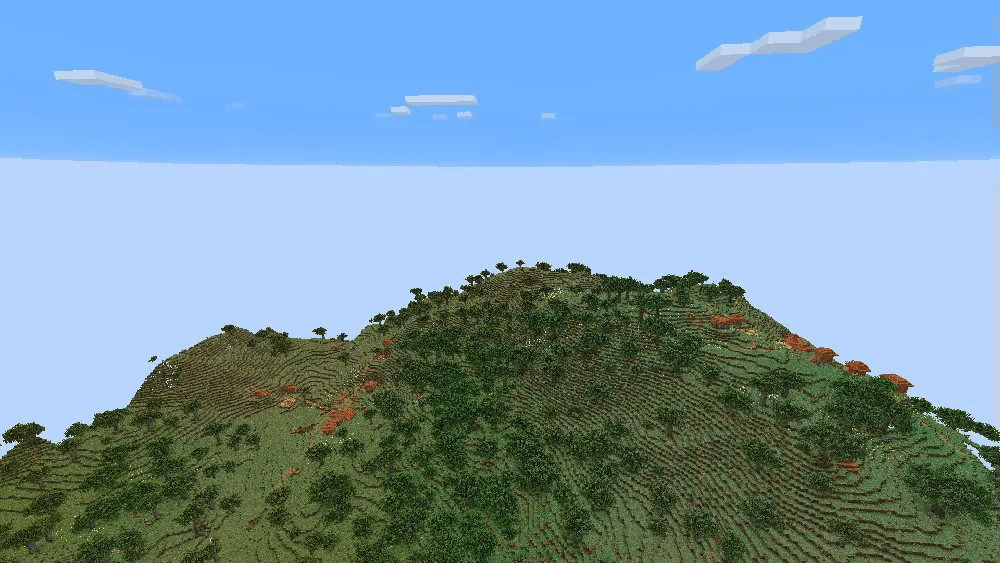

Big Globe - Remove Obelisk
Remove Obelisk in Big GlobeInstallOn a server

Better Mob Drop(No Advancements Version)
[Better Mob Drop without advancements]A Minecraft mod/data pack which provide more reasonable mob dropInstallOn a server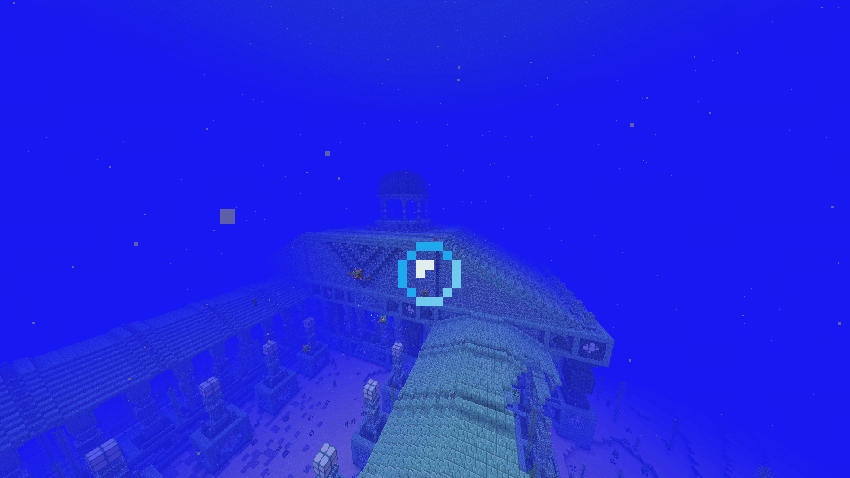

Big Globe - YUNG's Better Ocean Monuments
A compatibility datapack for YUNG's Better Ocean Monuments, makes structures generate correctly in Big GlobeInstallOn a server

Simple Magnet
Offhanding a copper ingot attracts items to you. No new items added!InstallOn a server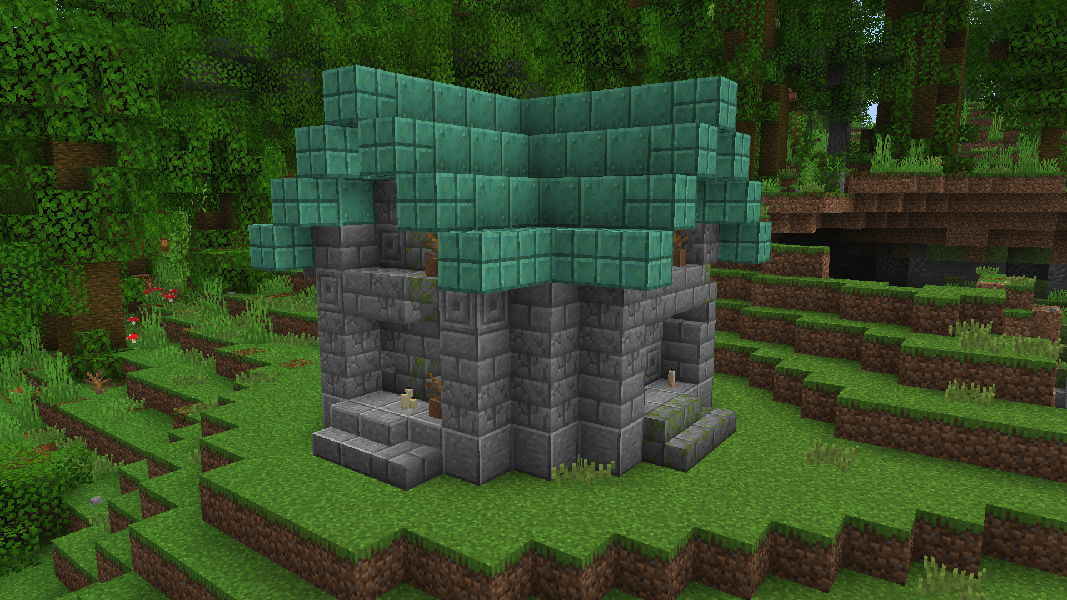

Big Globe - Explorify Compatibility
A compatibility datapack for Explorify, makes all structures generate correctly in Big GlobeInstallOn a server

Random Respawn
Respawn in a random location after dyingInstallOn a server
Big Globe - Biome Tags Fix
This datapack adds biome tags from Big Globe to biome tags from vanillaInstallOn a server

Supereme Back
Back to your lastest death position using "/trigger back" ("/back" alternatives)InstallOn a server

Honey Sticky Piston
Honey Sticky Piston is a quality of life Datapack for Minecraft that lets players use honeycombs as an alternative to slime balls to craft sticky pistons.InstallOn a server

LifeSteal datapack
Datapack that adds Heart system from LifeSteal SMPInstallOn a server

Ore Detector
This datapack adds ore detector to the game. The ore detector shows if there is ore nearby.InstallOn a server

10 Slots / Only Hotbar
You can only access your hotbar and every other inventory slot is lockedInstallOn a serverFAQ
How is a datapack different from a mod?
A datapack uses the game's own tools: it changes recipes, loot, structures and advancements. A mod changes the game's code and can add something genuinely new — a block, a mob, an interface. A datapack doesn't need a loader to work.
How do I install a datapack?
Click “Install” and Millida Launcher will add the datapack to the world you choose. To do it manually, put the archive in the datapacks folder inside the world folder and rejoin the world.
Does a datapack work on a server?
Yes, on a regular server without mods: the datapacks folder sits inside the server's world folder. Players don't need to install anything on their clients.
What is a data pack?
A set of files that changes the game with its own tools: recipes, loot, world generation, advancements and command functions. It works from version 1.13 without mods or loaders and is installed into a specific world.
Are there data packs for world generation?
Yes, it is one of their most common jobs: new biomes, terrain, caves and structures. Generation only changes in chunks that have not been created yet, so such a data pack is best added when creating a new world.
Datapacks for Minecraft 1.21
Datapacks for Minecraft 1.21: 1,282 items in the Data packs section. Compatibility is checked against the files, not the description: only items with a build for exactly these conditions stay in the list.
That's the main difference from mods: a datapack doesn't show up in the mod list, and it can't add anything the game doesn't have at all — you can't make a new block with its own model this way. On the other hand, it doesn't clash with other packs, doesn't need updating when you switch loaders and doesn't stop you from playing with friends on a regular server. Installing a datapack is simple: put the archive in the datapacks folder inside the world folder, then reload the world or run the reload command. The card lists the game version, author and license, and all releases are gathered in one place.