
适用于 Minecraft 1.20.1, 1.21.1 的 Wyrmroost 模组
一个致力于在 Minecraft 中打造独特且实用的龙的龙类模组。计划添加一个维度!
 NeoForge
 Forge
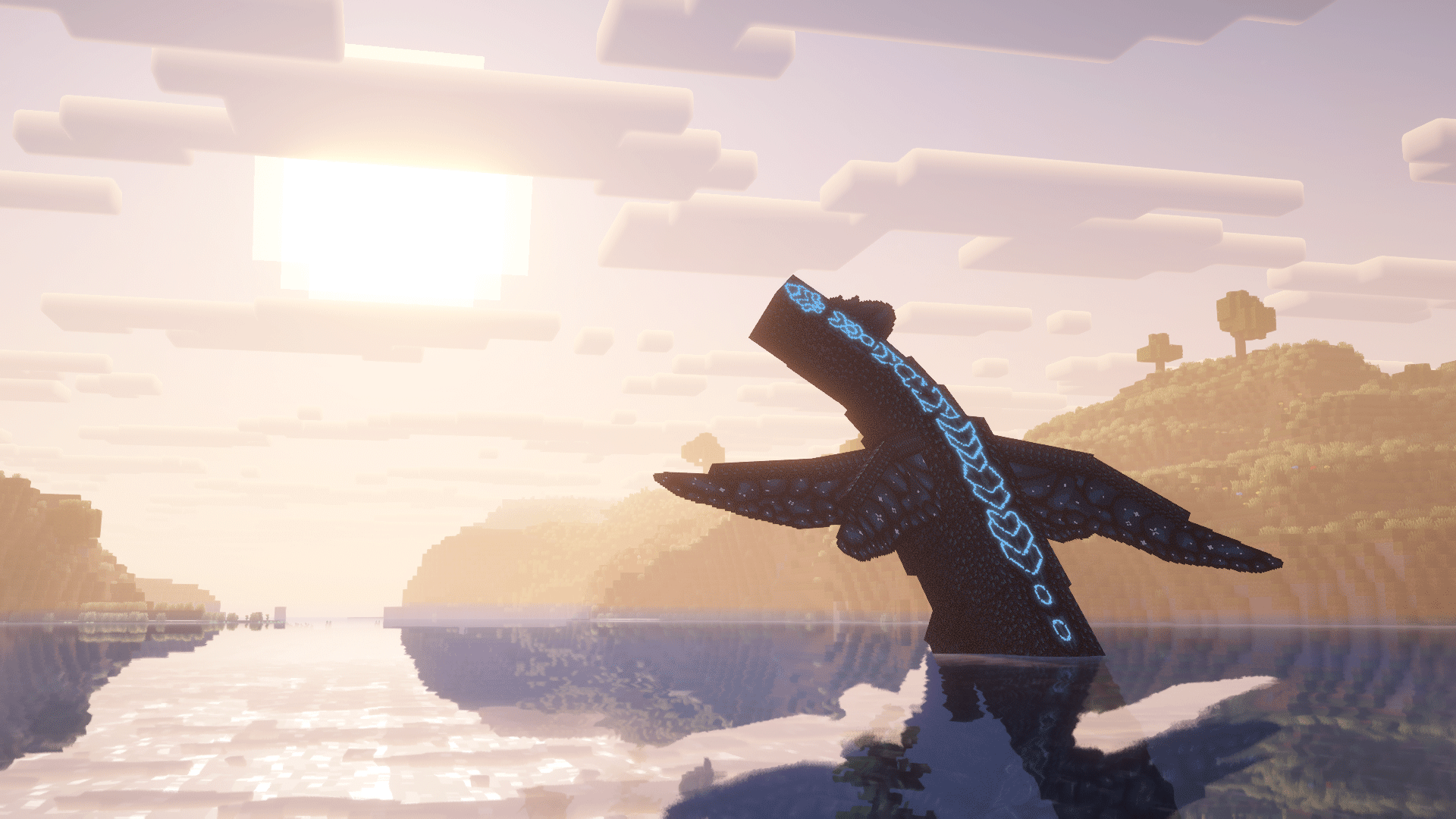
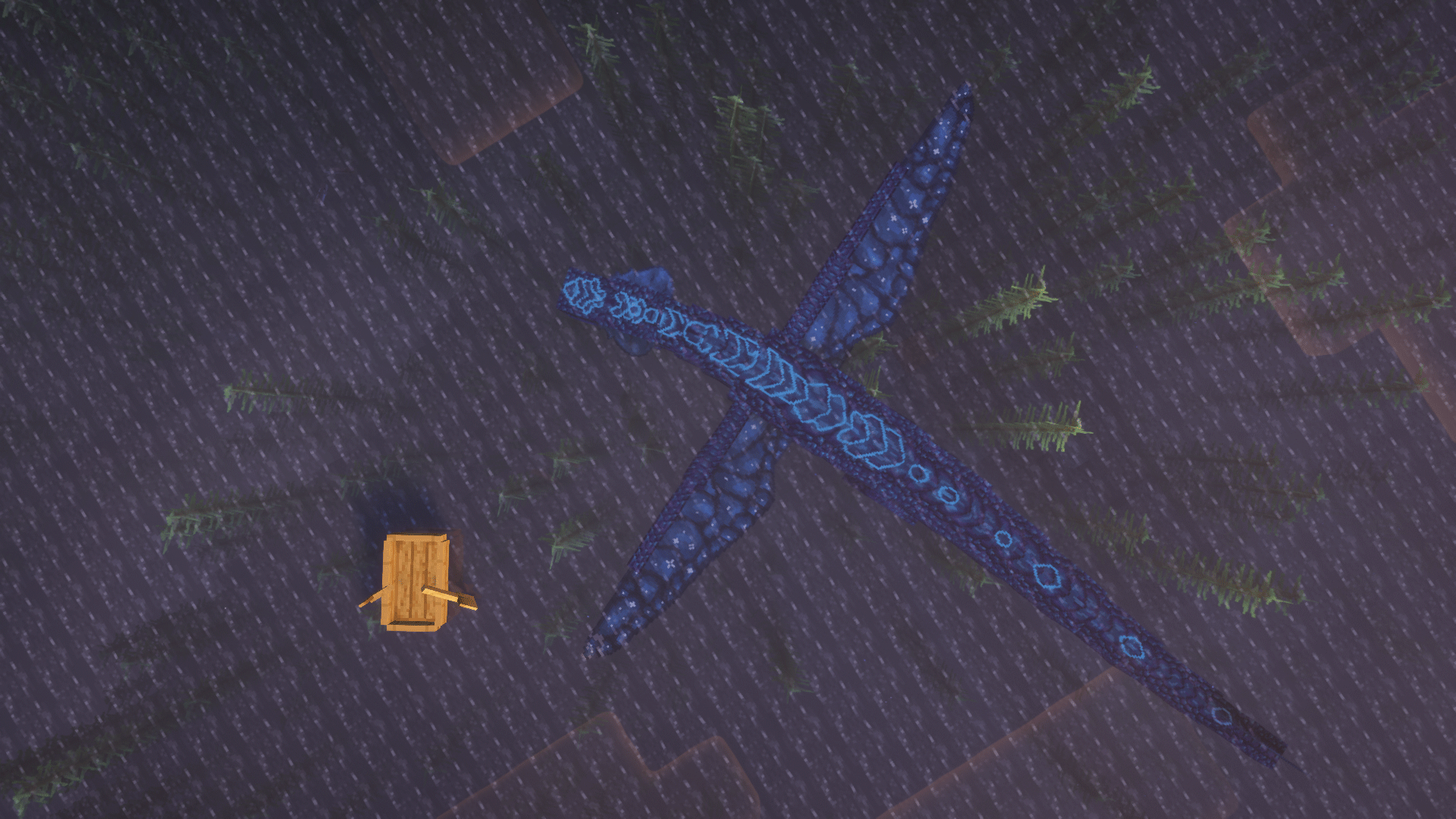
Forge通过用多样、可驯服的龙填充这个世界,重新构想《我的世界》,这些龙游荡在崭新而美丽的世界中,等待着那些敢于闯入这些领地的人去探索,在那里魔法超越了附魔。这,就是 Wyrmroost。
Wyrmroost 旨在添加数种多样的龙,它们可以被驯服并用于满足玩家及其需求。无论是战斗、耕种、运输,你能想到的,大概都有对应的龙。但请注意,驯服一条龙绝非易事。你会发现与这样的生物成为朋友需要付出辛勤的努力和专注,具体取决于龙和当时的情况。
常见问题
我该如何驯服这条龙?
https://sites.google.com/view/official-wyrmroost-wiki/home
你能更新/移植回 吗?
更新需要时间。Wyrmroost 会继续努力保持在《我的世界》的最新版本上,但请耐心等待!我们着眼于未来,所以永远不会将模组移植回旧版本,你关于移植回旧版本的问题也不会得到回答。
维度在哪里,你们对它有什么计划?
该维度尚未加入模组,但希望很快就会加入。我们的目标是打造一个龙的世界,拥有我们独特的方块、物品,最重要的是,龙。我们无法给出何时能看到这个更新的预计时间,但请保持关注。在那之前,请享受我们的内容!
我可以在我的整合包中使用 Wyrmroost 吗?
尽管用!
我可以提问吗?
如果你有任何进一步的问题,可以来我们的 Discord 看看!我们会很乐意帮忙。
问题 / 漏洞报告
如果你发现某些看起来不对劲、很可能是漏洞,或者完全损坏的东西,请前往我们的 Github 进行报告!你的漏洞在那里比在我们的 Discord 服务器上更有可能被看到。
对于 Neoforge1.21.1 版本:https://github.com/NordAct/Wyrmroost/issues
对于 forge 1.20.1 版本:https://github.com/themodderg/wyrmroost-1.20.1-port/issues
鸣谢
创作者:
WolfShotz - (前)程序员
Realslimshady.jpg - 程序员 Chrono - 联合开发者
Kingdomall - 模型与材质美术师
Ukan - 模型、材质与音效美术师
Shannieann - 材质美术师
Nord - 1.21.1 移植版的程序员
贡献者:
Lagoon(版主) - Dragon Fruit Drake 的材质、代码贡献,最重要的是,Geode 锄头。
Novacraft(贡献者) - Rooststalker 的模型与材质。Dragon Fruit Drake 的模型。
Coda(贡献者) - Lesser Desertwyrm 的物品材质。多项贡献。Aycfes(贡献者) - 巴西葡萄牙语翻译。Una(贡献者) - 资源包美术师。Raptorlos(贡献者) - 德语翻译。
如何安装 Wyrmroost
With Millida Launcher
Install Millida Launcher
The launcher is free: download it at millida.net/launcher and sign in with any nickname.
Click “Install” on this page
The launcher opens and installs the mod for Minecraft 1.16.3–1.21.1 on Forge or NeoForge automatically.
Launch the game
A profile with it appears in the launcher: click “Play”.
Manually
Install Forge or NeoForge
The loader must match the game version of the mod file, for example Minecraft 1.21.1. After installing it, a separate profile appears in your launcher.
Download the file for your version
In the version list above, pick the file wyrmroost-1.4.1.jar (4.2 MB) for your game version and loader.
Put it in the mods folder
The folder is inside .minecraft (Windows: %appdata%\.minecraft\mods). If it does not exist, create it.
Launch the loader profile
Open “Mods” in the main menu: Wyrmroost should be in the list.
Minecraft 1.21.1 runs on Java 21: with a different Java version the game may close right after launch.
版本
含依赖项
| Minecraft | 加载器 | 文件 | 日期 | 操作 |
|---|---|---|---|---|
| 1.20.1 | Forge | wyrmroost-forge-1.20.1-1.3.4.jar4.1 MB 2 | ||
| 1.20.1 | Forge | wyrmroost-forge-1.20.1-1.3.3.jar4.1 MB | ||
| 1.21.1 | NeoForge | wyrmroost-1.4.1.jar4.2 MB 1 | ||
| 1.16.3 | — | [1.16.(3-4)] Wyrmroost-1.2.104.7 MB | ||
| 1.16.3 | — | Wyrmroost-1.16.3-1.2.4.jar4 MB |
评价
成为第一个评价 Wyrmroost 的人


