
适用于 Minecraft 1.20.1, 1.21.1 的 WATERFrAMES: Multimedia Displays 模组
包含多个方块,可在你的世界中播放来自互联网和本地文件的视频和图片
 Fabric
 NeoForge
 Forge
Forge🖼️ WATERFrAMES | 多媒体显示
你的图像显示模组,可在多种独特方块中展示图片、视频、gif 等内容,使用 URL 和舒适的界面来旋转、设置透明度、亮度或音频距离,以舒适的体验显示你的视频,与你和你的朋友同步,并完全为服务器管理员和生存模式设计。
深受 LittlePictureFrames 启发
加入我的 discord 社区,分享你和朋友观看电影或梗图的截图,以及你的电影院建筑。
🎁 模组内容
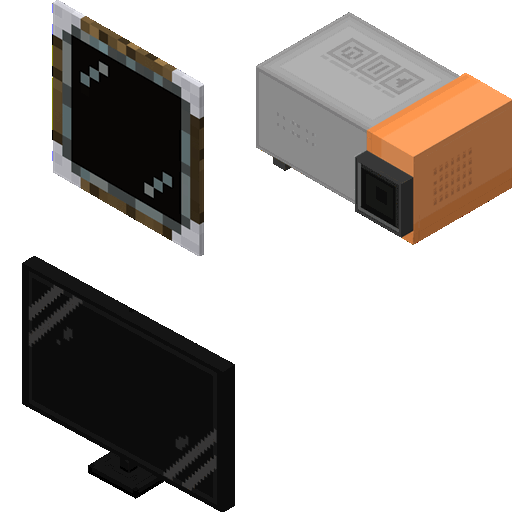
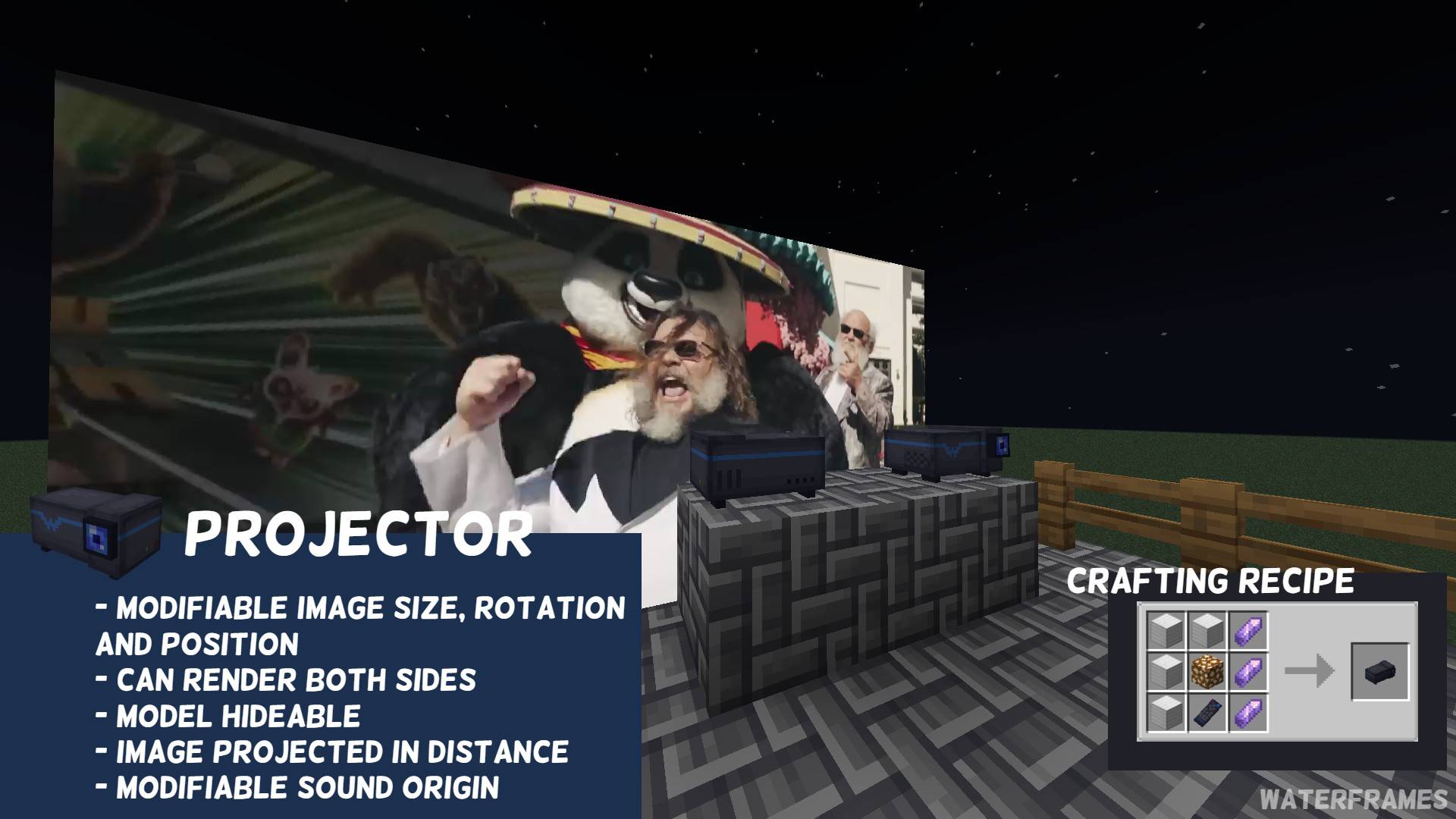
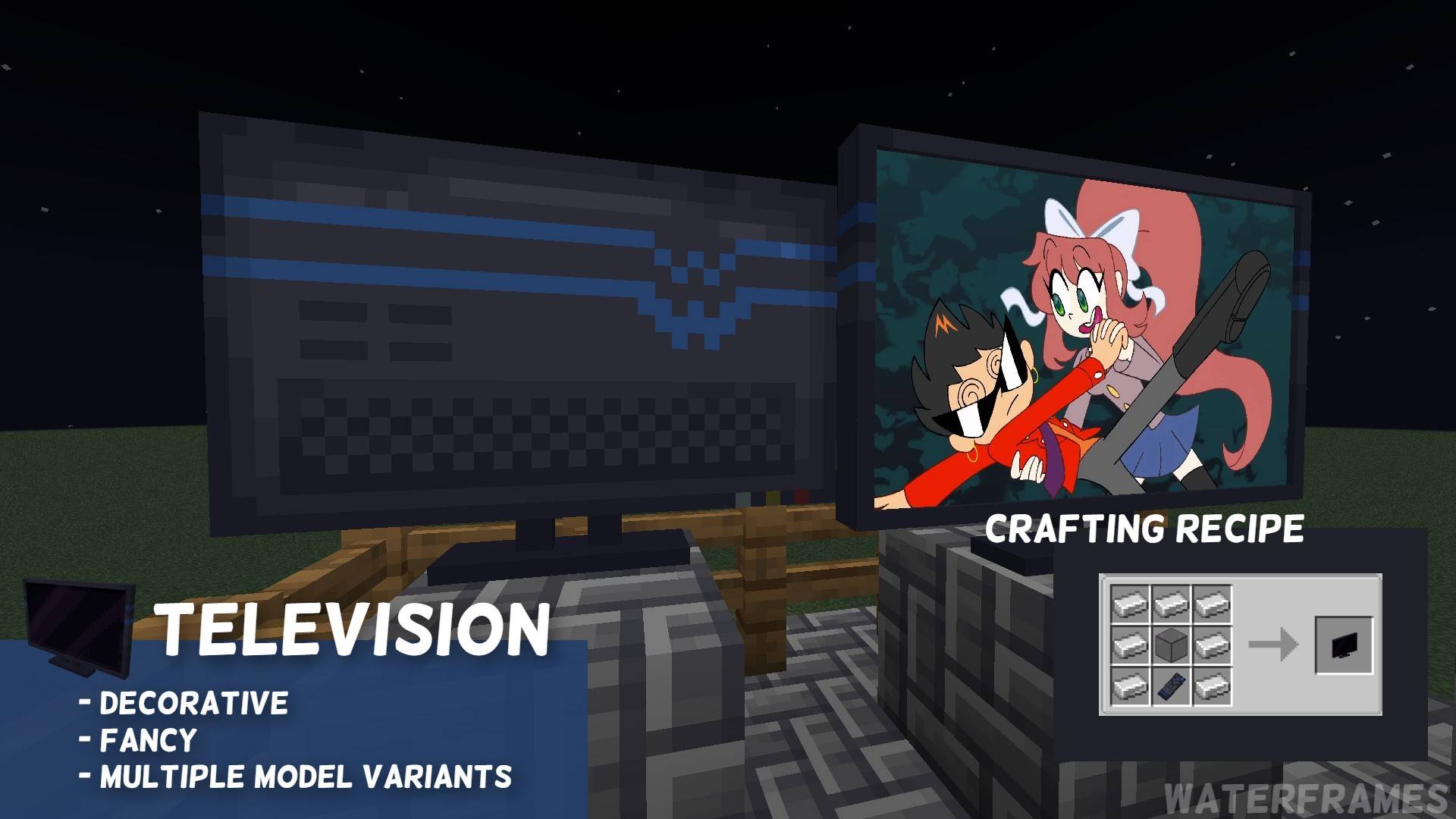
- 📺 多种显示图像的方式(相框、投影仪、电视和大电视)
- 🎮 物品(遥控器)和命令(/waterframes)可远程控制相框
- 📂 本地文件支持(由 WATERMeDIA 提供支持)使用 water://local/<path>
- 📺 VideoPlayer 支持
- 🔗 兼容 Youtube、Twitch、Kick.com、Google Drive、One Drive、Twitter (X) 和 [orangepage]
- 🛡️ 对服务器管理员有良好的管理(url 白名单、游戏模式权限等)
- ⚙️ 完全可自定义和配置的图像(旋转、透明度、亮度等)
- ⏱️ 易于使用,并与其他支持视频的模组兼容(WATERMeDIA)
🧩 依赖项
- CreativeCore:GuiAPI 和 Networking
- WATERMeDIA:多媒体支持
🖥️ 展示视频(英语)
🖥️ 展示视频(西班牙语)
🕹️ 与你和你的朋友一起玩
只需 1$ 即可获得服务器,享受 15% 折扣,并与你的朋友一起建造影院
⁉️ 常见问题
- 我如何播放本地文件?
- 整合包可以使用相对路径 water://local/<path>,根目录是整合包文件夹,因此如果你将整合包介绍放在 config/mymodpack/video.mp4,你必须将 <path> 替换为该路径
- 你能移植到 1.16.5 吗?
- 不,我拒绝低于 1.18.2。我愿意为此接受委托,但价格很高。
- 能继续维护 1.21.4 的 Fabric 移植版吗?
- 不,自从我开始移植以来,fabric 一直让我头疼,为了我的精神健康,我停止维护它了。
- 当我放入视频时,方块显示一张图片说“Failed to Load VLC”
- 如果你在 Linux 或 Mac 上运行,必须手动安装 VLC,如果你在 windows 上运行或已在上述操作系统上安装了 VLC,请在此处提交问题
🎀 特别感谢
- Wayerspork:捐赠者及活跃的 bug 报告者/帮助者
- Kotyarendj:当前 WATERFrAMES 方块纹理的作者
- CoolDCB:帮助我移植 LittleFrames 并激励我制作自己的模组
- CreativeMD:制作 LittleFrames 启发了我。在 PR 上对我有耐心,并且是个好人。
如何安装 WATERFrAMES: Multimedia Displays
With Millida Launcher
Install Millida Launcher
The launcher is free: download it at millida.net/launcher and sign in with any nickname.
Click “Install” on this page
The launcher opens and installs the mod for Minecraft 1.18.2–1.21.8 on Fabric, Forge or NeoForge automatically.
Launch the game
A profile with it appears in the launcher: click “Play”.
Manually
Install Fabric, Forge or NeoForge
The loader must match the game version of the mod file, for example Minecraft 1.21.8. After installing it, a separate profile appears in your launcher.
Download the file for your version
In the version list above, pick the file waterframes-FABRIC-mc1.21.8-v2.1.22.jar (256 KB) for your game version and loader.
Put it in the mods folder
The folder is inside .minecraft (Windows: %appdata%\.minecraft\mods). If it does not exist, create it.
Launch the loader profile
Open “Mods” in the main menu: WATERFrAMES: Multimedia Displays should be in the list.
Minecraft 1.21.8 runs on Java 21: with a different Java version the game may close right after launch.
版本
含依赖项
| Minecraft | 加载器 | 文件 | 日期 | 操作 |
|---|---|---|---|---|
| 1.20.1 | Forge | WF-FORGE/mc1.20.1/v2.2.0-beta.6249 KB 20 | ||
| 1.21.1 | NeoForge | WF-NEOFORGE/mc1.21.1/v2.1.23251 KB 7 | ||
| 1.21.8 | Fabric | WF-FABRIC/mc1.21.8/v2.1.22256 KB 3 | ||
| 1.20.1 | Forge | WF-FORGE/mc1.20.1/v2.1.22249 KB | ||
| 1.21.5 | NeoForge | WF-NEOFORGE/mc1.21.5/v2.1.20-alpha.1248 KB 1 | ||
| 1.18.2 | Forge | WATERFrAMES/1.18.2/1.0.1-C88.6 KB |
评价
成为第一个评价 WATERFrAMES: Multimedia Displays 的人


