
 Forge
Forge NeoForge
关于 Tetra 模组

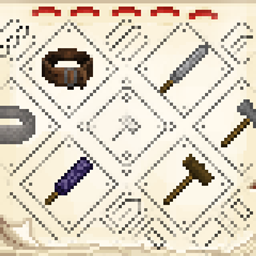
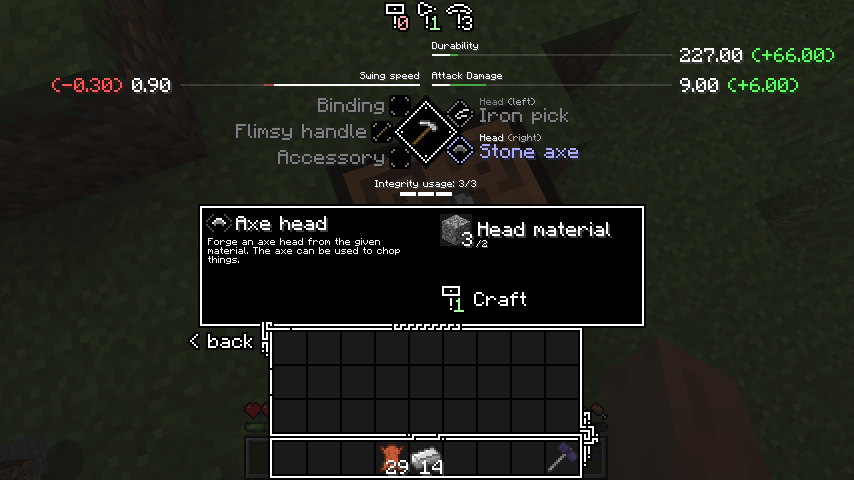
Tetra 是一个 Minecraft 模组,允许玩家改造和改进工具、武器以及其他类型的装备。被改造的物品可以通过使用随时间推移而得到提升。强大的工具部件和图纸可以在世界中通过搜寻古代遗迹或通过交易和以物易物找到。
Tetra 有两个进度标签页,涵盖了大部分可用内容,而全息球则提供了模块、改进和材料属性的概览。
关于 Tetra 的更多信息可以在 Tetra 网站上找到
Tetra 使用一个实用库(mutil),如果你不使用 CurseForge 安装器,则需要手动安装它。
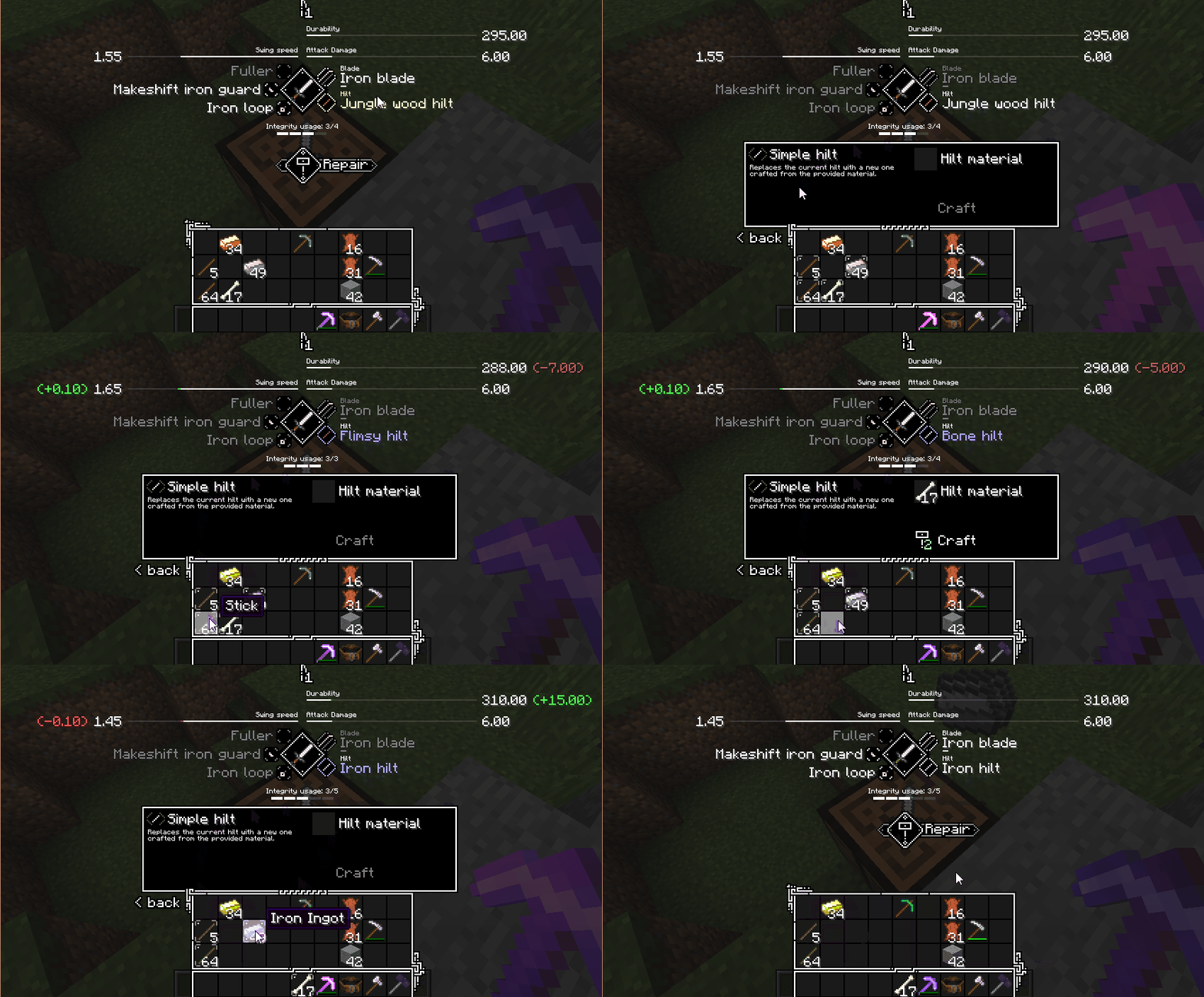
📝 入门指南
- 用两根木棍和两块木板合成一个木槌
- 合成并放置一个原版工作台
- 用木槌右键点击工作台,将其升级为工作台
- 合成一个原版武器、工具、盾牌或弓,并将其放入工作台中
查看进度窗口以了解如何进一步推进
🔌 模组兼容性
Tetra 默认兼容 Curios(用于工具腰带),如需更多模组兼容,你可以查看:
- tetracelium
- 兼容性列表
🔗 链接
- Discord
- Patreon
- 技术 wiki
📜 许可与使用
只要通过 Modrinth 或 CurseForge 分发,就可以随意在整合包或合集中使用本模组。可以随意通过数据包(或 kubejs 等类似工具)修改或添加内容,关于附加组件和模组集成的使用详情,请查看 GitHub 仓库。
如何安装 Tetra
With Millida Launcher
Install Millida Launcher
The launcher is free: download it at millida.net/launcher and sign in with any nickname.
Click “Install” on this page
The launcher opens and installs the mod for Minecraft 1.12.2–1.20.1 on Forge or NeoForge automatically.
Launch the game
A profile with it appears in the launcher: click “Play”.
Manually
Install Forge or NeoForge
The loader must match the game version of the mod file, for example Minecraft 1.20.1. After installing it, a separate profile appears in your launcher.
Download the file for your version
In the version list above, pick the file tetra-1.20.1-6.17.0.jar (3.9 MB) for your game version and loader.
Put it in the mods folder
The folder is inside .minecraft (Windows: %appdata%\.minecraft\mods). If it does not exist, create it.
Launch the loader profile
Open “Mods” in the main menu: Tetra should be in the list.
Minecraft 1.20.1 runs on Java 17: with a different Java version the game may close right after launch.
版本
含依赖项
| Minecraft | 加载器 | 文件 | 日期 | 操作 |
|---|---|---|---|---|
| 1.20.1 | Forge, NeoForge | 6.17.03.9 MB 5 | ||
| 1.20.1 | NeoForge, Forge | tetra-1.20.1-6.0.0.jar3.3 MB | ||
| 1.19.2 | Forge | tetra-1.19.2-5.3.1.jar3.3 MB | ||
| 1.16.3 | — | tetra-1.16.5-3.9.2.jar2.6 MB 1 | ||
| 1.15.2 | — | tetra-1.15.2-2.18.0.jar2 MB | ||
| 1.12.2 | — | tetra-1.12.2-0.27.2.jar2.2 MB |
常见问题
Which Minecraft versions does Tetra work on?
There are files for 1.12.2–1.20.1, 8 versions in total. The newest is 1.20.1.
Is Tetra for Forge or Fabric?
There are files for Forge: 1.19.1–1.20.1 and for NeoForge: 1.20.1. There are no files for Fabric: a mod for another loader will not start.
Does Tetra need other mods?
The author lists no required dependencies: the Forge or NeoForge loader is enough.
Which Java does Tetra need?
Minecraft 1.20.1 runs on Java 17. If the game closes right after launch, the usual cause is the wrong Java version in the profile settings.
Where can I download Tetra safely?
On this page: the file tetra-1.20.1-6.17.0.jar (3.9 MB) is stored on Millida’s server, with no link shorteners. SHA-1 checksum: 8da82a8f2c289fb1e731134a6af891503f2d1a4a.
评价
成为第一个评价 Tetra 的人


