
 NeoForge
 Fabric
 Quilt
Quilt Forge
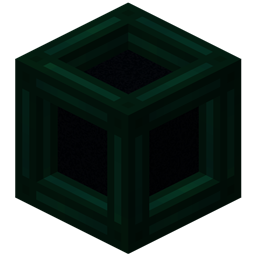
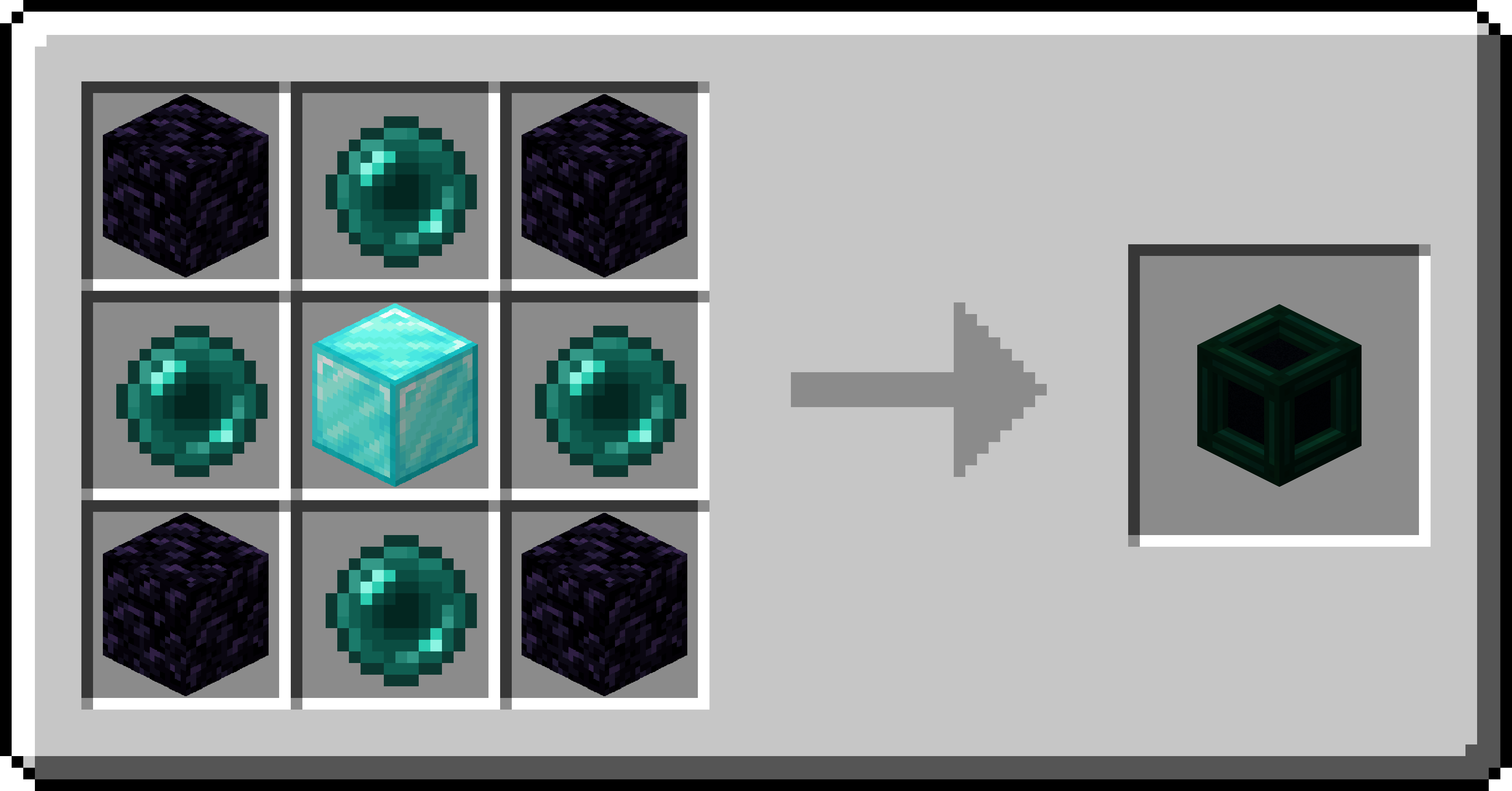
ForgeTesseract 允许你传输物品、流体和能量。Tesseract 可以在任何距离工作,甚至可以跨维度!使用多个频道来创建不同的 Tesseract 分组!
Tesseract
- Tesseract 允许传输物品、流体和能量
- 右键点击 Tesseract 以打开其界面
- 同一频道上的 Tesseract 之间会传输物品、流体和能量
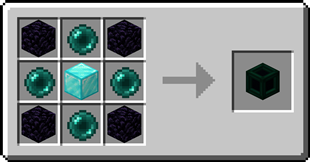
如何安装 Tesseract
With Millida Launcher
Install Millida Launcher
The launcher is free: download it at millida.net/launcher and sign in with any nickname.
Click “Install” on this page
The launcher opens and installs the mod for Minecraft 26.2–26.3 on Fabric, Forge, NeoForge or Quilt automatically.
Launch the game
A profile with it appears in the launcher: click “Play”.
Manually
Install Fabric, Forge, NeoForge or Quilt
The loader must match the game version of the mod file, for example Minecraft 26.3. After installing it, a separate profile appears in your launcher.
Download the file for your version
In the version list above, pick the file tesseract-1.0.38-neoforge-mc26.3.jar (1.2 MB) for your game version and loader.
Put it in the mods folder
The folder is inside .minecraft (Windows: %appdata%\.minecraft\mods). If it does not exist, create it.
Launch the loader profile
Open “Mods” in the main menu: Tesseract should be in the list.
版本
含依赖项
| Minecraft | 加载器 | 文件 | 日期 | 操作 |
|---|---|---|---|---|
| 26.3 | NeoForge | Tesseract 1.0.38 for NeoForge 26.31.2 MB | ||
| 26.3 | Fabric, Quilt | Tesseract 1.0.38 for Fabric 26.31.2 MB 2 | ||
| 26.2 | Forge | Tesseract 1.0.38a for Forge 26.21.1 MB 1 |
评价
成为第一个评价 Tesseract 的人


