

 NeoForge
 Fabric
 Forge
关于 SpiffyHUD 模组
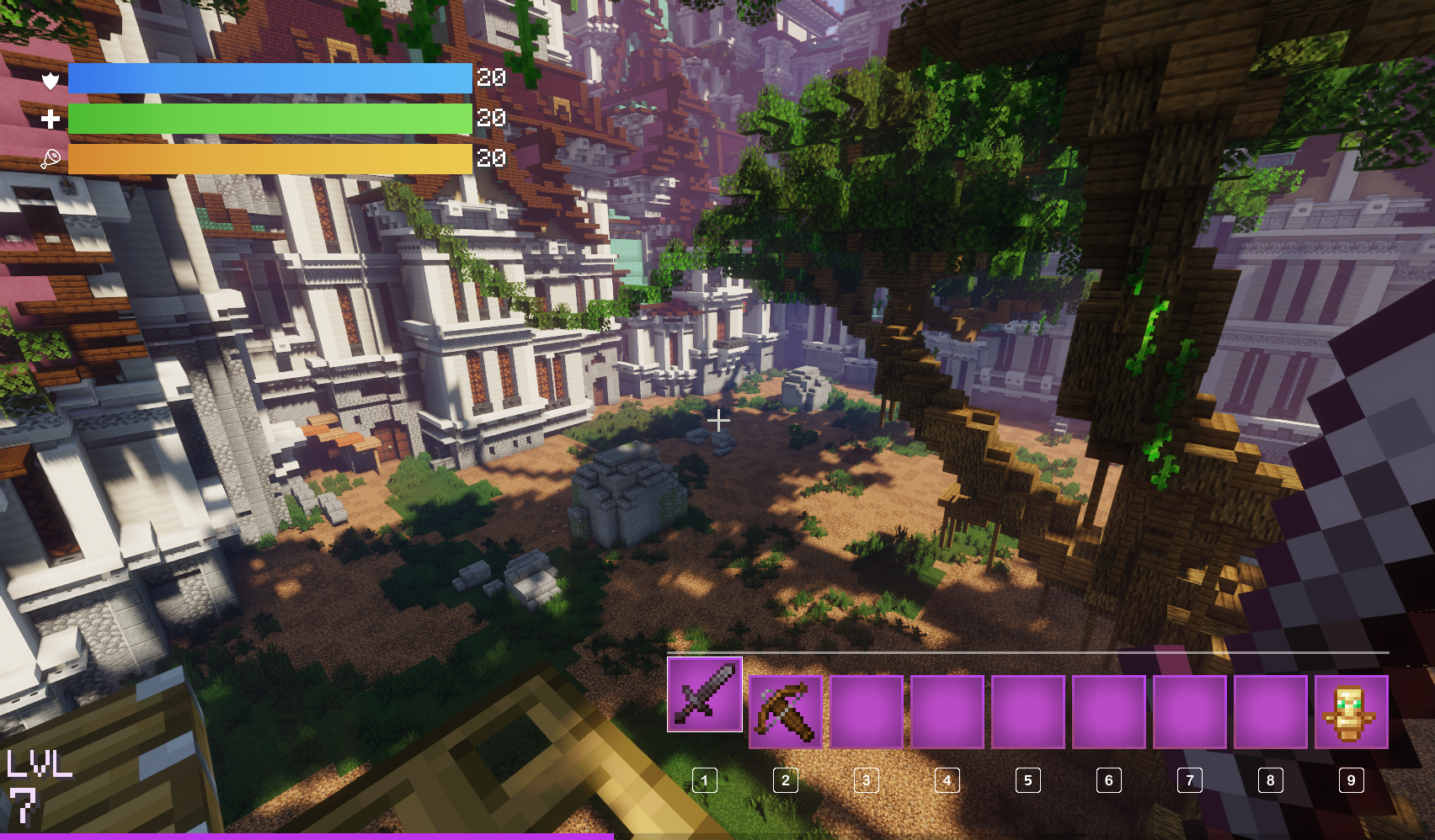
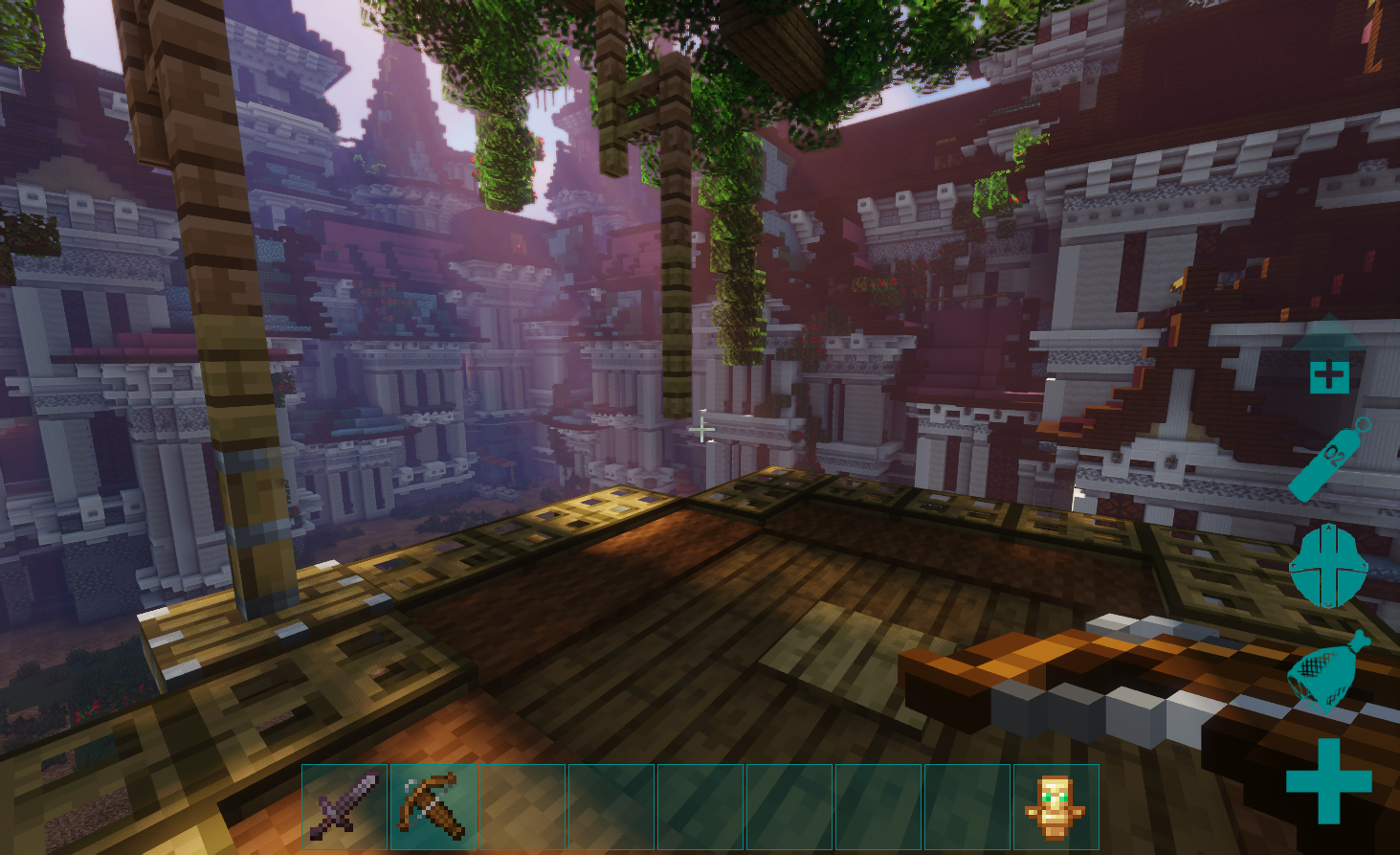
SpiffyHUD is an addon for FancyMenu that lets you fully customize Minecraft’s in-game HUD, and it’s super easy to use. You can add new stuff, animations, images, pretty much make it look however you want. Since it’s built on top of FancyMenu, most of the cool things you can do there also work here.
It’s like having full control of your HUD, right at your fingertips. Want it to look cleaner? Fancier? Just straight-up awesome? Spiffy’s got you.
If you want to see everything it can do, check out the documentation. It covers all the basics and even the more advanced stuff, so whether you’re just messing around or going full pro, you’ll find what you need.
For support, tips, and to connect with other users, join the official Discord server.
If you experience crashes or other issues, please check the incompatibility list for mod conflicts!
Copyright
SpiffyHUD Copyright © 2021-2025 Keksuccino. SpiffyHUD is licensed under DSMSLv3 (DON'T SNATCH MA STUFF LICENSE v3). See LICENSE.md for more information about the license.
Server Needed?
Looking to play Minecraft with friends but setting up a server is just too time-consuming? No worries! Simply rent a pre-configured server and start playing in a snap.
Just click the image below and use code keksuccino to enjoy a 25% discount on your first month! You can also click the code itself if your ad blocker hides the banner.
如何安装 SpiffyHUD
With Millida Launcher
Install Millida Launcher
The launcher is free: download it at millida.net/launcher and sign in with any nickname.
Click “Install” on this page
The launcher opens and installs the mod for Minecraft 1.16.2–26.3 on Fabric, Forge or NeoForge automatically.
Launch the game
A profile with it appears in the launcher: click “Play”.
Manually
Install Fabric, Forge or NeoForge
The loader must match the game version of the mod file, for example Minecraft 26.3. After installing it, a separate profile appears in your launcher.
Download the file for your version
In the version list above, pick the file spiffyhud_neoforge_3.1.4_MC_26.3.jar (652 KB) for your game version and loader.
Put it in the mods folder
The folder is inside .minecraft (Windows: %appdata%\.minecraft\mods). If it does not exist, create it.
Launch the loader profile
Open “Mods” in the main menu: SpiffyHUD should be in the list.
版本
含依赖项
| Minecraft | 加载器 | 文件 | 日期 | 操作 |
|---|---|---|---|---|
| 26.3 | NeoForge | [NeoForge] v3.1.4 MC 26.3652 KB 1 | ||
| 26.3 | Fabric | [Fabric] v3.1.4 MC 26.31.2 MB 4 | ||
| 1.20.1 | Forge | [Forge] v3.1.2 MC 1.20.1817 KB 1 | ||
| 1.16.3 | Forge | FancyHud BETA v1.0.0 MC 1.16.2-1.16.5333 KB 2 |
常见问题
Which Minecraft versions does SpiffyHUD work on?
There are files for 26.3, 1.20.1, 1.16.5, 1.16.4, 1.16.3, 1.16.2. The newest is 26.3.
Is SpiffyHUD for Forge or Fabric?
There are files for Fabric: 26.3, for Forge: 1.16.2–1.20.1 and for NeoForge: 26.3.
Does SpiffyHUD need other mods?
The author lists no required dependencies: the Fabric, Forge or NeoForge loader is enough.
Where can I download SpiffyHUD safely?
On this page: the file spiffyhud_neoforge_3.1.4_MC_26.3.jar (652 KB) is stored on Millida’s server, with no link shorteners. SHA-1 checksum: c3002e76223563400340843d4d4a57a2a5c57df4.
评价
成为第一个评价 SpiffyHUD 的人


