

 NeoForge
 Fabric
 Quilt
Quilt Forge
ForgeSmooth Swapping
关于
Smooth Swapping 是一个客户端模组,用于为物品栏内的物品移动添加动画效果。
- 它适用于 Fabric 和 Forge(自 Minecraft 1.19.4 版本起)
- 尽管它是使用 Architectury 编写的,但它不需要 Architectury API,无论是 Forge 还是 Fabric 都不需要
- 如果你使用 Fabric 版本,你需要 Fabric API,并且需要 ModMenu 才能访问设置菜单
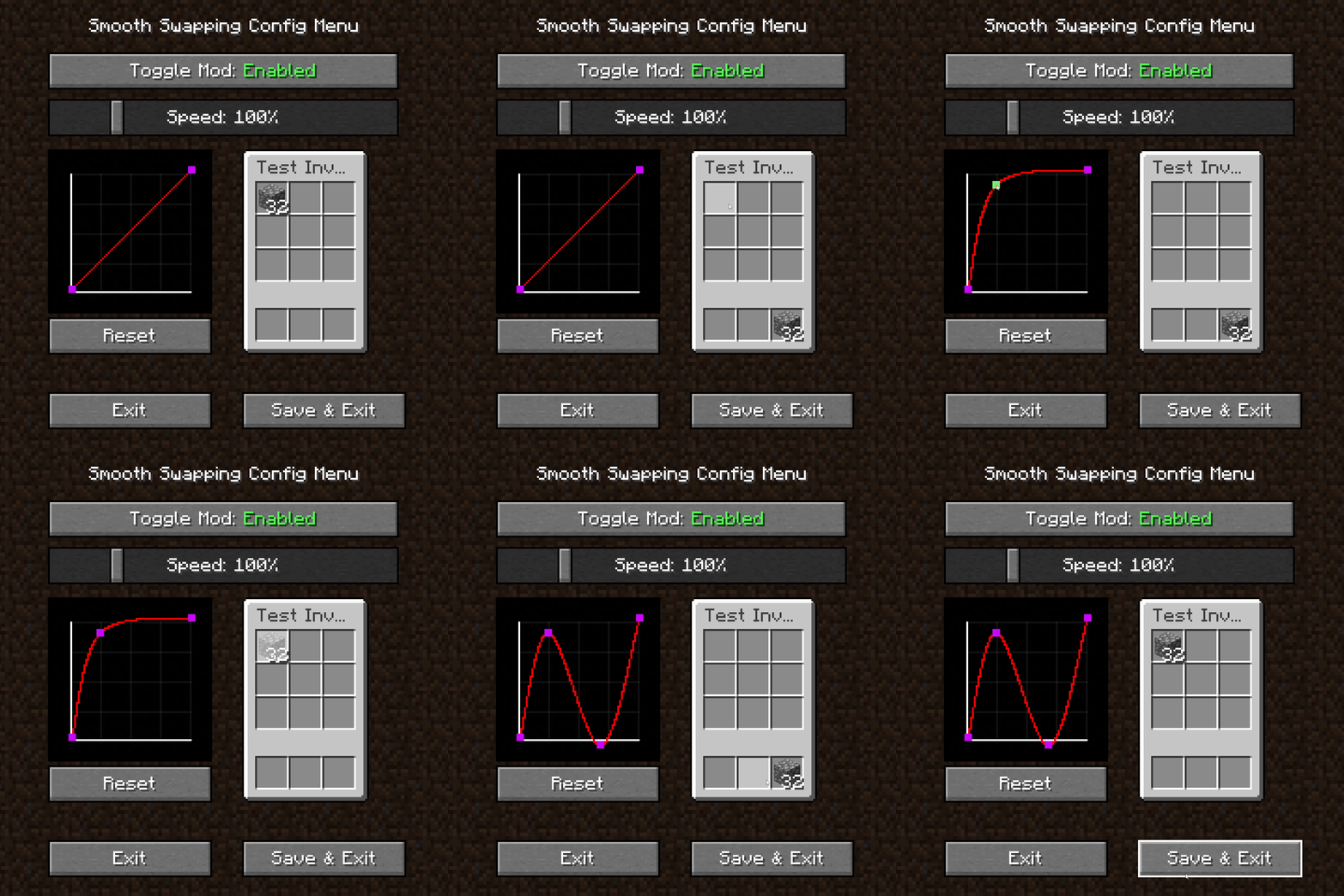
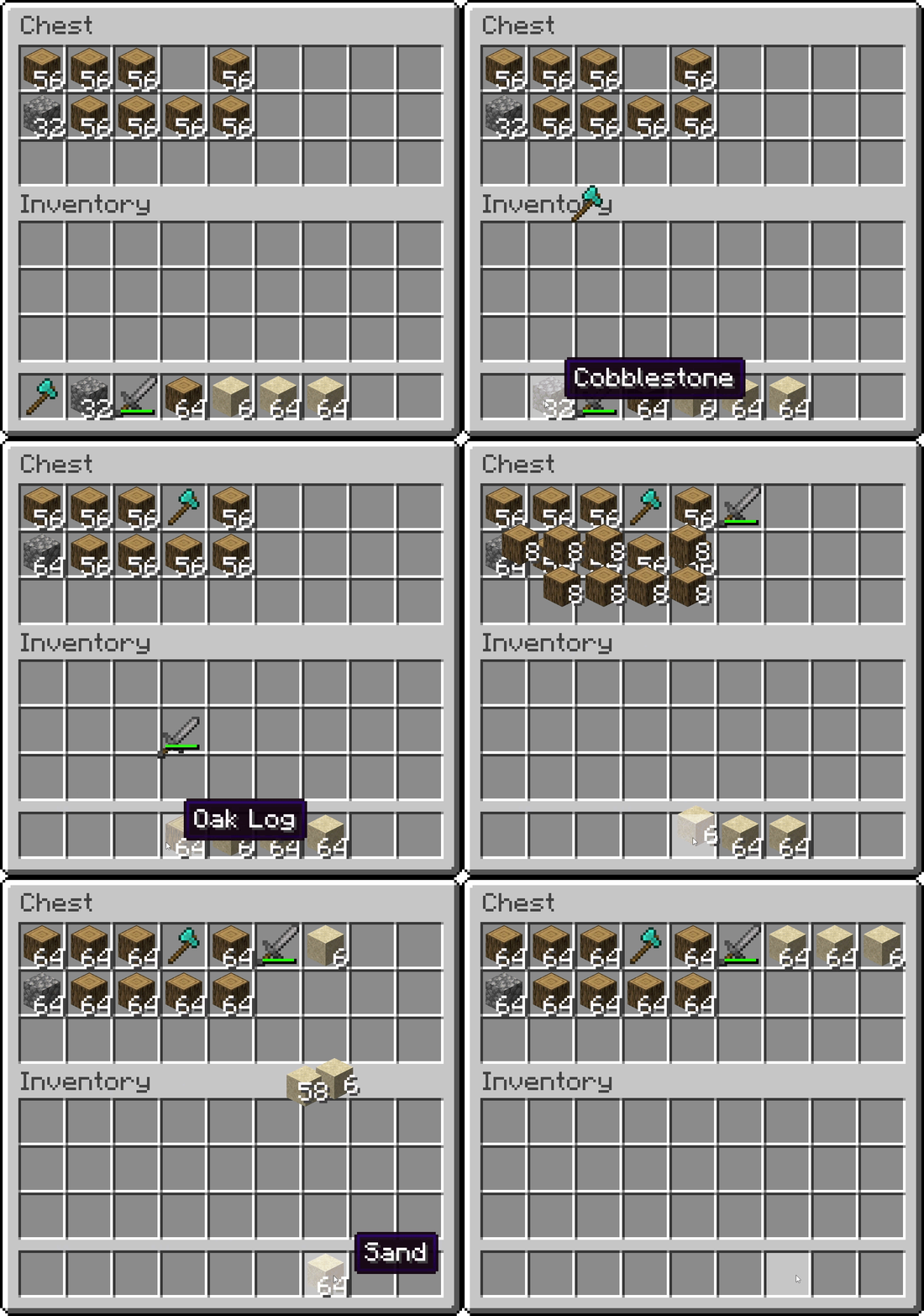
物品栏内流畅的物品动画
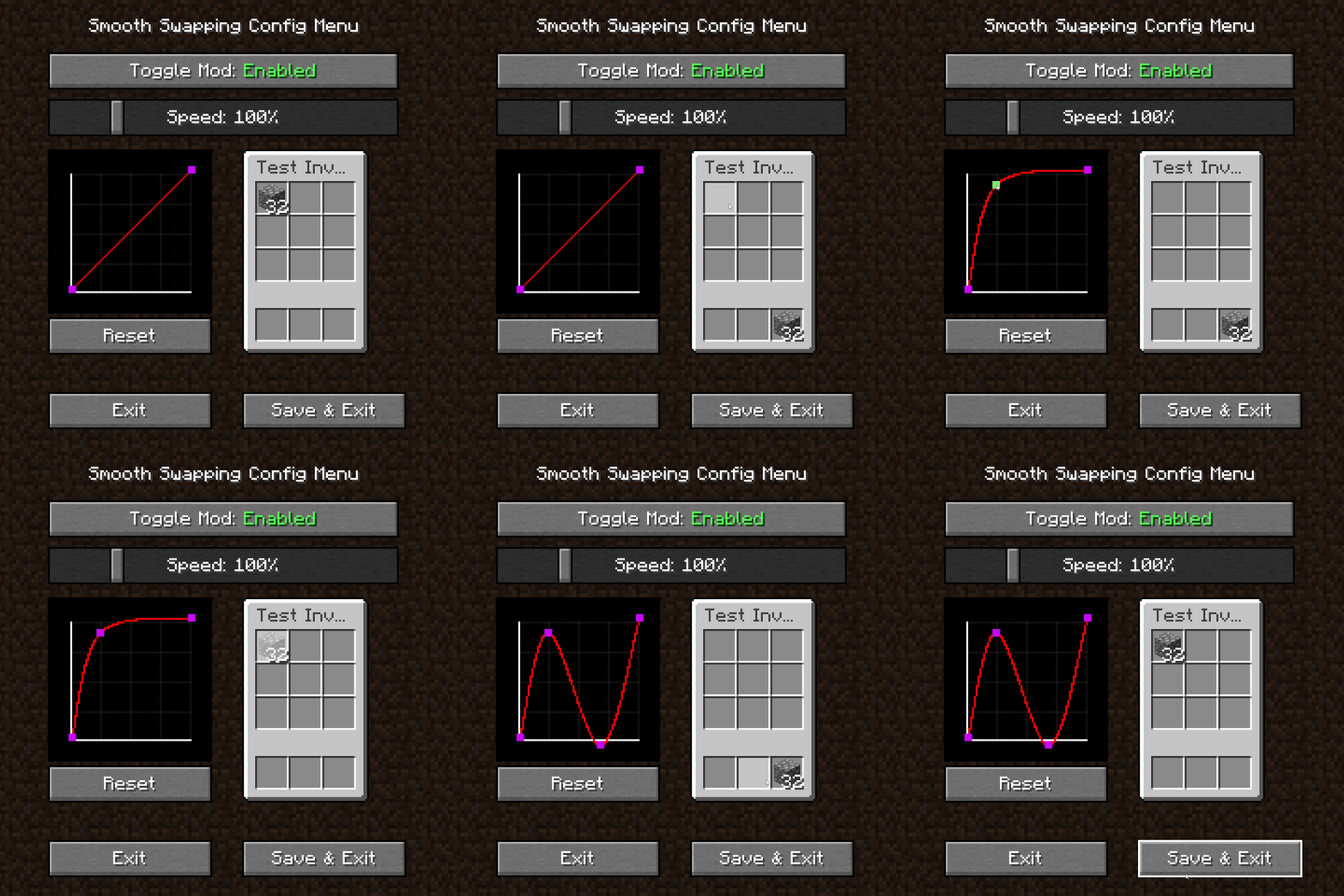
Smooth Swapping 设置菜单
- 用于启用和禁用模组的切换按钮
- 用于调整动画速度的滑块
- 用于测试动画的小型物品栏
- 用于更改动画曲线的图表
- 用鼠标右键点击空白处可创建新的曲线点
- 左键点击并拖动某个点可移动它。不过第一个和最后一个点无法移动
- 右键点击某个点可将其删除
如何安装 Smooth Swapping
With Millida Launcher
Install Millida Launcher
The launcher is free: download it at millida.net/launcher and sign in with any nickname.
Click “Install” on this page
The launcher opens and installs the mod for Minecraft 1.18–26.3 on Fabric, Forge, NeoForge or Quilt automatically.
Launch the game
A profile with it appears in the launcher: click “Play”.
Manually
Install Fabric, Forge, NeoForge or Quilt
The loader must match the game version of the mod file, for example Minecraft 26.3. After installing it, a separate profile appears in your launcher.
Download the file for your version
In the version list above, pick the file smoothswapping-0.9.11-26.3-neoforge.jar (66 KB) for your game version and loader.
Put it in the mods folder
The folder is inside .minecraft (Windows: %appdata%\.minecraft\mods). If it does not exist, create it.
Launch the loader profile
Open “Mods” in the main menu: Smooth Swapping should be in the list.
版本
含依赖项
| Minecraft | 加载器 | 文件 | 日期 | 操作 |
|---|---|---|---|---|
| 26.3 | NeoForge | [NeoForge 26.3] v0.9.1166.1 KB 23 | ||
| 26.3 | Fabric, Quilt | [Fabric 26.3] v0.9.1166 KB 535 | ||
| 1.18.1 | Forge | [Forge 1.18.2] v0.9.1.159.9 KB 13 |
评价
成为第一个评价 Smooth Swapping 的人


