
 NeoForge
 Fabric
 Forge
Forge什么是 Simply Light?
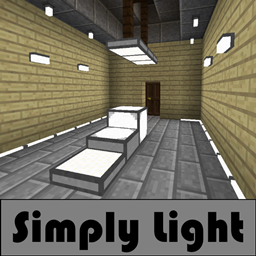
Simply Light 是一个设计简洁的照明模组。
以建筑视角打造现代的外观与手感。
为什么选择 Simply Light?
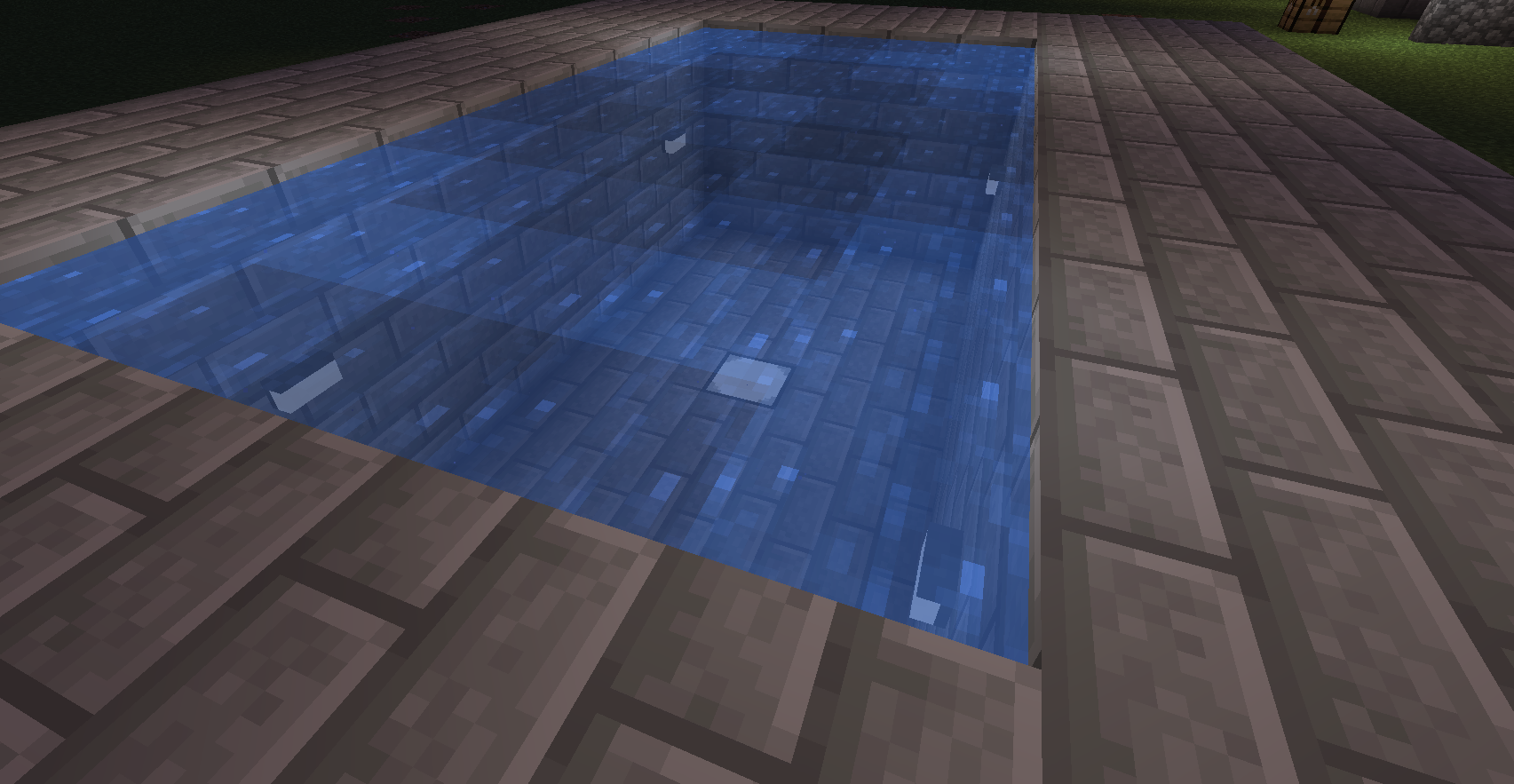
所有灯具都是简单的方块,不涉及方块实体或粒子效果。
其优点包括:与使用大量火把相比,对性能造成的负担很小。

特性
- 完整方块、可响应红石的灯具。(1.16+ 中提供 16 种颜色,感谢 Rid)
- 半台阶式可旋转灯具。
- 四分之一方块面板式可旋转灯具。
- 用于墙壁/天花板/地板的固定装置。
- 简单的灯泡式固定装置。
- 可变形以贴合墙壁的边缘照明灯带。
- 含水灯具。(1.14.4+)
- 3 格高的灯柱。
- 面板和台阶上的连接纹理(1.16+)(需要连接纹理模组)
前置要求
- Shadowfacts' Forgelin - Kotlin 语言适配器。(仅 1.12.2 版本)(仅 1.12.2)Shadowfacts' Forgelin - Kotlin 语言适配器(仅 1.12.2 版本)
如何安装 Simply Light
With Millida Launcher
Install Millida Launcher
The launcher is free: download it at millida.net/launcher and sign in with any nickname.
Click “Install” on this page
The launcher opens and installs the mod for Minecraft 1.12.2–1.21.1 on Fabric, Forge or NeoForge automatically.
Launch the game
A profile with it appears in the launcher: click “Play”.
Manually
Install Fabric, Forge or NeoForge
The loader must match the game version of the mod file, for example Minecraft 1.21.1. After installing it, a separate profile appears in your launcher.
Download the file for your version
In the version list above, pick the file simplylight-1.5.3+1.21.1-b4.jar (1.1 MB) for your game version and loader.
Put it in the mods folder
The folder is inside .minecraft (Windows: %appdata%\.minecraft\mods). If it does not exist, create it.
Launch the loader profile
Open “Mods” in the main menu: Simply Light should be in the list.
Minecraft 1.21.1 runs on Java 21: with a different Java version the game may close right after launch.
版本
含依赖项
| Minecraft | 加载器 | 文件 | 日期 | 操作 |
|---|---|---|---|---|
| 1.21.1 | NeoForge | simplylight 1.5.3+1.21.1-b41.1 MB 9 | ||
| 1.21.1 | NeoForge | simplylight 1.5.0+1.21.1-b11 MB | ||
| 1.20.4 | Fabric | simplylight-fabric-1.20.4-1.4.6.jar538 KB | ||
| 1.20.1 | Forge | simplylight-1.20.1-1.4.6-build.50.jar543 KB 12 | ||
| 1.19 | Forge | simplylight-1.19-1.4.3-build.37.jar538 KB | ||
| 1.12.2 | — | simplylight-1.12.2-0.8.6.jar412 KB | ||
| 1.14.4 | — | simplylight-1.14.4-0.8.5.jar365 KB |
评价
成为第一个评价 Simply Light 的人


