
适用于 Minecraft 1.20.1, 1.18.2 的 Shrines Structures 模组
一个可自定义的结构生成模组,为Minecraft Forge提供神龛、神殿、房屋等新结构
- 次下载
- 3 次下载
- 次浏览
- 16 次浏览
- 已更新
- 已更新 19.10.2026
- 1.18.2 — 1.20.1
 Forge
Forge
新闻
适用于 1.20.1 的 Shrines 已发布,现在甚至可以以数据包的形式在原版 Minecraft 中使用。因此,一些功能已被移除。
有关旧版 Minecraft 版本及其功能的信息,请访问 GitHub
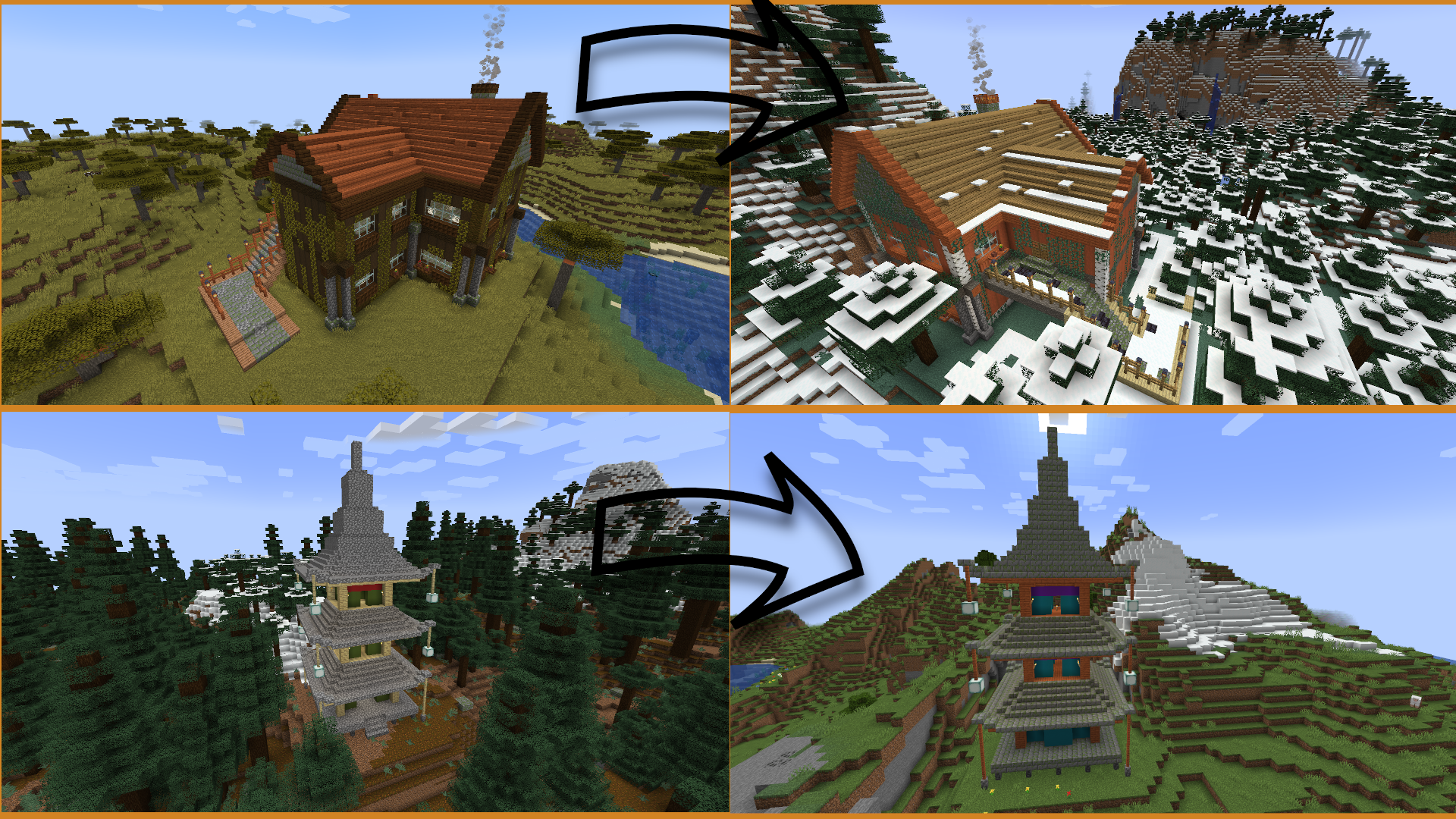
所有功劳归于这些 Spotlight 的内容创作者(Lady Jessa,即 CurseForge 上的 ladyjessa)
(内容创作者是本项目的合作者。此视频内容是在 Shrines Structures 模组的全力支持下制作的,并获得了在本页面上使用的独家许可)
(如果我应该在这里添加更多内容,请戳我)
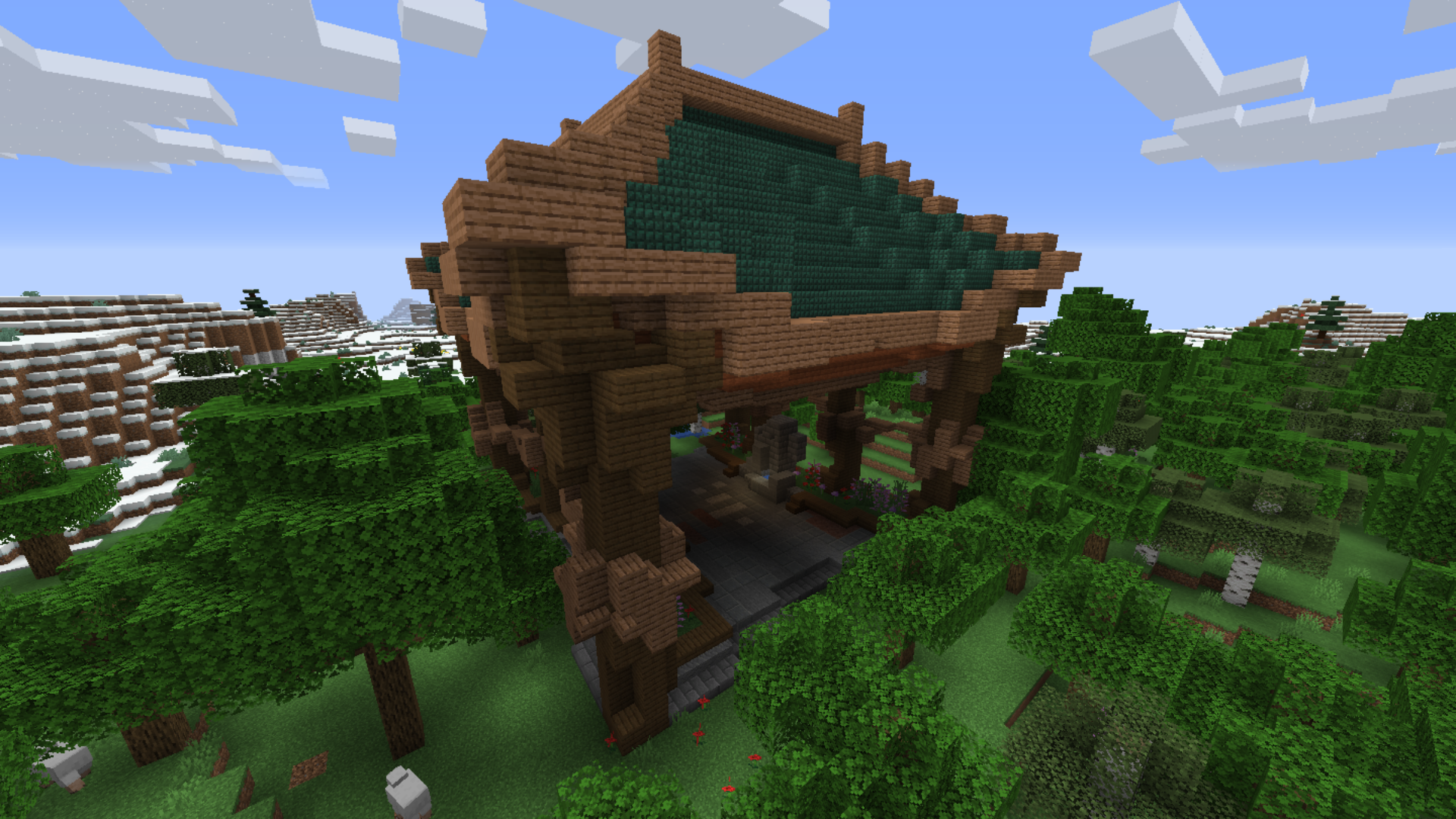
Shrines 是一个独特可定制、快速扩展的结构生成模组,会不时更新。Minecraft 的结构有其自身的风格,应当予以尊重,因此 Shrines 从不替换已有的结构。相反,本模组添加了多种多样、为增强 Minecraft 游戏体验而自定义创建的建筑。神龛是一座纪念碑,一座具有独特用途的结构。每一座都有自己的故事要讲述。成为故事的一部分吧!
有太多人值得感谢。首先,我要感谢所有以任何方式为 Shrines 做出贡献但未在此列出的人,仅仅是因为篇幅有限。此外,非常感谢每一位下载 Shrines 的人,尤其是在最初三个月里。没有你们下载 Shrines,这个模组就不会像现在这样受欢迎。
感谢每一位报告漏洞、提出想法并为 Shrines 代码做出贡献的人。你们的反馈很宝贵!
在此我想再次提及最勤奋的工作人员的名字(希望我没有遗漏任何人——请注意,我无法列出一个人所做的所有事情。那会超出本页面的篇幅):
- S1fy(感谢你所有的耐心、建设性的评价和出色的建筑)
- LadyJessa (ladyjessa)(感谢你所有的辛勤工作。你创造了如此多令人惊叹的内容,我无法一一列举。例如:Shrines 图标、Spotlight 视频(已链接)、废弃别墅、现代别墅、豪华别墅、世界树庄园等等)
- LegoSorterman(感谢你在 Shrines 刚起步时的耐心,你帮忙处理了代码)
- CHPTR1(感谢你的评价、结构和创新想法)
- peash0ter(感谢你源源不断的想法。其中一些,比如小说系统,已经进入了模组。感谢你为所有结构撰写这些精彩的小说)
- SamhitApple(你的 Infested Prison、Minerla temple、Jungle Tower、Abandoned Witch House 和 Flooded Temple 是如此美丽。继续出色的工作。谢谢)
- Forscher09(感谢你的评价、想法、思考、批评和结构)
- Tikofan(你为这个模组建造了令人惊叹的结构。谢谢)
- Aurelj(Oriental Sanctuary 是一个令人惊叹的结构。感谢你建造它)
- ThanatosLP(你创造了许多美丽的结构。谢谢)
- MEME Man77(感谢你两个令人难以置信的结构。它们确实增强了这个模组)
- 每一个在现实生活中提供想法或关切的人
署名 Silverminer
如何安装 Shrines Structures
With Millida Launcher
Install Millida Launcher
The launcher is free: download it at millida.net/launcher and sign in with any nickname.
Click “Install” on this page
The launcher opens and installs the mod for Minecraft 1.18.2–1.20.1 on Forge automatically.
Launch the game
A profile with it appears in the launcher: click “Play”.
Manually
Install Forge
The loader must match the game version of the mod file, for example Minecraft 1.20.1. After installing it, a separate profile appears in your launcher.
Download the file for your version
In the version list above, pick the file Shrines-1.20.1-6.0.2.jar (761 KB) for your game version.
Put it in the mods folder
The folder is inside .minecraft (Windows: %appdata%\.minecraft\mods). If it does not exist, create it.
Launch the loader profile
Open “Mods” in the main menu: Shrines Structures should be in the list.
Minecraft 1.20.1 runs on Java 17: with a different Java version the game may close right after launch.
版本
含依赖项
| Minecraft | 加载器 | 文件 | 日期 | 操作 |
|---|---|---|---|---|
| 1.20.1 | Forge | Shrines-1.20.1-6.0.2.jar761 KB 3 | ||
| 1.19 | Forge | Shrines-1.19.2-5.0.0-alpha4.jar831 KB | ||
| 1.18.2 | Forge | Shrines-1.18.2-4.0.0-beta4.jar904 KB |
常见问题
Which Minecraft versions does Shrines Structures work on?
There are files for 1.20.1, 1.19, 1.18.2. The newest is 1.20.1.
Is Shrines Structures for Forge or Fabric?
Only for Forge: 1.18.2–1.20.1. There are no files for Fabric or NeoForge: a mod for another loader will not start.
Does Shrines Structures need other mods?
The author lists no required dependencies: the Forge loader is enough.
Which Java does Shrines Structures need?
Minecraft 1.20.1 runs on Java 17. If the game closes right after launch, the usual cause is the wrong Java version in the profile settings.
Where can I download Shrines Structures safely?
On this page: the file Shrines-1.20.1-6.0.2.jar (761 KB) is stored on Millida’s server, with no link shorteners. SHA-1 checksum: e4b7c41083c2c51ae8c2dcedc0b008ba5eb3fed7.
评价
成为第一个评价 Shrines Structures 的人


