
 Fabric
 Quilt
Quilt关于 Server Hats 模组
Server-side Fabric mod that allows players equip items as hats. To equip an allowed item, simply put it in the helmet slot - no commands necessary! The mod is very customizable, making it easy to tune it to your preference.
Requires Fabric API
Features
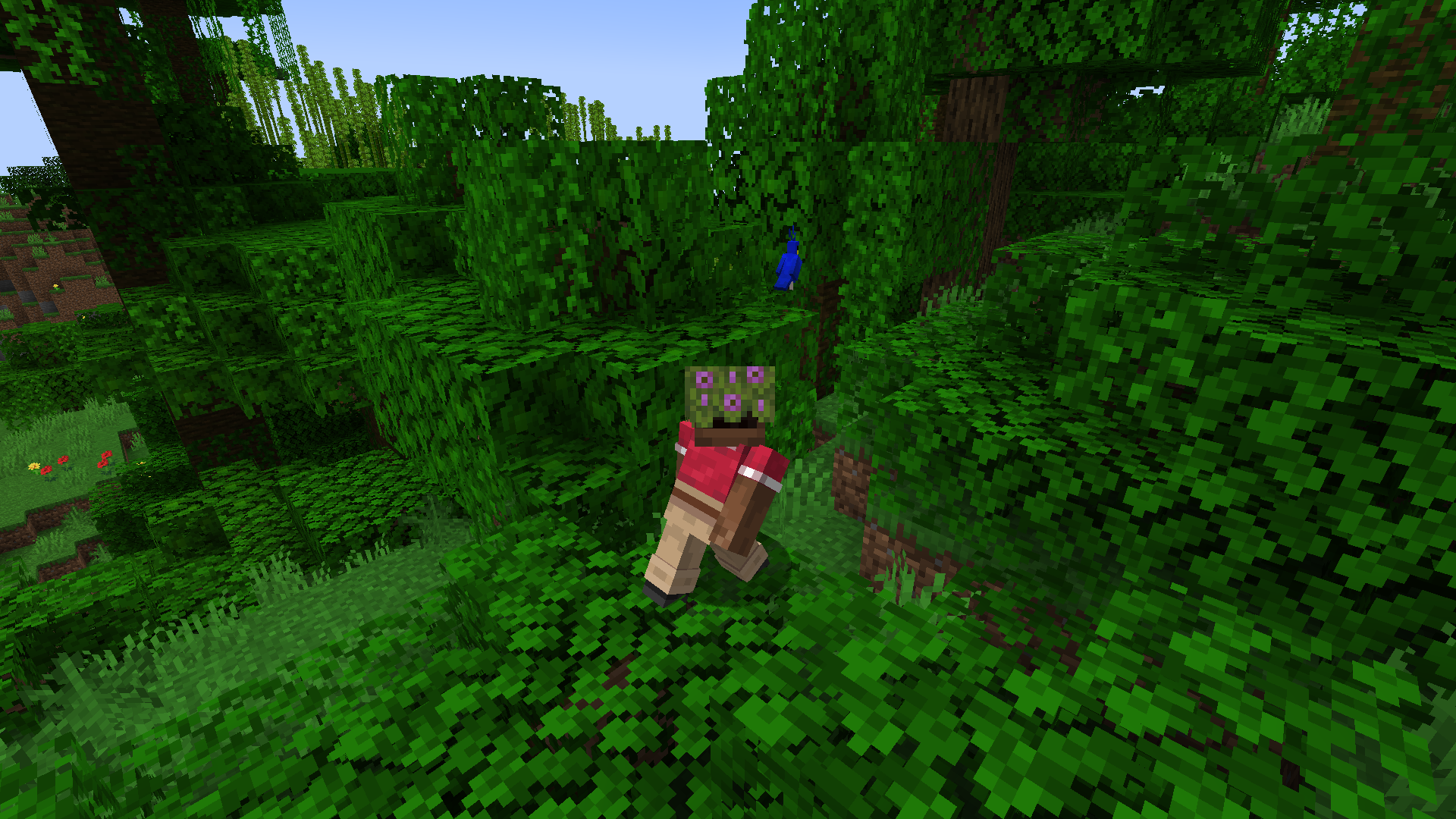
By default, mod allows players to equip most items that have special rendering rules in vanilla Minecraft:
- Banners
- Fence gates
- Amethyst clusters and buds
- Beds
- Feather
- End rod
- Lightning Rod
- Spyglass
- Lead
- Bone
- Cod
- Conduit
And some other ones I thought looked cool\funny:
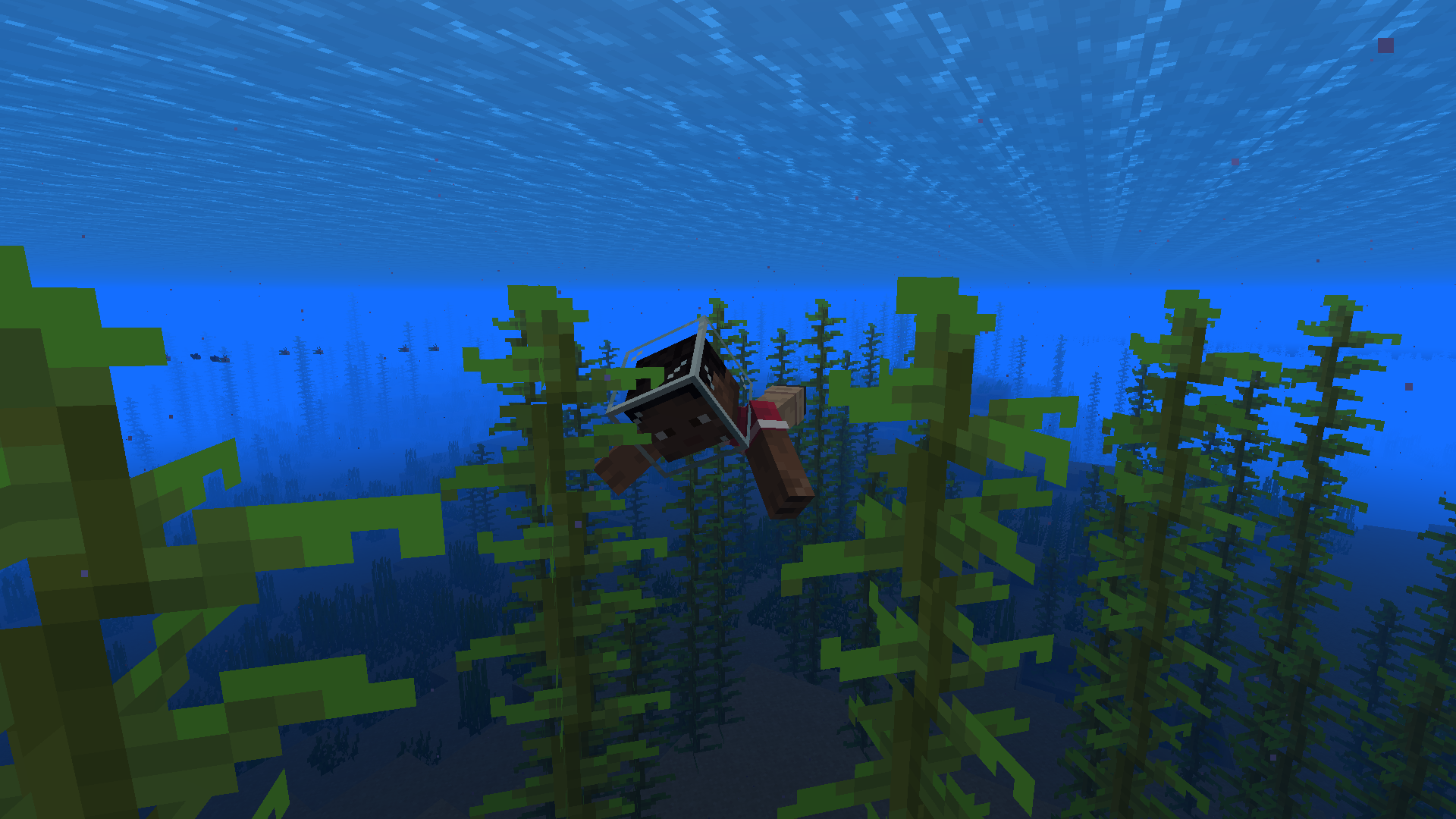
- Glass blocks (including tinted and stained glass)
- Azalea bushes
- Scaffolding
- Big dripleaf
- Slime and honey blocks
- Composter
You can remove/add any items to this list. You can also make it so any item in the game can be used as a hat!
These items can also be equipped to players with a dispenser and can be enchanted with curse enchantments on an anvil (for when you want to test your friendships).
Shift-clicking these items will not equip them - that way players won't accidentally end up with their building blocks on their heads.
You can tweak all of those features using a /hats command, or a configuration file. You can read more here: https://github.com/WerDei/Server-Hats/wiki
Known issues
- While in multiplayer, players in creative mode cannot equip allowed items to a helmet slot
Found a bug?
Please consider reporting it on GitHub instead of in the comments, I'm way more likely to notice it there.
如何安装 Server Hats
With Millida Launcher
Install Millida Launcher
The launcher is free: download it at millida.net/launcher and sign in with any nickname.
Click “Install” on this page
The launcher opens and installs the mod for Minecraft 1.19.4–1.20.2 on Fabric or Quilt automatically.
Launch the game
A profile with it appears in the launcher: click “Play”.
Manually
Install Fabric or Quilt
The loader must match the game version of the mod file, for example Minecraft 1.20.2. After installing it, a separate profile appears in your launcher.
Download the file for your version
In the version list above, pick the file server-hats-0.16.jar (33 KB) for your game version and loader.
Put it in the mods folder
The folder is inside .minecraft (Windows: %appdata%\.minecraft\mods). If it does not exist, create it.
Launch the loader profile
Open “Mods” in the main menu: Server Hats should be in the list.
Minecraft 1.20.2 runs on Java 17: with a different Java version the game may close right after launch.
版本
含依赖项
| Minecraft | 加载器 | 文件 | 日期 | 操作 |
|---|---|---|---|---|
| 1.20.2 | Fabric, Quilt | Server Hats 1.20 - 0.1633.4 KB | ||
| 1.19.4 | Fabric, Quilt | Server Hats 1.19.4 - 0.1533 KB |
常见问题
Which Minecraft versions does Server Hats work on?
There are files for 1.20.2, 1.20.1, 1.20, 1.19.4. The newest is 1.20.2.
Is Server Hats for Forge or Fabric?
There are files for Fabric: 1.19.4–1.20.2 and for Quilt: 1.19.4–1.20.2. There are no files for Forge or NeoForge: a mod for another loader will not start.
Does Server Hats need other mods?
The author lists no required dependencies: the Fabric or Quilt loader is enough.
Which Java does Server Hats need?
Minecraft 1.20.2 runs on Java 17. If the game closes right after launch, the usual cause is the wrong Java version in the profile settings.
Where can I download Server Hats safely?
On this page: the file server-hats-0.16.jar (33 KB) is stored on Millida’s server, with no link shorteners. SHA-1 checksum: 6d456177b55979b23f302a2c6e0197eaa06ce5ce.
评价
成为第一个评价 Server Hats 的人


