

适用于 Minecraft 1.19.2, 1.21.8 的 Pretty Rain 模组
Pretty Rain 用更漂亮的粒子效果替换默认天气。Particle Rain 到 NeoForge 的移植版
 NeoForge
 Forge
Forge关于 Pretty Rain 模组
Pretty Rain 用更精美的粒子效果替换了默认天气。这是 Fabric 版 Particle Rain 的移植版本
在我的 Discord 中提供支持!⚠️1.20.1 及更早版本,服务器端必须安装此模组⚠️
如果嵌入视频无法加载,请使用此视频链接:https://www.youtube-nocookie.com/embed/oan4xH5RvH0
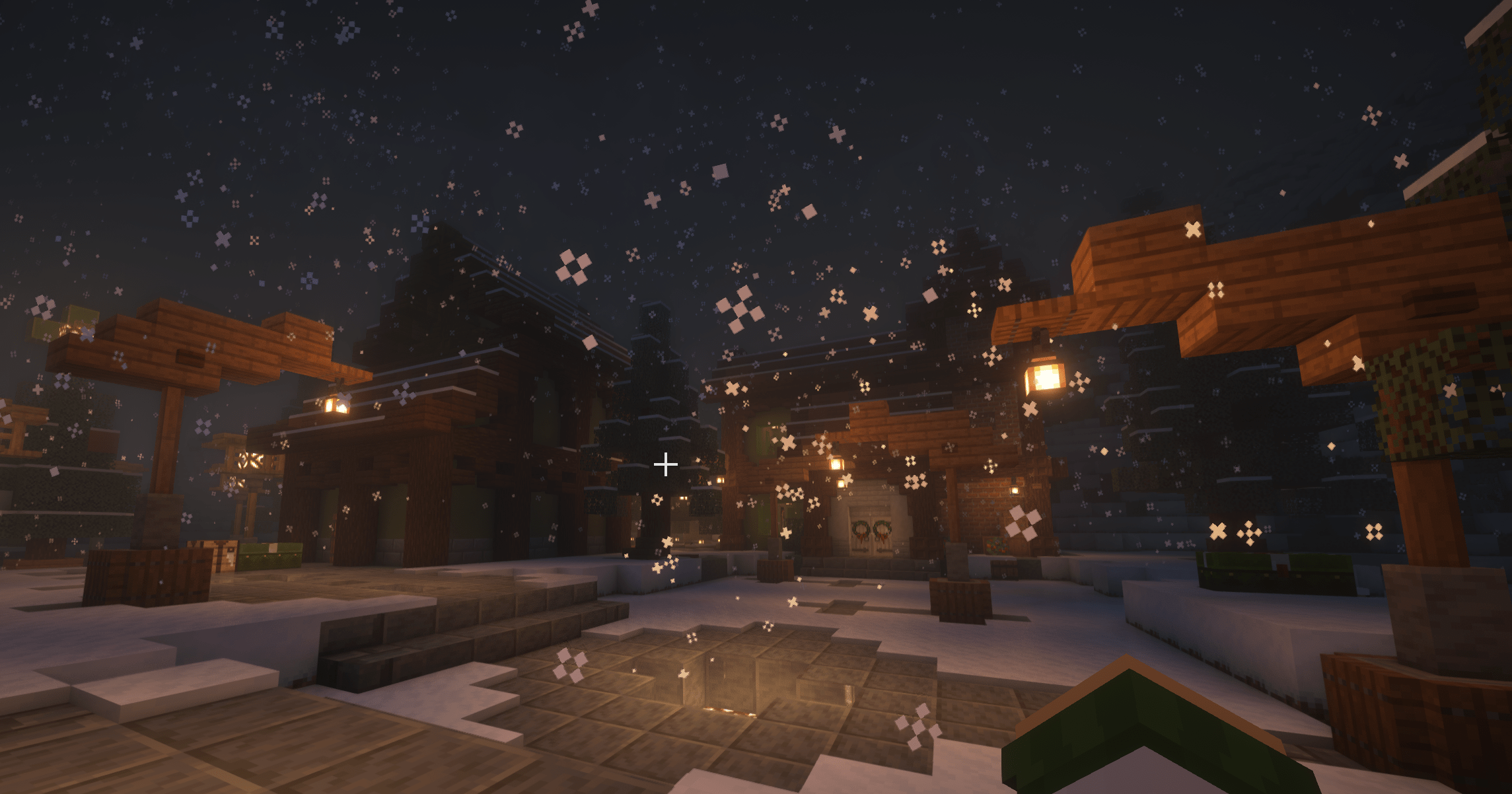
雨滴粒子
以一定角度落下,仿佛被风吹动。暴风雨天气时风力更强。
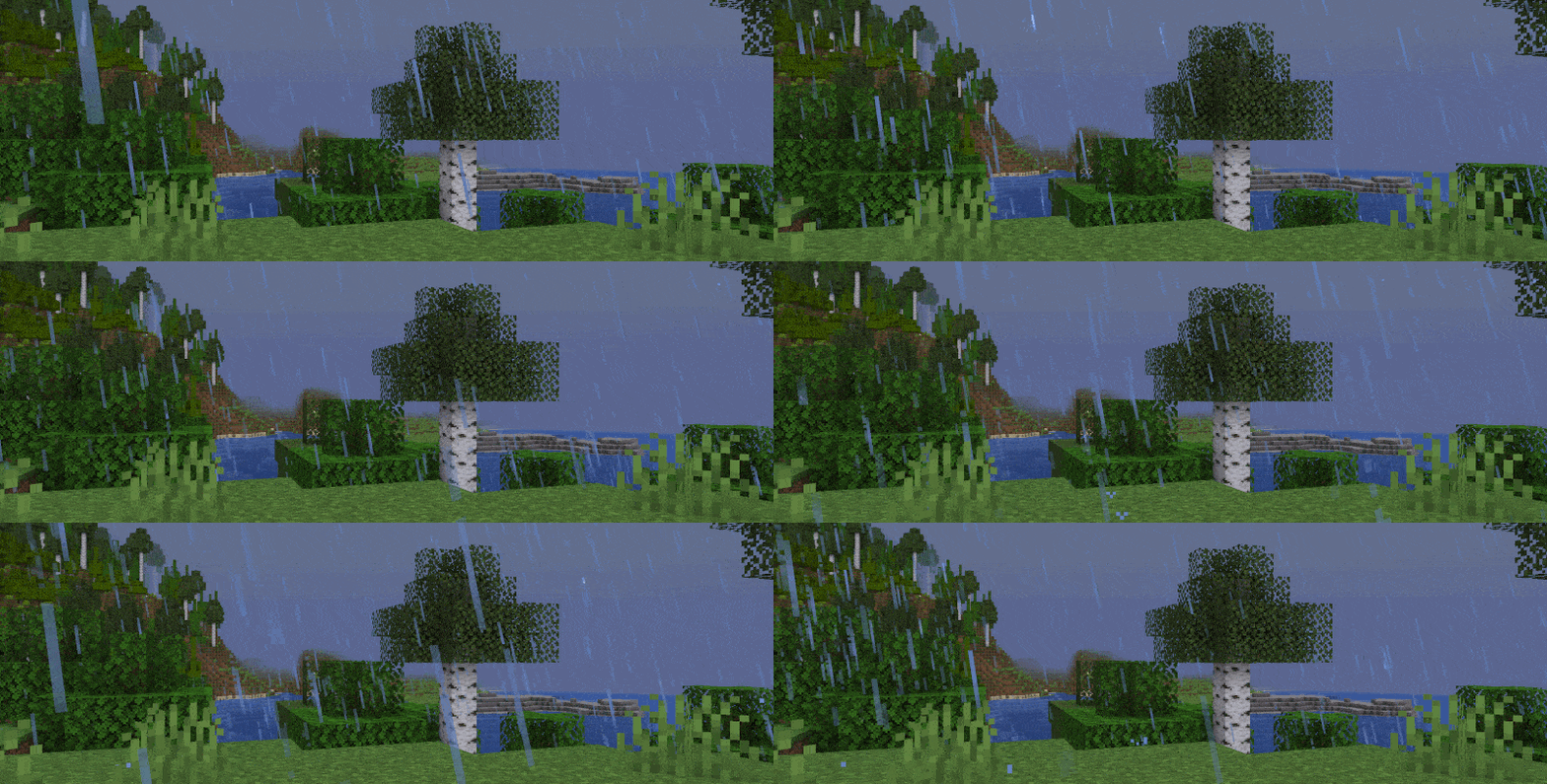
雪花粒子
下落时缓慢旋转。

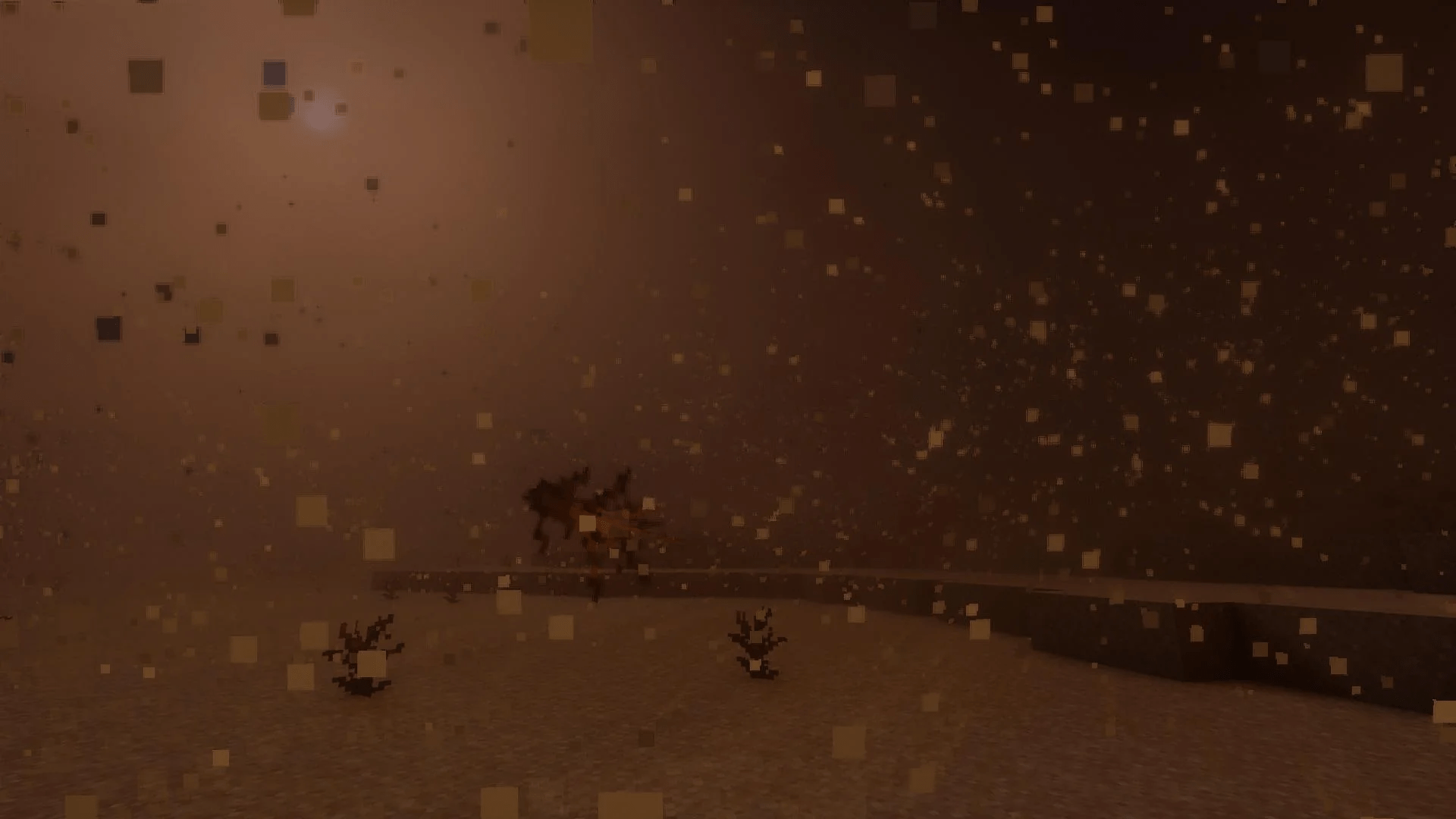
沙尘暴
沙尘和灌木会吹过沙漠及其他干燥生物群系。支持模组生物群系。

生物群系色调
雨滴和水粒子会匹配生物群系的水体色调

水面涟漪
当雨水落到水面时出现。会匹配你的资源包分辨率。

水痕
当雨水打在坚硬材质构成的墙壁上时出现。

地面雾气
在潮湿生物群系中,刚好出现在海平面之上。

更浓的雾?
实验性功能,会造成卡顿,默认禁用。

可配置
如果你安装了模组菜单,你可以更改粒子行为的各个方面。所有效果都可以开启和关闭。
(配置界面在 NeoForge 上不可用,但很快会添加)

减少卡顿的建议
在配置中降低半径、密度或最大粒子数量。默认情况下,粒子雨最多只生成 1500 个粒子。大多数系统都能毫无问题地处理这个数量。
如果你想支持我和我的模组开发,我推荐你试试 BisectHosting。使用优惠码 "project8gbderam",新客户首月游戏服务器可享 25% 折扣。他们提供 24/7 支持和极快的响应速度,确保你得到妥善照顾,并为你的所有游戏需求提供卓越帮助。
https://www.bisecthosting.com/project8gbderam
如何安装 Pretty Rain
With Millida Launcher
Install Millida Launcher
The launcher is free: download it at millida.net/launcher and sign in with any nickname.
Click “Install” on this page
The launcher opens and installs the mod for Minecraft 1.19.2–1.21.8 on Forge or NeoForge automatically.
Launch the game
A profile with it appears in the launcher: click “Play”.
Manually
Install Forge or NeoForge
The loader must match the game version of the mod file, for example Minecraft 1.21.8. After installing it, a separate profile appears in your launcher.
Download the file for your version
In the version list above, pick the file Pretty Rain-1.21.6-NeoForge-1.1.4.jar (576 KB) for your game version and loader.
Put it in the mods folder
The folder is inside .minecraft (Windows: %appdata%\.minecraft\mods). If it does not exist, create it.
Launch the loader profile
Open “Mods” in the main menu: Pretty Rain should be in the list.
Minecraft 1.21.8 runs on Java 21: with a different Java version the game may close right after launch.
版本
含依赖项
| Minecraft | 加载器 | 文件 | 日期 | 操作 |
|---|---|---|---|---|
| 1.21.8 | NeoForge | Pretty Rain-1.21.6-NeoForge-1.1.4.jar576 KB 1 | ||
| 1.19.2 | Forge | Pretty Rain-1.19.2-Forge-1.1.1.jar600 KB 4 |
常见问题
Which Minecraft versions does Pretty Rain work on?
There are files for 1.21.8, 1.21.7, 1.21.6, 1.19.2. The newest is 1.21.8.
Is Pretty Rain for Forge or Fabric?
There are files for Forge: 1.19.2 and for NeoForge: 1.21.6–1.21.8. There are no files for Fabric: a mod for another loader will not start.
Does Pretty Rain need other mods?
The author lists no required dependencies: the Forge or NeoForge loader is enough.
Which Java does Pretty Rain need?
Minecraft 1.21.8 runs on Java 21. If the game closes right after launch, the usual cause is the wrong Java version in the profile settings.
Where can I download Pretty Rain safely?
On this page: the file Pretty Rain-1.21.6-NeoForge-1.1.4.jar (576 KB) is stored on Millida’s server, with no link shorteners. SHA-1 checksum: fefa7c9cdf93fdcf4627ed35463f02bcbe4c0a4a.
评价
成为第一个评价 Pretty Rain 的人


