
 NeoForge
 Forge
Forge关于 PackMenu 模组
关于
Pack Menu 允许用户更改 Minecraft 主菜单的外观。它是作为 Minecraft 1.14+ 中 Custom Main Menu 的替代品而开发的。
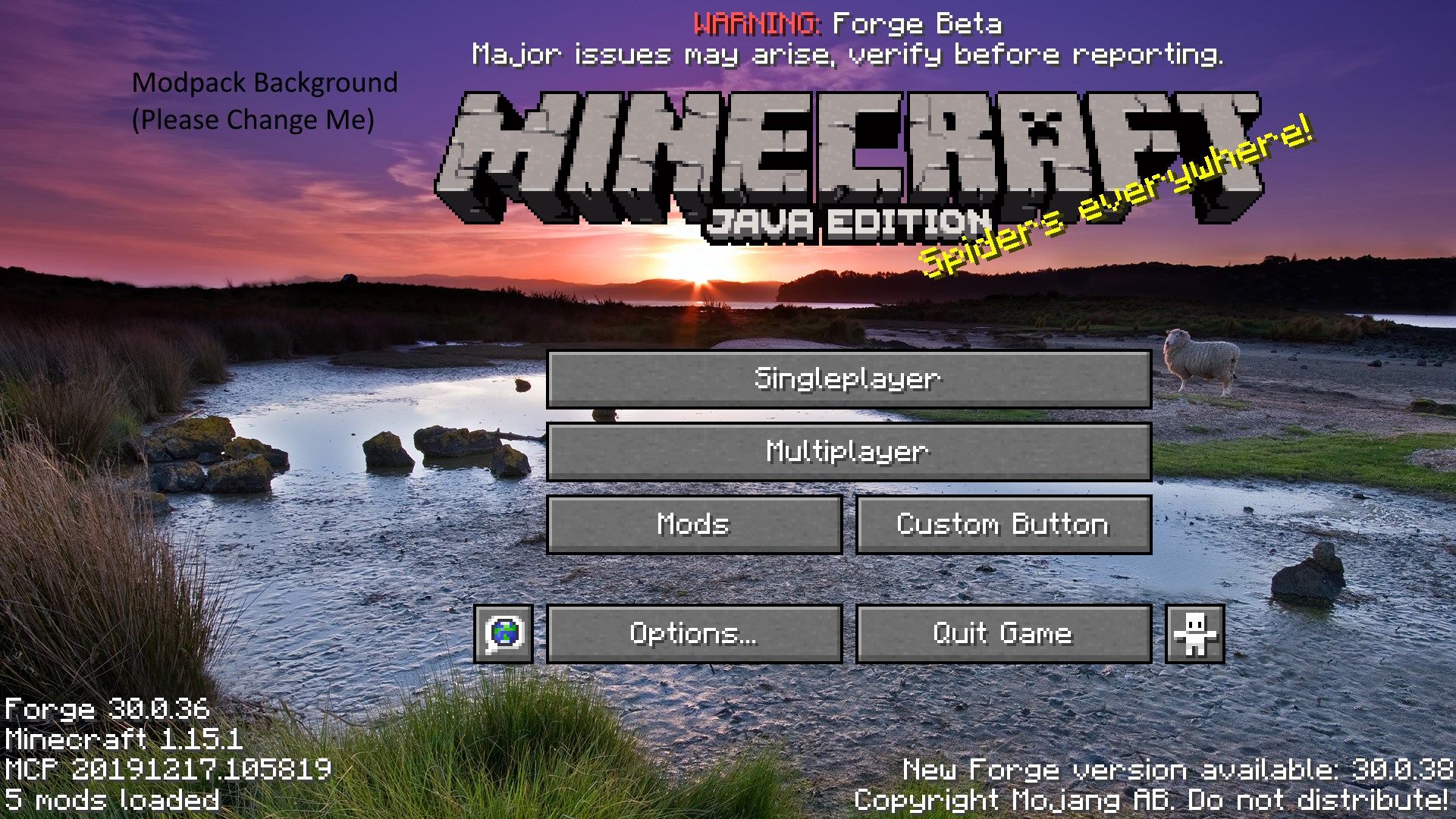
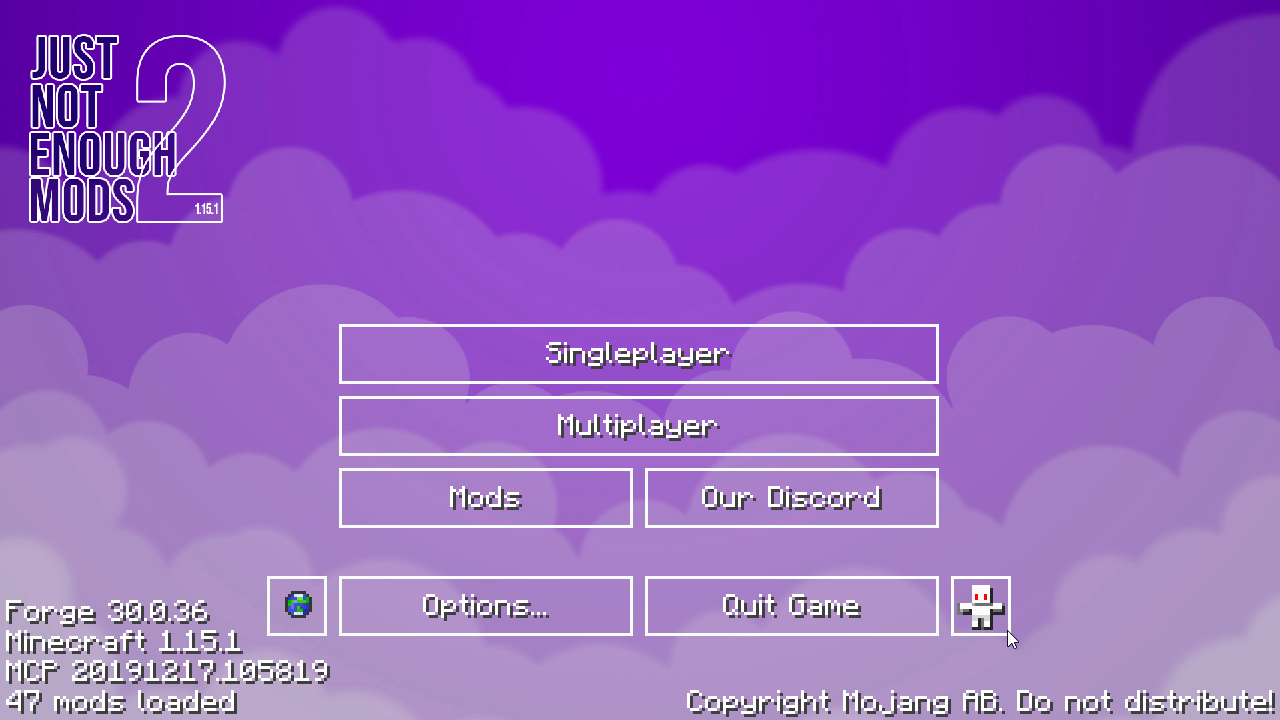
Pack Menu 具有以下功能:
- 更改主菜单的背景图片
- 重新排列或禁用任何菜单元素,例如标题图片、闪烁标语和全景图淡入淡出。
- 创建自定义按钮,并借此完全重做菜单上的按钮。按钮使用 JSON 文件创建,默认文件随附在提供的资源包中。
- 显示独立于背景的自定义标志。此标志可以附带闪烁标语,并且可以从自定义闪烁标语列表而不是默认列表中获取内容。
使用任意数量的图片创建自定义背景幻灯片。
- 通过覆盖原版全景图资源来创建自定义全景图。
PackMenu 使用资源包来加载其纹理。此资源包位于 <gamedir>/packmenu/resources(作为文件夹)。
这意味着你也可以使用 PackMenu 来加载你的整合包因任何原因可能需要的任何资源。
请注意,当要求提供“资源路径”时,packmenu 要求它们采用原版资源格式。不要在这些区域中放入绝对路径,也不要尝试访问未作为资源包的一部分加载的资源。
作为参考,资源转换的工作方式如下:资源路径 minecraft:textures/gui/background.png 转换为(在资源 zip 中)assets\minecraft\textures\gui\background.png。
最后,PackMenu 不会重新附带任何原版资源。这意味着你不会在生成的 packmenu 资源包中找到任何原版资源。常见资源路径列表如下所示。
重要资源路径(用于覆盖内容):
- 自定义背景图片的位置是 packmenu:textures/gui/background.png。此图片应为 1920x1080。
- 默认情况下,按钮使用文件夹 minecraft:textures/gui/sprites/widget 中的各种文件。
- 这被非主菜单按钮使用,因此不建议覆盖它。如果你希望覆盖按钮纹理,应首先复制必要的文件。
- 按钮从 packmenu:buttons/ 加载。此目录中的任何 json 文件都将被视为按钮(类似于进度或配方,但在此目录中)。按钮的 JSON 架构可在此处获取。
- Minecraft 标题纹理的路径是 minecraft:textures/gui/title/minecraft.png
- Java Edition 纹理的路径是 minecraft:textures/gui/title/edition.png
联系方式
Discord:Shadows' Mods
如何安装 PackMenu
With Millida Launcher
Install Millida Launcher
The launcher is free: download it at millida.net/launcher and sign in with any nickname.
Click “Install” on this page
The launcher opens and installs the mod for Minecraft 1.18–1.21.1 on Forge or NeoForge automatically.
Launch the game
A profile with it appears in the launcher: click “Play”.
Manually
Install Forge or NeoForge
The loader must match the game version of the mod file, for example Minecraft 1.21.1. After installing it, a separate profile appears in your launcher.
Download the file for your version
In the version list above, pick the file PackMenu-1.21.1-7.0.4.jar (524 KB) for your game version and loader.
Put it in the mods folder
The folder is inside .minecraft (Windows: %appdata%\.minecraft\mods). If it does not exist, create it.
Launch the loader profile
Open “Mods” in the main menu: PackMenu should be in the list.
Minecraft 1.21.1 runs on Java 21: with a different Java version the game may close right after launch.
版本
含依赖项
| Minecraft | 加载器 | 文件 | 日期 | 操作 |
|---|---|---|---|---|
| 1.21.1 | NeoForge | PackMenu-1.21.1-7.0.4.jar524 KB 2 | ||
| 1.20.1 | NeoForge, Forge | PackMenu-1.20.1-6.1.2.jar531 KB 3 | ||
| 1.19.2 | Forge | PackMenu-1.19.2-5.0.2.jar565 KB | ||
| 1.18.1 | — | PackMenu-1.18-4.0.0.jar528 KB 1 |
常见问题
Which Minecraft versions does PackMenu work on?
There are files for 1.21.1, 1.20.1, 1.19.2, 1.18.1, 1.18. The newest is 1.21.1.
Is PackMenu for Forge or Fabric?
There are files for Forge: 1.19.2–1.20.1 and for NeoForge: 1.20.1–1.21.1. There are no files for Fabric: a mod for another loader will not start.
Does PackMenu need other mods?
The author lists no required dependencies: the Forge or NeoForge loader is enough.
Which Java does PackMenu need?
Minecraft 1.21.1 runs on Java 21. If the game closes right after launch, the usual cause is the wrong Java version in the profile settings.
Where can I download PackMenu safely?
On this page: the file PackMenu-1.21.1-7.0.4.jar (524 KB) is stored on Millida’s server, with no link shorteners. SHA-1 checksum: c54b788cf7fd6700efe8881e0bdf1b5dfaaba433.
评价
成为第一个评价 PackMenu 的人


