
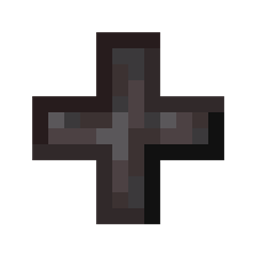
适用于 Minecraft 1.21.1, 1.21 的 Netherite Extras 模组
一个原版友好的模组,为下界合金增加了更多用途,包括粒、狼铠、马铠、苹果和一个多用途图腾。
 Fabric
 Quilt
QuiltNetherite Extras
A mod that adds more uses for Netherite while trying to stay balanced.
Most of the additions are quite powerful, but also very expensive. This makes them ideal for the Late Game.
Features
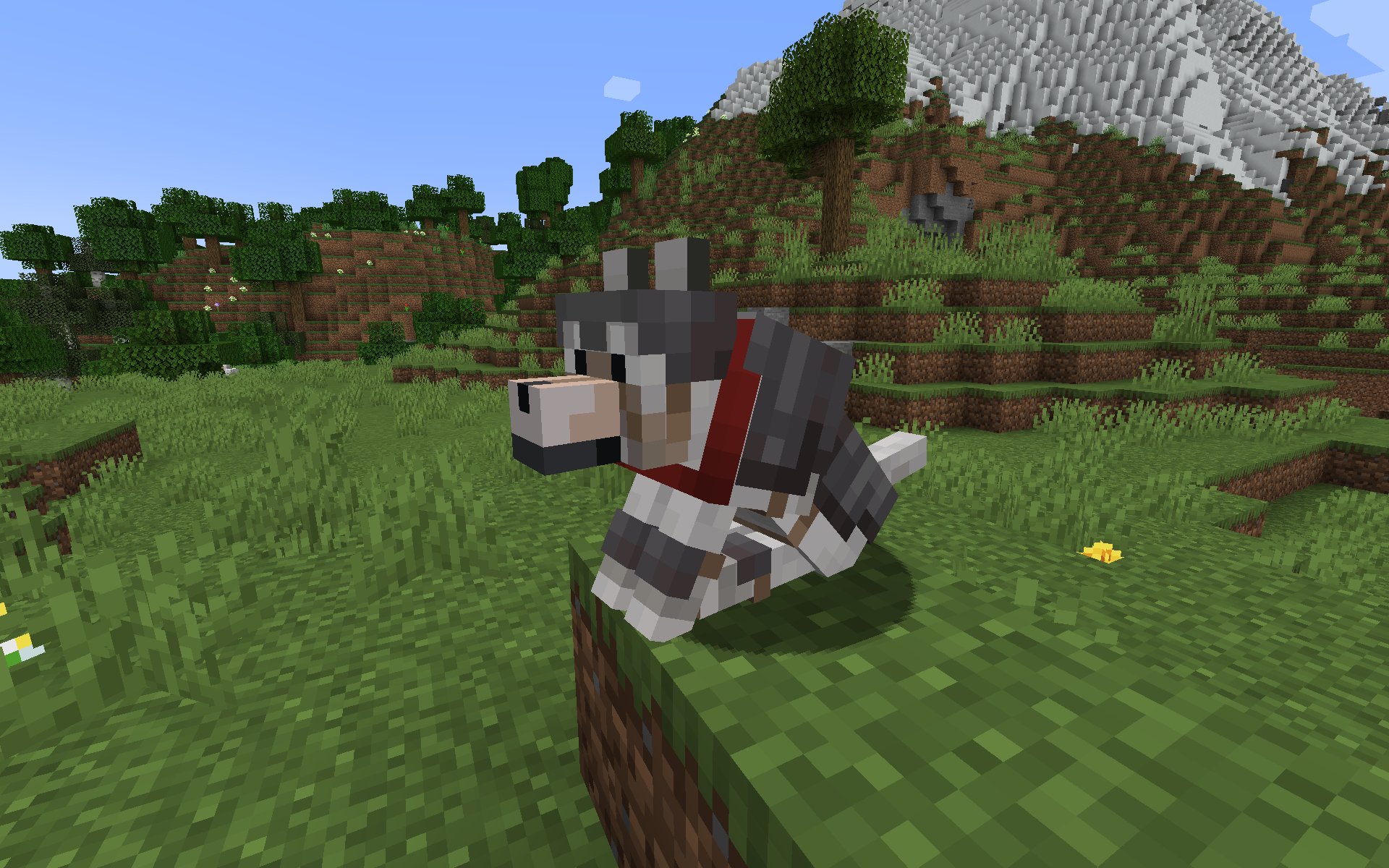
NEW: Netherite Wolf Armor (1.20.5+)
- Upgrade Wolf Armor to Netherite in the Smithing Table
- Protects wolf completely, like normal Wolf Armor
- Double durability of normal Wolf Armor
- Can be repaired with Netherite Nuggets (each restores 1/4 durability)
- Item is fireproof
Netherite Nuggets
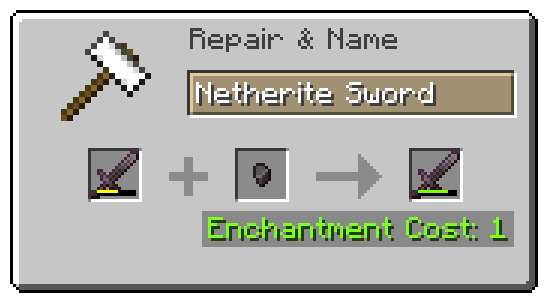
- Craft a Netherite Ingot into nine Nuggets
- Use them to repair Netherite Tools
- Use them as currency on multiplayer
- Piglin Brutes have a 50% chance of dropping a Netherite Nugget on death
- Drop chance is configurable with ModMenu or in config file
- Item is fireproof
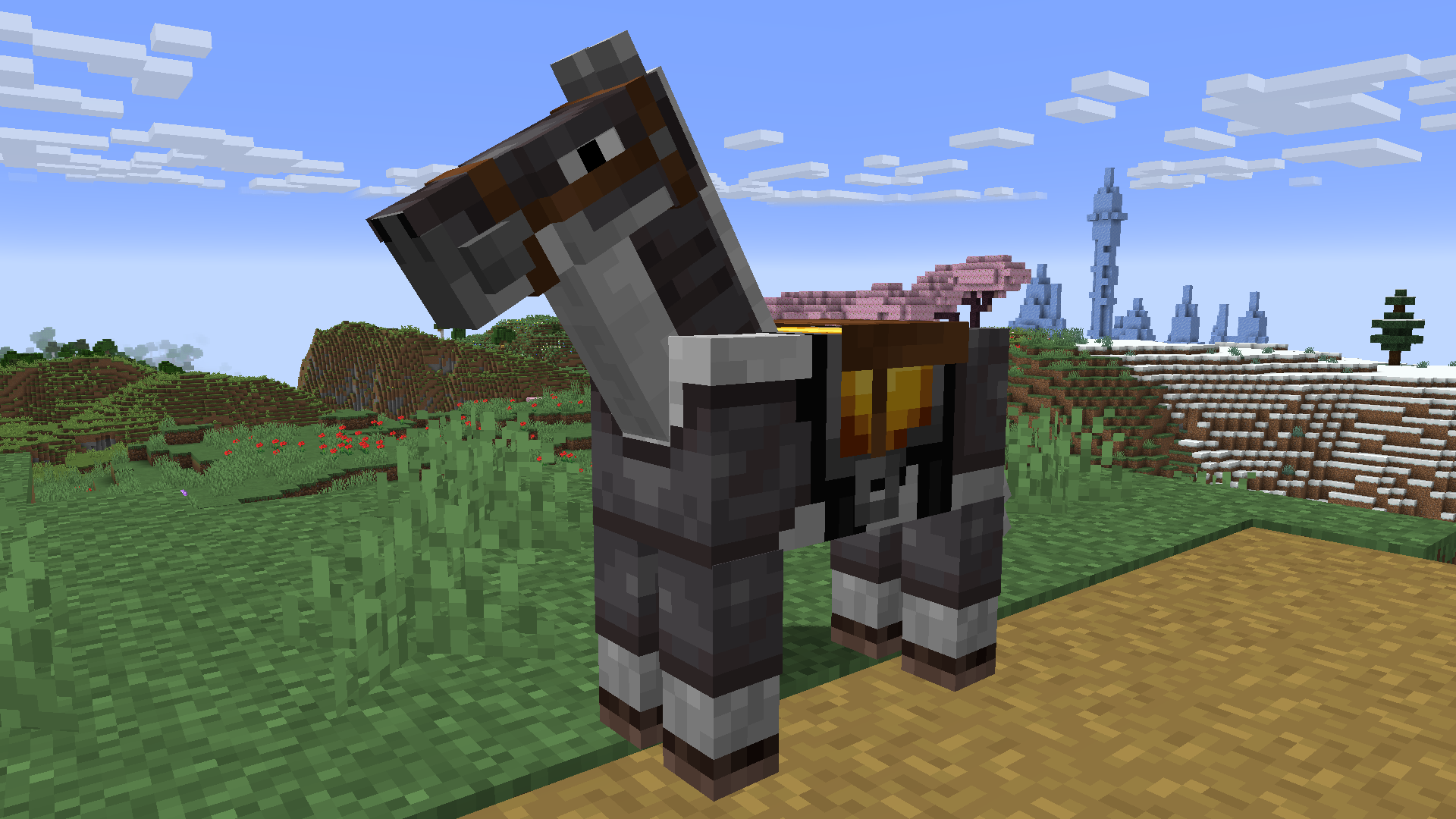
Netherite Horse Armor
- Upgrade Diamond Horse Armor to Netherite in the Smithing Table
- More protection from all damage sources, especially lava damage
- Item is fireproof
Totem of Neverdying
- Upgrade a Totem of Undying with Netherite to turn it into a Totem of Neverdying
- Can be used four times instead of just once
- Behaves like a regular Totem of Undying otherwise
- Item is fireproof
Netherite Apple
- Upgrade Golden Apples to Netherite in the Smithing Table
- Higher effect levels
- Increased effect duration
- Additional effect: Fire Resistance
- Item is fireproof
Enchanted Netherite Apple
- Upgrade Enchanted Golden Apples to Netherite in the Smithing Table
- Higher effect levels
- Increased effect duration
- Additional effects for a short amount of time
- Item is fireproof
Recipes
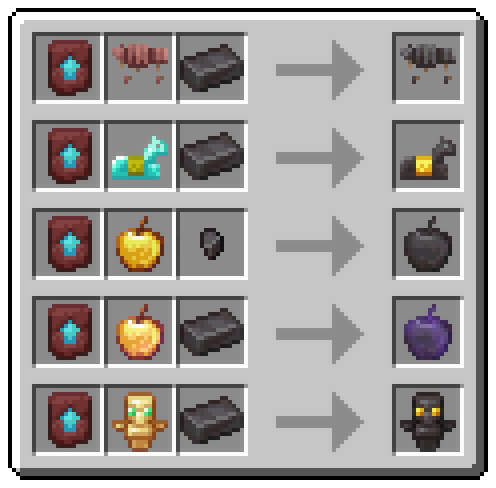
Contact Me
Do you have a suggestion or an idea? Did you find a bug? Open an issue on GitHub and let me know!
如何安装 Netherite Extras
With Millida Launcher
Install Millida Launcher
The launcher is free: download it at millida.net/launcher and sign in with any nickname.
Click “Install” on this page
The launcher opens and installs the mod for Minecraft 1.21–1.21.1 on Fabric or Quilt automatically.
Launch the game
A profile with it appears in the launcher: click “Play”.
Manually
Install Fabric or Quilt
The loader must match the game version of the mod file, for example Minecraft 1.21.1. After installing it, a separate profile appears in your launcher.
Download the file for your version
In the version list above, pick the file netheriteextras-0.4.0+mc1.21.jar (84 KB) for your game version and loader.
Put it in the mods folder
The folder is inside .minecraft (Windows: %appdata%\.minecraft\mods). If it does not exist, create it.
Launch the loader profile
Open “Mods” in the main menu: Netherite Extras should be in the list.
Minecraft 1.21.1 runs on Java 21: with a different Java version the game may close right after launch.
版本
含依赖项
| Minecraft | 加载器 | 文件 | 日期 | 操作 |
|---|---|---|---|---|
| 1.21 | Fabric, Quilt | Netherite Extras 0.4.0 (1.21 - 1.21.1)84.4 KB |
评价
成为第一个评价 Netherite Extras 的人


