
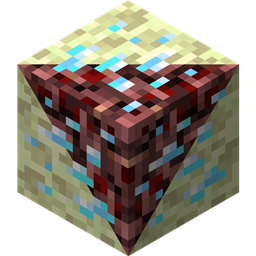
关于 Netherending Ores 模组
概述 又一个向下界和末地添加矿石和熔炉转换配方的模组。版本 1.4+ 特性:
- 爆炸矿石
- 下界蠹虫生物
- 下界蠹虫和末影螨的怪物蛋
- 矿石现在可以掉落物品,包括经验
- 矿石现在可以直接熔炼成物品,包括经验
- 重写的配置
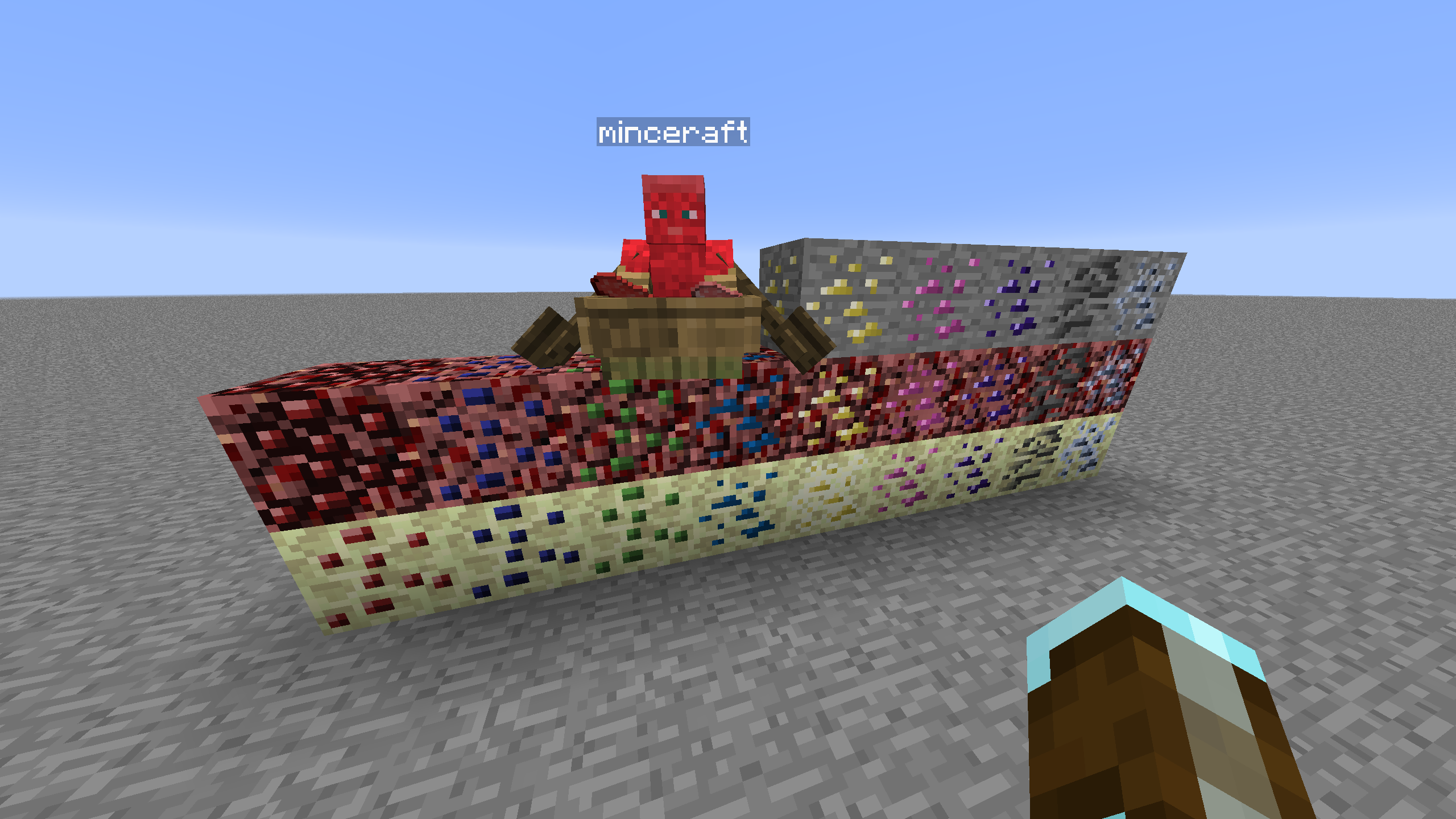
矿石生成 需要其他模组(例如 CoFH World)来控制矿石生成。提供了 CoFH World 的示例配置,请查看此处。从提供的 zip 文件中提取矿石生成配置到你的整合包实例的 config\cofh\world\ 目录中即可使用。下界矿石生成基于 skyboy026/powercrystals 为 MC 1.7.10 制作的下界矿石模组最终版本的配置设置。有一些细微改动,包括添加了该模组中从未存在过的矿石。末地使用与下界类似的设置,但尺寸/数量减少,因为自然生成的末地石高度范围要小得多。
配方 熔炉配方将下界/末地矿石熔炼为最接近的矿物词典匹配矿石。输出的矿石方块数量根据配置中的配方倍率而变化。非主世界来源的矿石在配方上表现得像其主世界矿石的精准采集版本,这是为了平衡性,但可以重新配置。
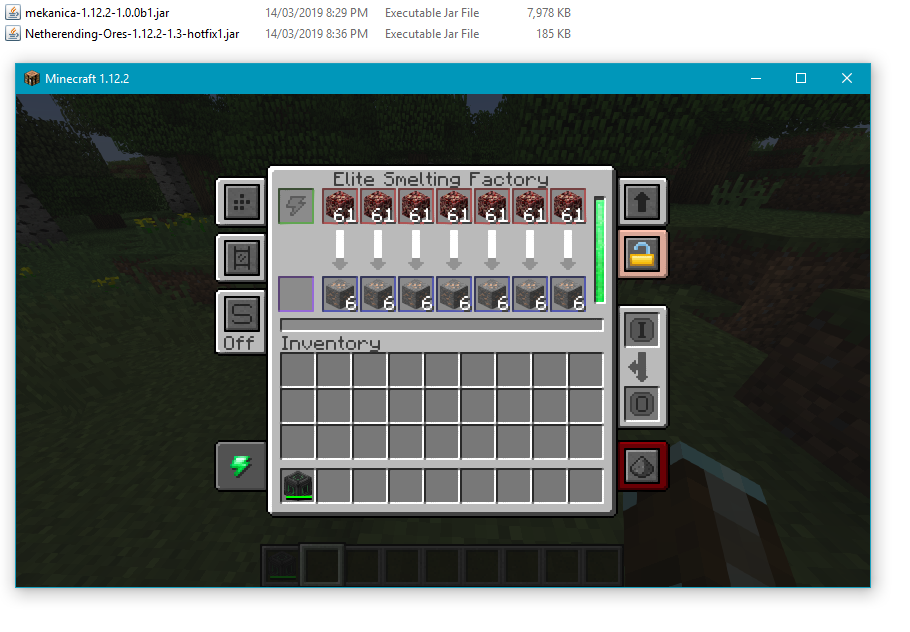
机器处理 提供了 Tinkers' Construct、Thermal Expansion、IC2、Mekanism 和 Immersive Engineering 的基础配方,可直接处理这些矿石。Thermal Expansion 配方有配置设置,可以补偿增强件以改善平衡性。如果不想要,可以在配置中禁用集成。
方块列表 以下是当前支持的方块、维度和矿石图形来源的列表。
- 煤炭 | 下界/末地 | 原版
- 钻石 | 下界/末地 | 原版
- 绿宝石 | 下界/末地 | 原版
- 金 | 下界/末地 | 原版
- 铁 | 下界/末地 | 原版
- 青金石 | 下界/末地 | 原版
- 红石 | 下界/末地 | 原版
- 石英 | 主世界/末地 | 原版
- 铝 | 下界/末地 | Thermal Foundation
- 铜 | 下界/末地 | Thermal Foundation
- 铱 | 下界/末地 | Thermal Foundation
- 铅 | 下界/末地 | Thermal Foundation
- 秘银 | 下界/末地 | Thermal Foundation
- 镍 | 下界/末地 | Thermal Foundation
- 铂 | 下界/末地 | Thermal Foundation
- 银 | 下界/末地 | Thermal Foundation
- 锡 | 下界/末地 | Thermal Foundation
- 赛特斯石英 | 下界/末地 | Applied Energistics
- 充能赛特斯石英 | 下界/末地 | Applied Energistics
- 锇 | 下界/末地 | Mekanism
- 铀 | 下界/末地 | 原创美术(基于铁)
- 黄铀矿 | 下界/末地 | Extreme Reactors
- 锌 | 下界/末地 | Railcraft
- 双锂 | 下界/末地 | Matter Overdrive
- 三钛 | 下界/末地 | Matter Overdrive
- 红宝石 | 下界/末地 | Project: Red
- 蓝宝石 | 下界/末地 | Project: Red
- 橄榄石 | 下界/末地 | Project: Red
- 电石 | 下界/末地 | Project: Red
- 阿迪特 | 主世界/末地 | Tinkers' Construct
- 钴 | 主世界/末地 | Tinkers' Construct
- 神能石 | 主世界/下界/末地 | Aether II
- 重力石 | 主世界/下界/末地 | Aether II
- 紫晶石 | 主世界/下界/末地 | Aether II
- 阿肯石 | 主世界/下界/末地 | Aether II
- 冰石 | 主世界/下界/末地 | Aether II
- 下界蠹虫怪物蛋 | 下界 | 原版(伪装成下界岩)
- 末影螨怪物蛋 | 末地 | 原版(伪装成末地石)
如何安装 Netherending Ores
Install Millida Launcher
The launcher is free: download it at millida.net/launcher and sign in with any nickname.
Click “Install” on this page
The launcher opens and installs the mod for Minecraft 1.12.2 automatically.
Launch the game
A profile with it appears in the launcher: click “Play”.
Minecraft 1.12.2 runs on Java 8: with a different Java version the game may close right after launch.
版本
含依赖项
| Minecraft | 加载器 | 文件 | 日期 | 操作 |
|---|---|---|---|---|
| 1.12.2 | — | Netherending Ores 1.4.2359 KB | ||
| 1.12.2 | — | Netherending Ores 1.1.2111 KB |
常见问题
Which Minecraft versions does Netherending Ores work on?
Only Minecraft 1.12.2: there are no files for other versions.
Which Java does Netherending Ores need?
Minecraft 1.12.2 runs on Java 8. If the game closes right after launch, the usual cause is the wrong Java version in the profile settings.
How do I download Netherending Ores?
With Millida Launcher: it installs Netherending Ores into a modpack by itself, for the right game version and loader. The launcher is free.
评价
成为第一个评价 Netherending Ores 的人


