

 Fabric
 NeoForge
 Forge
Forge关于 Mosaics 模组
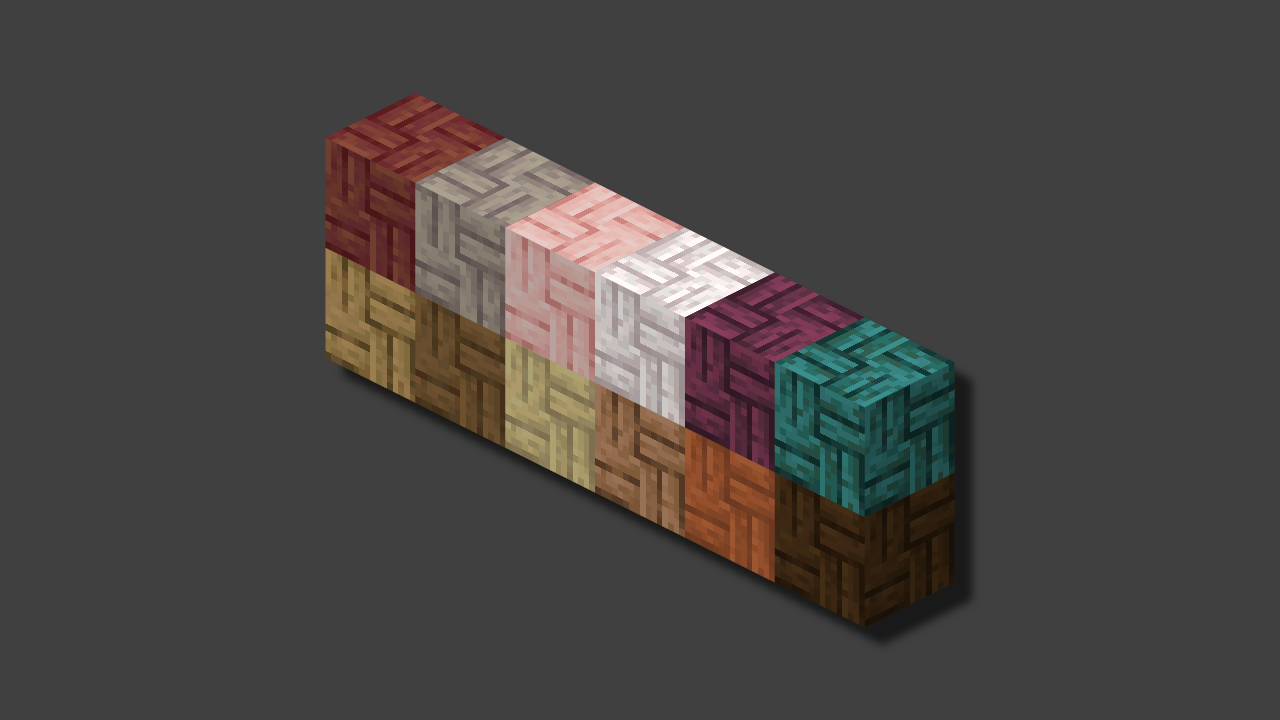
The mod adds a variation of mosaics to the game for other types of planks, not just bamboo. In Minecraft, there is a mosaic only for bamboo, and for some reason there is no mosaic for other planks, but this mod will fix it.
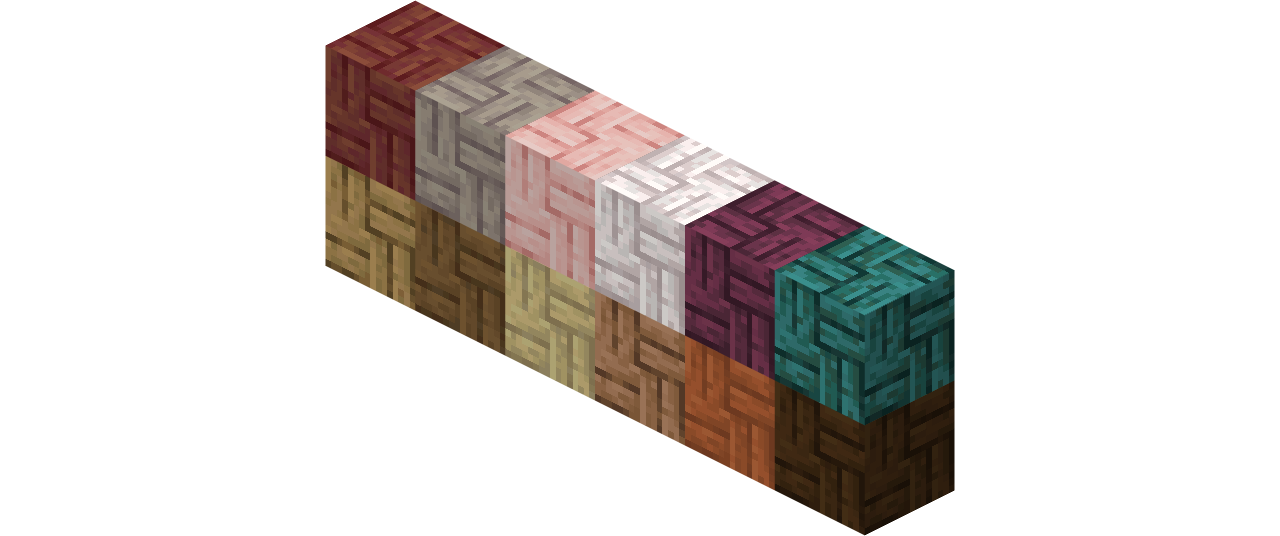
The mod is supported even on those versions where there is no mosaic. However, the mod will not add bamboo mosaics, but only for those types of wood that exist on certain versions.
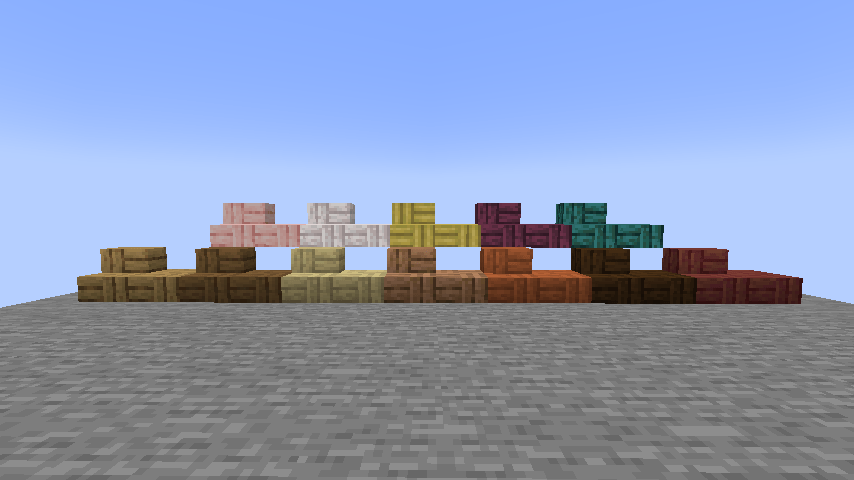
Mosaics:
- Oak
- Spruce
- Birch
- Jungle
- Acacia
- Dark Oak
- Mangrove (1.19)
- Poplar (26.3)
- Cherry (1.20)
- Pale Oak (1.21.4)
- Crimson (1.16)
- Warped (1.16)
如何安装 Mosaics
With Millida Launcher
Install Millida Launcher
The launcher is free: download it at millida.net/launcher and sign in with any nickname.
Click “Install” on this page
The launcher opens and installs the mod for Minecraft 1.14.4–26.3 on Fabric, Forge or NeoForge automatically.
Launch the game
A profile with it appears in the launcher: click “Play”.
Manually
Install Fabric, Forge or NeoForge
The loader must match the game version of the mod file, for example Minecraft 26.3. After installing it, a separate profile appears in your launcher.
Download the file for your version
In the version list above, pick the file mosaics-1.2+26.3-fabric.jar (133 KB) for your game version and loader.
Put it in the mods folder
The folder is inside .minecraft (Windows: %appdata%\.minecraft\mods). If it does not exist, create it.
Launch the loader profile
Open “Mods” in the main menu: Mosaics should be in the list.
版本
含依赖项
| Minecraft | 加载器 | 文件 | 日期 | 操作 |
|---|---|---|---|---|
| 26.3 | Fabric | Mosaics [1.2]133 KB | ||
| 1.21.5 | NeoForge | Mosaics v1.0.2168 KB | ||
| 1.14.4 | Forge | Mosaics v1.0.1303 KB |
评价
成为第一个评价 Mosaics 的人


