
适用于 Minecraft 1.20.1, 1.21.1 的 MineColonies 模组
通过自动化、防御建筑、袭击等,发展你自己的庞大殖民地
 NeoForge
 Forge
Forge关于 MineColonies 模组
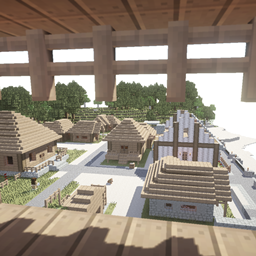
MineColonies 是一个交互式建筑模组,让你能在 Minecraft 中创建自己繁荣的城镇。它为你提供建立王国所需的一切,让你的领导才能尽情发挥。MineColonies 让你能灵活地创建独一无二的殖民地,每个玩家都能打造属于自己的风格。拥有超过 10,000 个蓝图,你每次都能创建不同的殖民地,适应任何生物群系,在山中、山顶、海底或天空中建造。
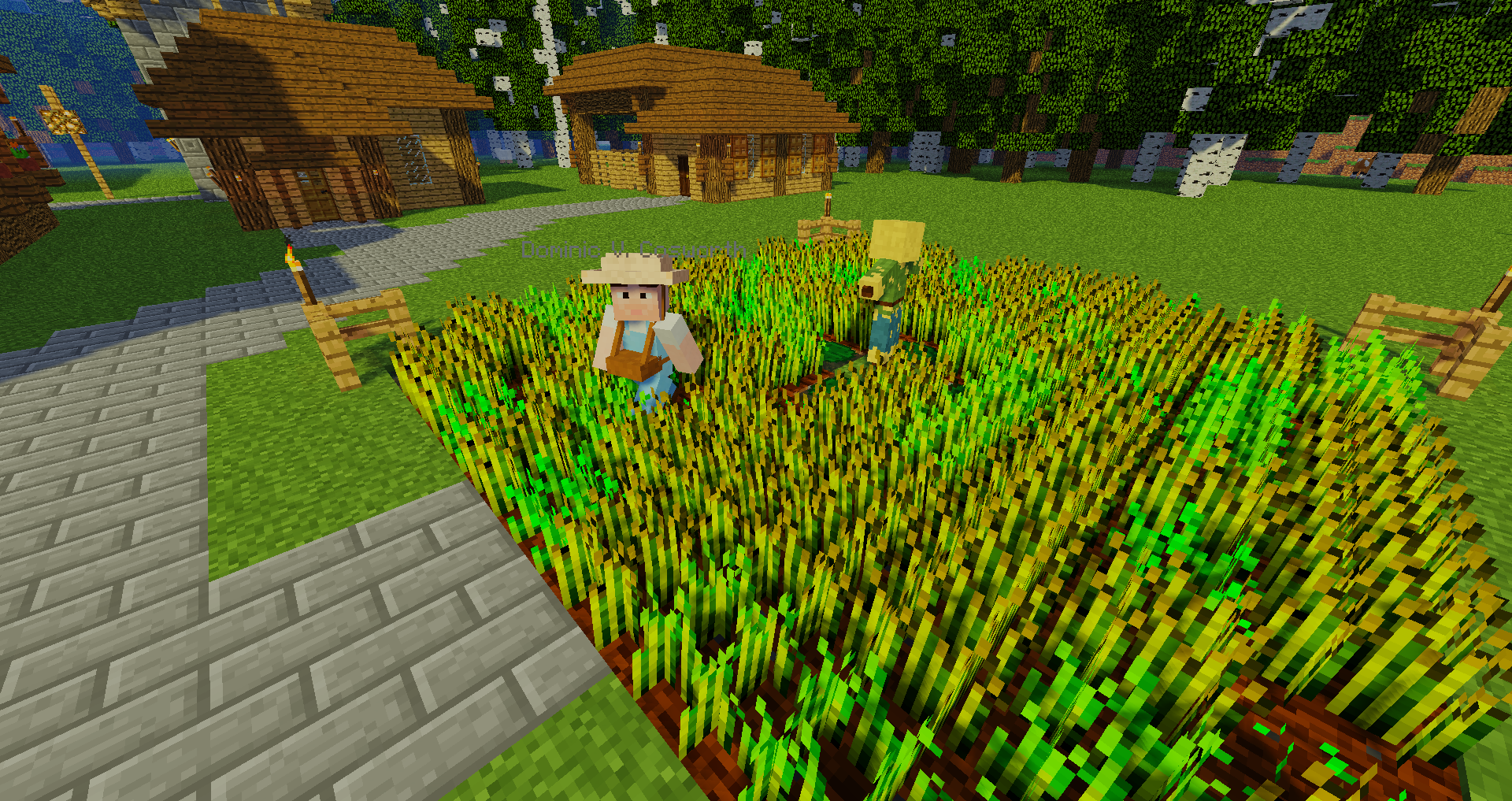
MineColonies 拥有 NPC 工人,例如建筑工、农夫、渔夫、伐木工、守卫、矿工、冶炼工、面包师、厨师、信使、五种动物牧人、堆肥工等等,随着模组的发展,还有更多内容正在开发和添加。
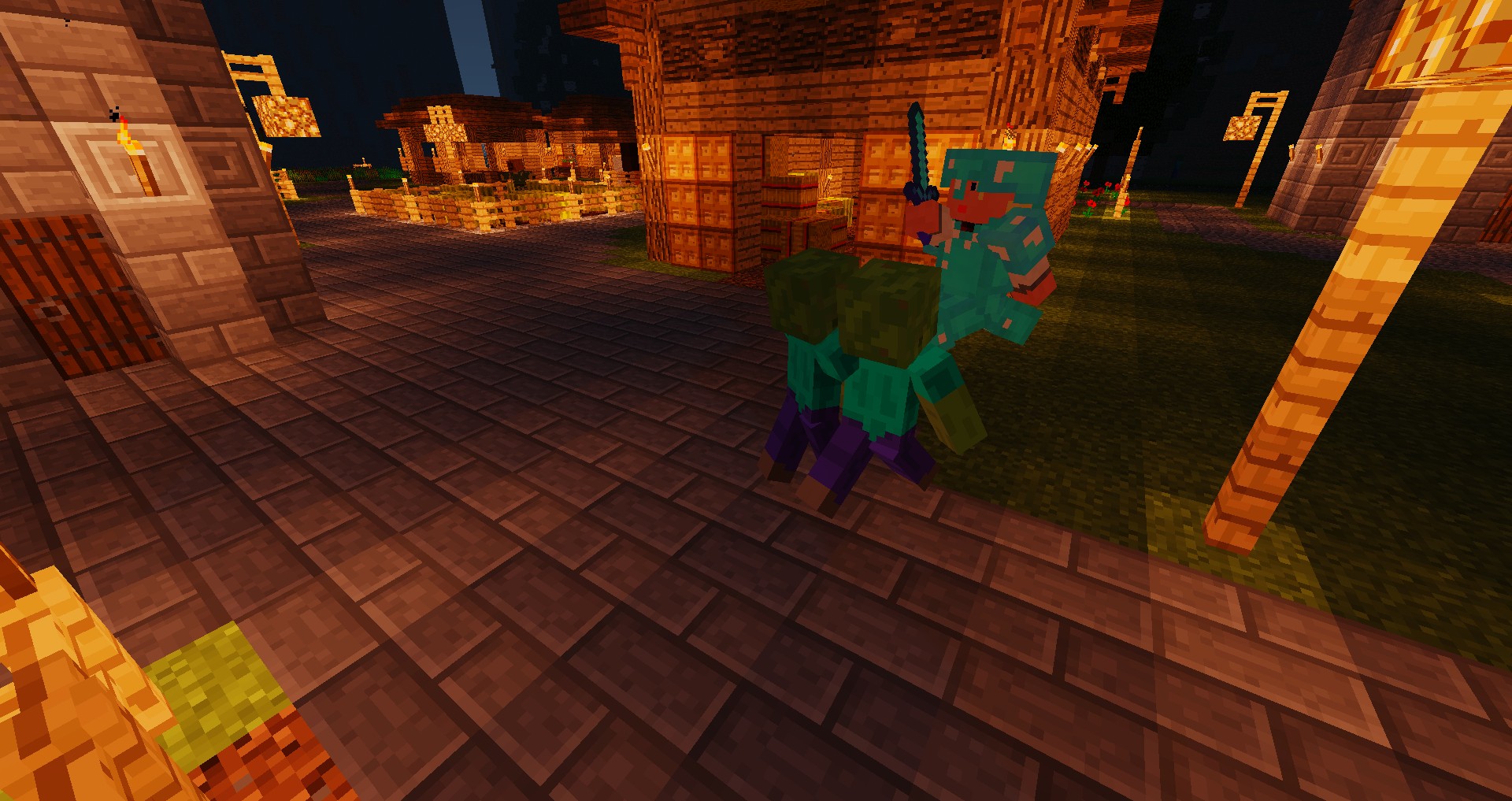
它还包括专门的建筑,例如仓库、房屋、市政厅、兵营、图书馆、大学,甚至学校,以及从围墙到公园再到喷泉的无数装饰。
MineColonies 是一个免费开源模组,由开发者社区 Let's Dev Together (LDT) 开发。源代码可在 GitHub 上获取。我们的开发者是一支勤奋且配合默契的编码团队,不断添加更多内容,让 MineColonies 的体验更加出色。然而,我们一直在寻找更多人为模组做出贡献,无论是作为编码者、建筑师、艺术家、配音演员、wiki 编辑、测试者,还是仅仅在 Patreon 上支持我们!
注意:我们通常建议获取最新的可用版本,以获得所有修复。
https://www.curseforge.com/minecraft/mc-mods/structurize
https://www.curseforge.com/minecraft/mc-mods/multi-piston
https://www.curseforge.com/minecraft/mc-mods/blockui
https://www.curseforge.com/minecraft/mc-mods/domum-ornamentum
不幸的是,一些附加模组会以鲁莽的方式修改 Minecolonies,导致稳定性和性能问题。因此,当安装了这些模组后出现问题时,我们无法提供支持。这尤其适用于以下附加模组:
- MineColonies 的 Tweaks 附加模组
- MineColonies 的 Compatibility 附加模组
- Minecolonies 的 Easycolony 附加模组
- Minecolonies 的寻路版
- Minecolonies Quality Of Life
- MindOfTheColony
- MineColonies: Transit Networks
在此报告问题(请先搜索):
https://github.com/Minecolonies/minecolonies/issues
查看我们的 wiki:
https://wiki.minecolonies.com/
在 Patreon 上支持我们:https://www.patreon.com/Minecolonies
Discord:
https://discord.minecolonies.com
网站:
http://www.minecolonies.com/
如何安装 MineColonies
With Millida Launcher
Install Millida Launcher
The launcher is free: download it at millida.net/launcher and sign in with any nickname.
Click “Install” on this page
The launcher opens and installs the mod for Minecraft 1.19.3–1.21.1 on Forge or NeoForge automatically.
Launch the game
A profile with it appears in the launcher: click “Play”.
Manually
Install Forge or NeoForge
The loader must match the game version of the mod file, for example Minecraft 1.21.1. After installing it, a separate profile appears in your launcher.
Download the file for your version
In the version list above, pick the file minecolonies-1.1.1402-1.21.1-snapshot.jar (75 MB) for your game version and loader.
Put it in the mods folder
The folder is inside .minecraft (Windows: %appdata%\.minecraft\mods). If it does not exist, create it.
Launch the loader profile
Open “Mods” in the main menu: MineColonies should be in the list.
Minecraft 1.21.1 runs on Java 21: with a different Java version the game may close right after launch.
版本
含依赖项
| Minecraft | 加载器 | 文件 | 日期 | 操作 |
|---|---|---|---|---|
| 1.21 | NeoForge | minecolonies-1.1.1402-1.21.1-snapshot.jar74.7 MB 223 | ||
| 1.20.1 | Forge | minecolonies-1.20.1-1.1.1300-snapshot.jar74.5 MB 192 | ||
| 1.20.1 | Forge | minecolonies-1.20.1-1.1.1276.jar74.3 MB 2 | ||
| 1.21 | NeoForge | minecolonies-1.1.1368-1.21.1.jar74.3 MB 4 | ||
| — | — | minecolonies-1.20.1-1.1.1070-snapshot.jar71.1 MB 84 | ||
| 1.19.3 | Forge | minecolonies-1.19.3-1.0.1325-ALPHA.jar74.5 MB |
常见问题
Which Minecraft versions does MineColonies work on?
There are files for 1.21.1, 1.21, 1.20.1, 1.20, 1.19.3. The newest is 1.21.1.
Is MineColonies for Forge or Fabric?
There are files for Forge: 1.19.3–1.20.1 and for NeoForge: 1.21–1.21.1. There are no files for Fabric: a mod for another loader will not start.
Does MineColonies need other mods?
The author lists no required dependencies: the Forge or NeoForge loader is enough.
Which Java does MineColonies need?
Minecraft 1.21.1 runs on Java 21. If the game closes right after launch, the usual cause is the wrong Java version in the profile settings.
Where can I download MineColonies safely?
On this page: the file minecolonies-1.1.1402-1.21.1-snapshot.jar (75 MB) is stored on Millida’s server, with no link shorteners. SHA-1 checksum: 6e8e42f1be2cebfdea43cfd1f373afc245a8cfb3.
评价
成为第一个评价 MineColonies 的人


