

 NeoForge
 Forge
ForgeLuminax
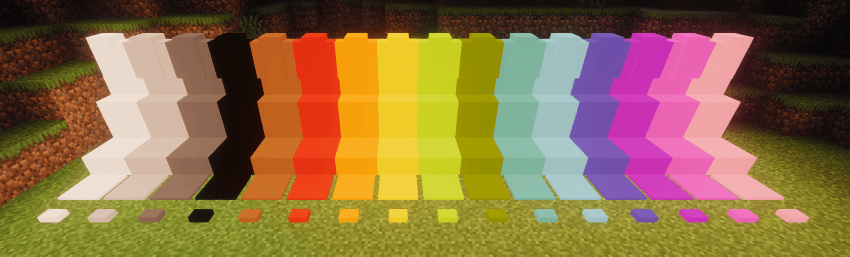
这个非常简单的模组为游戏添加了一些单色方块。
你可以使用 Luminax Wand 来修改方块的颜色和发光强度。
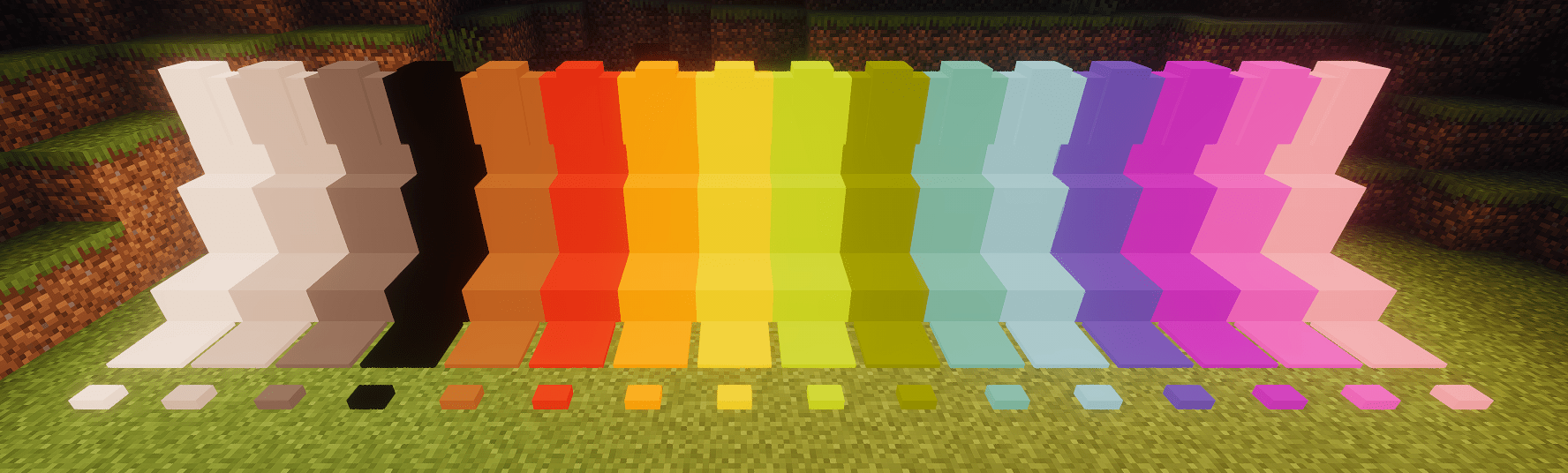
同时也完全支持 Framed Blocks
目前包含的方块有:
- 完整方块
- 台阶
- 楼梯
- 墙
- 压力板
- 按钮
如何安装 Luminax
With Millida Launcher
Install Millida Launcher
The launcher is free: download it at millida.net/launcher and sign in with any nickname.
Click “Install” on this page
The launcher opens and installs the mod for Minecraft 1.20.1–26.1.2 on Forge or NeoForge automatically.
Launch the game
A profile with it appears in the launcher: click “Play”.
Manually
Install Forge or NeoForge
The loader must match the game version of the mod file, for example Minecraft 26.1.2. After installing it, a separate profile appears in your launcher.
Download the file for your version
In the version list above, pick the file luminax-2.0.1+26.1.2.jar (527 KB) for your game version and loader.
Put it in the mods folder
The folder is inside .minecraft (Windows: %appdata%\.minecraft\mods). If it does not exist, create it.
Launch the loader profile
Open “Mods” in the main menu: Luminax should be in the list.
版本
含依赖项
| Minecraft | 加载器 | 文件 | 日期 | 操作 |
|---|---|---|---|---|
| 26.1.2 | NeoForge | [Neoforge] Luminax 2.0.1-26.2.1527 KB | ||
| 1.20.1 | Forge | [Forge] Luminax 1.3.0-1.20.11 MB |
评价
成为第一个评价 Luminax 的人


