
适用于 Minecraft 1.20.1, 1.21.1 的 Little Logistics 模组
水上和铁路运输模组,自动化船只和火车!
 NeoForge
 Forge
ForgeLittle Logistics
Minecraft Forge 的水运与铁路自动化
横幅由 naj77 制作
Little Logistics 是一个 Minecraft Forge 模组,专注于高效、经济的远距离运输。使用拖船、驳船和模块化列车,通过水路和铁路系统构建自动化物流网络。
👉 完整指南与文档:http://littlelogistics.murad.dev 👉 Discord:https://discord.gg/jDhZVE4Njg
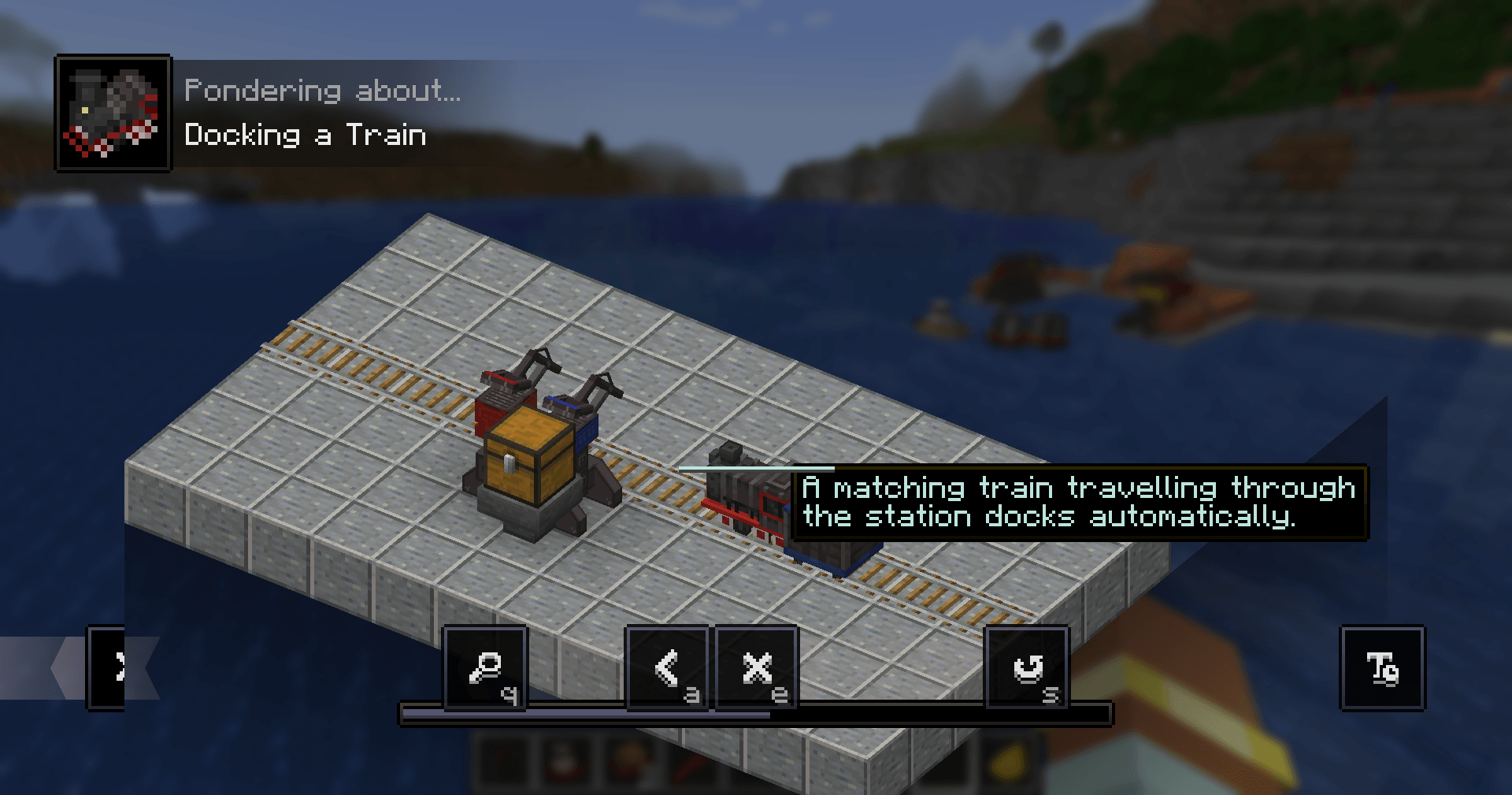
🎥 概览
Mischief of Mice 制作的模组概览:
📘 游戏内指南
安装 Patchouli 以获得内置手册。
合成配方:书 + 箱子 + 指南针(无序合成)
🚢 概览
Little Logistics 围绕简单、可扩展的自动化设计。它避免了复杂的设置,同时仍能实现强大的运输系统。
本指南不涵盖配方——请使用 JEI 或类似模组。
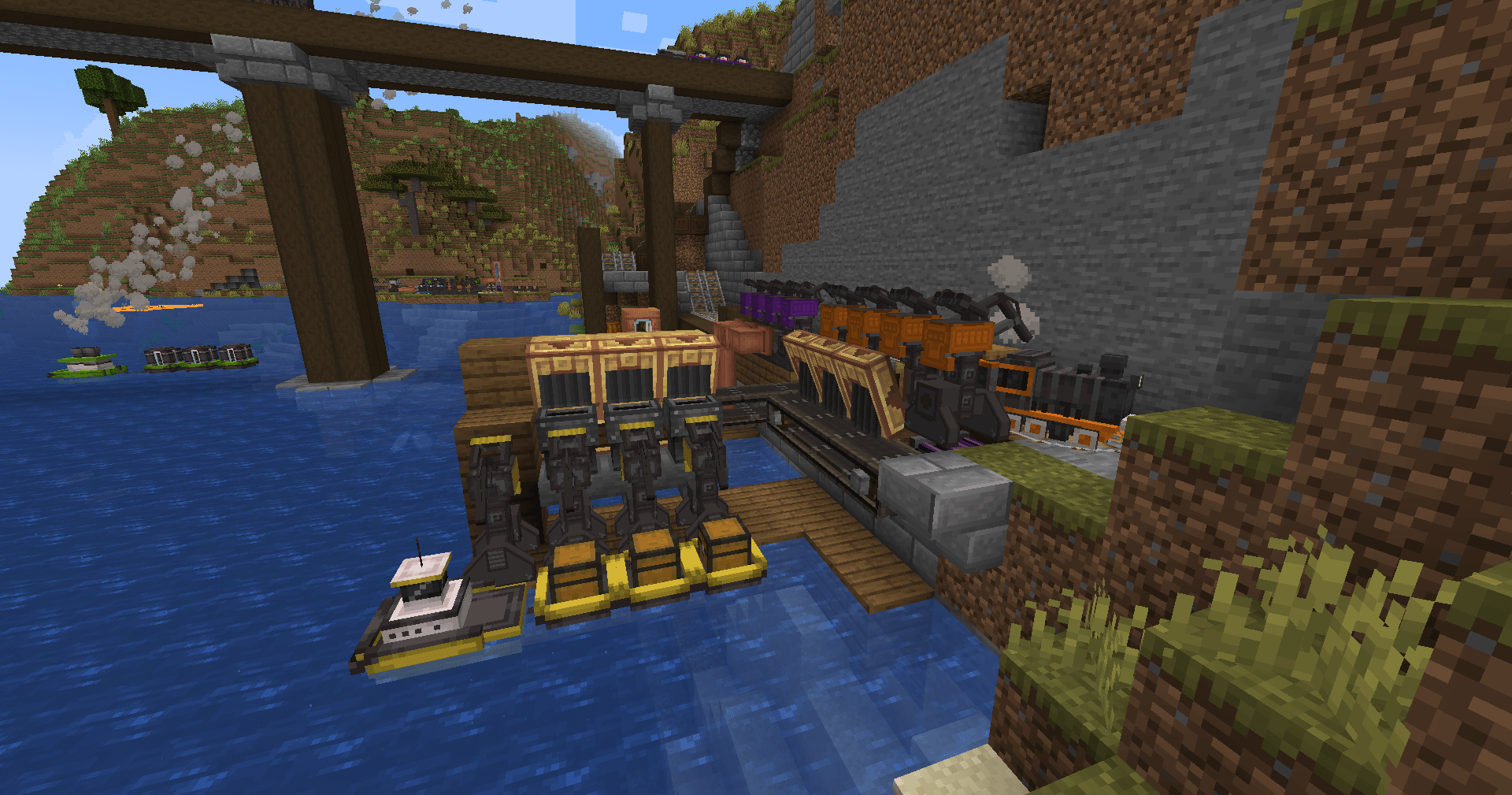
🚢 船只——拖船与驳船
船只是该模组的核心。
- 拖船拉动驳船
- 驳船执行任务:
- 物品运输
- 流体运输
- 自动钓鱼
利用天然河流/海洋,或建造自己的运河。
🚂 列车——机车与车厢(1.18.2+)
用于陆地运输的小型模块化列车:
- 连接机车 + 车厢
- 运输物品和流体
- 内置寻路 + 碰撞规避
- 自动路由:
- 设置目的地
- 轨道自动切换
⚙️ 附加模组
Little Contraptions(官方)
与 Create 的兼容 https://www.curseforge.com/minecraft/mc-mods/little-contraptions
Little Botanics(第三方)
与 Botania 的兼容 https://www.curseforge.com/minecraft/mc-mods/little-botanics
⚠️ 兼容性说明
大多数问题都很轻微且可以修复:
多人游戏(1.19+)
驳船/车厢可能在退出登录时断开连接 → 在服务器配置中启用离线加载
Canary
破坏漏斗行为 → 添加:
mixin.block.hopper=false
OptiFine
破坏区块加载/载具(尤其是单人游戏)→ 禁用:
- 平滑世界加载
- 延迟区块加载
Small Ships
干扰拖船 AI → 让船只保持几个区块的距离,或禁用 WaterMobFlee
Modern UI
破坏路线 GUI → 禁用平滑滚动
❓ 常见问题
会向后移植到旧版本吗?不会。
1.16 上有列车吗?没有——列车仅支持 1.18.2+。
会移植到 Fabric 吗?没有计划。
我可以提高速度吗?可以(服务器配置),但高速可能导致:
- 碰撞问题
- 性能问题
载具在没有区块加载器的情况下如何移动?在 1.19+ 中,已注册的载具:
- 保持最小区块加载
- 跳过正常的世界刻
- 仅处理载具
由 LiteLoadLib 提供支持。
🧠 设计理念
Little Logistics 介于两者之间:
- 原版矿车(太受限)
- 重型科技模组(太复杂)
它专注于:
- 低设置成本
- 干净的自动化循环
- 对性能友好的系统
如何安装 Little Logistics
With Millida Launcher
Install Millida Launcher
The launcher is free: download it at millida.net/launcher and sign in with any nickname.
Click “Install” on this page
The launcher opens and installs the mod for Minecraft 1.20–1.21.1 on Forge or NeoForge automatically.
Launch the game
A profile with it appears in the launcher: click “Play”.
Manually
Install Forge or NeoForge
The loader must match the game version of the mod file, for example Minecraft 1.21.1. After installing it, a separate profile appears in your launcher.
Download the file for your version
In the version list above, pick the file littlelogistics-mc1.21.1-v1.21.1.1-beta.2.jar (2.3 MB) for your game version and loader.
Put it in the mods folder
The folder is inside .minecraft (Windows: %appdata%\.minecraft\mods). If it does not exist, create it.
Launch the loader profile
Open “Mods” in the main menu: Little Logistics should be in the list.
Minecraft 1.21.1 runs on Java 21: with a different Java version the game may close right after launch.
版本
含依赖项
| Minecraft | 加载器 | 文件 | 日期 | 操作 |
|---|---|---|---|---|
| 1.21.1 | NeoForge | [NeoForge] 1.21.1.1-beta.22.3 MB | ||
| 1.20.1 | Forge, NeoForge | [Forge/NeoForged] 1.20.1.2815 KB |
评价
成为第一个评价 Little Logistics 的人


