
 Fabric
 Quilt
QuiltLambdaBetterGrass
一个为游戏添加更好的草和雪的 Fabric 模组。
📖 这个模组是什么?
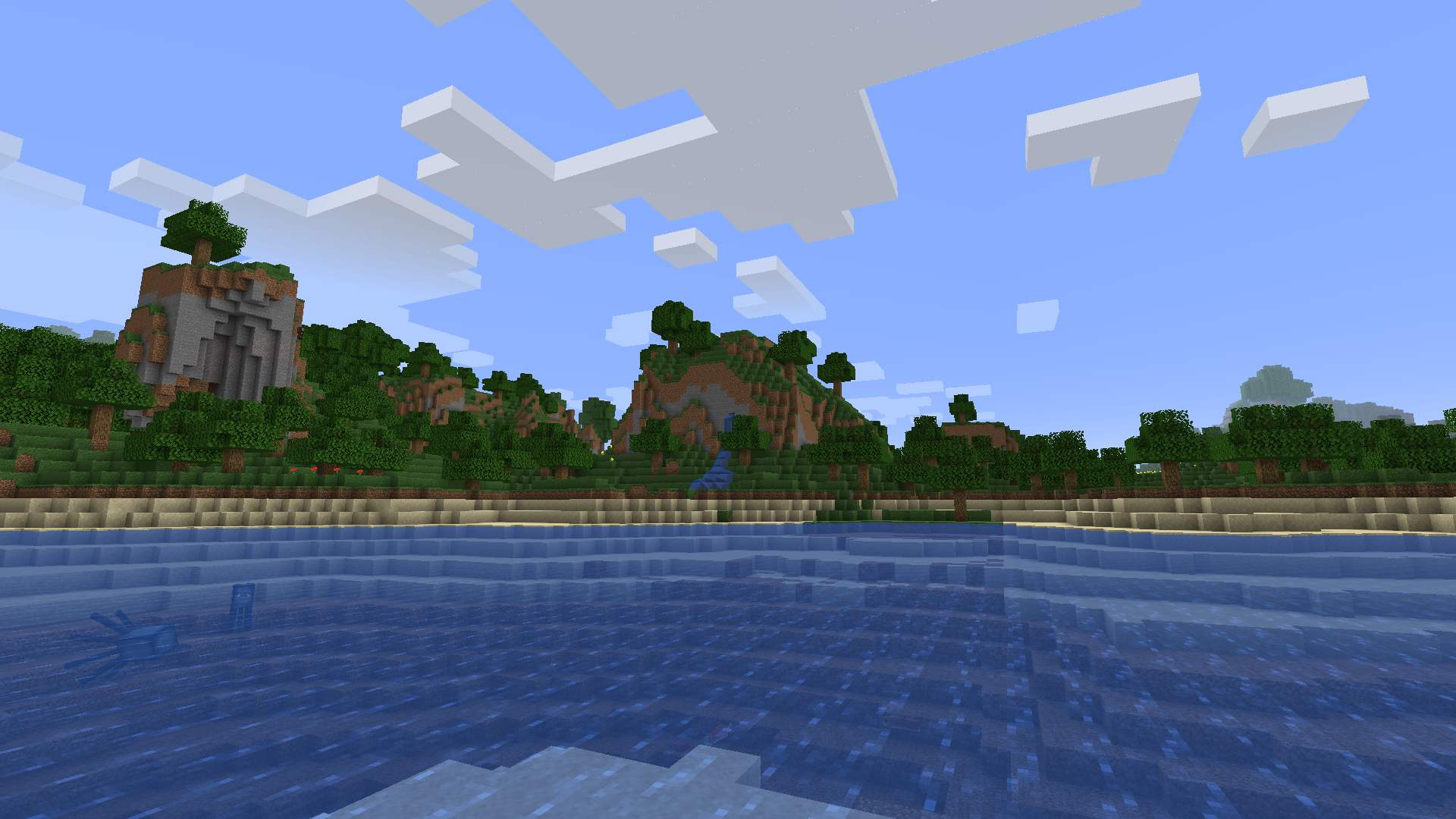
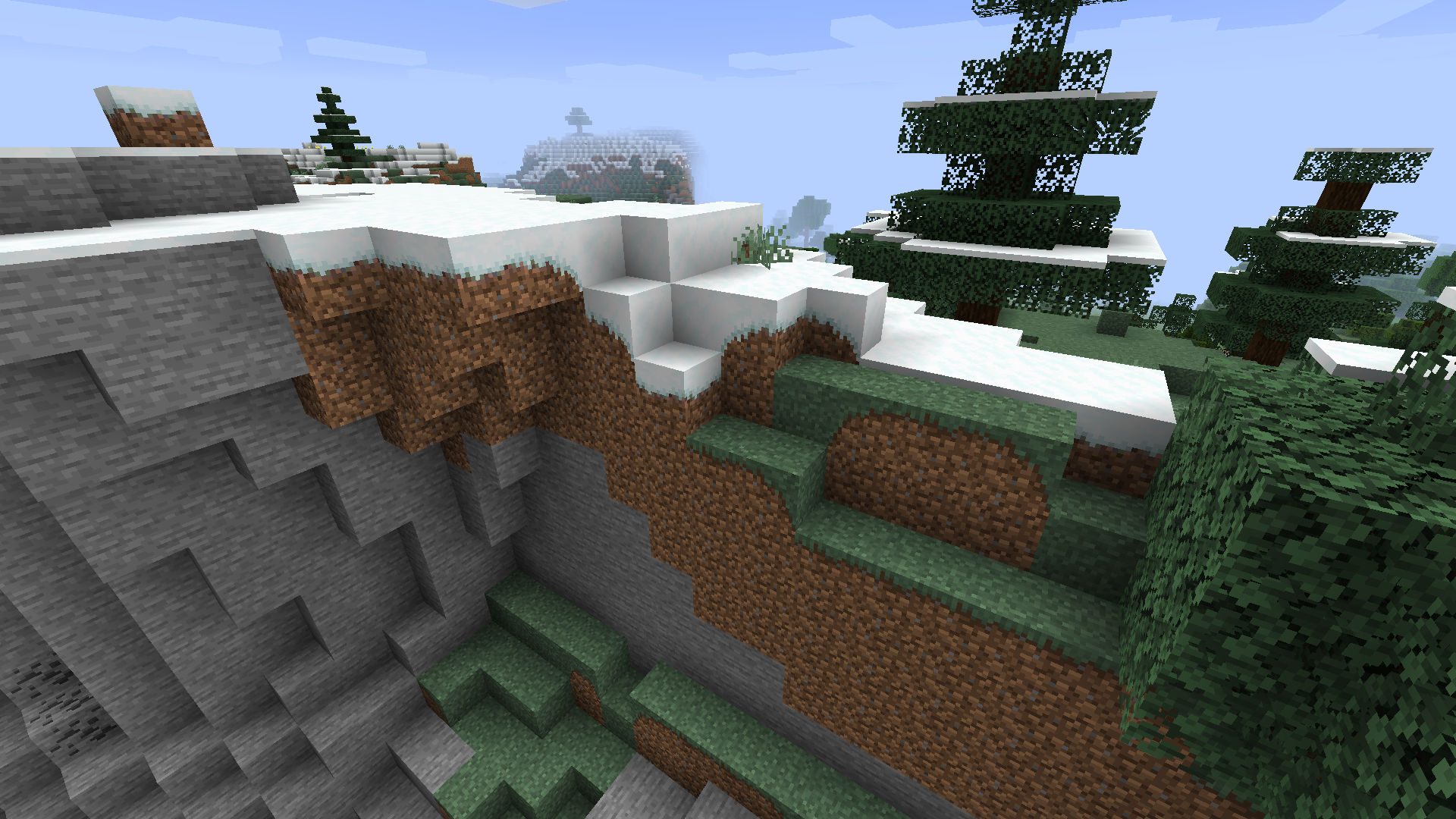
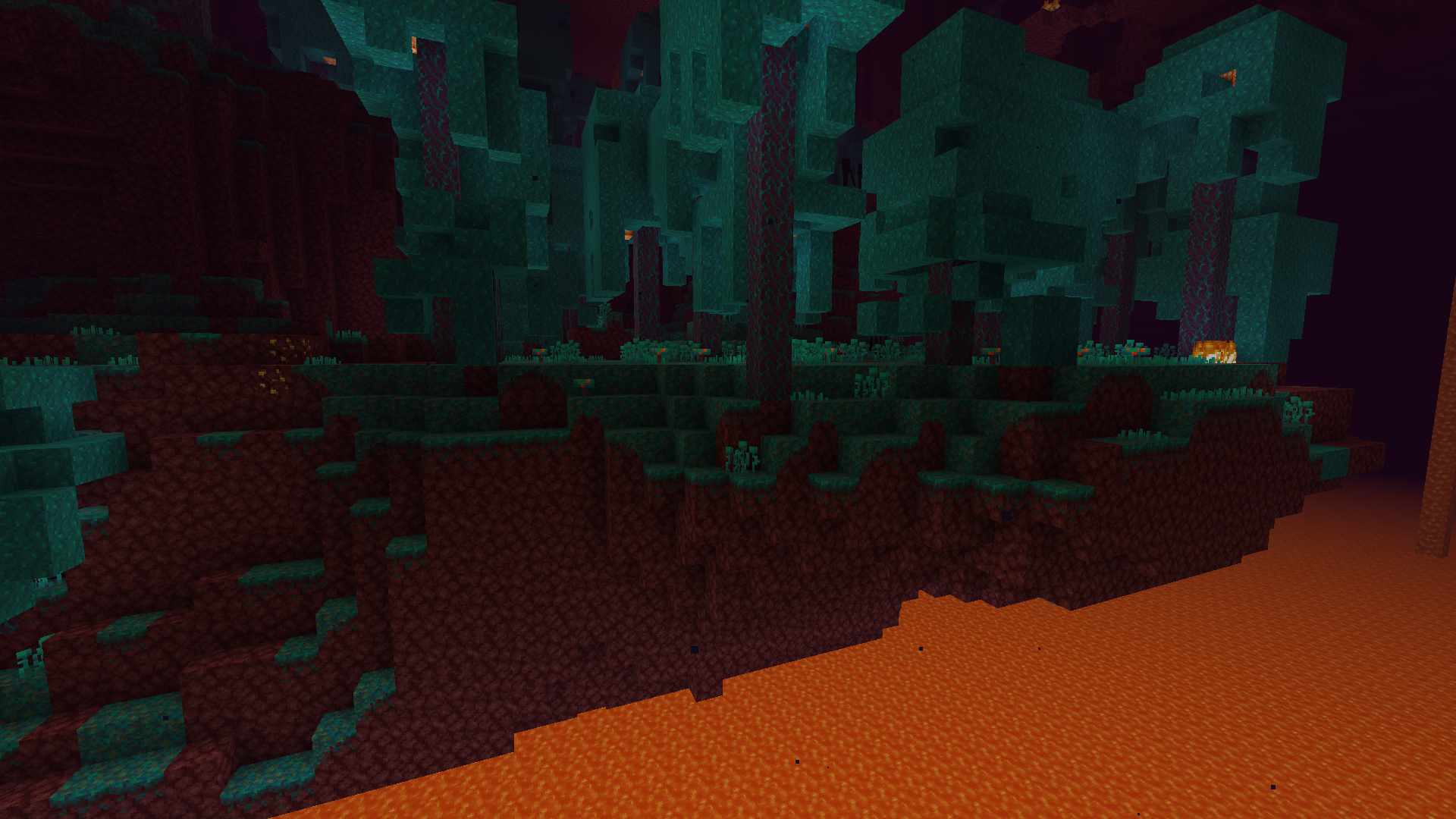
你曾经使用过 MCPatcher/OptiFine 的更好的草功能吗?我用过,而且我一点也不喜欢。主要问题是即使在 Fancy 设置下它也太过粗糙。这就是为什么我制作了自己的模组,以修复这个问题,并为 Fabric 生态系统提供 OptiFine 功能之一的替代方案!草方块现在会连接起来,附近的草方块会被平滑处理。
正在寻找其他模组来替代 OptiFine?看看那个列表!
✅ 功能:
- 连接草方块
- 连接菌丝方块
- 连接灰化土方块
- 连接草径方块
- 连接绯红菌岩方块
- 连接诡异菌岩方块
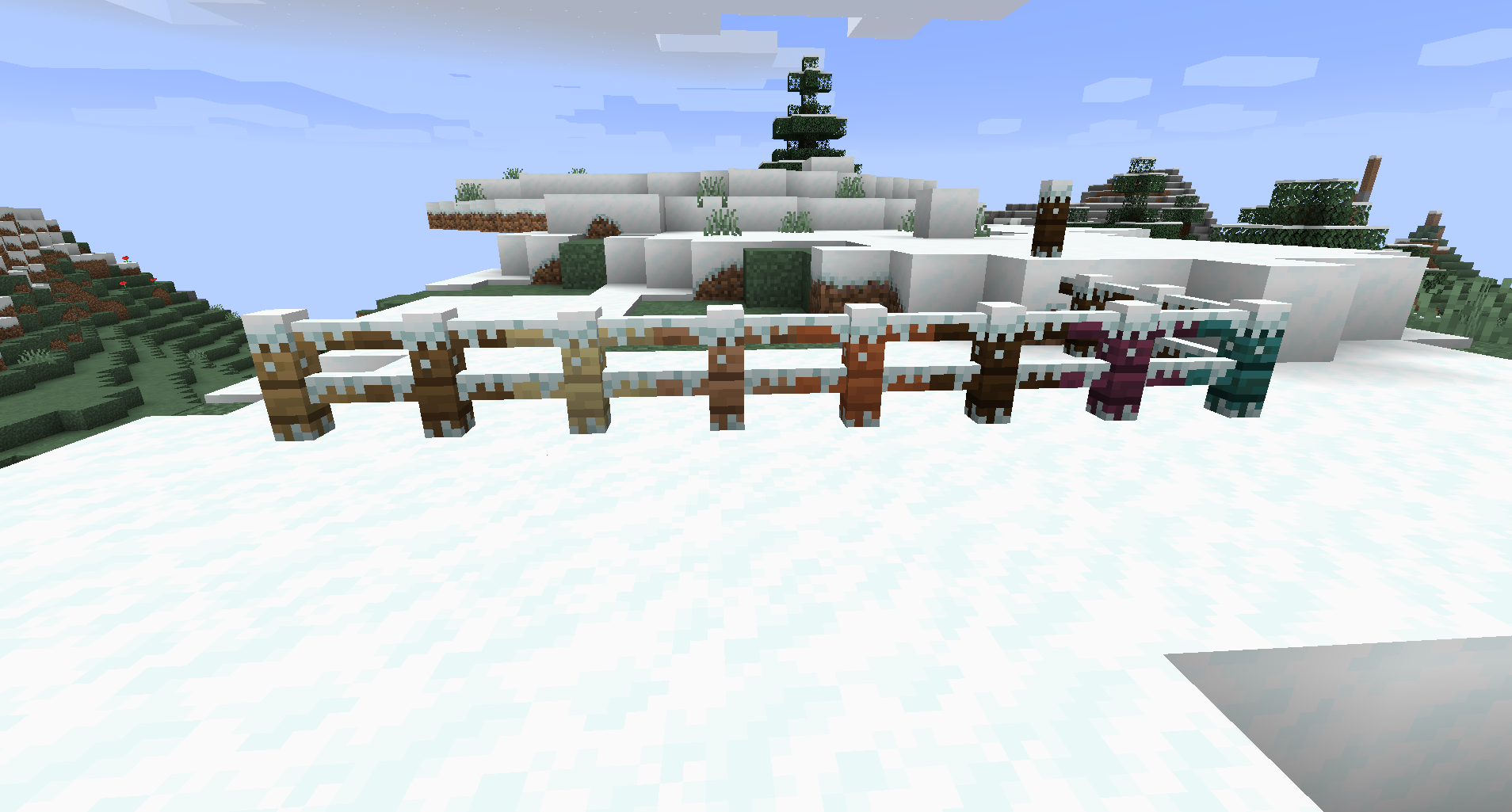
- 当启用更好的雪时,为许多非完整方块添加雪层
- 添加一个可选的内置资源包,以获得积雪的栅栏。
- 为资源包创作者和模组开发者提供 API,以按照更好的草规则添加新的方块连接,或按照更好的雪规则为方块添加新的替代模型。

📖 使用方法
使用这个模组非常简单!
将它和 Fabric API 以及 ModMenu 一起安装到你的 mods 文件夹中。
你会注意到一些方块,比如草方块,会连接在一起。如果你想尝试其他选项,或者想要与 OptiFine 相同的外观,你可以通过 ModMenu 进入模组的设置界面查看。
需要帮助?来看看我的 Discord 服务器。
📖 兼容性
- Sodium 兼容。
- Canvas 兼容。
- OptiFabric 显然不兼容。
如何安装 LambdaBetterGrass
With Millida Launcher
Install Millida Launcher
The launcher is free: download it at millida.net/launcher and sign in with any nickname.
Click “Install” on this page
The launcher opens and installs the mod for Minecraft 1.17–26.3 on Fabric or Quilt automatically.
Launch the game
A profile with it appears in the launcher: click “Play”.
Manually
Install Fabric or Quilt
The loader must match the game version of the mod file, for example Minecraft 26.3. After installing it, a separate profile appears in your launcher.
Download the file for your version
In the version list above, pick the file lambdabettergrass-2.9.0+26.3.jar (1.7 MB) for your game version and loader.
Put it in the mods folder
The folder is inside .minecraft (Windows: %appdata%\.minecraft\mods). If it does not exist, create it.
Launch the loader profile
Open “Mods” in the main menu: LambdaBetterGrass should be in the list.
版本
含依赖项
| Minecraft | 加载器 | 文件 | 日期 | 操作 |
|---|---|---|---|---|
| 26.3 | Fabric, Quilt | LambdaBetterGrass 2.9.0 (26.3)1.7 MB 9 | ||
| 26.1 | Fabric, Quilt | LambdaBetterGrass 2.7.0 (26.1)1.3 MB | ||
| 1.20.1 | Quilt | LambdaBetterGrass 1.5.2 (1.20.1)1.2 MB | ||
| 1.17 | Fabric | LambdaBetterGrass v1.1.1+21w14a (Fabric)1.1 MB |
评价
成为第一个评价 LambdaBetterGrass 的人


