
 Fabric
 NeoForge
Glow Banners
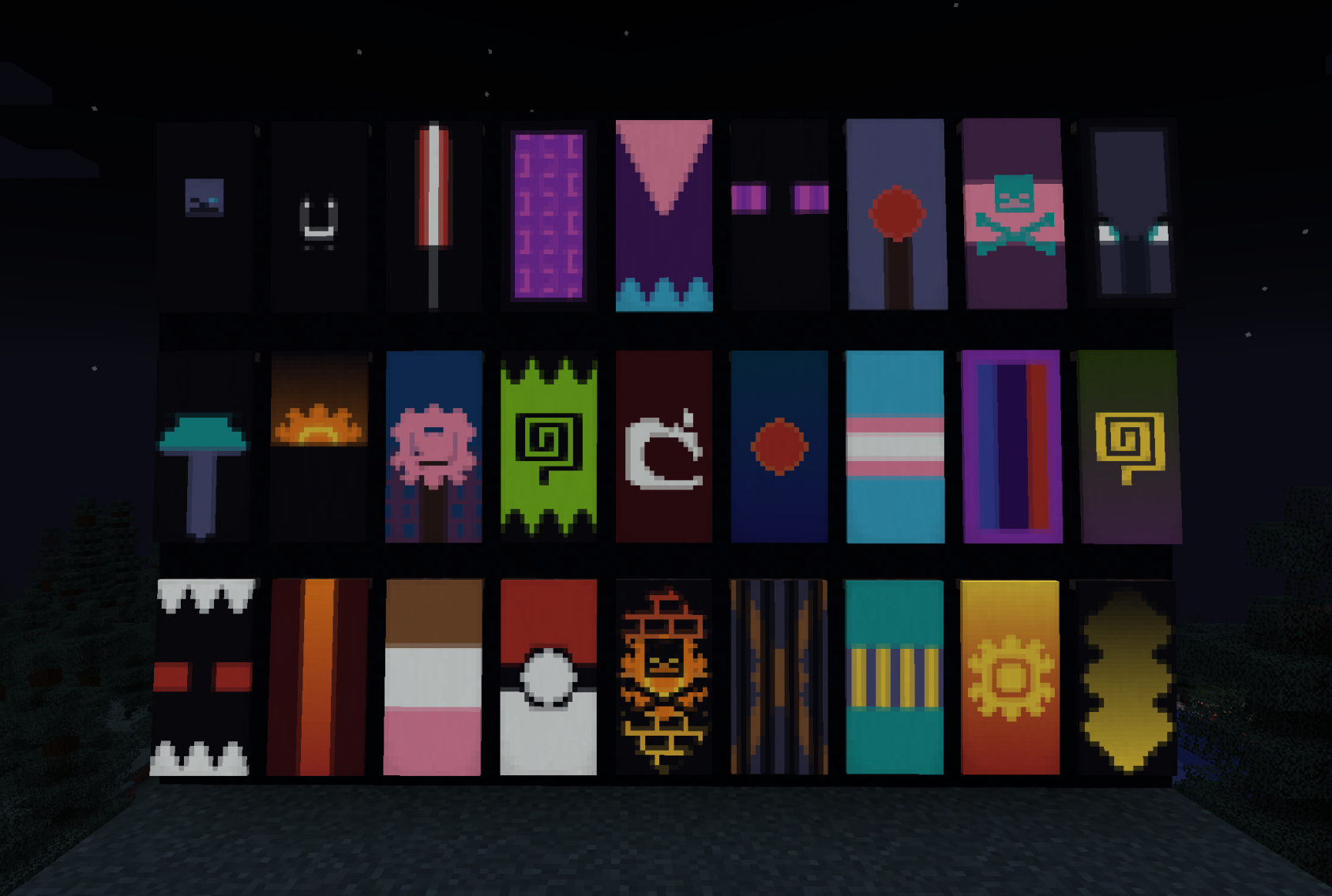
This mod adds Glowing Banners! these can be acquired by using a Glow Ink Sac on a banner, making the entire banner and its layers glow. An ink sac will similarly remove the glowing.
You can make individual layers glow by placing a glow ink sac in a loom with the banner, which will make the last applied layer glow. You can similarly remove the latest layers glowing with an ink sac.
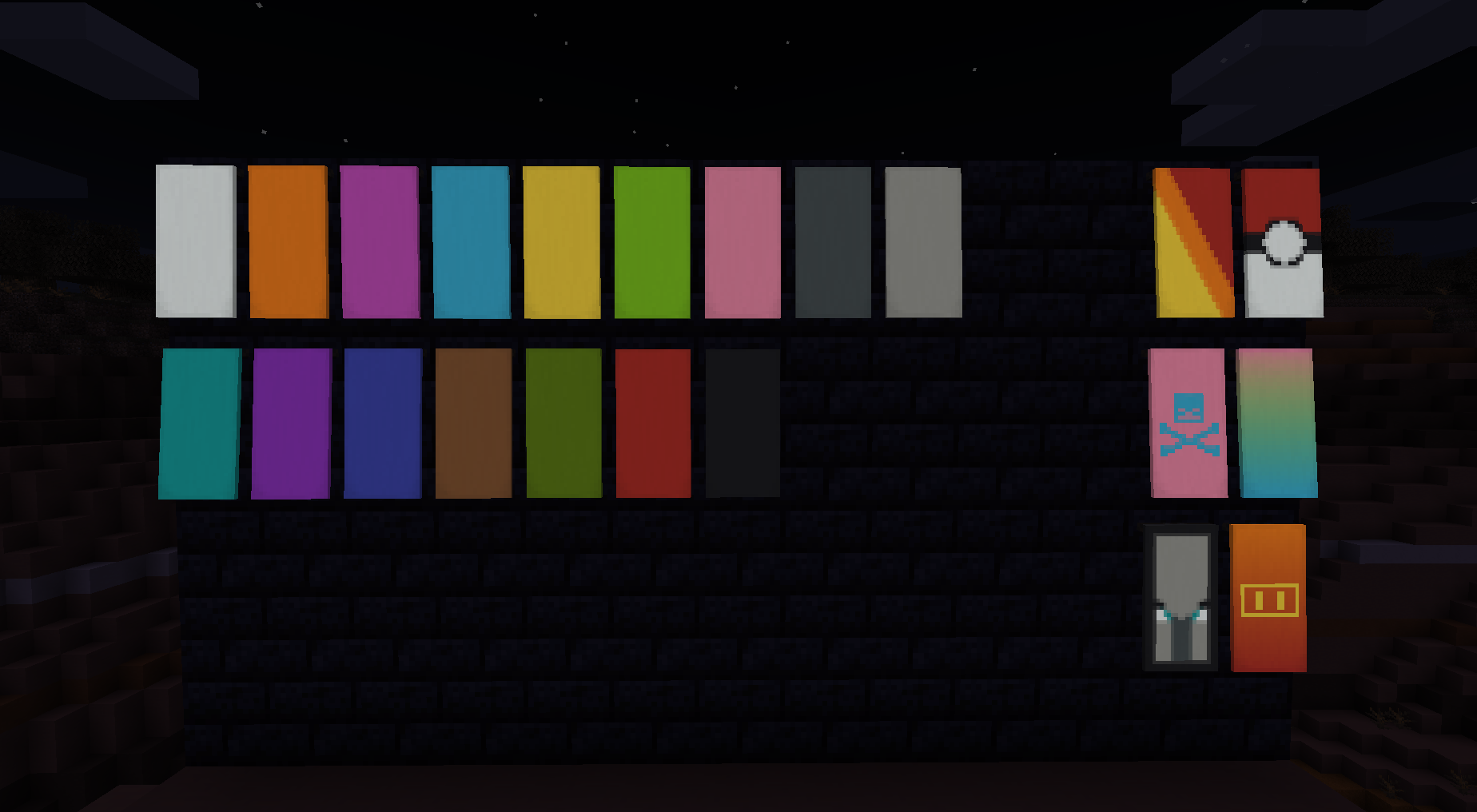
This glowing applies to banners put on shields too!
如何安装 Glow Banners
With Millida Launcher
Install Millida Launcher
The launcher is free: download it at millida.net/launcher and sign in with any nickname.
Click “Install” on this page
The launcher opens and installs the mod for Minecraft 1.21–1.21.1 on Fabric or NeoForge automatically.
Launch the game
A profile with it appears in the launcher: click “Play”.
Manually
Install Fabric or NeoForge
The loader must match the game version of the mod file, for example Minecraft 1.21.1. After installing it, a separate profile appears in your launcher.
Download the file for your version
In the version list above, pick the file Glow Banners-fabric-2.0.0+1.21.jar (47 KB) for your game version and loader.
Put it in the mods folder
The folder is inside .minecraft (Windows: %appdata%\.minecraft\mods). If it does not exist, create it.
Launch the loader profile
Open “Mods” in the main menu: Glow Banners should be in the list.
Minecraft 1.21.1 runs on Java 21: with a different Java version the game may close right after launch.
版本
含依赖项
| Minecraft | 加载器 | 文件 | 日期 | 操作 |
|---|---|---|---|---|
| 1.21 | Fabric | Glow Banners Fabric 2.0.0+1.2146.8 KB | ||
| 1.21 | NeoForge | Glow Banners NeoForge 2.0.0+1.2145.6 KB 1 |
评价
成为第一个评价 Glow Banners 的人


