

 NeoForge
 Forge
Forge关于 Feywild 模组
不要将旧版本的世界迁移/更新到 5.0+,因为这是一次重启!
来探索 Feywild 吧,一片充满魔法与妖精的土地。
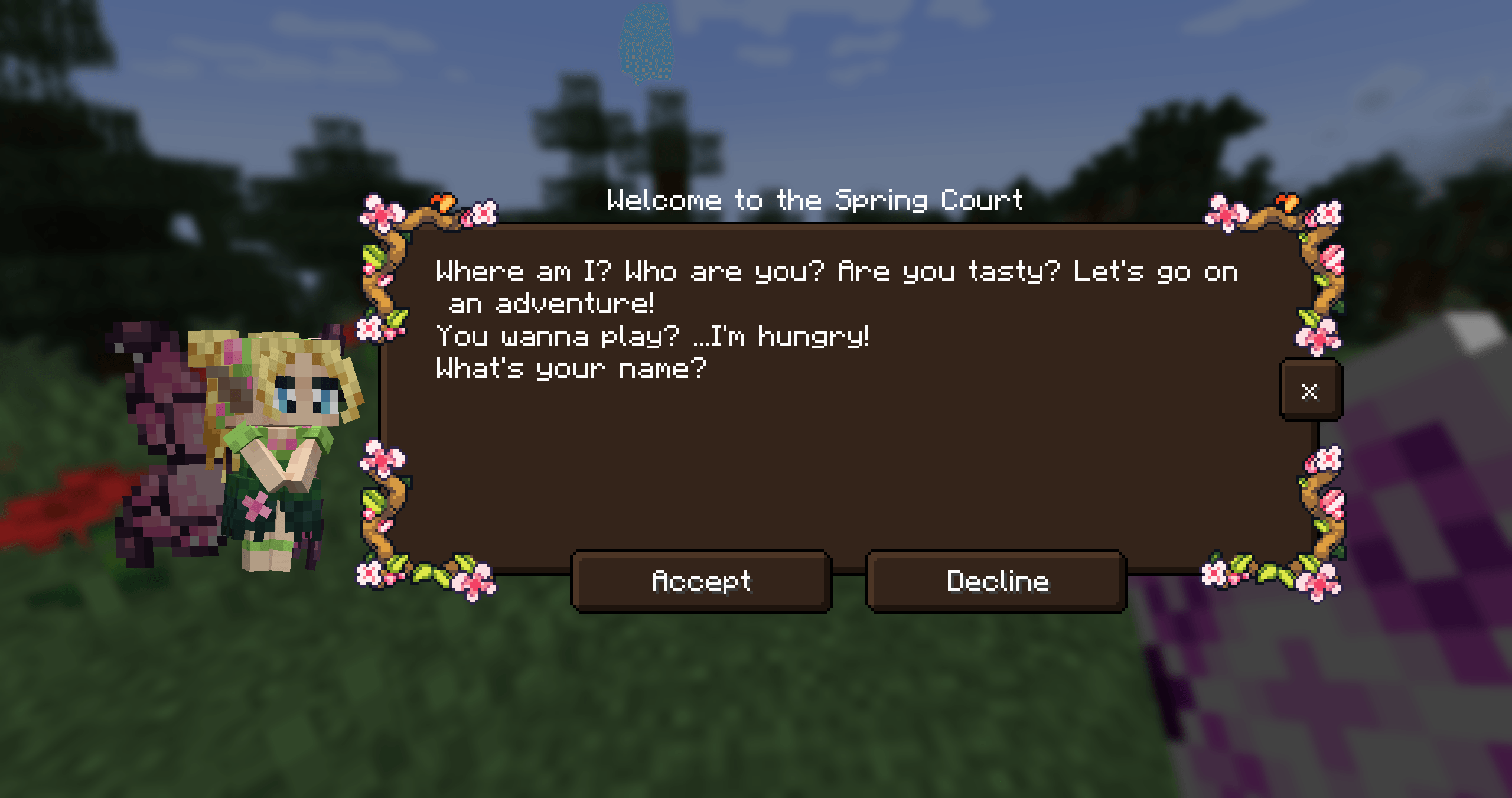
使用 Feywild 模组,你可以召唤各种不同的妖精。妖精是 Feywild 的居民。
认识一下 Feywild 的居民:
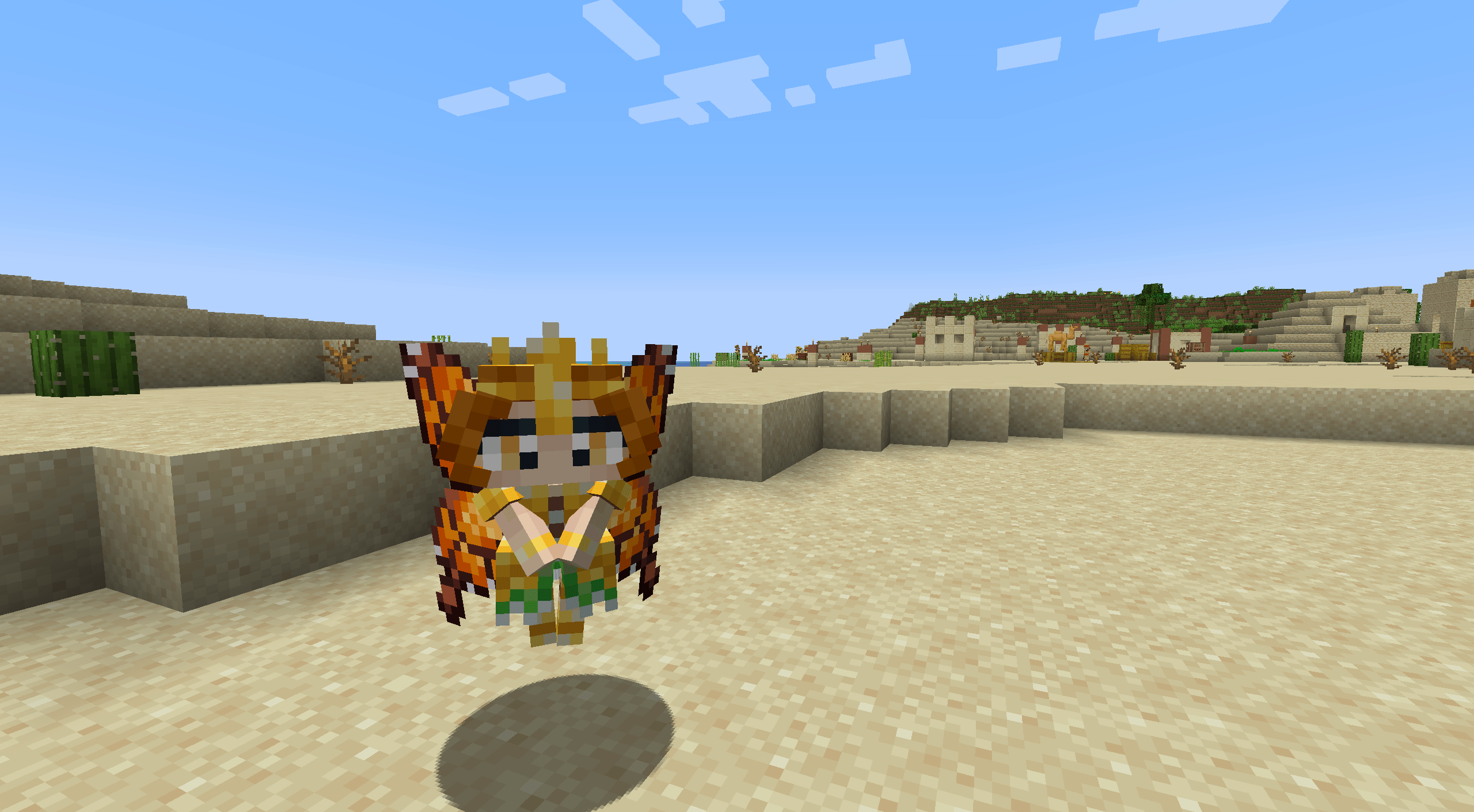
- The Seasonal Pixies
- The Mandragora
- The Shroomling
- The Bellsnickel
- The Bee Knight
- The Tree Ents
- Queen Titania and Queen Mab
- Prince Oberon and The Ashen Lord
Feywild 的居民在被召唤时各自拥有独特的性格和能力。
要做到这一点,你需要一张包含妖精的召唤卷轴。
如何开始使用 Feywild?
依赖:Patchouli Patchouli - Guide Book Patchouli 为该模组提供了指南书。
The Feywild Lexicon 还提供了 Quest Stories 的前奏,为玩家提供一份关于该模组基础内容的小指南。
依赖:Quest Giver Quest Giver
Quest Mod 为 Pixies 提供了任务线。The Seasonal Pixies 各自拥有一条包含小型任务目标和奖励的故事线。
兼容性:
- JEI
- Curios (5.6.0+)
- Supplementaries (5.6.3+)
有些妖精可以被放进罐子或笼子里。
Feywild 附加内容;Feywild Library

我们的社区由 BisectHosting 赞助,如果你考虑使用他们的服务,将对我们大有帮助!BisectHosting 提供快速、简单且高质量的服务器托管服务,在全球拥有十多个可用地点,确保低延迟。
使用优惠码 "Feywild",作为新客户,你可以在任何游戏服务器的首月享受 25% 折扣。
如何安装 Feywild
With Millida Launcher
Install Millida Launcher
The launcher is free: download it at millida.net/launcher and sign in with any nickname.
Click “Install” on this page
The launcher opens and installs the mod for Minecraft 1.16.5–1.21.1 on Forge or NeoForge automatically.
Launch the game
A profile with it appears in the launcher: click “Play”.
Manually
Install Forge or NeoForge
The loader must match the game version of the mod file, for example Minecraft 1.21.1. After installing it, a separate profile appears in your launcher.
Download the file for your version
In the version list above, pick the file feywild-1.21.1-5.6.3.jar (22 MB) for your game version and loader.
Put it in the mods folder
The folder is inside .minecraft (Windows: %appdata%\.minecraft\mods). If it does not exist, create it.
Launch the loader profile
Open “Mods” in the main menu: Feywild should be in the list.
Minecraft 1.21.1 runs on Java 21: with a different Java version the game may close right after launch.
版本
含依赖项
| Minecraft | 加载器 | 文件 | 日期 | 操作 |
|---|---|---|---|---|
| 1.21.1 | NeoForge | Feywild-1.21.1-5.6.3- Reboot22.4 MB 2 | ||
| 1.20.1 | Forge | Feywild-1.20.1-5.6.3- Reboot22.3 MB | ||
| 1.21.1 | NeoForge | Feywild-1.21.1-5.3.1 - Reboot15.8 MB | ||
| 1.20.1 | Forge | Feywild-1.20.1-5.3.1 - Reboot15.7 MB | ||
| 1.19.2 | — | Feywild - 1.19.2 - 3.0.2 - Chapter 217.1 MB 1 | ||
| 1.16.5 | — | Feywild - 1.16.5 - 2.1.414.6 MB | ||
| 1.16.5 | Forge | Feywild 1.035.8 MB |
常见问题
Which Minecraft versions does Feywild work on?
There are files for 1.21.1, 1.20.1, 1.19.2, 1.16.5. The newest is 1.21.1.
Is Feywild for Forge or Fabric?
There are files for Forge: 1.16.5–1.20.1 and for NeoForge: 1.21.1. There are no files for Fabric: a mod for another loader will not start.
Does Feywild need other mods?
The author lists no required dependencies: the Forge or NeoForge loader is enough.
Which Java does Feywild need?
Minecraft 1.21.1 runs on Java 21. If the game closes right after launch, the usual cause is the wrong Java version in the profile settings.
Where can I download Feywild safely?
On this page: the file feywild-1.21.1-5.6.3.jar (22 MB) is stored on Millida’s server, with no link shorteners. SHA-1 checksum: ffbd3bebf3375e9601febde3a9f0837996f6cced.
评价
成为第一个评价 Feywild 的人


