

- 次下载
- 1 次下载
- 次浏览
- 38 次浏览
- 已更新
- 已更新 17.10.2026
- 1.12.2 — 1.19.3
 Forge
Forge
关于 Fairy Lights 模组
Fairy Lights 添加了装饰性悬挂灯,每盏灯可以任意组合六种灯光变体,每种变体又有十六种染料颜色可选。
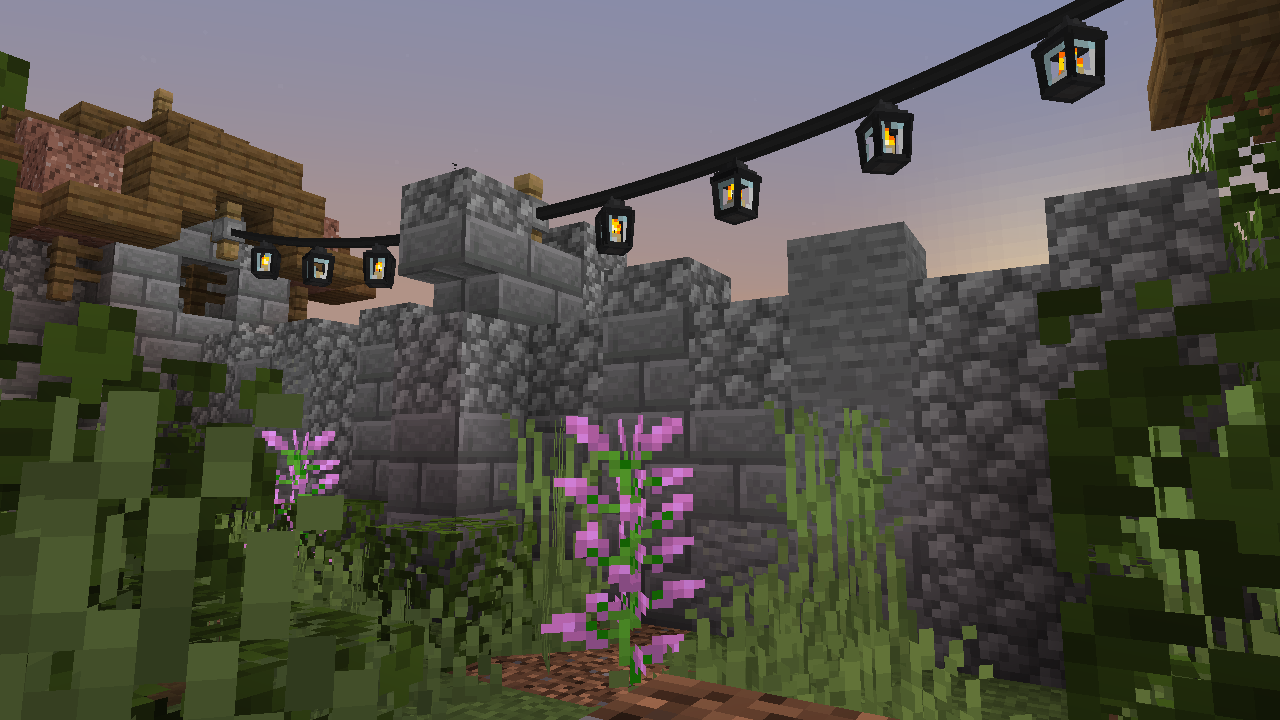
合成
要合成悬挂灯,你必须先合成灯。灯有多种变体:fairy light、heart light、moon light、star light、paper lantern、orb lantern、flower light、candle lantern、oil lantern、snowflake light、icicle lights 和 meteor light。此外还有 spooky lights、spider light、ghost light、jack o'lantern、skull light、witch light。
Fairy lights 通过水平组合铁锭、线或木棍、铁锭,再加上任意组合的灯来指定图案(从左到右、从上到下)合成。如果包含荧石,悬挂灯会闪烁。如果使用线,连接处会松弛;如果使用木棍,连接处会笔直。悬挂灯物品只会显示前四种灯光颜色,但最多可以合成八种灯光,方法是将一个悬挂灯与八个灯一起放入工作台。
以下是灯的合成配方,配方中的红色染料可以是任意染料。
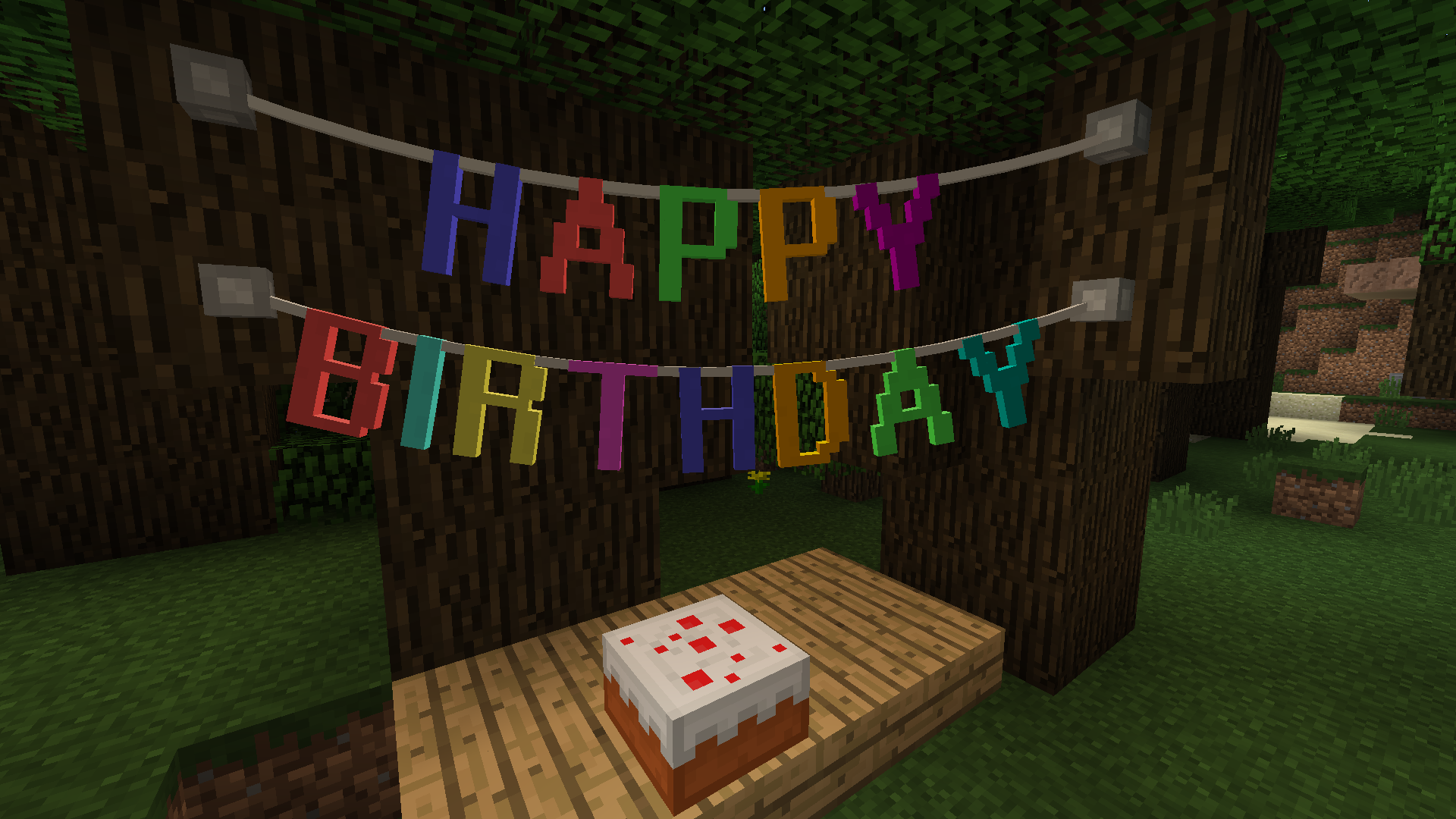
悬挂灯合成示例
Letter Bunting、Vine 与 Tinsel Garland
Pennants
以下是一些 pennant bunting 的合成示例。
Fairy Lights 用法
右键点击方块侧面或现有固定点上的悬挂灯、garland 或 bunting 来放置一个固定点,此时固定点与你之间会出现一条连接。然后你右键点击另一个方块侧面或现有固定点来完成连接。fairy light 串的最大长度为 32 个方块。
悬挂灯、garland 或 bunting 的松弛度可以通过用线右键点击来增加,用木棍右键点击来减少。悬挂灯可以通过右键点击来开启和关闭。
模组集成
支持 JEI 显示配方。
如何安装 Fairy Lights
With Millida Launcher
Install Millida Launcher
The launcher is free: download it at millida.net/launcher and sign in with any nickname.
Click “Install” on this page
The launcher opens and installs the mod for Minecraft 1.12.2–1.19.3 on Forge automatically.
Launch the game
A profile with it appears in the launcher: click “Play”.
Manually
Install Forge
The loader must match the game version of the mod file, for example Minecraft 1.19.3. After installing it, a separate profile appears in your launcher.
Download the file for your version
In the version list above, pick the file fairylights-6.0.1-1.19.2.jar (800 KB) for your game version.
Put it in the mods folder
The folder is inside .minecraft (Windows: %appdata%\.minecraft\mods). If it does not exist, create it.
Launch the loader profile
Open “Mods” in the main menu: Fairy Lights should be in the list.
Minecraft 1.19.3 runs on Java 17: with a different Java version the game may close right after launch.
版本
含依赖项
| Minecraft | 加载器 | 文件 | 日期 | 操作 |
|---|---|---|---|---|
| 1.19.3 | Forge | fairylights-6.0.1-1.19.2800 KB | ||
| 1.12.2 | — | fairylights-2.1.9-1.12.21.1 MB 1 |
评价
成为第一个评价 Fairy Lights 的人


