
 NeoForge
 Forge
Forge强化尸潮
DISCORD - 如需与 Enhanced Hordes 相关的帮助,请 @nojustgavin
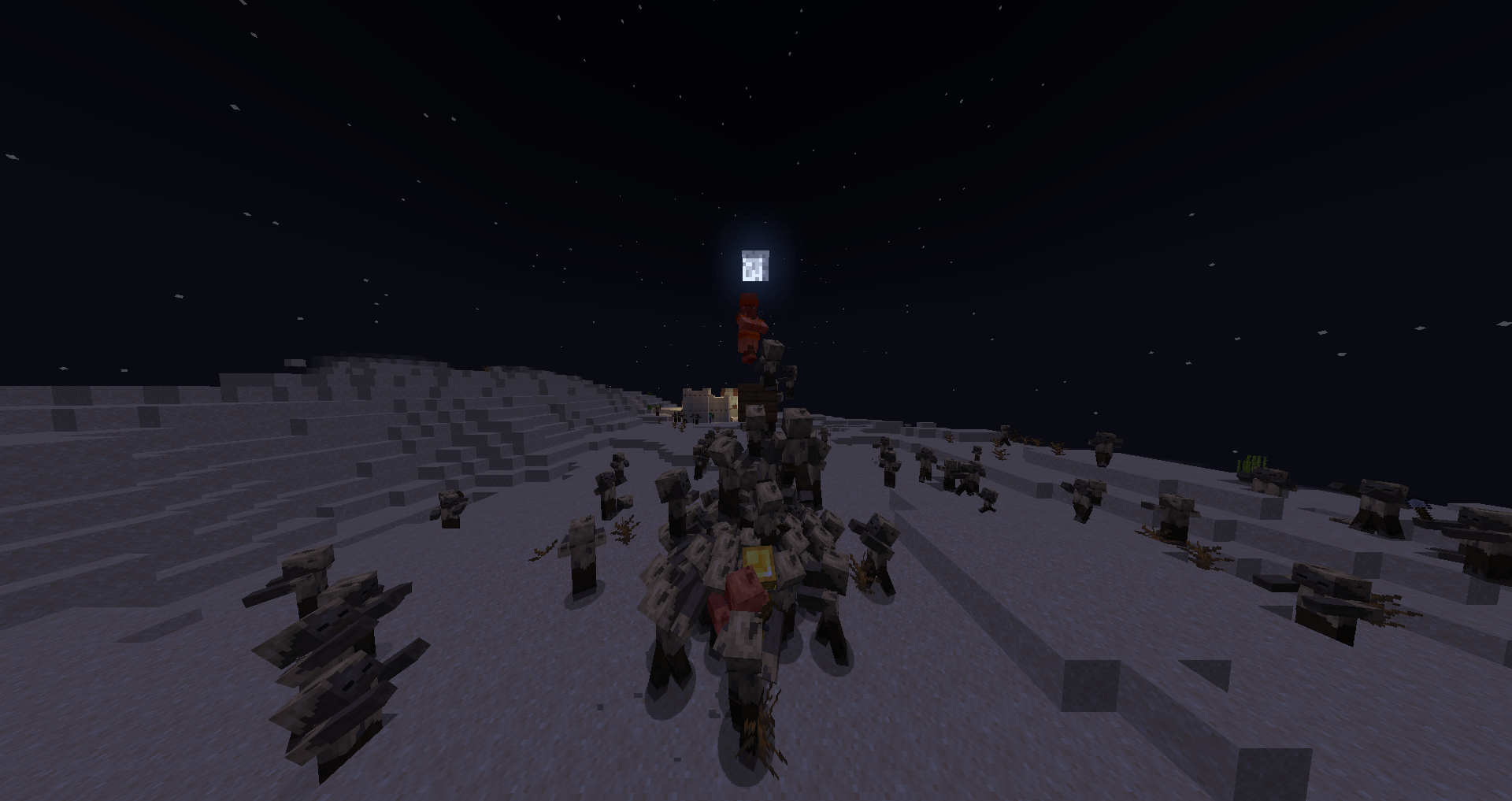
Enhanced Hordes 允许僵尸互相攀爬以够到你,骷髅避免互相射击,铁傀儡应对新的尸潮。
看看图片标签页!僵尸
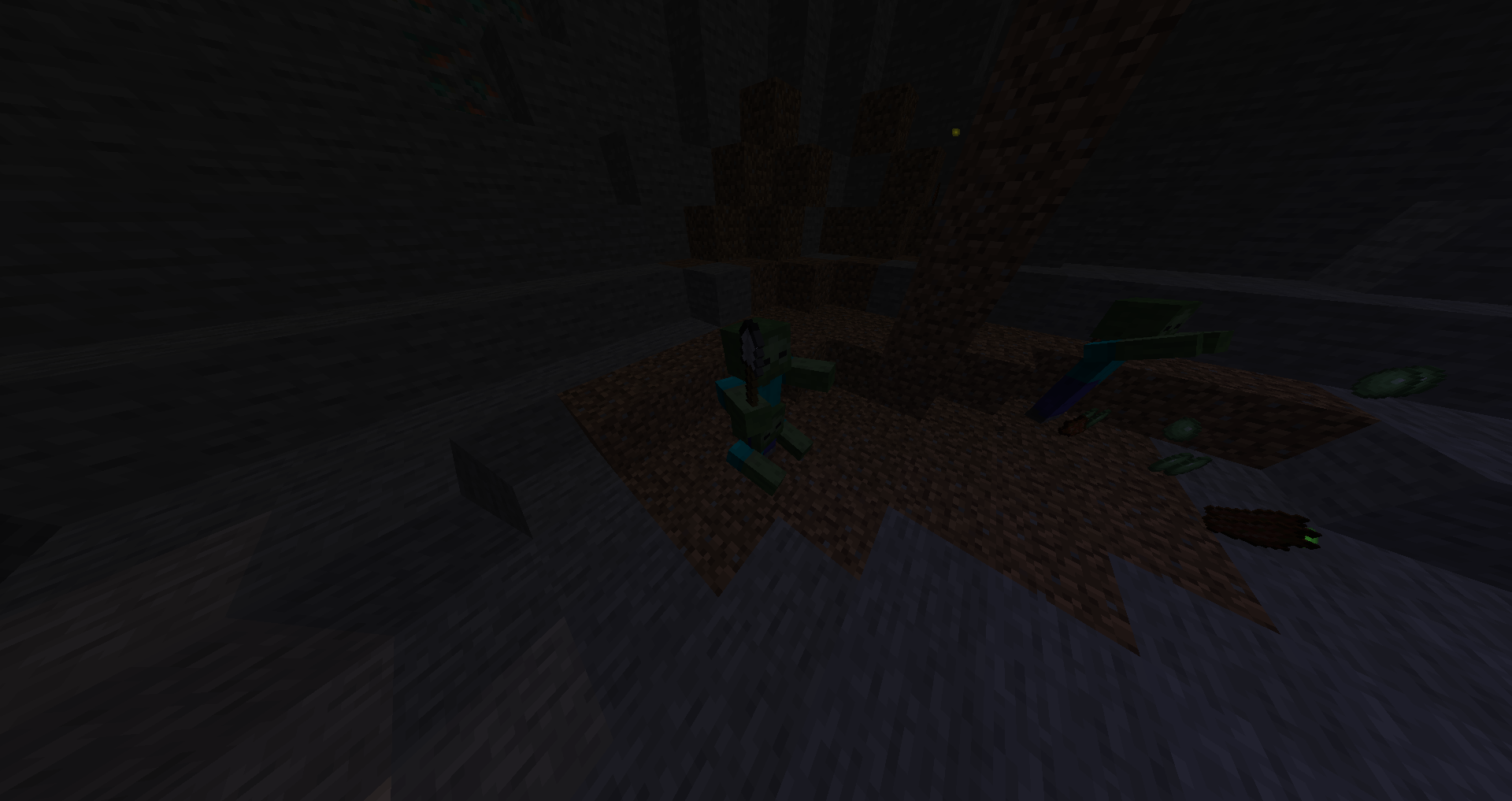
- 可以互相攀爬。你站得高并不代表你就安全。
- 可以在地下挖掘出其他僵尸。只需攻击它们一次,就能阻止它们增殖。
- 如果其中一只已经着火,它们接触时会互相传播火焰。一点火花就能点燃整群尸潮。着火时它们移动得也更快。
- 当大群尸潮聚集时,它们可以拆毁墙壁。当你的墙壁开始震动时会出现警告,随后它们就会破墙而入。
智能生物
- 骷髅在其他骷髅附近时会收起弓。
- 当你靠得太近时,骷髅也会收起弓。
- 骷髅在打你一拳后会冲刺离开,然后重新装备弓。
- 猪灵在敌人靠近时装备剑,在敌人较远时装备弩。
- 僵尸猪灵保留了一小部分智力,会在你较远时尝试使用弩,但不太精准。
- 骷髅不再能攻击其他骷髅,猪灵也不再能攻击其他猪灵。
除非它被附魔或有任何特殊之处。
其他生物
- 史莱姆可以像僵尸一样堆叠并互相传播火焰。
- 铁傀儡一次挥击可以击中多个敌人。
- 铁傀儡在不直接站在火焰或岩浆中时免疫火焰。
- 铁傀儡 100% 免疫凋零、中毒和飘浮。
- 铁傀儡对箭有抗性,大多数箭会被弹开。
- 当有村民被锁定为目标时,铁傀儡会加快行动。
- 没有危险时,铁傀儡会自然恢复生命。
- 生成时带有弓的凋灵骷髅会像骷髅一样使用它。
- 蜘蛛和洞穴蜘蛛如果目标太高够不到,可以朝目标跳跃。
可配置性(数据包)
要让任何模组的任何僵尸都能加入尸潮,只需将该生物添加到 "forge:hordes" 实体标签中。
要让任何模组的任何骷髅或猪灵能够切换武器并冲刺,请将该生物添加到 "forge:intelligentteams" 实体标签中,猪灵则专门添加到 "forge:intelligentpiglins" 标签中。
注意:所有被标记在 intelligent teams 标签中的生物将无法互相伤害。Piglins 标签同理。
"forge:hordedestroyable" 方块标签控制尸潮可以轻易破坏哪些方块。"forge:hordeunbreakable" 方块标签控制尸潮无法破坏哪些方块。任何未在这两个标签中指定的方块,其破坏难度为普通,由 HordeSmashingPower 游戏规则控制。
"forge:hiddenzombieblocks" 方块标签控制僵尸可以从哪些方块中挖出更多僵尸。实体必须是僵尸类生物才能挖出更多生物。"forge:hordegraverobbers" 实体标签控制哪些生物可以把自己挖出来。"forge:leapingmobs" 实体标签控制哪些生物可以朝目标跳跃。
为了方便起见,还存在 HordeStacking、HordeMultiplying、HordeSmashingPower 和 ironGolemRegenPower 这些游戏规则。
常见问题
问:我该如何配置这个模组?
答:使用数据包或游戏规则。没有配置文件,但它完全可以配置。
问:我该如何把生物添加到实体标签中?答:首先,在网上查找如何创建数据包,以便了解基础知识。然后将文件 "hordes.json" 添加到文件夹 data\forge\tags\entitytypes\(hordes.json) 中。默认的 hordes.json 文件:
{ "replace": false, "values": [ "drowned", "zombie", "husk", "zombifiedpiglin", "zombievillager", "slime" ] }
问:这个模组与模组 X 兼容吗?
答:大概兼容。唯一已知会造成问题的模组是 Solid Mobs,它移除了僵尸能够互相穿插的功能,而本模组完全依赖于此。
问:我可以在我的整合包中使用它吗?
答:可以!
问:旧版本?其他模组加载器?
答:抱歉,不行。请不要问。
问:更新的版本?
答:最终会有的。
看看我的其他模组,Zombies Actually Siege 和 Sensible Sleep
如何安装 Enhanced Hordes
With Millida Launcher
Install Millida Launcher
The launcher is free: download it at millida.net/launcher and sign in with any nickname.
Click “Install” on this page
The launcher opens and installs the mod for Minecraft 1.20.1–1.21.1 on Forge or NeoForge automatically.
Launch the game
A profile with it appears in the launcher: click “Play”.
Manually
Install Forge or NeoForge
The loader must match the game version of the mod file, for example Minecraft 1.21.1. After installing it, a separate profile appears in your launcher.
Download the file for your version
In the version list above, pick the file eh2.0-neoforge1.21.1.jar (51 KB) for your game version and loader.
Put it in the mods folder
The folder is inside .minecraft (Windows: %appdata%\.minecraft\mods). If it does not exist, create it.
Launch the loader profile
Open “Mods” in the main menu: Enhanced Hordes should be in the list.
Minecraft 1.21.1 runs on Java 21: with a different Java version the game may close right after launch.
版本
含依赖项
| Minecraft | 加载器 | 文件 | 日期 | 操作 |
|---|---|---|---|---|
| 1.21.1 | NeoForge | eh2.0-neoforge1.21.1.jar51.5 KB 2 | ||
| 1.20.1 | Forge | eh2.0-forge1.20.1.jar49.9 KB 4 |
常见问题
Which Minecraft versions does Enhanced Hordes work on?
There are files for 1.21.1, 1.20.1. The newest is 1.21.1.
Is Enhanced Hordes for Forge or Fabric?
There are files for Forge: 1.20.1 and for NeoForge: 1.21.1. There are no files for Fabric: a mod for another loader will not start.
Does Enhanced Hordes need other mods?
The author lists no required dependencies: the Forge or NeoForge loader is enough.
Which Java does Enhanced Hordes need?
Minecraft 1.21.1 runs on Java 21. If the game closes right after launch, the usual cause is the wrong Java version in the profile settings.
Where can I download Enhanced Hordes safely?
On this page: the file eh2.0-neoforge1.21.1.jar (51 KB) is stored on Millida’s server, with no link shorteners. SHA-1 checksum: 1df6f4a37619799e4dd72769365b4e1234310500.
评价
成为第一个评价 Enhanced Hordes 的人


